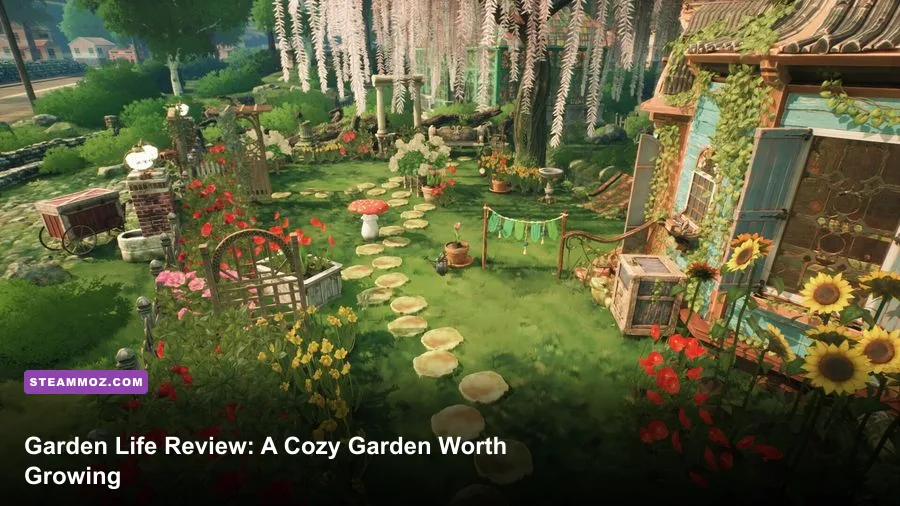
Garden Life: A Cozy Simulator is worth playing in 2026 if you want a calm, tactile gardening game rather than a demanding management sim. Its best moments come from turning an overgrown community plot into a personal little ecosystem, watching flowers develop, and tweaking the layout until every path, planter, and color combination feels right. It isn't a deep economy game, it doesn't offer combat, and its story can feel thin, but the planting-and-growing loop remains unusually soothing two years after launch.
That distinction matters. Garden Life isn't trying to be Stardew Valley with a bigger farm, nor is it a hardcore horticulture simulator full of spreadsheets and crop margins. The game from stillalive studios and NACON focuses on the physical ritual of gardening: prepare a spot, plant a seedling, keep it watered, prune mature growth, and decide whether to move, sell, or preserve the result. In 2026, its appeal depends almost entirely on whether that low-pressure rhythm sounds like a feature or a limitation.
What Garden Life Actually Does Well
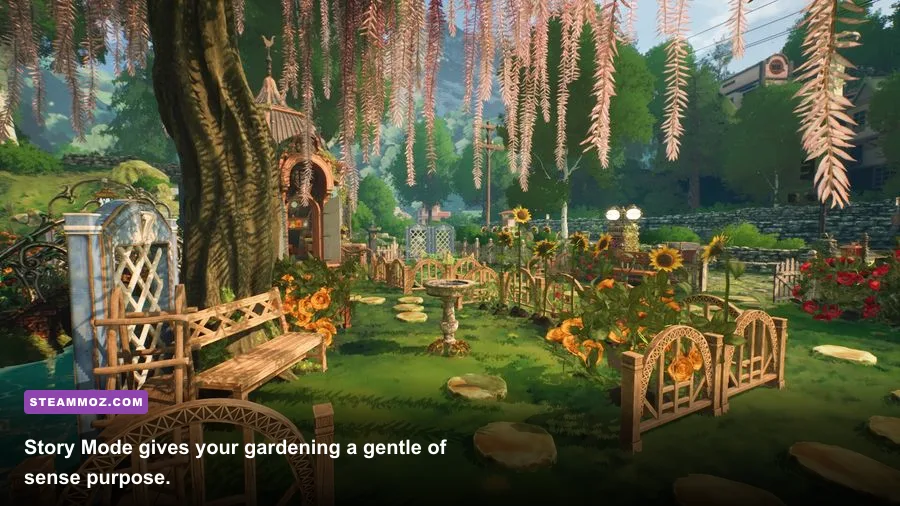
The first-person perspective makes the simple actions feel surprisingly tangible. You walk through your plot, crouch near a planting location, select a seed or seedling, and watch the ground respond. The watering can is deliberately forgiving, while pruning with the shears is more about maintaining the shape you want than chasing a perfect score. There are no stamina bars, hunger meters, combat encounters, or failure states waiting to punish a missed day.
That absence of pressure is the design's biggest strength. You can spend one session progressing Story Mode objectives and the next doing nothing except reorganizing flower beds. Plants have different preferences and visual habits, so placement isn't purely decorative. Taller growth can change the way a bed reads, spreading plants fill empty edges, and flowering varieties add color that makes a path or seating area pop.
The game also understands that gardening is partly about tidying. Removing weeds, clearing dead growth, watering dry soil, and moving objects around gives the garden a pleasing before-and-after quality. The feedback is immediate enough to keep the loop satisfying without turning it into busywork. If you've enjoyed the quiet organization in our Dungeons review, you'll recognize that same appeal in a much softer package: the pleasure is in making a messy space legible.
The core loop, rated honestly
| Activity | What you do | Why it works | Where it falls short |
|---|---|---|---|
| Planting | Choose a seedling and place it in a suitable patch | Immediate visual feedback and easy experimentation | Placement rarely creates serious consequences |
| Watering | Keep planted areas hydrated with the watering can | Relaxing, tactile, and never stressful | Limited challenge once you learn the routine |
| Pruning | Trim mature plants to control their appearance | Makes the garden feel personally authored | Tools lack deeper upgrades or mastery paths |
| Decorating | Arrange paths, furniture, planters, and ornaments | Excellent outlet for visual creativity | Object catalog and snapping can feel restrictive |
| Harvesting and selling | Collect plant results and trade them for resources | Provides a gentle reason to keep expanding | Economy is too light to support optimization play |

🎮 Garden Life: A Cozy Simulator
Looking to experience this game? Grab your digital key directly on our store for $8.74.
View on Steammoz Store →Story Mode Is Pleasant, But Not Deep
Story Mode gives the otherwise open-ended gardening loop a sequence of objectives. You help restore a neglected community garden, meet local characters, unlock additional plants and objects, and gradually turn the space into something welcoming. The structure is useful for new players because it demonstrates the tools and steadily introduces more ways to customize the garden.
Don't buy Garden Life expecting dramatic character arcs. The dialogue is functional, the stakes stay gentle, and the narrative mainly exists to answer the question, “What should I do next?” That's perfectly appropriate for a cozy simulator, but it also means the campaign can lose momentum once you understand the systems. Some tasks feel like errands rather than meaningful chapters, especially when the required action is simply waiting for a plant to develop.
The waiting is intentional, but it can clash with the quest design. A plant's growth gives the garden a sense of time, yet a story objective blocked by that growth can make a session feel artificially paused. The best approach is to treat Story Mode as a tour through the game's tools, not as a campaign you need to rush. Complete the active requests, then spend time improving the space before moving on.
For players who like clear goals, this is still a better starting point than jumping straight into a blank sandbox. If you prefer games that explain systems through experimentation, our Filament tips cover a very different genre but make the same useful point: exploration is more enjoyable when the game rewards curiosity instead of barking instructions every minute.
Plant Variety and Customization Decide the Replay Value
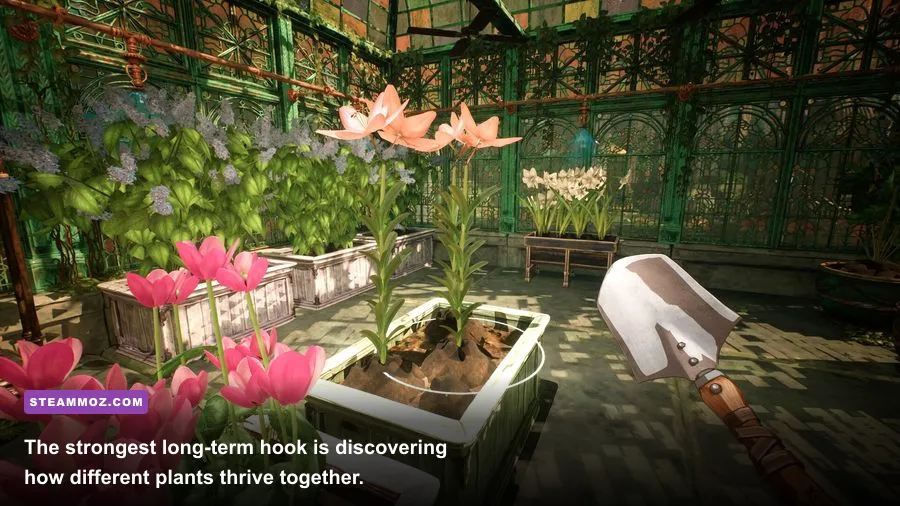
Garden Life's plant system is more interesting than its economy. You aren't just filling spaces with identical decorations; you're building combinations of flowers, shrubs, and climbing growth that change as they mature. The game encourages crossbreeding and experimentation, so a garden can evolve from a few basic beds into a dense mix of colors and forms.
That evolution is also why the game looks better after several hours than it does in its opening stretch. Early on, your plot can seem sparse and visually unfinished. Once you have more varieties and a larger object collection, the design possibilities open up: create a formal path through symmetrical beds, build a wild cottage garden, or keep one area intentionally overgrown while another stays manicured.
Customization is not unlimited. Furniture and decorative objects have a curated, cozy aesthetic, and precise placement can occasionally be fiddly. The game is strongest when you accept its scale and design language rather than trying to reproduce a massive architectural project. This isn't a professional landscape editor. It's a warm, stylized garden diorama that happens to be walkable.
Which players get the most from it?
| Player type | Fit | Reason | Recommendation |
|---|---|---|---|
| Relaxation-first player | S-Tier | No combat, no stamina pressure, and gentle daily tasks | Strong buy on sale or through a subscription |
| Creative decorator | A-Tier | Good visual transformation and satisfying object placement | Best with Free Garden mode |
| Completionist | A-Tier | Plant discovery and objectives provide a steady checklist | Ideal if you enjoy gradual unlocking |
| Management-sim fan | B-Tier | There is selling and progression, but little economic depth | Try before buying at full price |
| Story-focused player | C-Tier | Characters and narrative support the garden rather than lead it | Choose it for the atmosphere, not the plot |
Performance, Platforms, and 2026 Buying Advice
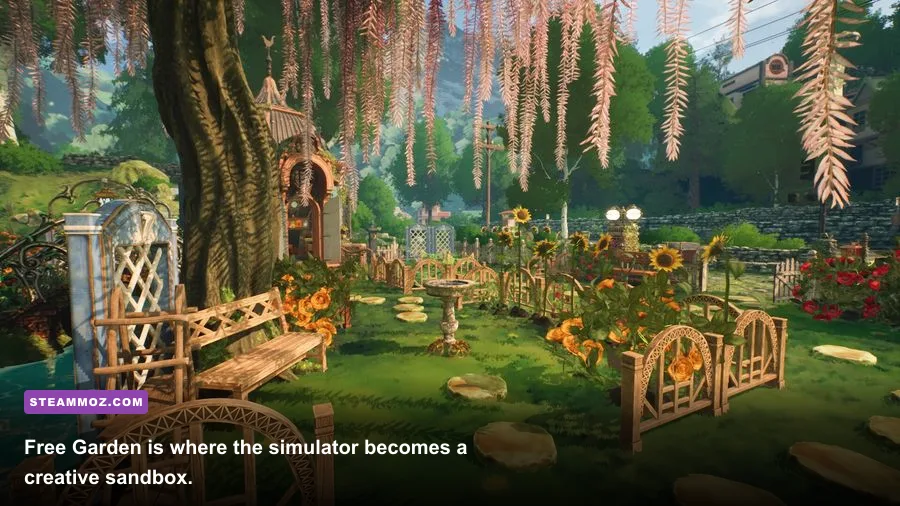
On PC, Garden Life is attractive without being technically extreme. The greenery, flowers, and soft lighting carry most of the visual workload, while the overall presentation favors a clean, colorful style over photorealism. Before buying, compare your hardware with the official Steam listing, which includes the current system requirements and platform details.
The PC version supports the settings you would expect from a modern simulation game, including resolution, display mode, quality presets, shadows, foliage-related detail, and post-processing options. The practical trade-off is straightforward: shadows and foliage affect the mood and density of the garden, but they are also the first settings worth reducing if a laptop struggles. A stable frame rate matters more than maximum foliage distance when you're carefully placing objects.
| Setting profile | Recommended use | Likely performance effect | Visual compromise |
|---|---|---|---|
| Quality preset: High | Desktop PCs with a dedicated GPU | Baseline target for smooth 1080p play | Best foliage, lighting, and shadow presentation |
| Quality preset: Medium | Mainstream laptops and older desktops | Reduces scene complexity without changing the loop | Less shadow definition and environmental detail |
| Shadows: Medium | First manual adjustment for unstable performance | Often improves consistency in dense gardens | Plants and furniture look flatter in strong sunlight |
| Foliage or view detail: Medium | Large gardens with many mature plants | Helps when camera movement stutters outdoors | Distant greenery appears less dense |
| Resolution: 1080p | Best balance for most PC players | Much easier to sustain than 1440p or 4K | Less crisp image on high-resolution monitors |
Console players get the simpler experience: install it, choose a garden, and settle into the routine. The game is especially comfortable on a handheld or portable setup, provided you can tolerate smaller text and the occasional awkward camera angle. It doesn't demand the kind of reflex precision discussed in our PC stutter-fixing guide, but keeping settings conservative is still smart on lower-powered hardware.
As for price, Garden Life makes the most sense at a discount in 2026. The core experience is polished enough to recommend, but its relatively narrow scope means the launch price is harder to justify for players who need endless systems or a big narrative. Watch for a sale, bundle, or subscription availability. If you already know you love cozy games, the threshold is much lower.
Final Verdict: Worth Playing in 2026?
Yes, Garden Life: A Cozy Simulator is worth playing in 2026—but only if you want a gardening game first and a management game second. Its planting, watering, pruning, and decorating tools create a wonderfully low-stress loop, and the visual transformation from abandoned plot to flourishing garden is genuinely satisfying. The strongest feature isn't a single mechanic; it's the way small actions accumulate into a space that feels like yours.
The weaknesses are just as clear. Story Mode is light, the economy won't satisfy players who love optimization, and the lack of meaningful failure means there is little pressure to master the systems. Once you've unlocked a comfortable range of plants and decorations, the question becomes whether you enjoy designing new gardens for their own sake.
That makes Garden Life an easy recommendation for winding down after a long day, especially when you want something more tactile than a pure decoration sandbox. It sits closer to a digital gardening hobby than a traditional simulator. Buy it at a fair discount, start with Story Mode, and don't rush the growth timers. The garden is the reward—and in 2026, that remains enough.
For more calm, systems-driven recommendations, see our Dustborn review and browse the Fly Corp settings guide. You can also follow stillalive studios for developer updates and the official NACON site for publisher news.