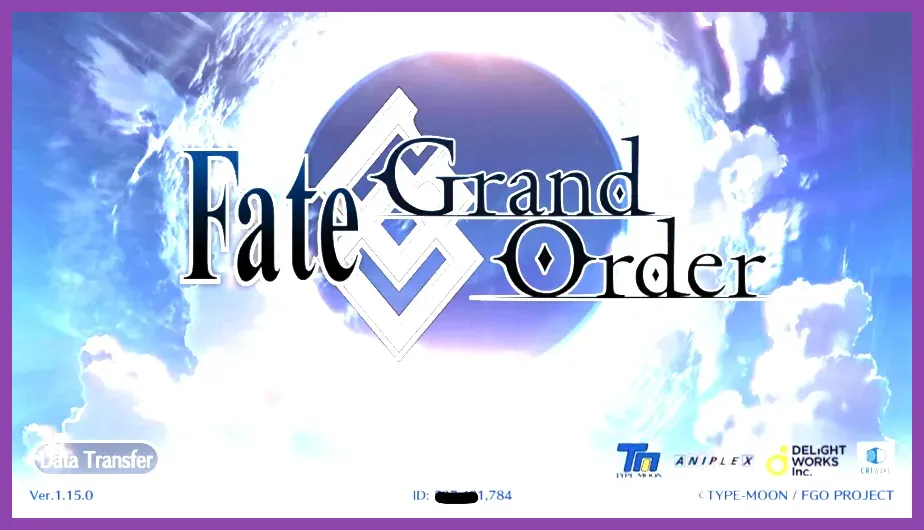
Losing access to your Chaldea account in Fate/Grand Order can be a terrifying experience, especially if you have invested years into leveling up five-star Servants like Artoria Pendragon, Gilgamesh, or Castoria. Fortunately, developer Delightworks and publisher Aniplex provide a formal recovery system for players who have misplaced their Bind Codes or suffered a device failure. To recover your lost FGO account, you must navigate to the official support portal, fill out the user inquiry form with precise data regarding your Master profile, including your exact Master Name, Master ID, level, specific Servant rosters, and purchase receipts if you are a paying player. This guide details every necessary step to successfully reclaim your missing account and return to farming materials and challenging high-tier mobile RPG titles.
Gathering Essential Account Information
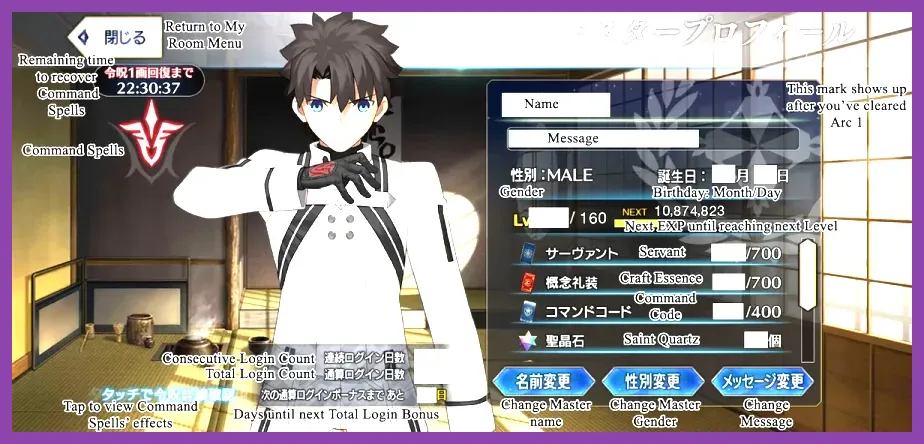
Before submitting any recovery ticket to customer support, you need to compile as much hard data about your account as humanly possible. Support agents at Aniplex of America or Lasengle will not take your word at face value; they require concrete proof of ownership. If you ever took a screenshot of your Master Profile screen, you already possess the holy grail of recovery information: your 9-digit Master ID.
Your Master ID is distinct from your username and remains permanently tied to your specific user database record. Along with your Master ID, you must document your exact Master Name, your current Master Level, your birthday if you set one in-game, and the operating system (iOS or Android) of the device you used to play. Failing to provide accurate information will result in an automated rejection of your ticket, forcing you to start the verification process all over again. If you enjoy tactical progression systems found in games like complex strategy titles, keeping meticulous external notes on your gaming profiles is always a smart habit.
Documenting Your Servant Roster and Craft Essences
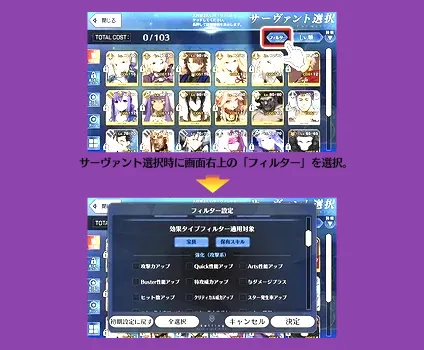
One of the primary metrics customer support uses to verify account ownership is the composition of your inventory. You will need to write down a comprehensive list of high-rarity Servants you owned, broken down by their classes—Saber, Archer, Lancer, Rider, Caster, Assassin, Berserker, Ruler, Avenger, Alter Ego, and Foreigner. Do not just list the names; include their current Ascension phases, approximate Level caps, and Noble Phantasm (NP) levels if you remember them.
For example, instead of merely stating "I have a Gilgamesh," write down "Level 90 Archer Gilgamesh, Ascension 4, Noble Phantasm Level 2." Additionally, list meta-defining Craft Essences in your inventory such as Kaleidoscope, 2030 Fragments, or Black Grail. The more granular and accurate your inventory data is, the easier it is for support technicians to cross-reference your claims with the server backups. If you love managing intricate loadouts, you might appreciate checking out optimal gear collection guides for other major franchises.
Locating Purchase Receipts for Quartz Transactions
If you have ever spent real money purchasing Saint Quartz packages through the Apple App Store or Google Play Store, you possess the absolute strongest verification tool available. Financial transaction logs are immutable proofs of identity that bypass almost any minor discrepancies in your memory of servant levels.
For iOS users, open your purchase history in iTunes or the App Store and locate the specific transaction invoice numbers (usually starting with 'MK' or similar strings) for Saint Quartz purchases. Android users must log into pay.google.com and locate the Order ID associated with their FGO in-app purchases, which typically begins with 'GPA.'. You must copy these exact transaction numbers into your support ticket. Providing multiple consecutive purchase receipts with matching dates and pricing tiers effectively guarantees that support will locate your exact user database row and manually re-bind your account. For those who appreciate structured progression mechanics, maintaining a clean digital receipt archive mirrors the discipline required in survival cooperative runs.
Submitting the Ticket via the Official Support Portal
Once you have gathered your Master ID, Servant roster, and purchase history, you must access the official support channel. For the North American server, you should navigate directly to the official Fate/Grand Order US website and locate their contact or support link. Avoid third-party forums or unofficial help desks that promise miraculous recoveries, as these are invariably phishing scams designed to steal your credentials.
When filling out the web form, select the category corresponding to "Data Restoration" or "Lost Account." Paste your compiled notes into the description box clearly and concisely. Ensure that your contact email address is active and capable of receiving external messages from corporate support domains. You can also reference technical configuration standards similar to how players optimize hardware performance profiles to ensure your submission goes through without browser timeout issues.
Communicating with Support and Securing Your New Bind Code
After submitting your ticket, expect a waiting period ranging from 48 hours to upwards of a week depending on volume and holiday schedules. Aniplex support will reply with a follow-up questionnaire if any of your submitted details require clarification. Answer these follow-up emails promptly and truthfully.
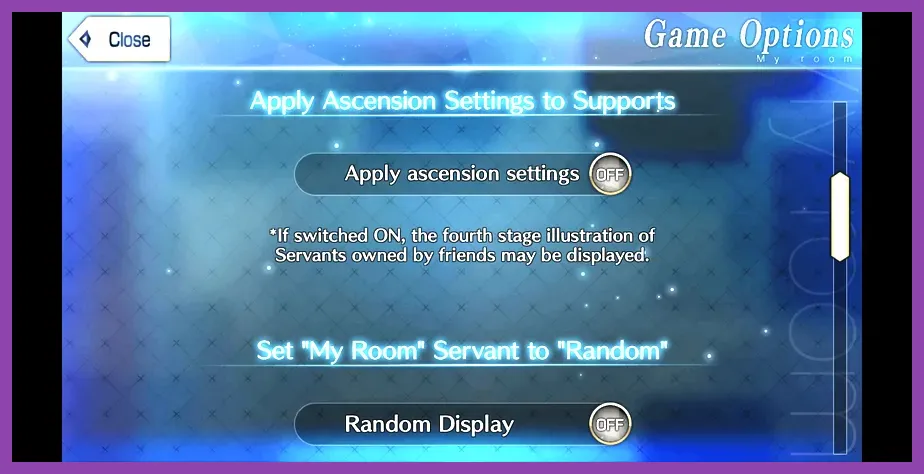
Once the support team successfully verifies your identity, they will issue a temporary transfer code and password via email. Open your Fate/Grand Order application on your mobile device, tap the "Data Transfer" button located on the title screen before pressing touch to start, and input the provided credentials. Immediately upon logging in, generate a brand new Bind Code and set a secure password within the My Room menu to prevent future lockouts. Treat your FGO account security with the same rigorous care you would apply to configuring high-end gaming handheld settings.