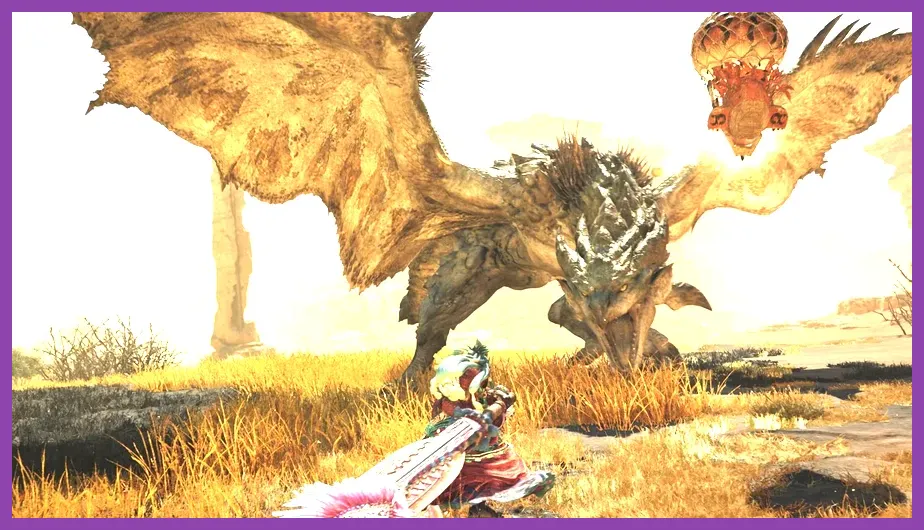
To run Monster Hunter Wilds smoothly on PC, players need a minimum of an Intel Core i5-10600 or AMD Ryzen 5 3600 processor paired with an NVIDIA GeForce GTX 1660 Super or AMD Radeon RX 5600 XT, while the recommended specs demand an Intel Core i5-11600K or AMD Ryzen 5 5600X alongside an NVIDIA GeForce RTX 3070 or AMD Radeon RX 6700 XT. Capcom's latest epic demands significant hardware horsepower, particularly when rendering the dynamic weather shifts and sprawling biomes found in the Windward Plains and Scarlet Forest.
Understanding Monster Hunter Wilds Minimum System Requirements
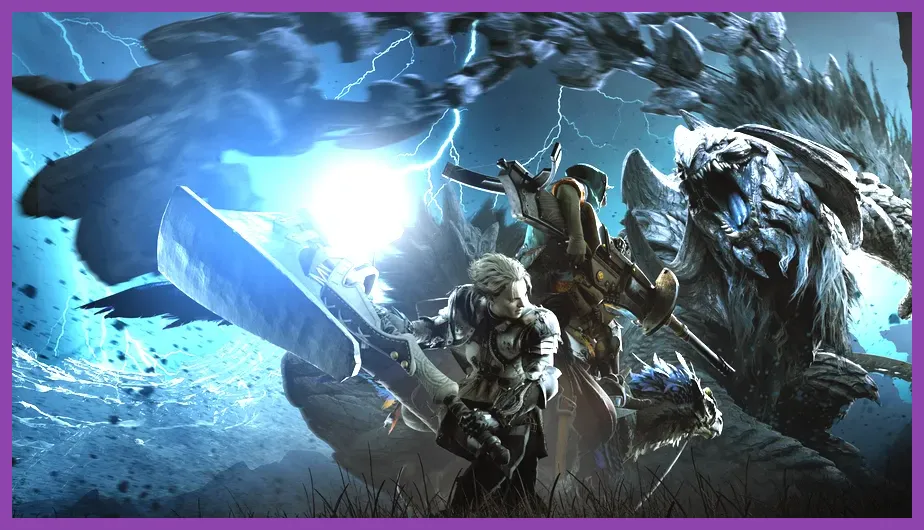
The baseline hardware profile targets a 1080p resolution at 30 frames per second using the "Low" graphics preset, though players will likely need to leverage upscaling technologies to maintain stability during intense encounters with apex monsters like the Doshaguma or Chatacabra. Meeting these entry-level specifications requires careful system tuning, especially if you are transitioning from older hardware configurations similar to optimizing settings on portable devices like the Lenovo Legion Go.
Review the official minimum specifications breakdown provided by Capcom:
- OS: Windows 10 (64-bit)
- Processor: Intel Core i5-10600 or AMD Ryzen 5 3600
- Memory: 16 GB RAM
- Graphics: NVIDIA GeForce GTX 1660 Super (6GB) or AMD Radeon RX 5600 XT (6GB)
- DirectX: Version 12
- Storage: 140 GB available space (SSD required)
It is vital to note that a solid-state drive (SSD) is mandatory for this release. Traditional hard disk drives will cause severe asset streaming bottlenecks, leading to noticeable stuttering when mounting your Seikret or transitioning between hunting zones. If you want to dive straight into leveling up your hunter efficiently, make sure to read our dedicated guide on how to level up fast in Monster Hunter Wilds to maximize your early-game resource gains.
Breaking Down the Recommended System Requirements
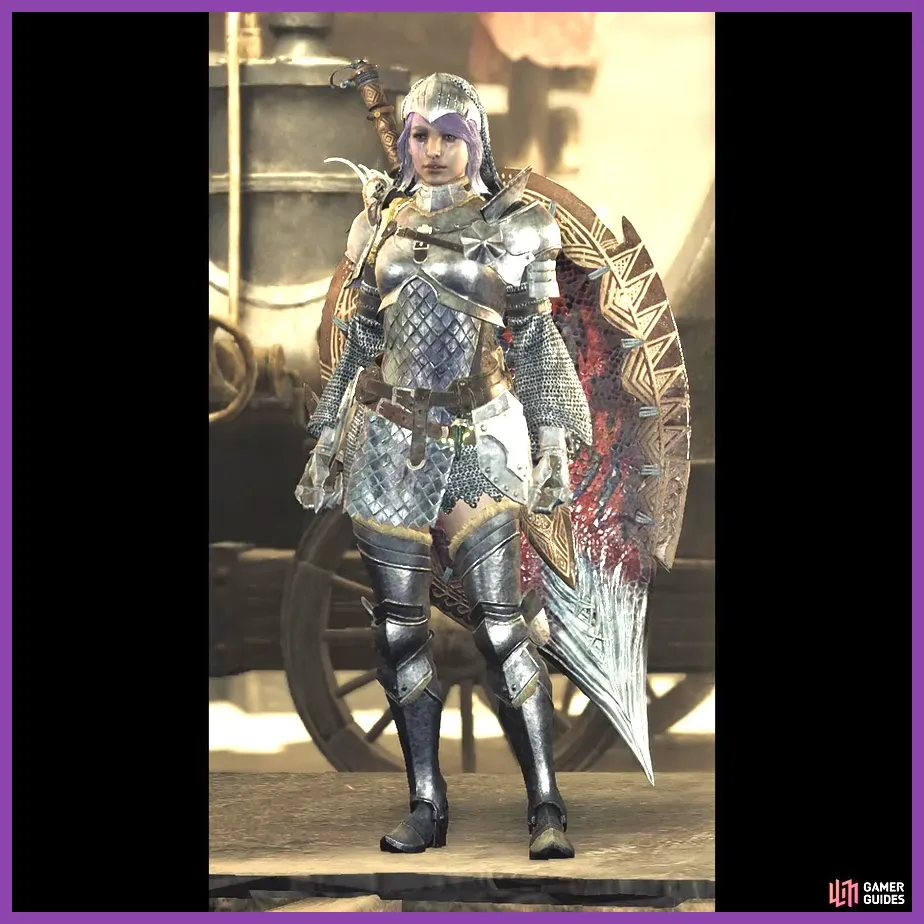
If your goal is to experience the game at 1080p and 60 frames per second with "Medium" graphical settings enabled, your PC must meet the recommended hardware tier. This tier introduces support for ray tracing features and guarantees that complex physics simulations during multi-monster turf wars do not tank your frame rate. Similar to configuring demanding graphical profiles in other modern titles such as Nine Sols, balancing visual fidelity with high performance is key to maintaining responsive combat controls.
The official recommended specifications consist of:
- OS: Windows 10 or Windows 11 (64-bit)
- Processor: Intel Core i5-11600K, Intel Core i5-12400, AMD Ryzen 5 5600X, or AMD Ryzen 5 3600X
- Memory: 16 GB RAM (with VRAM recommendation of 8GB or higher)
- Graphics: NVIDIA GeForce RTX 3070 (8GB) or AMD Radeon RX 6700 XT (12GB)
- DirectX: Version 12
- Storage: 140 GB available space (SSD required)
Players targeting 1440p or 4K resolutions will need to step up to hardware matching high-end setups, utilizing top-tier GPUs alongside performance multipliers.
Best PC Graphic Settings for Optimal Performance
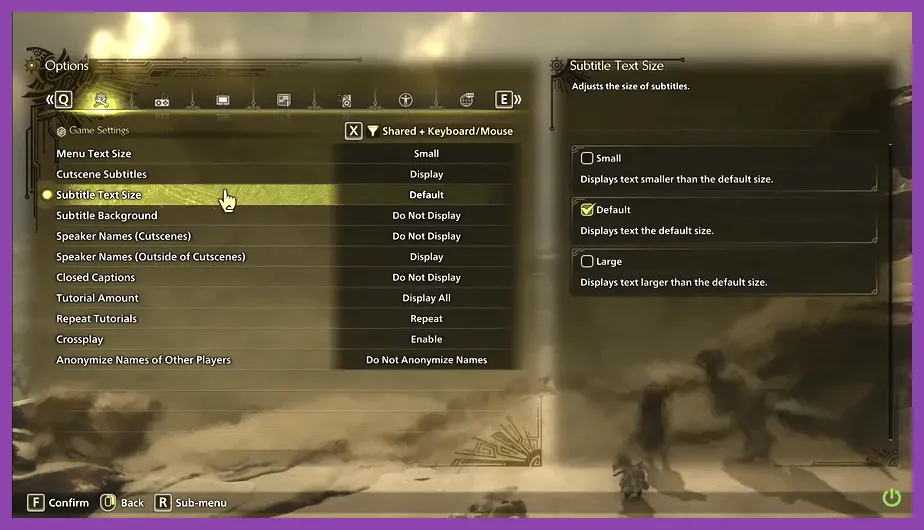
Achieving stable frame rates in Monster Hunter Wilds requires fine-tuning specific graphic settings rather than blindly lowering the global preset. Volumetric fog, screen space reflections, and shadow quality are notoriously heavy on GPU resource allocation. Reducing these specific parameters can yield a 20% to 30% performance boost with minimal impact on visual clarity during your hunts against challenging targets like the Rey Dau.
Apply the following optimized configuration profile to balance visual quality and high frame rates:
- Image Quality: Native or Upscaled
- Upscaling: NVIDIA DLSS or AMD FSR 3 (Set to Quality mode)
- Texture Quality: High (assuming your GPU has 8GB+ VRAM)
- Ambient Occlusion: Medium
- Volume Quality (Fog): Low or Medium
- Shadow Quality: Medium
- Anti-Aliasing: TAA or TAA+FXAA
- Ray Tracing: Off (Recommended for mid-range systems)
Enabling DLSS or FSR is practically mandatory for mid-range cards striving to hit a consistent 60 FPS target in demanding areas. For more insights on mastering complex modern action RPG systems and optimizing your overall gaming hardware experience, explore our comprehensive resource archive over at Steamoz.
VRAM Management and Storage Considerations
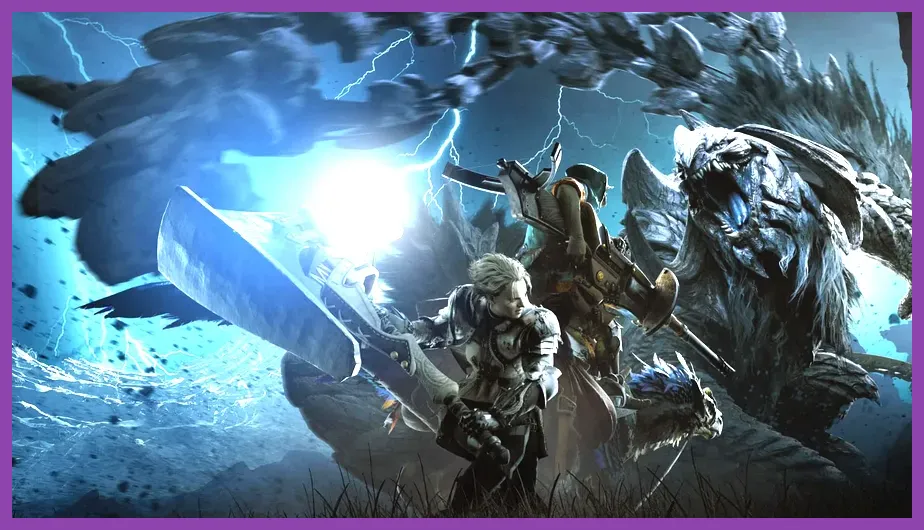
One of the most frequent performance bottlenecks reported by PC players involves video RAM (VRAM) exhaustion. Monster Hunter Wilds loads massive texture assets into memory to seamlessly render open biomes without traditional loading screens. If your graphics card has 8GB of VRAM or less, setting the Texture Quality option to High will inevitably cause hitching when textures stream dynamically into the buffer. Lowering texture filtering and shadow resolution helps mitigate this constraint.
Furthermore, the required 140 GB of storage space must reside on an NVMe or SATA solid-state drive. Installing the game on an outdated mechanical hard drive results in asset loading failures, invisible monster models, and catastrophic audio desync during critical combat sequences.
Maximizing Frame Rates with Upscaling Tech
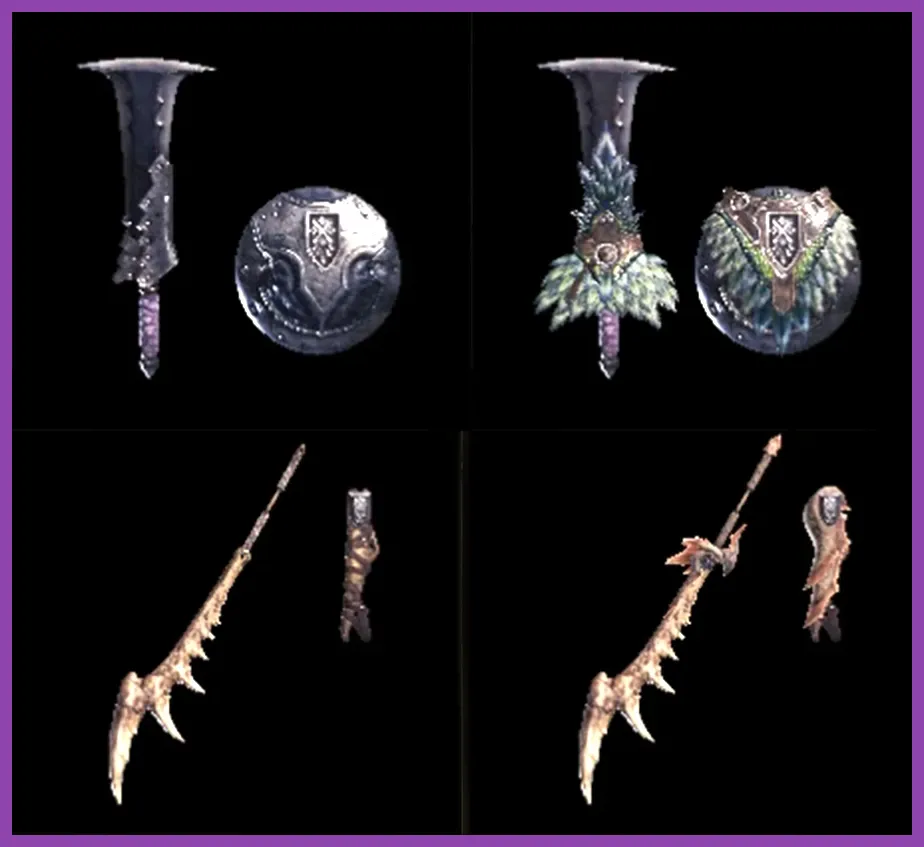
Capcom has integrated robust support for modern upscaling technologies, including NVIDIA DLSS, AMD FSR, and Frame Generation features. Utilizing these tools allows players running older graphics cards to experience smooth combat animations required for precise weapon maneuvers, such as executing a Perfect Rush with the Sword and Shield or landing a True Charged Slash with the Great Sword.
When configuring upscaling, always select the "Quality" profile for 1080p and 1440p displays. Selecting "Performance" or "Ultra Performance" introduces noticeable shimmering on distant foliage and dynamic weather particles. Combine these upscaler settings with NVIDIA Reflex or AMD Anti-Lag to keep input latency at an absolute minimum, ensuring your dodges and counter-attacks register precisely when you press the input.
Final Hardware Recommendations for Enthusiasts
For enthusiasts looking to push Monster Hunter Wilds to its absolute limits at 4K resolution with Ray Tracing enabled, an Intel Core i7-14700K or AMD Ryzen 7 7800X3D paired with an NVIDIA GeForce RTX 4080 or AMD Radeon RX 7900 XTX is necessary. Coupled with 32 GB of high-speed DDR5 RAM, this elite tier ensures flawless execution during massive online co-op sessions where multiple hunters and environmental hazards collide.
By carefully matching your hardware capabilities with these recommended specifications and tweaking your in-game display configurations, you will secure a stable, stutter-free hunting experience across every treacherous ecosystem the New World has to offer.