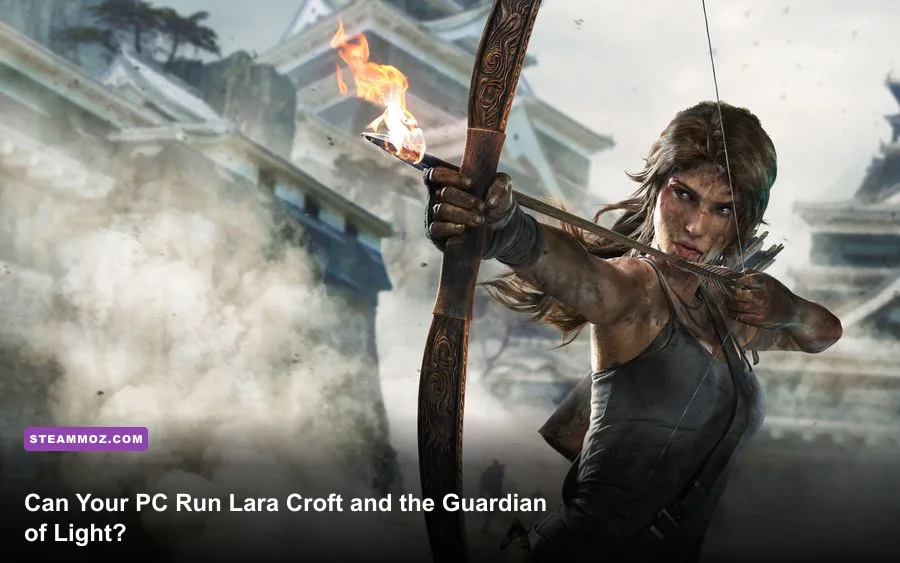
Lara Croft and the Guardian of Light is an exceptionally easy PC game to run by modern standards: the official Steam listing asks for only a 2 GHz processor, 1 GB of RAM, a 256 MB DirectX 9 graphics card, and 7 GB of storage. For a sensible modern setup, aim for 4 GB of RAM, any integrated GPU from the last decade, and a dual-core processor. You don't need a gaming PC, but Windows compatibility and controller setup matter more than raw horsepower.
Released in 2010, Crystal Dynamics' isometric Lara Croft adventure is built around compact arenas, explosive combat, physics puzzles, and two-player teamwork. Its fixed-angle camera and stylized environments are far less demanding than a modern third-person Tomb Raider game. That makes it a strong choice for an old laptop, office PC, Steam Deck, or budget desktop—provided the machine can launch its older Windows-era software cleanly.
Official Lara Croft and the Guardian of Light PC requirements
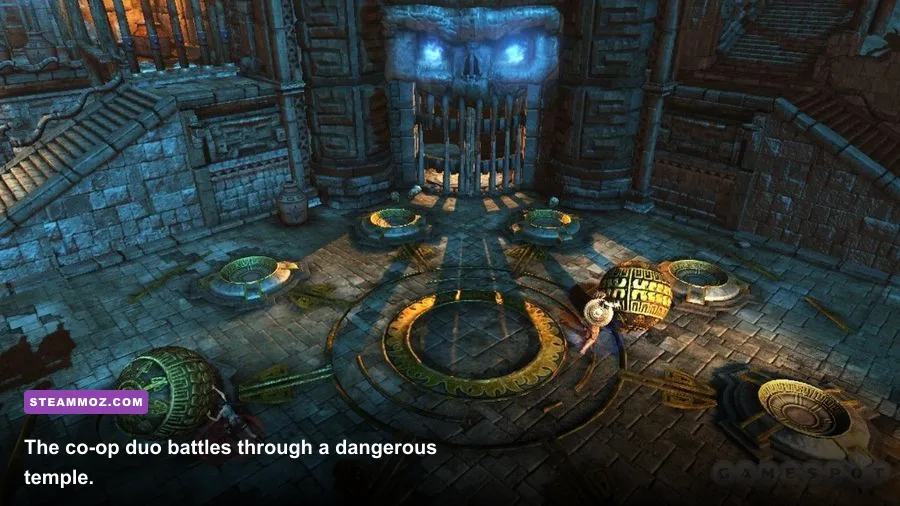
The table below separates the published minimum specification from a practical recommended target. The Steam page officially lists minimum requirements, not a detailed modern “recommended” tier, so the second column is a realistic performance target rather than a manufacturer-certified requirement.
| Component | Official Minimum | Practical Recommended | Why It Matters |
|---|---|---|---|
| Operating system | Windows XP, Vista, or Windows 7 | Windows 10 or Windows 11, fully updated | Modern Windows may need compatibility troubleshooting |
| Processor | 2 GHz dual-core CPU | Recent Intel Core i3 or AMD Ryzen 3 | Helps maintain stable frame pacing in combat |
| Memory | 1 GB RAM | 4 GB RAM or more | Leaves room for Windows and background applications |
| Graphics | 256 MB DirectX 9-compatible 3D card | Intel HD 4000, Radeon R5, or better | The game uses a very modest 3D rendering workload |
| DirectX | DirectX 9.0c | DirectX 11 or newer hardware with DX9 support | Older API support is the key compatibility check |
| Storage | 7 GB available space | 7 GB free on an SSD | An SSD improves launch and load times, not graphics quality |
| Sound | DirectX-compatible sound device | Any onboard audio solution | No dedicated sound card is required |
The official listing is available on the Guardian of Light Steam page. It is worth checking there before buying because storefront compatibility notes, controller support, and operating-system behavior can change even when the original hardware requirements remain frozen in time.

🎮 Lara Croft and the Guardian of Light
Looking to experience this game? Grab your digital key directly on our store for $1.49.
View on Steammoz Store →What the minimum specs really mean today
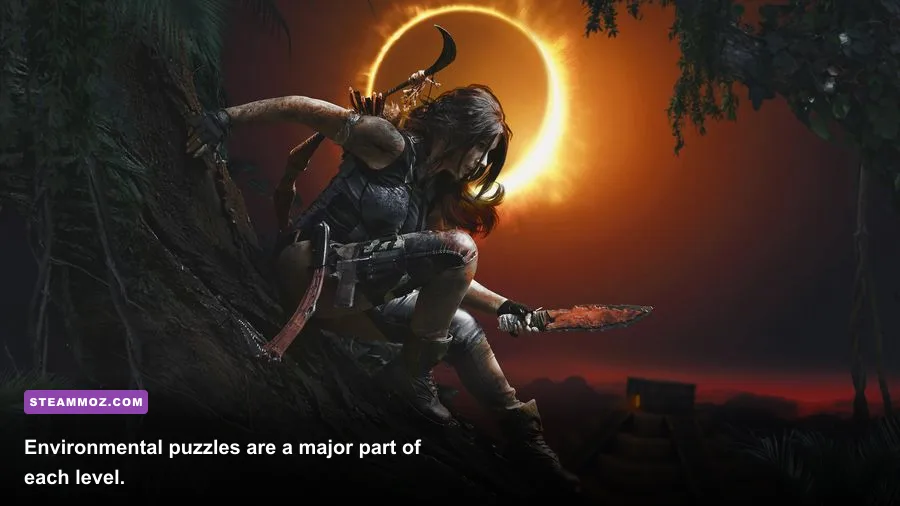
The minimum 1 GB RAM figure is genuine for the game itself, but it is not a comfortable recommendation for a computer running modern Windows. Windows 10 or 11 can consume several gigabytes before you open Steam, a browser, or a recording tool. A machine with only 2 GB may technically resemble the old specification and still stutter because the operating system is paging data to disk.
The 2 GHz CPU requirement is similarly forgiving. Guardian of Light does not simulate a huge open world, hundreds of enemies, or advanced facial animation. Levels such as Temple of Light and Spider Tomb are built from enclosed combat rooms and puzzle spaces. A low-voltage laptop chip can handle the workload, although an older dual-core CPU may show brief frame-time spikes when several enemies, fire effects, and destructible objects appear together.
The 256 MB graphics requirement also needs context. That number describes dedicated video memory, not a modern performance class. An old GeForce 8600, Radeon HD 2600, or equivalent DirectX 9 card is broadly in the neighborhood of the published target. Integrated graphics can be faster than those cards, but compatibility is never guaranteed simply because the GPU is newer. If the game refuses to start, the problem is more likely to be an old API call, display mode, or driver issue than a lack of rendering power.
Storage is straightforward. Reserve at least 7 GB for the installation, then leave additional space for Steam updates, shader caches, screenshots, and the operating system. The game itself is small enough that almost any current SSD can accommodate it comfortably.
Recommended settings for stable 60 FPS
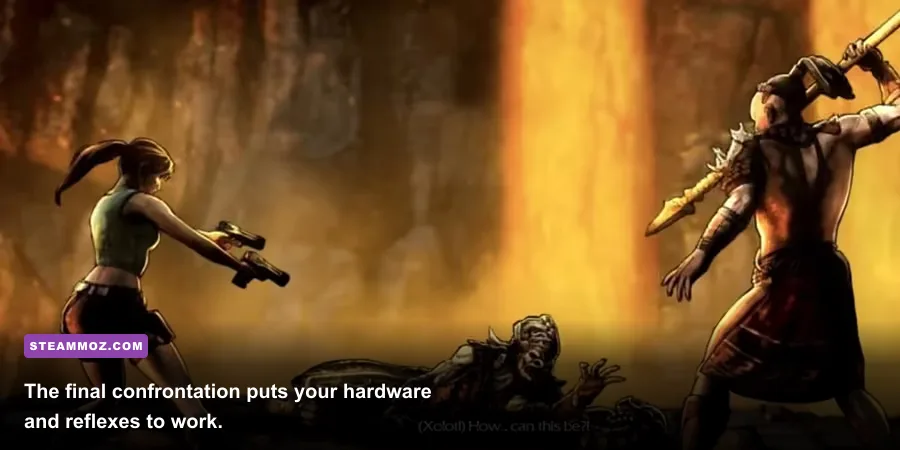
On hardware that meets the practical recommended target, 1080p at 60 FPS should be an easy goal. Guardian of Light is not packed with modern graphics sliders; the important choices are resolution, texture quality, anti-aliasing, shadows, and display mode. The exact menu names can vary slightly by version, but the performance logic remains consistent.
| Setting | Recommended Value | FPS Impact | Visual Trade-Off |
|---|---|---|---|
| Resolution | 1920×1080 on modern PCs | Medium | Sharper arena edges and readable UI |
| Texture quality | High | Low | Improves stone, foliage, and character detail |
| Anti-aliasing | 2x or the highest stable option | Low to medium | Reduces jagged diagonal platform edges |
| Shadows | High on dedicated GPUs; medium on old laptops | Medium | Lower settings make lighting flatter |
| Effects | High | Medium in busy fights | Preserves fire, dust, and explosive effects |
| V-sync | On for 60 Hz displays; off for testing | Negligible GPU cost | Prevents tearing but may add input latency |
| Display mode | Borderless or exclusive fullscreen | Low | Fullscreen can help older systems focus resources |
For a weak laptop, start at 1280×720, lower shadows first, and keep textures high if video memory allows it. Shadows usually cost more than their visual payoff in this game because the camera is pulled back and the action is fast. Anti-aliasing is the next setting to reduce. Dropping texture quality should be your last move unless the GPU has very limited memory.
Frame rate matters here for more than cosmetic smoothness. Lara's dodge roll, grapple use, and jump timing all depend on readable input. A stable 60 FPS feels considerably better than an unstable 90 FPS that collapses whenever a room fills with enemies. If your display supports variable refresh, use it; otherwise, a locked 60 FPS is the cleanest target.
Performance expectations on common PC hardware
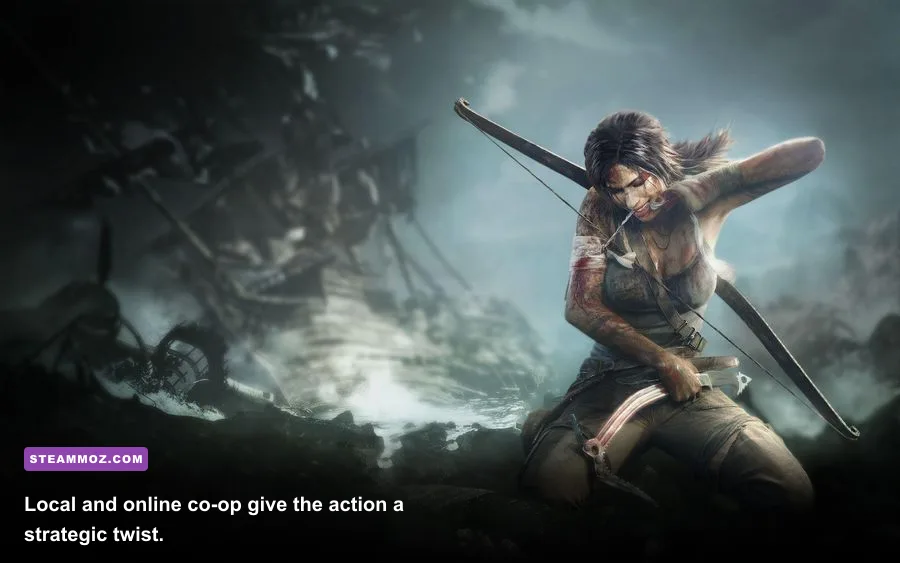
Because the game is old and lightweight, modern hardware is rarely the bottleneck. A current desktop with integrated graphics should handle 1080p easily, while a gaming GPU can push higher resolutions without breaking a sweat. The more interesting question is whether an older machine can maintain consistent frame pacing during combat and split-screen co-op.
| PC Class | Likely Resolution | Expected Result | Best Adjustment |
|---|---|---|---|
| Modern gaming desktop | 1080p to 4K | 60 FPS with maximum settings | Use a frame cap for consistent pacing |
| Recent office laptop | 1080p | Usually stable at 60 FPS | Keep effects and textures high |
| Intel HD 4000-era laptop | 720p to 900p | Playable; 30–60 FPS depending on cooling | Reduce shadows and anti-aliasing |
| Old DirectX 9 desktop | 720p | Near-minimum performance | Close background software and use fullscreen |
| Steam Deck | 1280×800 | Comfortable performance | Cap at 60 FPS to preserve battery |
Thermal throttling is a bigger concern than peak GPU capability on aging laptops. If the game runs smoothly for ten minutes and then develops judder, monitor CPU temperatures and clean the vents. A cooling problem can look like a graphics-settings problem. Likewise, connect the laptop to power and select a performance profile before testing.
Co-op itself doesn't dramatically raise the hardware requirement. The second character adds input and gameplay state, but the environments and enemy counts remain within the same design limits. The real co-op variable is network quality. A weak connection can create delayed actions that feel like low FPS, even when the local frame counter is perfectly stable.
Windows 10 and 11 fixes for launch problems
Modern Windows systems can run Guardian of Light, but older games sometimes need a little coaxing. Start with the simple fixes before changing compatibility settings. Verify the installation through Steam, update your graphics driver, and launch the game with unnecessary overlays disabled. Steam Input, Discord, GeForce Experience, and third-party frame counters can occasionally interfere with older fullscreen behavior.
Use a clean troubleshooting order
- Verify files in Steam. Open Properties, choose Installed Files, and run “Verify integrity of game files.” This repairs incomplete downloads without deleting your save.
- Test windowed mode. If fullscreen produces a black screen, launch windowed first, then select a supported resolution from the game menu.
- Try compatibility settings. Right-click the executable, open Properties, select Compatibility, and test Windows 7 mode only if normal launching fails. Don't stack several compatibility options immediately.
- Disable forced scaling overrides. On high-DPI displays, use the executable's compatibility settings to test application-controlled scaling. This can fix blurry menus and incorrect mouse positioning.
- Check controller detection. Connect the pad before launching. If buttons are wrong, configure it through Steam Input rather than installing several competing XInput wrappers.
- Cap the frame rate. If the game behaves erratically at very high FPS, use your driver panel or an external limiter and test 60 FPS first.
Don't download random DLL files from unofficial sites. That advice is especially important with older PC games because “missing file” fixes often introduce malware or incompatible versions. Use the official Steam Support troubleshooting tools and the Crystal Dynamics official website for legitimate support information.
Is Guardian of Light worth installing on a weak PC?
Absolutely—if you enjoy action games with a puzzle backbone. Guardian of Light isn't a cut-down Tomb Raider; its top-down camera changes the rhythm completely. Lara uses pistols, a spear, bombs, and her grapple to control space, while Totec's shield creates platforms and redirects attacks. The result is quick, readable combat that rewards positioning rather than demanding expensive hardware.
It also remains a terrific co-op game. Lara and Totec solve environmental challenges differently, and some of the most satisfying moments come from coordinating a shield jump, a grapple point, and an explosive barrel in one sequence. Solo players can still enjoy the campaign, but co-op gives the puzzles more purpose.
If you like older PC adventures, our guides to Dino Crisis 2's weapon choices and Cossacks 3's hidden rewards offer the same kind of practical, systems-focused coverage. For more troubleshooting advice, see our guide to fixing crashes, stutters, and low FPS, plus the Fly Corp PC specs and settings breakdown.
The bottom line: any PC close to the official 2 GHz CPU, 1 GB RAM, 256 MB DirectX 9 GPU, and 7 GB storage requirement can potentially run the game, but 4 GB of RAM and a modern integrated GPU are the safer baseline today. Target a locked 60 FPS, lower shadows before textures, and treat compatibility—not power—as the main obstacle. If your system was built within the last ten years, it has more than enough muscle for Lara's jungle expedition.
For the game's broader franchise background, the official Tomb Raider website is the best place to explore Lara Croft's history beyond this experimental but still excellent spin-off.