To run Street Fighter 6 smoothly at a locked 60 FPS on PC, your system needs to meet specific hardware thresholds, requiring at least an Intel Core i5-7500 or AMD Ryzen 3 1200 paired with a GTX 1060 or Radeon RX 580 for minimum settings, while recommended specifications jump to an Intel Core i7-8700 or AMD Ryzen 5 3600 alongside an RTX 2070 or Radeon RX 5700 XT for maximum visual fidelity.
Street Fighter 6 Minimum PC System Requirements
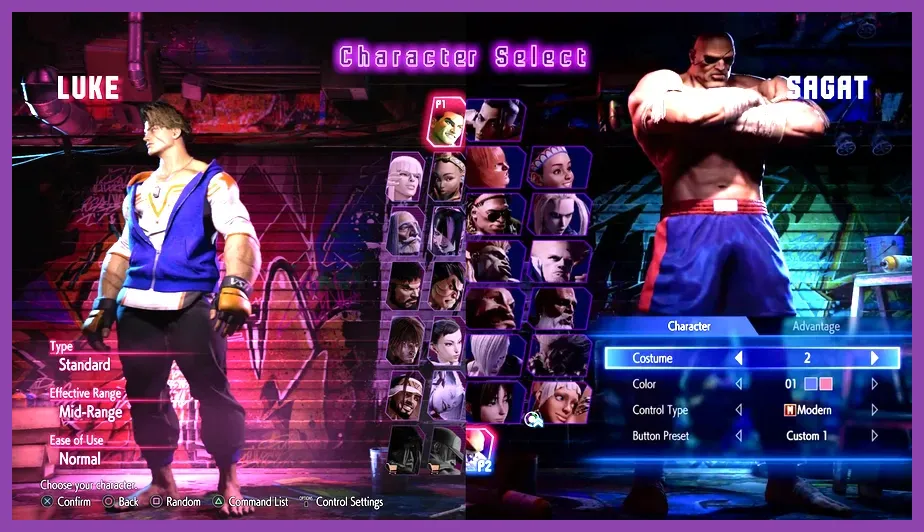
Fighting games demand absolute precision, frame-data accuracy, and zero input lag. If your hardware dips below 60 frames per second, the game engine automatically throttles to prevent desynchronization during intense online matches in the Steam Battle Hub. Meeting the baseline hardware specifications ensures you can practice combos with Ryu, Luke, or Juri without encountering stuttering or dropped inputs.
Capcom designed the RE Engine to scale gracefully across a wide range of hardware, but modern physics, detailed character models, and complex arena lighting require dedicated graphics power. Below are the official minimum hardware specifications required to boot and play the game:
- OS: Windows 10 (64-bit required)
- Processor: Intel Core i5-7500 or AMD Ryzen 3 1200
- Memory: 8 GB RAM
- Graphics: NVIDIA GeForce GTX 1060 (VRAM 6GB) or AMD Radeon RX 580 (VRAM 4GB)
- DirectX: Version 12
- Storage: 60 GB available space
While these minimum components will get the game running at 1080p resolution with 'Low' to 'Medium' preset graphics settings, you may experience minor frame drops in heavy open-world areas like World Tour mode. Similar hardware tuning is often required for other demanding titles, mirroring the performance optimizations found in our Phasmophobia System Requirements Guide or when dialing in frames for handheld devices like the Nintendo Switch 2 System Requirements.
Street Fighter 6 Recommended PC System Requirements
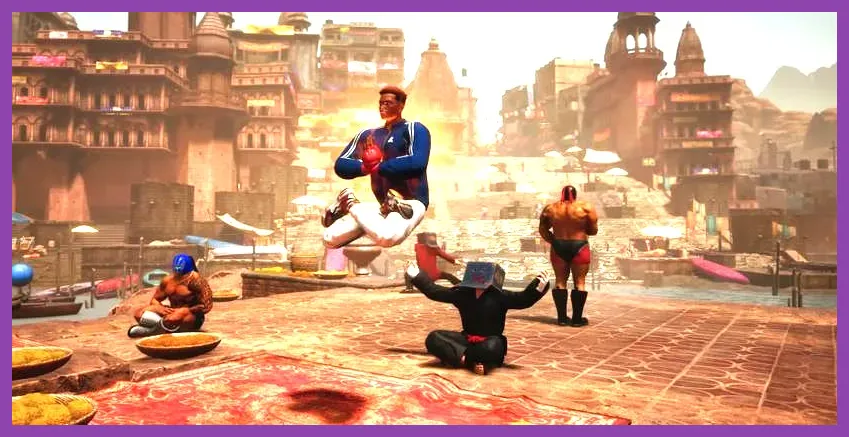
Playing Street Fighter 6 at its absolute best means unlocking higher texture resolutions, complex anisotropic filtering, and dynamic stage lighting without sacrificing a single frame of your competitive edge. Capcom's recommended hardware tier targets a solid 1080p/60FPS experience with graphical settings pushed to 'High' or maximum values.
Upgrading to these recommended specs ensures that dynamic stages—such as the busy streets of Metro City or the neon-drenched Genbu Temple—maintain peak performance even during explosive Super Arts and Cinematic Drive Impacts:
- OS: Windows 10 / Windows 11 (64-bit required)
- Processor: Intel Core i7-8700 or AMD Ryzen 5 3600
- Memory: 16 GB RAM
- Graphics: NVIDIA GeForce RTX 2070 or AMD Radeon RX 5700 XT
- DirectX: Version 12
- Storage: 60 GB available space (SSD highly recommended)
An NVMe or SATA SSD is no longer optional for modern fighting games. Loading times when jumping into online matchmaking queues, initializing training mode sessions, or transitioning between World Tour map areas are cut in half when the game is installed on fast solid-state storage. For more hardware tweaking advice tailored to competitive performance, check out our insights on Stardew Valley 1.6 System Requirements.
Understanding World Tour Mode Hardware Demands
One of the unique aspects of Street Fighter 6 is its sprawling single-player RPG experience, World Tour mode. Unlike traditional 2D matches that take place in closed-off arenas with static backgrounds, World Tour features a semi-open world environment with numerous NPCs, dynamic crowd simulations, and real-time physics interactions.
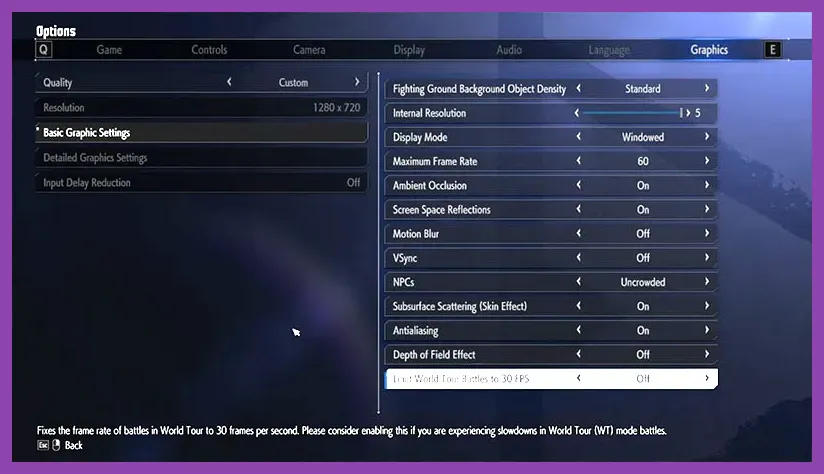
If you plan on exploring Metro City and Nayshall extensively with your custom avatar, your CPU and GPU will work significantly harder than they would in standard Versus matches. Players running older processors like the Intel Core i5-7500 might notice CPU bottlenecks in crowded city streets. If you experience micro-stutters while walking around exploration zones, lowering environmental crowd density and shadow quality in the graphics menu provides an immediate performance boost.
Best PC Graphic Settings for Competitive Play
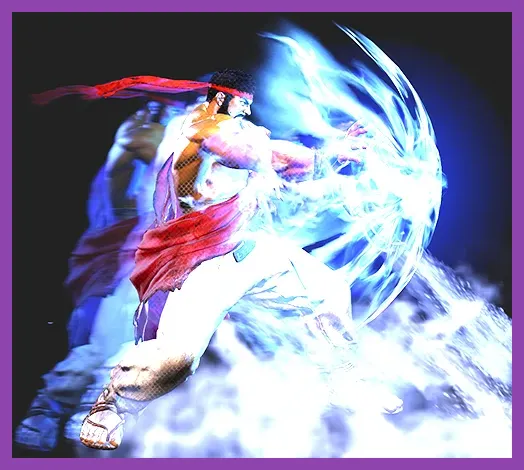
In competitive fighting games, visual clutter can sometimes obscure frame data, startup animations, and opponent positioning. Fine-tuning your graphic profile ensures maximum frames per second and reduces input latency. Apply the following settings for an optimal balance of clarity and high performance:
- Resolution: Match your native monitor resolution (typically 1920x1080 or 2560x1440)
- Screen Mode: Exclusive Fullscreen (reduces input lag compared to Borderless Windowed)
- Framerate: 60 FPS (Locked — changing this affects game speed)
- Rendering Scale: 100%
- Image Quality: Normal or High
- Shader Quality: High (keeps character models crisp)
- Shadow Quality: Medium (reduces heavy GPU load during complex stage lighting)
- Ambient Occlusion: Off or Low
- Post-Processing: Off (disables motion blur and chromatic aberration for cleaner visibility)
- Ray Tracing: Off (crucial for maintaining a locked 60 FPS in online matches)
Turning off motion blur and chromatic aberration is standard practice for competitive tournament players, allowing you to react instantly to overhead attacks, drive impacts, and projectile startups from characters like Guile or JP. For broader optimization strategies across different genres, review our detailed guide on Stardew Valley 1.6 Best Settings for Max FPS.
Storage Space and SSD Optimization Tips
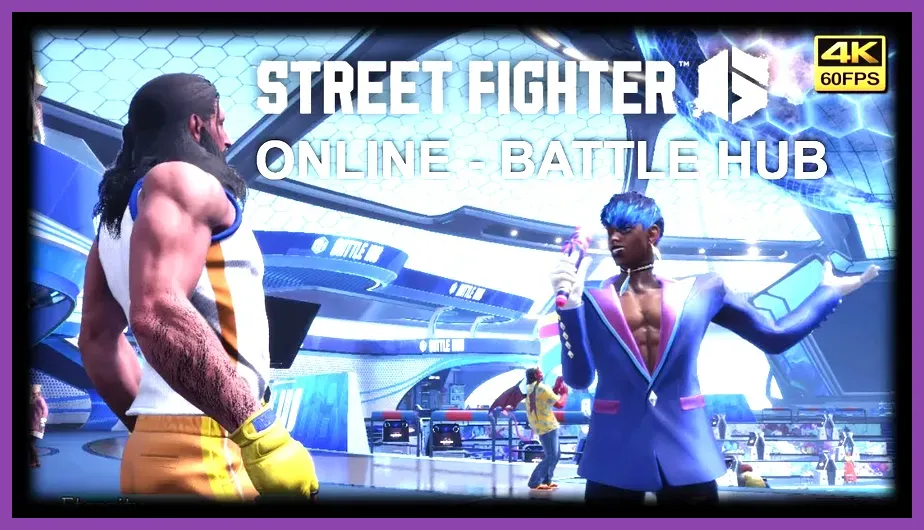
Street Fighter 6 requires roughly 60 GB of available storage space. Because the game streams texture data and stage assets dynamically during character select screens and match introductions, traditional mechanical hard drives (HDDs) can cause noticeable stuttering and long loading times.
If your PC only has a standard HDD, we strongly recommend migrating the game directory to an internal SSD. Furthermore, keeping at least 10% to 15% of your total drive capacity free prevents write-speed degradation and ensures your operating system can allocate virtual memory (pagefile) efficiently during intensive gaming sessions.
Hardware Upgrades and Future-Proofing for Fighting Games
As Capcom continues to roll out seasonal updates, new DLC fighters, and balance patches, keeping your rig updated guarantees you won't fall behind the competitive curve. Upgrading to a 6-core or 8-core processor along with 16GB of high-speed DDR4 or DDR5 RAM provides ample headroom not just for Street Fighter 6, but for upcoming fighting game releases.
Before jumping into ranked matchmaking or joining local tournaments, always ensure your graphics drivers are up to date. Both NVIDIA and AMD frequently release Game Ready drivers optimized specifically for major fighting game launches, reducing stuttering and improving shader compilation times. For more deep dives into hardware tier lists and game optimization, explore our comprehensive breakdown of the Nintendo Switch 2 Tier List and our expert guide on the Nintendo Switch 2 Best Team Comp Synergy.