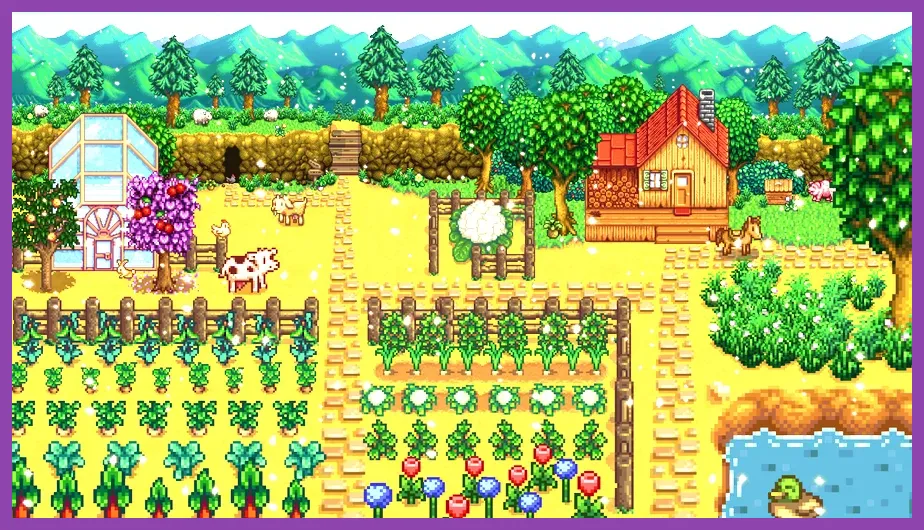
Stardew Valley 1.6 requires a minimum of 2 GB RAM, a 2 GHz processor, and 500 MB of available storage space running on Windows 7 or newer, alongside an integrated GPU with OpenGL 2.0 support. Because ConcernedApe built the game on the XNA framework using lightweight pixel-art graphics, the title remains exceptionally accessible, easily ranking among the top free co-op games on low-end PC configurations and older laptops alike. Whether you are running a modern gaming rig or dusting off a decade-old notebook, understanding these hardware parameters ensures smooth farming sessions without unexpected stuttering.
Minimum System Requirements for Stardew Valley 1.6

To launch and play Stardew Valley version 1.6 without encountering fatal crash errors or severe frame drops, your system must meet or exceed the baseline specifications outlined by the developers. The minimum requirements are intentionally modest to ensure maximum accessibility across global player bases. You can verify the official details directly on the Stardew Valley Steam Store Page.
- OS: Windows 7, 8, 10, or 11 (64-bit and 32-bit supported)
- Processor: 2 GHz
- Memory: 2 GB RAM
- Graphics: 256 MB video memory, capable of shader model 3.0+
- DirectX: Version 10
- Storage: 500 MB available space
Meeting these baseline numbers guarantees that single-player mode runs at a locked 60 frames per second. However, users experiencing minor performance hiccups during high-density farm layouts or rain particle events should check out troubleshooting tips over at the Official Stardew Valley Website for patches and updates.
Recommended Hardware Specifications
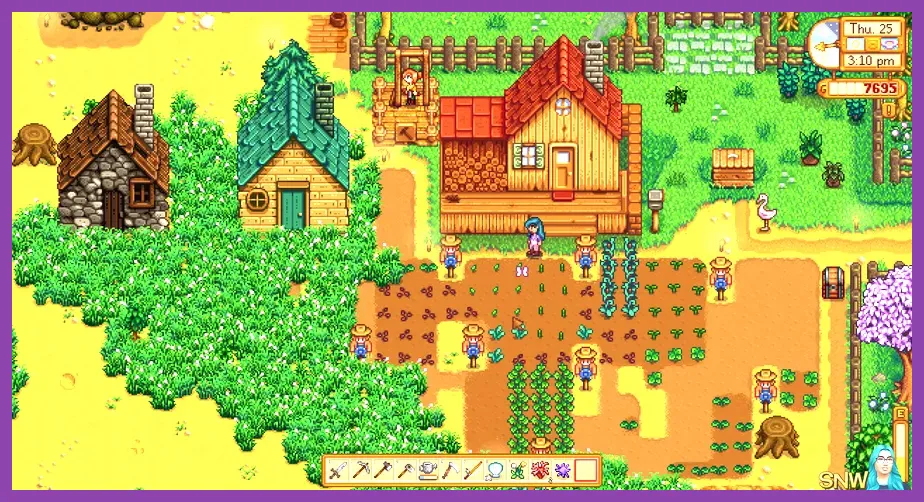
While the minimum specs get the game running, upgrading to a recommended hardware profile ensures instantaneous loading screens, zero stuttering during massive multi-player sessions, and the headroom required to run extensive mod packs. If you enjoy titles featured in roundups like top free open world games on low-end PC, your machine will effortlessly handle Stardew Valley.
- OS: Windows 10 or 11 (64-bit)
- Processor: Intel Core i3 or equivalent AMD processor (2.5 GHz or greater)
- Memory: 4 GB to 8 GB RAM
- Graphics: Dedicated GPU with 1 GB VRAM or modern integrated graphics (Intel Iris Xe / AMD Radeon Vega)
- Storage: 1 GB available space (Solid State Drive recommended for fast asset loading)
Investing in a Solid State Drive (SSD) drastically reduces transition times when moving between your farmhouse, the Pelican Town map, Skull Cavern, and Ginger Island. For enthusiasts diving into complex survival mechanics, checking guides like Subnautica 2 best early skills to unlock highlights how fast hardware improves overall gaming immersion.
Multiplayer Hardware Considerations in Version 1.6
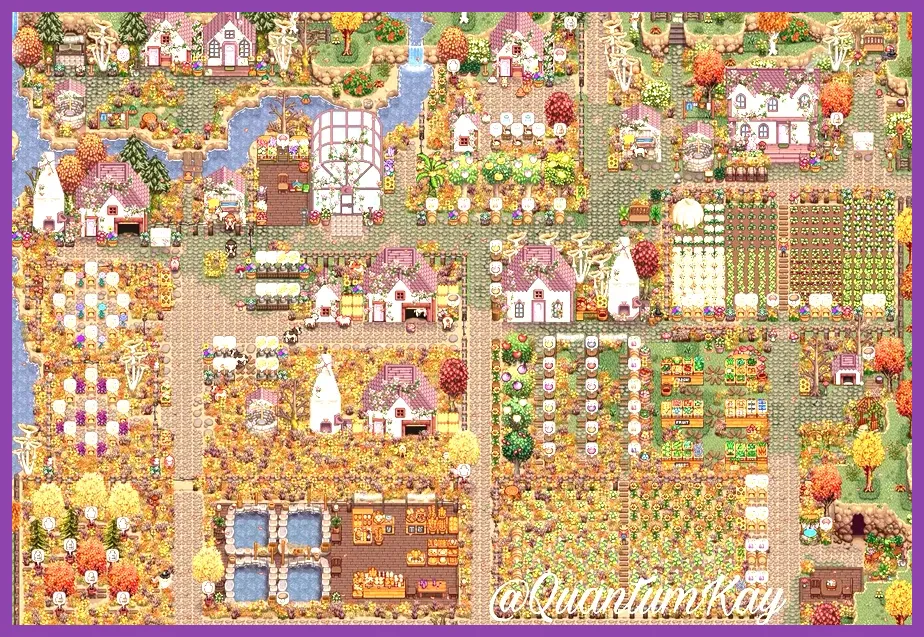
Stardew Valley 1.6 supports up to 8 players in cooperative multiplayer, a massive expansion from the original 4-player cap. Hosting an 8-player farm places additional demands on your CPU and network connection rather than your GPU. If you host a session with maximum players:
- CPU Load: Multiple players moving across different map zones (e.g., one in the Mines, one fishing at the beach, six tending crops) forces the host machine to process concurrent tile updates. A quad-core CPU clocked at 3.0 GHz or higher is recommended for the host.
- RAM Usage: Base game usage hovers around 1.5 GB, but hosting multiplayer with numerous animals, automated junimo huts, and shed keg empires can push RAM consumption past 3.5 GB. Having 8 GB of system RAM prevents Windows from paging memory to disk.
- Network Bandwidth: Stable broadband connection with low latency prevents desync issues during festivals and combat encounters in the Volcano Dungeon.
Managing resources efficiently in co-op resembles the strategic team synergies found in tactical titles. For those who enjoy coordinated gameplay, exploring resources like The First Descendant best team comp synergy or Tekken 8 best team comp synergy guide offers great insight into how team dynamics function under high-performance demands.
Modding Stardew Valley 1.6: SMAPI Impact on System Specs
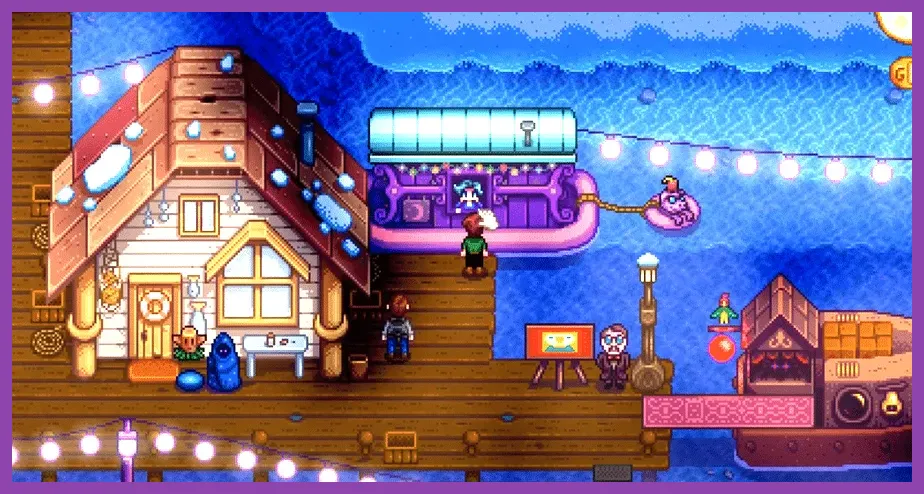
The Stardew Valley modding community relies heavily on SMAPI (Stardew Modding API) to execute custom content packs, quality-of-life additions, and total conversion map overhauls. Installing lightweight mods like UI Info Suite 2 or Chests Anywhere has negligible impact on your hardware. However, running expansive visual overhauls such as SVE (Stardew Valley Expanded) alongside high-resolution retextures changes the system requirements:
- RAM Requirements with Heavy Mods: Jump from 2 GB to a recommended 8 GB RAM. Large content mods load extensive tile sheets and custom audio files directly into memory.
- Storage Medium: An SSD becomes mandatory when loading over 100+ SMAPI mods; traditional Hard Disk Drives (HDDs) will cause stuttering and prolonged initial boot times of up to 45 seconds.
- CPU Core Count: SMAPI executes multiple background checks; having a multi-threaded processor ensures that script execution doesn't block the main game thread.
Gamers who love deep customization and asset management will appreciate how performance scales with hardware upgrades, similar to managing complex gear trees in guides like Tekken 8 customization guide best crafting materials.
Mac and Linux Performance Profiles for Update 1.6
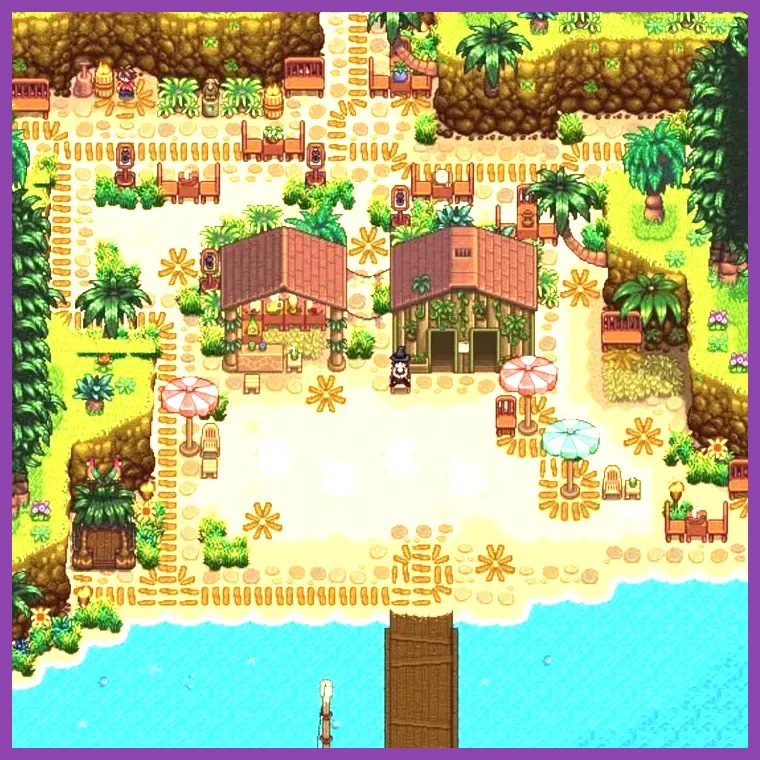
Stardew Valley 1.6 offers native cross-platform support for macOS and Linux distributions, ensuring that non-Windows users experience optimal frame pacing. The engine natively handles Apple Silicon (M1, M2, M3, and M4 chips) through optimized native execution, bypassing translation layers like Rosetta entirely.
- macOS Requirements: macOS 10.13 (High Sierra) or newer. Apple Silicon Macs easily maintain 60 FPS at native Retina resolutions while drawing minimal battery power, making it an ideal laptop game.
- Linux Requirements: Any modern mainstream distribution (Ubuntu 20.04+, Fedora 34+, Arch Linux) with OpenGL 2.0 compatible drivers. Proton or Wine is unnecessary as the game provides a dedicated Linux binary.
Whether you are farming on a MacBook Air during a commute or running a custom Linux desktop rig, the game scales its frame-pacing automatically to match your display's refresh rate.
Optimizing In-Game Settings for Older Hardware
Even though Stardew Valley 1.6 is lightweight, players on extremely dated hardware (such as early 2010s office PCs or netbooks) can tweak specific options inside the game menu to guarantee a consistent, stutter-free 60 FPS experience:
- Lighting Quality: Switch from 'Ultra' or 'High' to 'Low'. Lighting calculations around torchlight, glowing items, and nighttime shadows consume minor GPU overhead.
- Windowed Borderless vs. Fullscreen: Running in exclusive Fullscreen mode allows your GPU to dedicate its complete rendering pipeline directly to the game window, eliminating OS-level compositing lag.
- Zoom Level Adjustments: Extreme zoom-out features (rendering a larger portion of the farm simultaneously) require the game engine to calculate more active tiles, NPCs, and crop growth states. Sticking to default zoom levels reduces CPU calculation spikes.
- Background Audio Muting: If multitasking or running low-spec machines, disabling ambient sounds when the window is inactive frees up minor audio buffer threads.
By applying these straightforward tweaks, players can enjoy the full breadth of the Pelican Town update without hardware limitations interrupting their agricultural empire building.