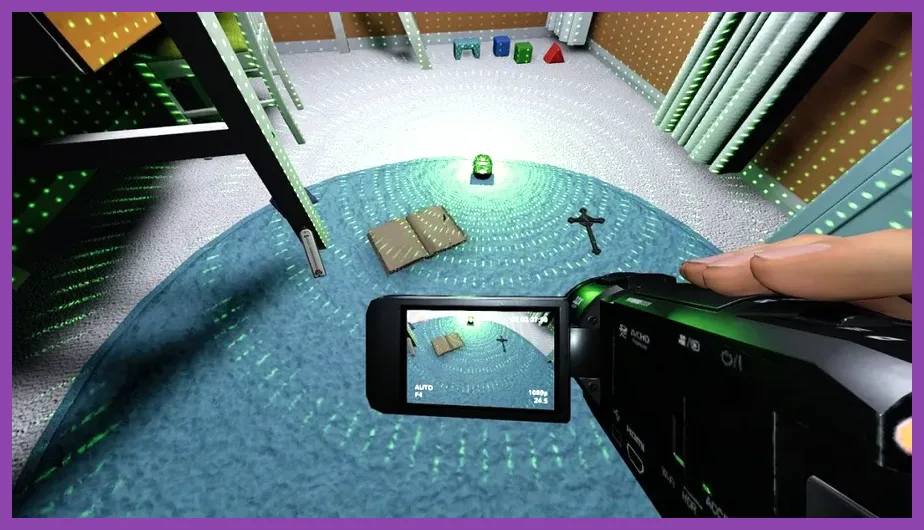
Phasmophobia requires at least an Intel Core i5-4590 or AMD FX-8350 CPU, paired with an NVIDIA GTX 970 or AMD Radeon R9 290 GPU, and 8 GB of RAM to run at a stable baseline. Kinetic Games' psychological horror phenomenon may look like a simple indie title built in Unity, but volumetric lighting, dynamic shadows, flashlight physics, and atmospheric fog can heavily tax aging hardware—especially when transitioning into high-intensity hunts on sprawling maps like Camp Woodwind or Sunny Meadows. If you want to dive deeper into hardware scaling, you can check out similar optimization guides like the Stardew Valley 1.6 system requirements minimum and recommended breakdown or explore console optimization benchmarks detailed in the Nintendo Switch 2 system requirements and specs guide.
Phasmophobia Minimum System Requirements for PC
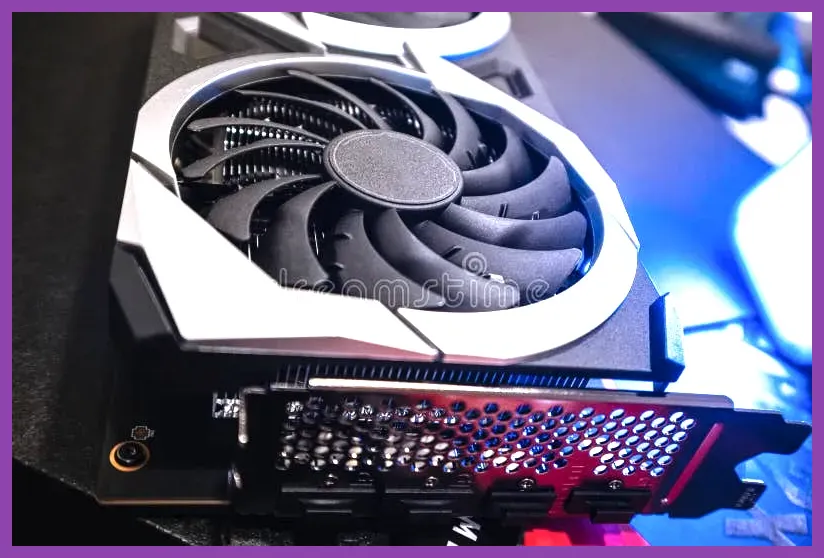
To launch Phasmophobia and maintain a playable framerate around 30 to 60 FPS on lower-tier graphical presets, your gaming rig must meet or exceed the official baseline provided by Kinetic Games on their official Phasmophobia Steam page. Running old hardware without meeting these strict specs will result in severe stuttering, particularly when a Revenant, Demon, or Moroi begins a high-speed hunt and your screen fills with dynamic flashlight interference and particle effects.
The explicit minimum hardware profile consists of the following components:
- OS: Windows 10 (64-bit)
- Processor (CPU): Intel Core i5-4590 or AMD FX-8350
- Memory (RAM): 8 GB RAM
- Graphics (GPU): NVIDIA GTX 970 or AMD Radeon R9 290
- DirectX: Version 11
- Network: Broadband Internet connection
- Storage: 21 GB available space (SSD highly recommended)
- VR Support: Keyboard and Mouse or VR Headset (OpenXR compatible)
While mechanical hard drives can technically boot the game, load times when transitioning from the truck to the asylum or farmhouse will increase drastically. Furthermore, asset streaming bugs can occur if your storage drive lacks the read speeds required to load ghost room items, EMF Readers, Spirit Boxes, and UV Flashlights simultaneously.
Phasmophobia Recommended System Requirements
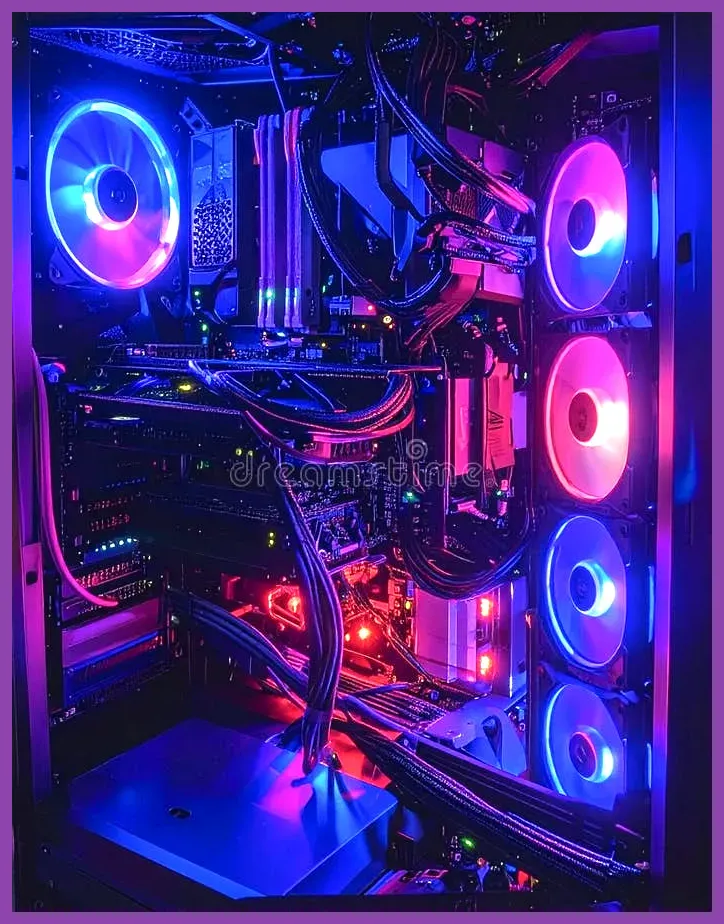
If your goal is to experience Phasmophobia at maximum graphical fidelity, pushing a solid 60+ FPS at 1080p or 1440p resolution without experiencing frame drops during heavy ghost events or cursed object activations (such as the Tarot Cards, Summoning Circle, or Music Box), you need to upgrade your components to match the recommended tier. For players balancing performance across multiple demanding titles, comparing setups with hardware-intensive profiles like the Red Dead Redemption 2 best solo build guide or tweaking fidelity settings akin to the Nine Sols best graphics settings for high performance will give you a great baseline for hardware expectations.
The official recommended hardware specification profile requires:
- OS: Windows 10/11 (64-bit)
- Processor (CPU): Intel Core i6-10600 or AMD Ryzen 5 3600
- Memory (RAM): 8 GB RAM (16 GB recommended for seamless multitasking and Discord usage)
- Graphics (GPU): NVIDIA RTX 2060 or AMD Radeon RX 5600 XT
- DirectX: Version 11
- Network: Broadband Internet connection
- Storage: 21 GB available space (NVMe SSD preferred)
- VR Support: SteamVR or Oculus VR headset for immersive ghost hunting
With an RTX 2060 or equivalent card, you can comfortably enable ambient occlusion, higher shadow resolution settings, and advanced volumetric lighting without tanking your framerate when four players activate head-mounted cameras and flashlights in a cramped hallway on Bleasdale Farmhouse.
Virtual Reality (VR) System Requirements and Performance
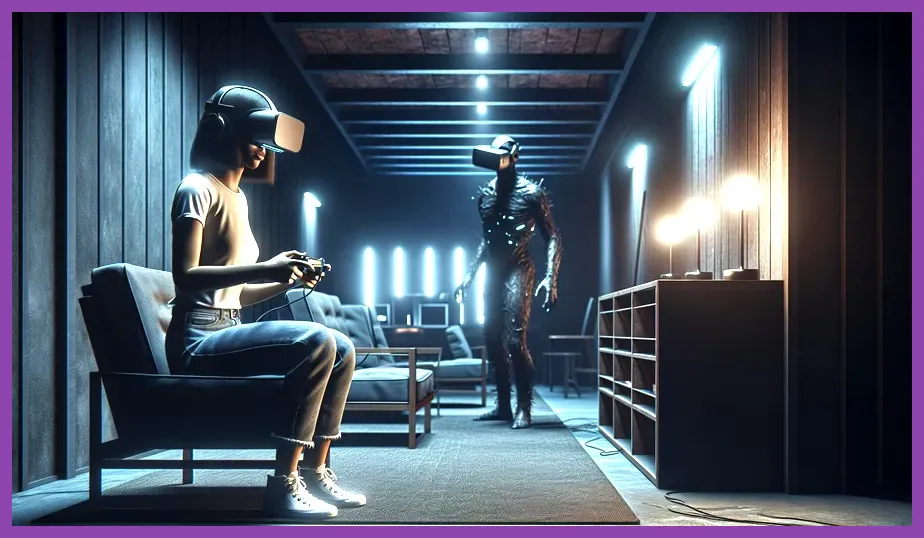
Phasmophobia's VR mode is notoriously demanding on hardware because the game must render stereoscopic views simultaneously at high refresh rates to prevent motion sickness. If you plan to play using a Meta Quest 2, Meta Quest 3, Valve Index, or HTC Vive via Link cable or AirLink, your system requirements shift dramatically upward from the standard flat-screen baseline.
For a smooth VR horror experience, developers recommend at least an NVIDIA RTX 3060 or AMD equivalent GPU, paired with a 6-core processor like the Intel Core i5-10600K and 16 GB of RAM. Frame drops in VR lead instantly to disorientation and nausea, making it vital to drop internal game resolution scaling or lower shadow settings if you notice stuttering while turning corners in Ridgeview Court.
Storage, RAM, and SSD Optimization Tips
Beyond raw GPU and CPU power, storage speed plays an integral role in your overall Phasmophobia experience. The game continuously streams assets, audio logs, and map geometry as investigators move between rooms. Installing the game on a standard 7200RPM HDD can introduce micro-stutters when opening heavy doors or when a ghost suddenly spawns nearby.
Additionally, while 8 GB of RAM is listed as the minimum requirement, modern operating systems running background applications like Discord, web browsers, or voice servers will easily consume 4 to 5 GB of that total. Upgrading to 16 GB or 32 GB of RAM prevents memory paging bottlenecks. If you are tuning your PC for other popular titles, you can review performance tweaks found in guides like Stardew Valley 1.6 best settings for max fps to maximize your rig's overall efficiency.
Best In-Game Graphics Settings for Maximum FPS
If your PC sits right around the minimum requirements threshold, adjusting the in-game display and graphics menu can mean the difference between a smooth ghost hunt and a fatal stutter. Navigate to the game options menu and apply these specific tweaks to stabilize your framerate:
- Resolution: Match your monitor's native desktop resolution (lower to 1600x900 if struggling).
- Fullscreen Mode: Always set to Exclusive Fullscreen to prioritize GPU resources.
- Graphics Quality: Custom
- Shadow Quality: Medium or Low (Shadows are the single biggest performance hog in Unity horror games).
- Shadow Resolution: Half or Low.
- Texture Resolution: High (If your GPU has at least 6GB of VRAM) or Medium (for 4GB VRAM cards).
- Anisotropic Filtering: 4x or 8x (Minimal performance cost on modern GPUs).
- Ambient Occlusion: Off (Disabling this clears up muddy dark corners and boosts FPS).
- Bloom: Off (Personal preference, but turning it off reduces visual clutter during hunts).
- Vsync: Off (Unless you suffer from severe screen tearing; turning it off reduces input latency).
Preparing Your PC for Major Phasmophobia Updates
Kinetic Games frequently rolls out massive content updates introducing new maps, redesigned equipment tiers, reworked evidence mechanics, and graphical overhauls powered by upgraded Unity engine versions. As the game evolves toward its full 1.0 release, baseline hardware requirements can subtly creep upward. Keeping your graphics card drivers up to date via NVIDIA GeForce Experience or AMD Adrenalin is crucial for maintaining optimal compatibility and avoiding game-breaking crashes during multiplayer investigation sessions.
Before jumping into a nightmare difficulty contract with your friends, always verify that your background processes are minimized and your thermals are stable. Keeping your hardware cool prevents thermal throttling during long gaming sessions, ensuring your CPU and GPU maintain their boost clocks when the ghost starts slamming doors and hunting in the dark.