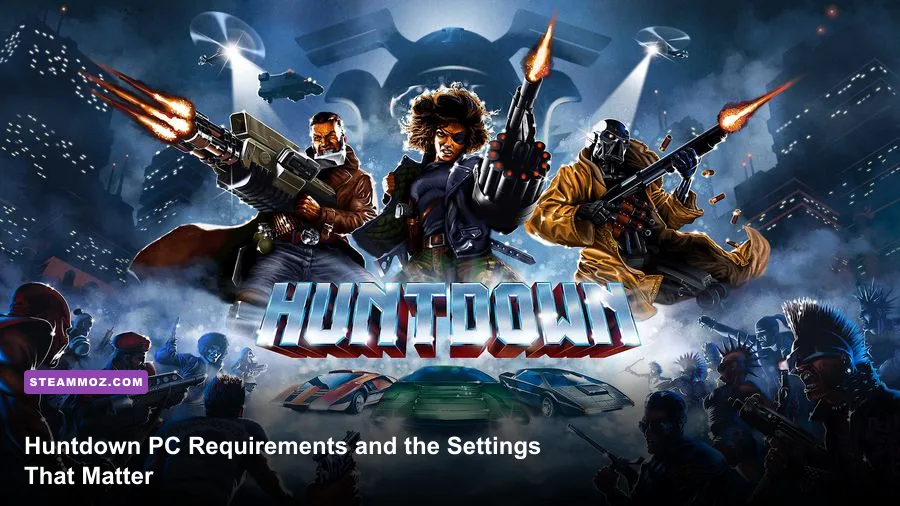
Huntdown is an exceptionally easy PC game to run. Its official minimum requirements call for a 64-bit Windows 7 system, an Intel Core i5-2400 or AMD FX-6300 processor, 4 GB of RAM, and a GeForce GTX 660 or Radeon HD 7870 with 2 GB of VRAM. The recommended tier moves to an Intel Core i5-4670 or AMD FX-8350, 8 GB of memory, and a GTX 970 or Radeon R9 290. You also need DirectX 11 and roughly 2 GB of storage.
Those numbers look surprisingly high for a pixel-art run-and-gun game, but don't mistake them for a demanding modern benchmark. Huntdown uses a deliberately cinematic presentation: layered parallax scenery, animated neon signs, heavy particle effects, destructible props, explosions, and dense enemy encounters. The official hardware list is best treated as a compatibility guide rather than a promise that every old laptop will deliver a perfect locked 60 frames per second.
This is the short version: almost any modern integrated GPU should handle Huntdown comfortably at 1080p, while older office PCs need to pay closer attention to CPU age, drivers, and thermal throttling. If you're checking another demanding game after this one, our guides to PC requirements and the settings that matter and fixing crashes and slow performance cover the same troubleshooting fundamentals.

Huntdown minimum and recommended PC specs
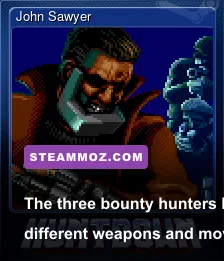
The requirements published for Huntdown are clear, and there isn't a separate ray-tracing, ultrawide, or high-refresh hardware tier to worry about. The game is built around fast two-dimensional combat, so the most important performance target is stable frame delivery. A sudden hitch while Anita is vaulting over cover or John Sawyer is lining up a shotgun blast feels far worse than a small drop in average FPS.
| Component | Minimum | Recommended | What it means in practice |
|---|---|---|---|
| Operating system | Windows 7 64-bit | Windows 10 64-bit | Use a supported 64-bit Windows installation with current updates. |
| Processor | Intel Core i5-2400 or AMD FX-6300 | Intel Core i5-4670 or AMD FX-8350 | The minimum chips are older desktop CPUs; modern laptop CPUs generally exceed them. |
| Memory | 4 GB RAM | 8 GB RAM | 4 GB is enough for the game, but 8 GB gives Windows more breathing room. |
| Graphics | GeForce GTX 660 2 GB or Radeon HD 7870 2 GB | GeForce GTX 970 4 GB or Radeon R9 290 4 GB | Dedicated GPUs are listed officially, although newer integrated graphics can be faster. |
| DirectX | Version 11 | Version 11 | Keep your GPU driver and DirectX components updated. |
| Storage | 2 GB available space | 2 GB available space | An SSD is not required, but it can shorten loading and reduce background storage stalls. |
The minimum graphics cards launched more than a decade ago, and their 2 GB VRAM requirement is modest by current standards. Huntdown's art style doesn't need enormous texture budgets. The GTX 660 and HD 7870 recommendation is mainly a sign that the developers tested against older discrete hardware rather than an indication that every scene saturates modern GPUs.
For operating systems, the official Steam listing for Huntdown is the final authority if the requirements change. Windows 7 appears in the minimum specification, but Windows 10 or Windows 11 is the safer choice for current driver support, controller compatibility, and fewer launcher-related problems.
🎮 HUNTDOWN
Looking to experience this game? Grab your digital key directly on our store for $3.99.
View on Steammoz Store →Can a laptop or integrated graphics PC run Huntdown?
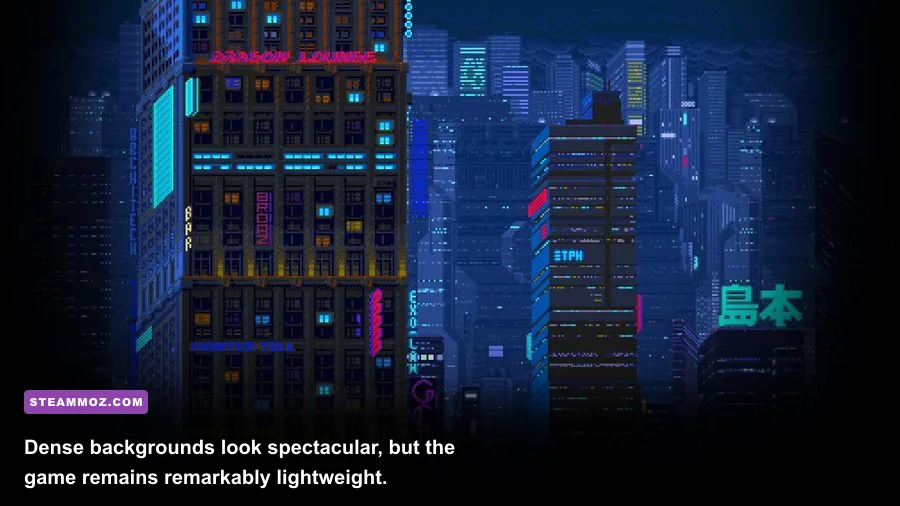
Usually, yes. The official specification names older dedicated cards, but the actual workload is light enough that many recent Intel Iris Xe, AMD Radeon 680M, Radeon 780M, and comparable integrated GPUs should be able to run the game at 1080p. Older Intel HD Graphics machines are a different story: HD 4000-class hardware may launch the game, yet it can struggle when several enemies, muzzle flashes, explosions, and foreground effects fill the screen.
The CPU question matters just as much. Huntdown doesn't simulate an open world or run a huge number of background systems, but its action is timing-sensitive. An old dual-core laptop with aggressive power saving can produce uneven frame pacing even when the FPS counter looks acceptable. A quad-core processor near the level of the i5-2400 is a sensible baseline for a clean experience.
Here is a practical way to judge your machine rather than blindly comparing model names:
- Check 64-bit Windows first. The official minimum lists a 64-bit operating system, so a 32-bit installation is already outside the supported target.
- Identify your GPU generation. A modern integrated GPU can outperform the old GTX 660 in some workloads, while an ancient low-end dedicated card may not.
- Watch shared memory. Integrated graphics borrow system RAM. If your PC has only 4 GB total, Windows and background applications can compete with the game.
- Test frame pacing in a busy encounter. A quiet corridor tells you very little. Explosions, multiple shooters, and moving vehicles are the useful stress test.
Don't expect a faster GPU to fix every hitch. If the game feels sluggish only after playing for 30 minutes, check laptop temperatures and power mode. Thermal throttling can reduce CPU clocks dramatically, making a machine that technically exceeds the recommended spec behave like a much older PC.
Best Huntdown graphics settings for stable FPS
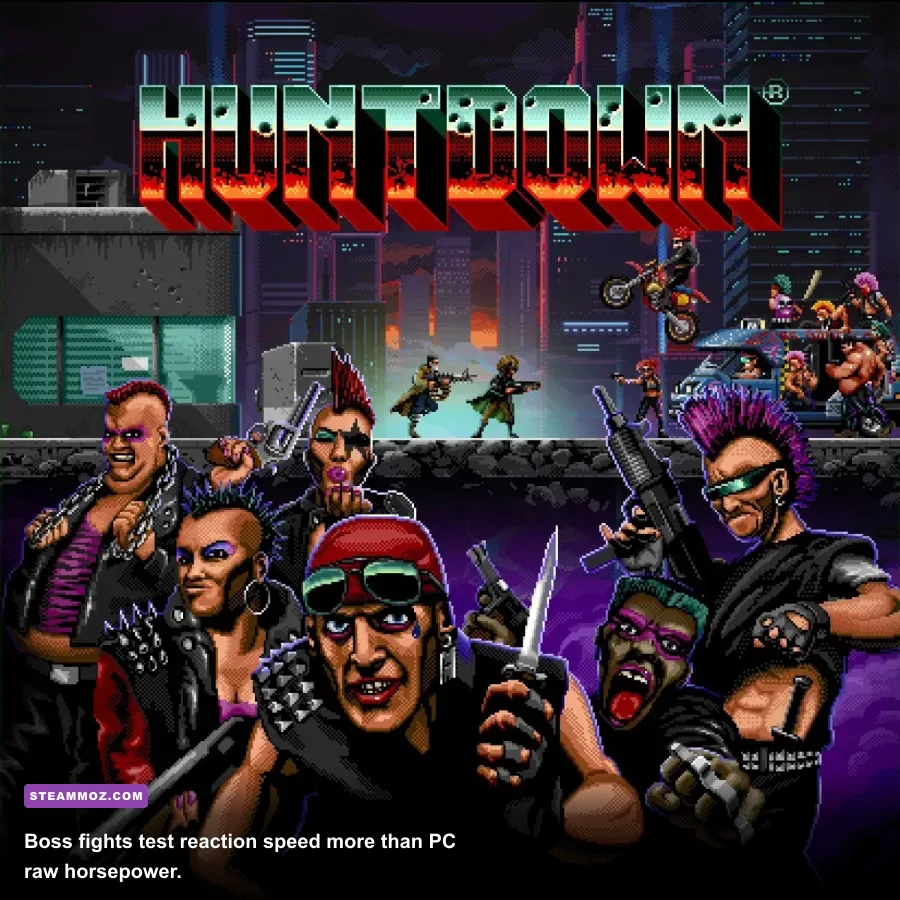
Huntdown doesn't offer the enormous graphics menu found in a modern 3D shooter. That is good news. There are fewer options to misunderstand, and most PCs won't need aggressive sacrifices. Start at your monitor's native resolution, use the highest quality preset available, and only reduce settings after confirming that the problem is actually GPU load.
| Setting or profile | Recommended value | FPS impact | Visual and latency note |
|---|---|---|---|
| Resolution | Native 1080p | Medium to high | Dropping resolution helps weak GPUs, but pixel art can look softer or uneven. |
| Fullscreen mode | Exclusive fullscreen when available | Low | Can reduce desktop interference and improve focus during rapid combat. |
| VSync | On for 60 Hz displays; off for testing latency | None to low | On removes tearing; off may feel more immediate but can tear. |
| Post-processing and effects | High unless performance dips in heavy fights | Low to medium | Lowering effects can reduce the punch of explosions and neon lighting. |
| Shadows and background detail | High on dedicated GPUs; medium on integrated graphics | Medium | Background layers sell Huntdown's atmosphere but don't affect aiming directly. |
| Frame cap | Match the monitor refresh rate | Improves consistency | A stable cap often feels smoother than wildly fluctuating FPS. |
For a basic 1080p profile, leave quality high, enable VSync if your display runs at 60 Hz, and cap the game at 60 FPS if your system fluctuates above and below that mark. Huntdown's combat is designed around readable animation and quick reactions, not 240 FPS competitive play. A steady 60 is the sweet spot for most players.
On an older laptop, use this order of adjustments:
- Close browsers, recording tools, RGB utilities, and overlays before lowering image quality.
- Switch from borderless windowed mode to fullscreen if the display option is available.
- Reduce background or post-processing quality before lowering the game's resolution.
- Try 1600x900 or 1280x720 only if native 1080p still produces drops during large firefights.
- Keep the frame cap consistent instead of chasing the highest possible number.
Pixel art makes resolution changes unusually noticeable. At a non-native resolution, scaling can blur outlines and make tiny enemy silhouettes harder to read. That isn't just an aesthetic issue: Huntdown's enemies telegraph attacks with brief animations, so fuzzy edges can cost you a dodge. For more general display tuning, our responsive settings guide explains why stable input often matters more than a larger FPS number.
Why stable performance matters in Huntdown
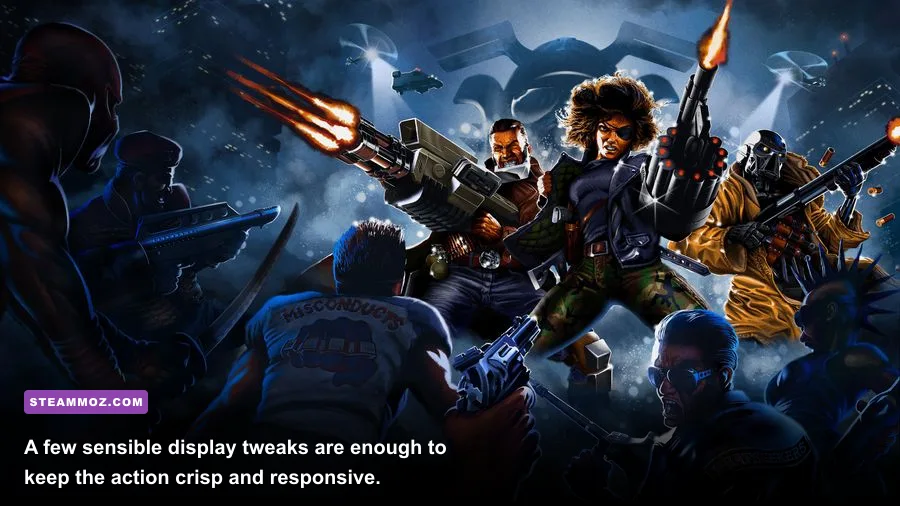
Huntdown is a side-scrolling shooter, but it isn't a relaxed gallery shooter. The game constantly asks you to read enemy positioning, switch weapons, use cover, and move through a dangerous lane without losing momentum. The playable hunters—Anita, Mowgli, and John Sawyer—share the same broad objective, yet their weapons make the rhythm feel different.
Anita's mobility and rapid-fire weapon handling reward aggressive repositioning. Mowgli's toolkit is built around heavier impact and controlling space. John Sawyer is the bruiser of the trio, able to make close-range exchanges feel powerful but dangerous when you stop moving. These aren't RPG classes with skill trees and numerical stat scaling; their distinction comes from weapon access, attack cadence, range, and how safely each character can answer a crowded screen.
That is why an unstable 45-to-60 FPS range is more annoying here than it might be in a turn-based game. Enemy projectiles, melee lunges, and environmental hazards are brief, readable events. If frame delivery stutters during a screen transition or an explosion, your visual timing falls out of sync with the action.
There are also practical reasons to avoid unnecessary background load:
- Disable recording overlays if you notice hitching during checkpoint transitions.
- Use a wired controller or a reliable wireless connection when playing from the couch; input interruptions can feel like performance drops.
- Install on an SSD when convenient. Huntdown only needs around 2 GB, so it won't consume meaningful drive space.
- Update GPU drivers before diagnosing a graphics problem, especially on integrated Radeon or Intel hardware.
- Don't stack multiple frame limiters. A driver cap, VSync, and an external limiter can create inconsistent pacing.
If you experience crashes rather than low FPS, verify the game files through Steam, remove experimental launch options, and test without overlays first. Our guides for crashes, stutters, and low FPS and fast PC crash fixes walk through those steps in more detail.
The best PC target for Huntdown
You don't need a gaming monster for Huntdown. The official recommended configuration is already an old enthusiast-level target: an i5-4670 or FX-8350, 8 GB RAM, and a GTX 970 or R9 290. Any current mid-range gaming desktop clears it comfortably, and many recent productivity laptops should also run the game well if they have a modern integrated GPU and enough memory.
| PC type | Suggested target | Expected approach | Best use case |
|---|---|---|---|
| Older office desktop | i5-2400-class CPU, GTX 660-class GPU, 4 GB RAM | 1080p with conservative effects and a 60 FPS goal | Playable minimum configuration |
| Modern integrated laptop | Recent Core i5 or Ryzen 5, 8 GB RAM | 1080p high settings; adjust effects if crowded scenes dip | Portable play without a dedicated GPU |
| Recommended gaming PC | i5-4670-class CPU, GTX 970-class GPU, 8 GB RAM | 1080p high settings with stable frame pacing | The official recommended profile |
| Current gaming desktop | Any recent six-core CPU and modern entry-level GPU | High settings at 1080p or higher, depending on display support | Maximum comfort and headroom for recording |
The smartest purchase decision is not upgrading specifically for Huntdown. If your PC meets the minimum requirements, try the game and monitor the worst firefights before spending money. If it falls short, prioritize a supported 64-bit operating system, 8 GB of RAM, and a reasonably modern GPU rather than chasing a flagship card.
For the most reliable experience, target 1080p, high quality, and a locked 60 FPS. That combination preserves the crisp silhouettes, neon atmosphere, and explosive visual feedback that make Huntdown special without wasting hardware on settings you won't notice during a frantic encounter. You can also consult the official Huntdown website and the Huntdown Steam community hub for patches and platform-specific reports.
Bottom line: the minimum PC specs are forgiving by today's standards, and the recommended requirements are comfortably outdated. The real requirement is consistency. Give Huntdown enough CPU headroom, avoid thermal throttling, keep frame pacing stable, and you'll get the fast, sharp arcade action the game was built to deliver.