If you’re checking whether your PC can handle Hunt: Showdown 1896—including the system requirements players sometimes search for as “Twice a Renegade”—the short answer is this: you need at least a GTX 970 or Radeon R9 390X, a Core i7-8700 or Ryzen 5 2600, and 12GB of RAM. For a consistently comfortable 1080p experience, aim for an RTX 2060 Super or RX 6600 XT, a Core i7-9700K or Ryzen 5 3600, 16GB of memory, and an SSD.
That official minimum is not a guaranteed high-refresh-rate target. Hunt’s upgraded 1896 presentation pushes more work through CryEngine, and the game can punish weak CPUs, slow storage, and older graphics cards when weather, fire, AI, hunters, and compound geometry collide. This guide breaks down the real minimum and recommended PC specs, what those parts should deliver, and which settings actually move the performance needle.
Before buying, compare your hardware with the requirements listed on the official Steam page. If other games are also struggling, our guide to checking whether your PC can run demanding games is a useful companion.

Hunt: Showdown 1896 minimum and recommended specs
The official requirements divide Hunt: Showdown 1896 into a modest minimum tier and a much more sensible recommended tier. Both lists call for a 64-bit Windows installation, DirectX 11 support, and 75GB of free storage. The important distinction is that the minimum GPU is now an older 4GB-class card, while the recommended target steps up to modern mid-range hardware with better frame pacing and driver support.
| Component | Minimum | Recommended | What it means in play |
|---|---|---|---|
| Operating system | Windows 10 64-bit | Windows 10 64-bit | Use a fully updated 64-bit installation |
| Processor | Intel Core i7-8700 or AMD Ryzen 5 2600 | Intel Core i7-9700K or AMD Ryzen 5 3600 | CPU performance matters during fights and busy compounds |
| Memory | 12GB RAM | 16GB RAM | 16GB gives Windows and background apps more breathing room |
| Graphics card | Nvidia GTX 970 4GB or AMD Radeon R9 390X 8GB | Nvidia RTX 2060 Super or AMD Radeon RX 6600 XT | The recommended tier is far safer for high-quality 1080p |
| DirectX | Version 11 | Version 11 | Install current Windows and GPU updates |
| Storage | 75GB available | 75GB available | An SSD is strongly preferred for loading and streaming |
The processor list deserves attention. The Core i7-8700 and Ryzen 5 2600 are six-core chips, while the recommended i7-9700K has eight physical cores and the Ryzen 5 3600 offers six cores with a newer architecture. Hunt doesn’t simply reward the largest thread count. Strong per-core performance and consistent boost behavior help more when the game is tracking AI, physics, sound events, and several players at once.
The GTX 970 can technically clear the minimum bar, but its 4GB VRAM limit leaves little room for aggressive texture settings. The R9 390X has more memory, though it is also old, power-hungry, and much less attractive for modern driver support. Don’t mistake either card for a reliable 144Hz solution. They’re entry tickets, not the finish line.
For a second perspective on graphics tuning, see our breakdown of PC requirements and the settings that matter. The same principle applies here: the label “recommended” tells you what to own, not the exact frame rate you’ll receive in every weather condition.
🎮 Hunt: Showdown 1896 - Twice a Renegade
Looking to experience this game? Grab your digital key directly on our store for $8.99.
View on Steammoz Store →What performance should you expect from each hardware tier?
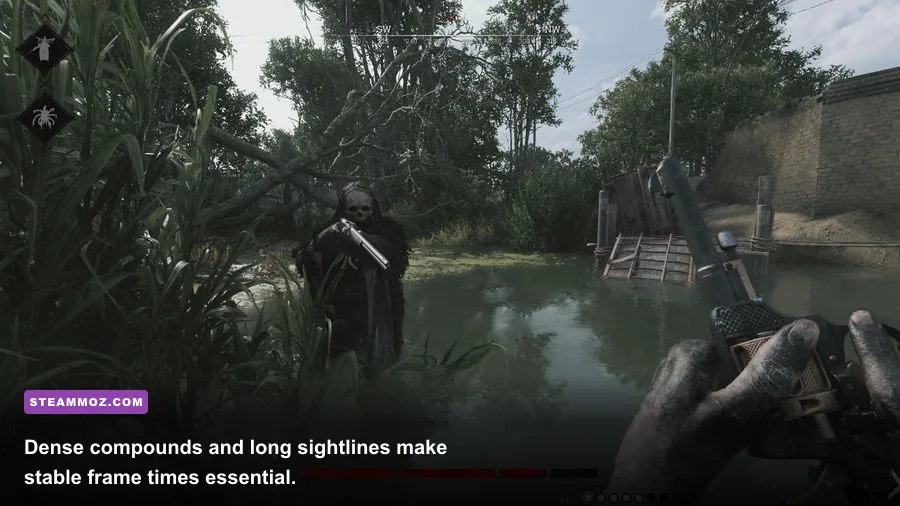
Hunt: Showdown 1896 is a competitive extraction shooter, so average FPS is only half the story. A machine that reports 70 frames per second but drops to 35 during a compound fight will feel worse than one holding a flat 60. Stutters can delay a sound cue, make a flick feel late, or turn a clean peek into an accidental trade.
At the minimum tier, expect to target 1080p with low-to-medium settings. A GTX 970-class system can be playable after reducing lighting, shadows, object quality, and effects, but you should avoid maxing textures if VRAM usage approaches the card’s limit. The CPU may become the problem in compounds such as Fort Carmick, Lawson Delta, or the larger areas around compounds with multiple AI enemies.
The recommended RTX 2060 Super and RX 6600 XT are much better suited to 1080p high settings. They can deliver a stronger 60 FPS baseline and leave room to tune image quality for a 120Hz display. However, “high” is not a magic preset. Hunt’s volumetric effects, shadow quality, and object detail can produce disproportionate performance costs, especially when the view includes fire, fog, tree cover, and several structures.
| PC tier | Practical resolution | Starting preset | Realistic target |
|---|---|---|---|
| Minimum-class GTX 970 / R9 390X | 1080p | Low to medium | Locked 45-60 FPS with careful tuning |
| Recommended RTX 2060 Super / RX 6600 XT | 1080p | Medium to high | Stable 60 FPS and a path toward 90-120 FPS |
| Modern RTX 3060 / RX 6700-class | 1080p or 1440p | High with selected cuts | High-refresh 1080p or comfortable 1440p |
| Modern RTX 4070 / RX 7800 XT-class | 1440p | High to very high | High-refresh 1440p with fewer compromises |
Those targets are practical ranges, not a promise from the developer. Match conditions, map weather, driver versions, background applications, and memory configuration all matter. Two identical GPUs can perform differently if one system is thermal-throttling or running single-channel RAM.
For competitive play, cap the game at a frame rate your PC can hold during the ugliest fight you can create—not the number it reaches while staring at an empty field. A stable 90 FPS cap beats a wild 140-to-55 swing. Disable overlays, close browser tabs with video, and let the GPU maintain a consistent clock before blaming the game.
The graphics settings that matter most
Hunt’s menu contains several options that look harmless but can quietly wreck clarity or performance. Start with the game’s resolution and render scale, then tune the expensive effects. Don’t lower everything blindly: some settings cost very little and preserve useful detail, while others make distant hunters harder to read without offering a meaningful visual upgrade.
| Setting | Recommended value | FPS impact | Visual note |
|---|---|---|---|
| Resolution | Native monitor resolution | Very high | Lower only when the GPU cannot maintain your target |
| Object quality | Medium or high | High | Influences geometry detail and distant scene complexity |
| Texture quality | High if VRAM allows | Low to medium | Keep an eye on VRAM usage; low textures look noticeably muddy |
| Shadow quality | Low or medium | High | A major performance lever with a tolerable image-quality trade-off |
| Lighting quality | Medium | Medium to high | Fire, interiors, and dark compounds can expose weak settings |
| Effects quality | Medium | Medium | Controls visual intensity around explosions, smoke, and fire |
| Anti-aliasing | Use the clearest stable option | Medium | Test foliage and power lines, not just empty terrain |
| Motion blur | Off | Minimal | Sharper camera movement and cleaner target tracking |
| Depth of field | Off for competitive play | Low | Removes unnecessary blur while aiming and scanning |
| V-Sync | Off if using a high-refresh display | Variable | Can add latency; use a sensible FPS cap instead |
Begin with a custom medium profile rather than the lowest possible preset. Keep textures high enough to identify material and silhouette detail, then cut shadows and object quality if your frame time is unstable. If the image shimmers, test anti-aliasing and sharpening combinations at a compound with fences, branches, and rooflines. That is where a setting that looks fine in the menu reveals its ugly side.
Render scale is the emergency lever. Dropping it can rescue GPU-limited systems, but it also makes hunter silhouettes and distant movement less defined. In a game built around spotting a shoulder through a window, clarity has real tactical value. If you must reduce resolution, use a small step rather than jumping straight to a blurry image.
Players with a 144Hz or 165Hz monitor should prioritize frame-time consistency over cinematic lighting. A stable cap, low motion blur, sensible shadows, and an uncluttered display make more difference to a long session than an extra layer of volumetric fog. Our settings guide focused on responsive controls covers the same low-latency mindset in another PC game.
CPU, RAM, SSD, and the stutter question
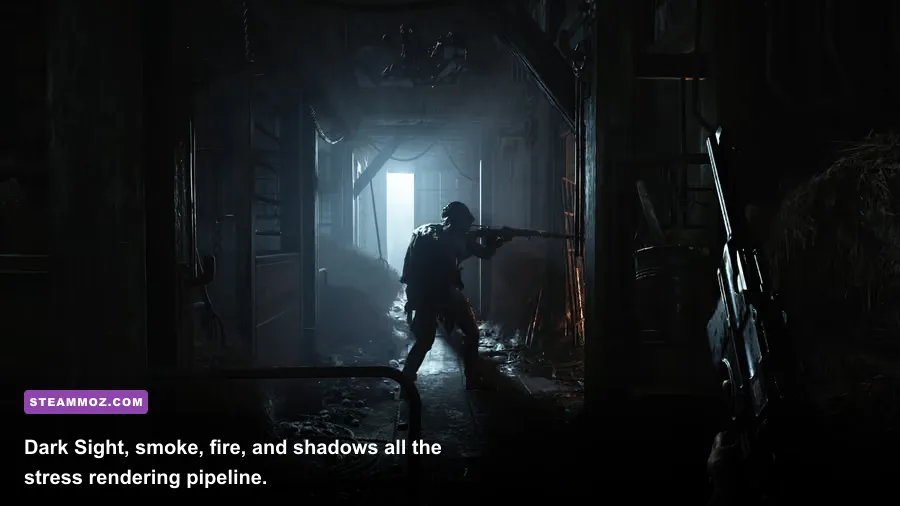
Hunt is unusually sensitive to the rest of the system because the GPU is not doing all the work. AI enemies, destructible interactions, audio events, world simulation, and player networking create CPU demand. A six-core processor that looks fine in a general benchmark can still show uneven frame times if it is old, overheating, or sharing resources with recording software.
Use 16GB of RAM as the practical target even though 12GB is listed as minimum. Windows, Steam, Discord, browser tabs, GPU utilities, and capture tools can consume the difference before Hunt has loaded a match. If memory usage reaches the limit, Windows may page data to storage, producing hitching that looks like a graphics problem. Two matched memory modules running in dual channel are preferable to one stick.
An SSD is not technically listed as a separate requirement, but it’s one of the smartest upgrades for this game. A hard drive can increase loading times and make asset streaming feel rougher when moving quickly through the map. An NVMe drive won’t magically raise average FPS, yet it can improve loading behavior and reduce the chance that storage becomes the hidden bottleneck.
Watch temperatures with an overlay while testing, but don’t obsess over a single number. If the CPU drops clocks during a match, clean the cooler, check fan curves, and confirm that your case has usable airflow. Laptop players should test while plugged in with the manufacturer’s performance mode enabled; battery profiles can quietly cap both CPU and GPU power.
Background capture is another common culprit. Xbox Game Bar, GeForce Experience, Radeon recording, Discord overlays, and third-party monitoring tools can add frametime spikes. Disable them one at a time instead of changing ten settings at once. That way you’ll know whether the fix came from reduced graphics load or simply removing a software conflict.
If your symptoms include crashes rather than ordinary low FPS, our crashing and slow-performance troubleshooting guide offers a useful checklist: verify files, update drivers cleanly, remove unstable overclocks, and test without overlays.
How to tune Hunt for a fair competitive advantage
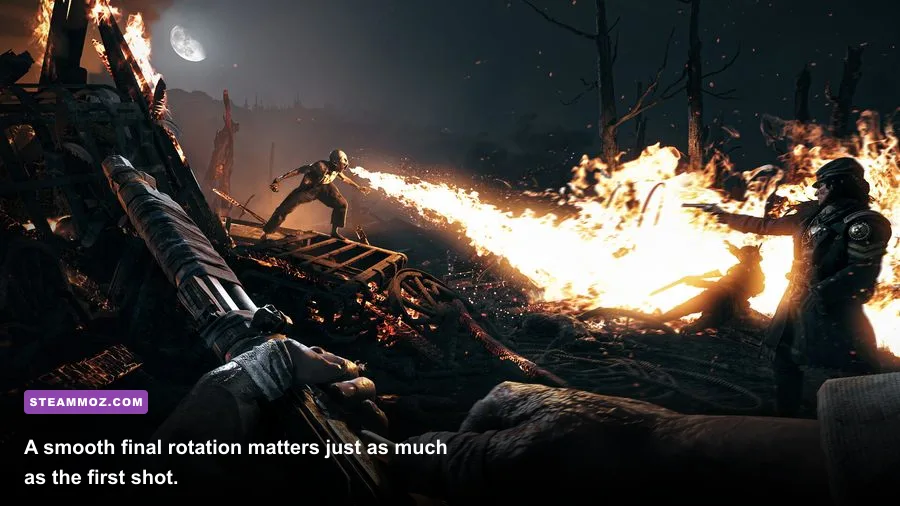
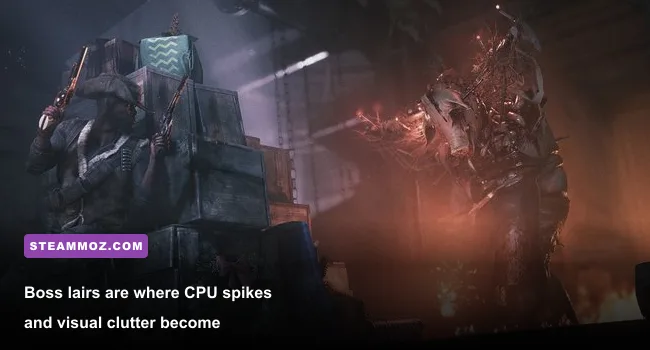
Performance tuning should make the game more consistent, not manufacture visibility that destroys the atmosphere or gives you an unpredictable image. Start by selecting native resolution, disabling motion blur and depth of field, and setting a cap just below the rate your system can sustain. Then enter a real match or a training environment and look for the worst-case scene: a dark boss lair with fire, multiple AI targets, and several players nearby.
That test matters because Hunt’s most demanding moments are also the moments when mistakes are expensive. The Butcher’s lair can fill with flames and smoke. The Assassin’s attacks create frantic visual movement. Scrapbeak’s compound can become a maze of clutter, dropped equipment, and audio distractions. If your frame rate collapses there, an empty stretch of Stillwater Bayou is giving you a false sense of security.
- Confirm the baseline. Restart the PC, close overlays, load into a match, and record average FPS plus the lowest recurring dips.
- Separate GPU from CPU limits. Lower resolution or render scale. If FPS rises sharply, the GPU is limiting you. If it barely changes, reduce object quality and check CPU clocks.
- Cut shadows first. Move shadow quality down one step before sacrificing textures. This often recovers performance while keeping surfaces readable.
- Protect visibility. Keep textures and anti-aliasing at the clearest level your VRAM and frame-time budget can handle.
- Cap intelligently. Choose a number you can hold during combat. A locked 60, 90, or 120 is better than an uncapped graph full of spikes.
- Retest after updates. Hunt changes over time, and a patch or driver can alter the best combination of settings.
| Symptom | Likely cause | First fix | Do not change first |
|---|---|---|---|
| Low FPS at all times | GPU limit or excessive resolution | Lower render scale and shadows | Texture quality, unless VRAM is full |
| Stutters entering compounds | CPU, asset streaming, or storage | Use an SSD and reduce object quality | Only lowering resolution |
| Short freezes during fights | RAM pressure, overlays, or shader/cache issues | Close overlays and confirm 16GB RAM | Randomly reinstalling Windows |
| Muddy distant hunters | Render scale or aggressive anti-aliasing | Restore native resolution and test AA | Maxing every lighting option |
| Input feels delayed | V-Sync, unstable FPS, or display settings | Disable V-Sync and cap below refresh rate | Chasing a peak FPS number |
There’s no shame in running a lower preset. Hunt rewards hearing, patience, and positioning more than spectacle, and a clean 90 FPS image can make a bigger difference than ultra shadows. Just remember that a settings change can alter how confidently you read darkness, foliage, and movement. Test your profile in several compounds and weather conditions before taking it into a serious Bounty Hunt.
For players who want more PC optimization ideas, the low-FPS and crash-fix guide for Chef Life explains several broadly useful Windows and driver checks. They’re not Hunt-specific, but the troubleshooting logic carries over.
Is your PC ready for Hunt: Showdown 1896?
Use the minimum requirements as a hard compatibility floor, not as your buying target. A GTX 970, R9 390X, i7-8700, or Ryzen 5 2600 can get Hunt: Showdown 1896 running at 1080p with compromises, but you’ll need realistic expectations around frame rate, texture memory, and heavy compound fights. Twelve gigabytes of RAM may work, yet 16GB is the safer baseline for a modern Windows gaming PC.
The recommended specification is a better starting point for anyone who wants stable 1080p play: RTX 2060 Super or RX 6600 XT graphics, i7-9700K or Ryzen 5 3600 processor, 16GB RAM, and an SSD. From there, favor frame-time stability over maxed presets. Turn down shadows and expensive geometry before making the whole image blurry, disable motion blur, and cap FPS below your reliable ceiling.
Hunt is at its best when your hardware disappears and your attention stays on footsteps, crows, distant gunfire, and the suspicious window across the compound. Meeting the published specs gets you into the bayou. Choosing the right settings is what keeps your PC from becoming the reason you don’t make it out.
For official technical information and updates, check the Hunt: Showdown website, the Steam news hub, and Crytek’s official developer site. Requirements and performance can shift with major updates, so verify the live Steam listing before upgrading or purchasing.