
Edge of Eternity is playable on a surprisingly broad range of gaming PCs, but its official minimum specs are best treated as a 30fps starting point rather than a promise of smooth 1080p gameplay. You’ll want at least 8GB of RAM, a GTX 780 or Radeon R9 290-class GPU, and 60GB of free storage. For a more comfortable experience, the recommended target is 16GB of RAM, a GTX 1070 or Radeon RX Vega 56, and a modern Core i7 or Ryzen 7 processor.
That distinction matters because Midgar Studio’s sci-fi RPG mixes large outdoor areas, dense foliage, cinematic scenes, and turn-based battles with several characters and effects on screen. The game isn’t a competitive shooter where every frame is life or death, but unstable frame pacing can still make camera movement, exploration, and tactical targeting feel rough. Here are the official Edge Of Eternity OST system requirements, what they mean in practice, and the settings I’d use for different PC tiers.
Edge of Eternity minimum and recommended PC specs
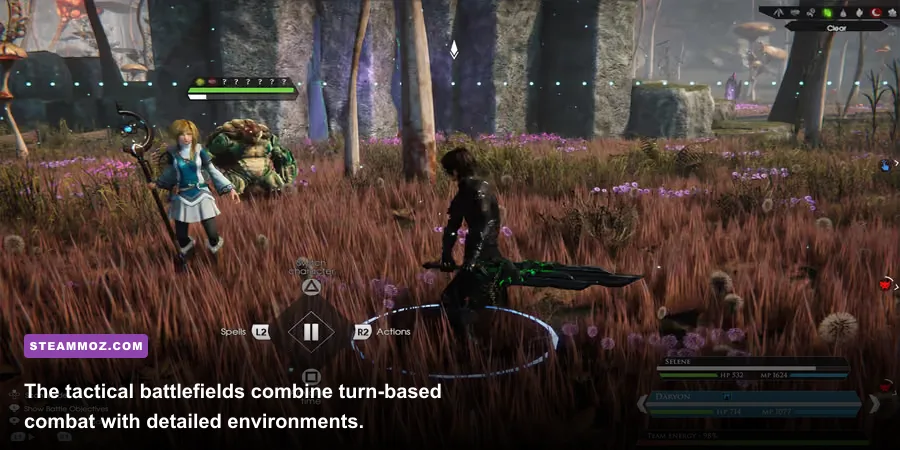
The table below reflects the published Steam requirements for the Windows PC version. The minimum configuration is relatively old by current standards, while the recommended hardware is aimed at a much smoother high-quality experience. Both tiers require a 64-bit operating system and DirectX 11-compatible hardware.
| Component | Minimum | Recommended |
|---|---|---|
| Operating system | Windows 7 64-bit | Windows 10 64-bit |
| Processor | Intel Core i5 2.5GHz or AMD FX-8350 | Intel Core i7 3.5GHz or AMD Ryzen 7 1700 |
| Memory | 8GB RAM | 16GB RAM |
| Graphics card | Nvidia GeForce GTX 780 or AMD Radeon R9 290 | Nvidia GeForce GTX 1070 or AMD Radeon RX Vega 56 |
| DirectX | Version 11 | Version 11 |
| Storage | 60GB available space | 60GB available space |
The minimum GPU recommendations are notable because the GTX 780 and R9 290 are considerably older than many cards found in new budget PCs. A newer GTX 1650, GTX 1660, RTX 2060, RX 5500 XT, or RX 6600 can also be a sensible comparison point, but model-to-model performance varies. Don’t judge compatibility by the name alone: laptop GPUs, especially, can run substantially slower than their desktop counterparts.
CPU age is just as important. The Core i5 2.5GHz requirement doesn’t mean every old quad-core processor will deliver the same results. Edge of Eternity can feel less consistent when the processor is busy handling world streaming, background simulation, and combat transitions. A recent six-core Core i5 or Ryzen 5 is a much safer practical target than an older entry-level chip.
🎮 Edge Of Eternity - OST
Looking to experience this game? Grab your digital key directly on our store for $3.49.
View on Steammoz Store →What the minimum specification really delivers

Meeting the minimum requirement should get the game running, but you’ll likely need sensible compromises. Think 720p or 900p rendering, low-to-medium quality settings, reduced shadows, and a frame-rate target around 30fps. The GTX 780 and R9 290 also consume more power and generate more heat than their age suggests, so thermal throttling can become the hidden problem in a poorly ventilated case.
The 8GB RAM requirement is another soft limit. Windows, Steam, browser tabs, and overlays can consume a meaningful portion of that memory before the game even starts. If you notice pauses when moving between open areas or returning to a settlement, close background applications first. An upgrade to 16GB is often more useful than chasing a tiny GPU overclock.
Storage performance matters too. The listed 60GB is capacity, not a guarantee that any drive will behave identically. A hard drive can technically satisfy the requirement, but an SSD is strongly preferable for shorter loading screens and fewer texture-streaming hiccups. Keep additional free space available rather than filling the drive to its final gigabyte; crowded drives tend to make every game’s loading behavior worse.
For a deeper look at practical PC troubleshooting, our guide to PC fixes that actually work covers the same useful fundamentals: drivers, background tasks, storage health, and thermal checks.
The best target for 1080p gaming
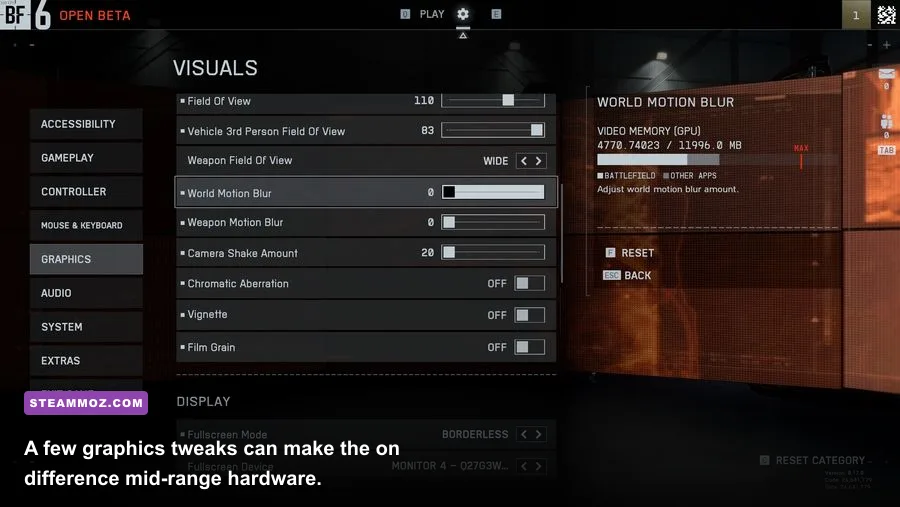
The recommended GTX 1070 or RX Vega 56 class is where Edge of Eternity starts to feel comfortable at 1080p. With a modern processor and 16GB of RAM, this tier should handle high settings far more reliably than the minimum hardware. Still, don’t assume the recommended label equals a locked 60fps in every scene. Large outdoor locations and effects-heavy battles can create dips even when ordinary corridors run smoothly.
The most important upgrade path is usually the GPU, provided your CPU isn’t an older two- or four-core model. A faster graphics card gives you room for higher texture quality, shadows, anti-aliasing, and resolution scaling. But if the GPU is under 90 percent usage while frame rate drops sharply, the processor or a background process may be the bottleneck instead.
| Hardware tier | Best target | Suggested resolution | Practical profile |
|---|---|---|---|
| Minimum-class PC | GTX 780, R9 290, or similar | 720p to 900p | Low settings, 30fps target |
| Mainstream 1080p PC | GTX 1660, RTX 2060, RX 5600 XT, or similar | 1080p | Medium to high settings, adaptive target |
| Recommended-class PC | GTX 1070, RX Vega 56, or better | 1080p | High settings, smoother 60fps experience |
| Modern enthusiast PC | RTX 3060 or RX 6600 and above | 1440p | High settings with headroom for heavier scenes |
That table is a planning guide, not a benchmark chart. Drivers, resolution, cooling, game patches, and laptop power limits all affect the final result. Check your exact GPU against current community benchmarks before buying the game solely for a particular frame-rate target.
Graphics settings that give the biggest gains
Start with resolution and shadows. Resolution has the most obvious GPU cost, while shadows can punish older cards and make outdoor areas feel inconsistent. If you’re close to smooth performance, lower shadows one step before dropping texture quality. Textures mostly depend on VRAM, and reducing them too aggressively can make Heryon’s environments look needlessly muddy.
Anti-aliasing and post-processing are the next places to experiment. Anti-aliasing cleans up foliage and character silhouettes, but its cost depends on the implementation and resolution. Post-processing can affect bloom, depth of field, ambient shading, and other cinematic effects. Turn down the expensive-looking effects first if the game feels sluggish during cutscenes or crowded fights.
| Setting | Recommended value | Performance impact | Visual trade-off |
|---|---|---|---|
| Resolution | Native 1080p, or 900p on older GPUs | Very high | Lower resolution is softer but delivers the largest gain |
| Textures | High with 4GB or more VRAM; medium below that | Medium | Lower detail on terrain, armor, and character surfaces |
| Shadows | Medium on minimum-class hardware | High | Less precise shadows and reduced scene depth |
| Anti-aliasing | Medium or high at 1080p | Medium | Lower values produce more shimmer around foliage |
| Post-processing | Medium | Medium to high | Less cinematic lighting and depth-of-field polish |
| Foliage and view distance | Medium if outdoor traversal stutters | High on older CPUs and GPUs | Objects and vegetation appear at shorter distances |
| V-sync | Off with a frame limiter, on if tearing is distracting | Variable | Controls tearing but may add input latency |
Use a frame limiter when possible. A stable 40 or 30fps experience often feels better than a wildly fluctuating 45-to-70fps range. Turn-based combat gives you some breathing room, but inconsistent frame pacing is still noticeable while rotating the camera or moving around settlements.
For comparison, our Iratus graphics settings guide follows the same rule: reduce the settings that affect scene complexity before destroying texture quality. It’s a small change, but it preserves the visual identity of an RPG much better.
CPU, RAM, and SSD checks before installing
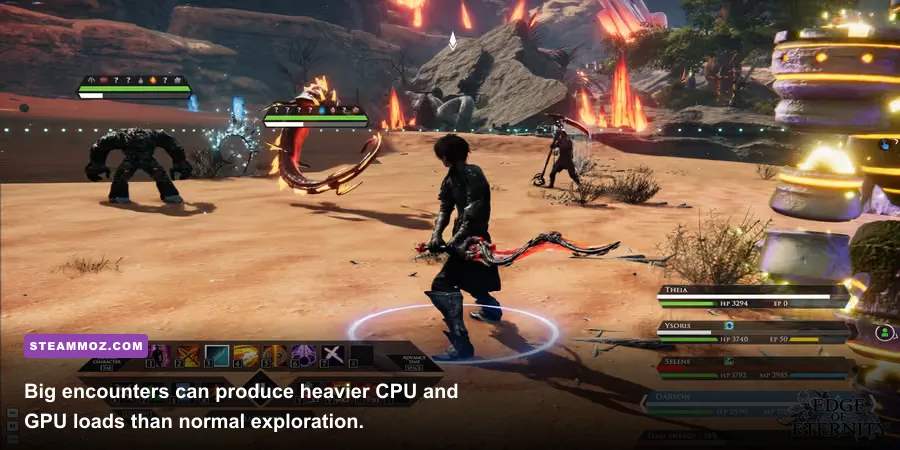
Edge of Eternity is not enormous by modern open-world standards, but its minimum 60GB storage requirement should be taken seriously. Install it on an SSD if you can. The improvement won’t magically increase average FPS, yet it can reduce the feeling that the game is pausing to catch up whenever you enter a new region.
For memory, 16GB is the sweet spot. Eight gigabytes can work with a clean system, but it leaves little room for Windows and background software. If you’re using integrated graphics, the situation is tougher because the GPU borrows system RAM. In that case, dual-channel memory is especially important, though integrated graphics still fall outside the comfortable performance range implied by the recommended specification.
Before troubleshooting, install the latest stable graphics driver, verify the game files in Steam, and disable unnecessary overlays. Monitor CPU and GPU temperatures during a long outdoor session rather than judging performance from the opening menu. If clocks drop after 20 minutes, the problem may be cooling rather than inadequate hardware.
Players who enjoy methodical RPG progression may also like our coverage of essential tips for new players. The games are very different, but the same habit applies: test systems in a real gameplay loop instead of trusting the first five minutes.
Should you buy Edge of Eternity on your PC?
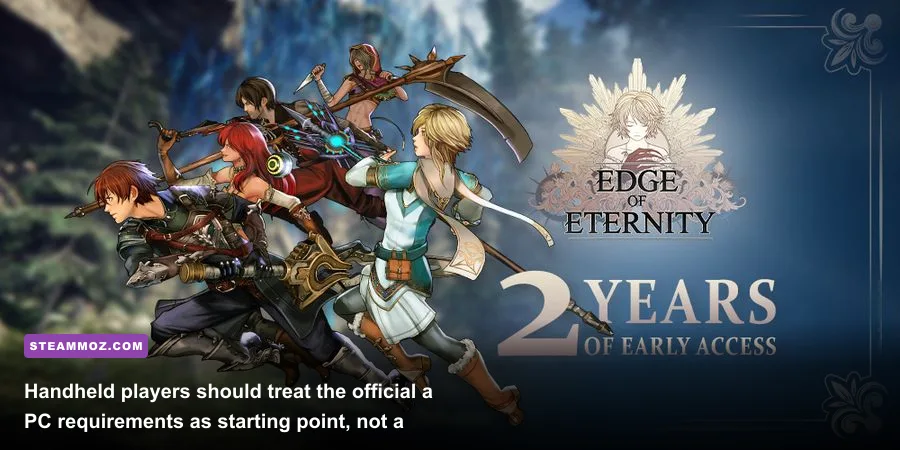
If your machine is close to the minimum specification, Edge of Eternity is still worth considering if you’re comfortable with 30fps and reduced settings. Its turn-based combat means you don’t need esports-level responsiveness, and the visual impact of lowering shadows or post-processing is less damaging than it would be in a pure action game. The experience becomes much easier to recommend with 16GB of RAM and an SSD.
For 1080p high settings, aim for at least the recommended GTX 1070 or RX Vega 56 class, paired with a reasonably modern six-core processor. A newer RTX 3060, RX 6600, or comparable card gives you more useful headroom for busy environments and future driver changes. Laptop owners should check the exact wattage and GPU variant, because a low-power mobile chip can be far behind its desktop namesake.
Before purchasing, compare your hardware with the requirements on the official Edge of Eternity Steam page. You can also check the developer’s official Edge of Eternity website for current project information and follow Midgar Studio for developer updates.
The short version is clear: the minimum specs can launch the game, but the recommended tier is the sensible target for a polished PC playthrough. Prioritize 16GB of RAM, an SSD, and a GTX 1070 or better, then tune shadows, foliage, and post-processing before sacrificing texture quality. That combination gives Heryon room to breathe without forcing you to turn the entire adventure into a blurry low-settings expedition.
If you’re comparing Edge of Eternity with other tactical RPGs, our guide to games like Inkulinati for tactical players is a useful next stop.