
If you're checking whether your PC can run Hunt: Showdown 1896 with the Commedia Della Morte content, the short answer is simple: the DLC doesn't add separate system requirements. You need the base game's current hardware, with 12GB of RAM and a DirectX 11 graphics card; a GTX 1070 or Radeon RX Vega 56-class GPU is the safer recommendation for a smoother 1080p experience. The official Steam listing remains the final authority because Crytek can change performance targets with major engine updates.
Commedia Della Morte is tied to Hunt's grim carnival-themed content rather than being a standalone game. That means you aren't installing a second executable or a separate graphics package. The download, maps, weapons, hunters and engine are all handled through Hunt: Showdown 1896. Before buying, check the official Steam page for the latest listing, free-space requirement and supported operating system.

Hunt: Showdown 1896 minimum and recommended specs
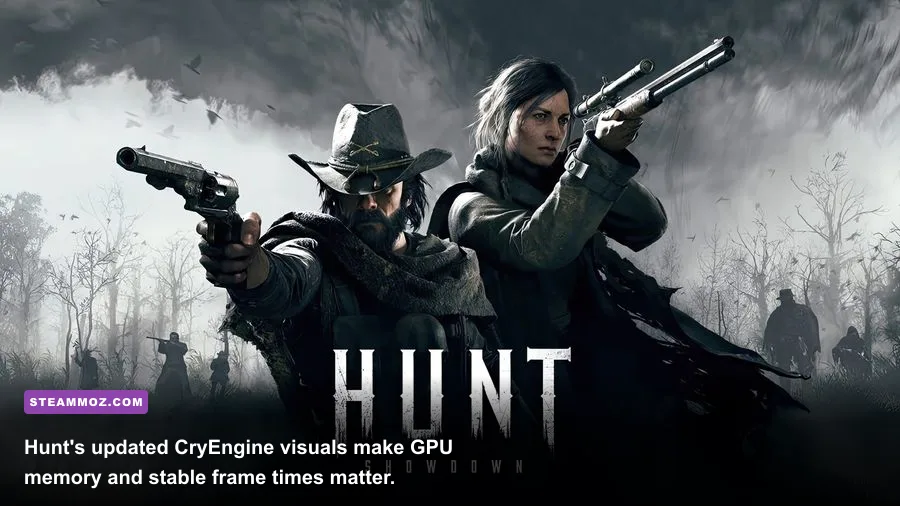
The minimum specification is best understood as an entry point, not a guarantee of a locked 60 frames per second. Hunt is unusually punishing on frame pacing because players move through large outdoor spaces, dense compounds, volumetric effects and long sightlines while the CPU handles a busy multiplayer simulation. A computer that technically boots the game can still feel rough when three hunters collide around a banishing boss lair.
| Component | Minimum | Recommended | What it means in practice |
|---|---|---|---|
| Operating system | Windows 10 64-bit | Windows 10 64-bit or newer supported version | Use a fully updated 64-bit installation; 32-bit Windows is not suitable. |
| Processor | Intel Core i5-8400 or AMD Ryzen 5 1600 | Intel Core i7-8700 or AMD Ryzen 7 2700 | The recommended CPUs offer more headroom for crowded compounds and steadier frame times. |
| Memory | 12GB RAM | 12GB RAM | Close background apps; 16GB is a more comfortable modern target. |
| Graphics card | Nvidia GTX 660 Ti or AMD Radeon R7 370, 2GB VRAM | Nvidia GTX 1070 or AMD Radeon Vega 56 | Recommended-class hardware is much better suited to 1080p play than the minimum tier. |
| DirectX | Version 11 | Version 11 | Your GPU and driver must support DX11. |
| Storage | 75GB available space | 75GB available space | An SSD is strongly preferred for faster loading and fewer texture-streaming hiccups. |
Those numbers come from the game's listed PC requirements, not from Commedia Della Morte specifically. For official notices and technical changes, also keep an eye on Crytek's Hunt: Showdown website and the Steam news feed.
🎮 Hunt: Showdown 1896 - Commedia Della Morte
Looking to experience this game? Grab your digital key directly on our store for $5.49.
View on Steammoz Store →What performance should your PC actually deliver?

Don't read the minimum GTX 660 Ti requirement as a promise of competitive performance. At low settings and reduced resolution, that class of card may launch the game, but its 2GB VRAM and older architecture leave little room for texture streaming. Expect compromises: reduced image clarity, more noticeable stutter when rotating toward a large compound, and less consistent performance during fire, smoke or heavy weather.
The recommended GTX 1070 and Vega 56 are more sensible targets for 1080p. They provide enough GPU bandwidth and VRAM for a useful mix of medium and high settings, although exact frame rates depend on your CPU, map, driver, resolution and current game build. Hunt's competitive advantage comes from consistency rather than a pretty benchmark screenshot. A steady 60fps is generally more valuable than occasional peaks above 100fps followed by sharp drops.
| PC tier | Practical target | Best resolution profile | Main limitation |
|---|---|---|---|
| Minimum tier: i5-8400/Ryzen 5 1600 plus GTX 660 Ti-class GPU | Playable with aggressive low settings | 1080p low or lowered render scale | 2GB VRAM, inconsistent frametimes and limited visual clarity |
| Recommended tier: i7-8700/Ryzen 7 2700 plus GTX 1070/Vega 56 | Comfortable 1080p performance | 1080p medium-high mix | Busy compounds can still expose CPU or engine bottlenecks |
| Modern mid-range PC | Higher refresh-rate play | 1080p high or 1440p optimized | CPU frametimes may matter more than raw GPU power |
| Modern high-end PC | High-refresh 1440p potential | 1440p high with tuned shadows and effects | Performance varies by patch, map conditions and frame cap |
Hunt is also sensitive to frame-time spikes. A 90fps average can feel worse than a locked 60fps if the one-percent lows collapse during a firefight. If you track performance, watch frametime graphs and lows rather than trusting the headline average. Our broader Hunt: Showdown weapon tier list is useful for loadout planning, but no rifle can rescue a PC that keeps hitching during a peek.
Best graphics settings for Commedia Della Morte
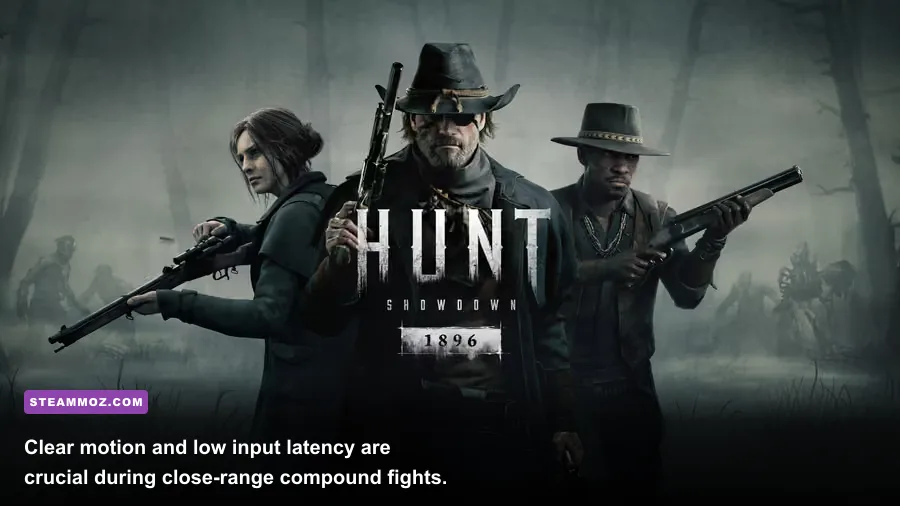
Start with a stable baseline, then raise image quality one option at a time. The goal isn't to make the bayou look flat; it’s to remove expensive effects that add atmosphere but can obscure targets or punish your lows. Keep your native resolution whenever possible, because lowering it too far makes distant hunters blend into foliage and makes iron sights harder to read.
| Setting | Recommended value | FPS impact | Visual or competitive note |
|---|---|---|---|
| Resolution | Native 1080p; use 1440p only with headroom | Very high | Prioritize a clear native image over excessive sharpening. |
| Texture quality | Medium on 4GB GPUs; High on 6GB or more | Medium | Watch VRAM usage; stutter is more damaging than slightly softer textures. |
| Object quality | Medium or High | Medium | Higher values preserve compound detail but cost performance at distance. |
| Shadow quality | Low or Medium | High | One of the easiest settings to reduce when GPU-limited. |
| Lighting and effects | Medium | Medium-high | Fire, smoke and dark interiors can become expensive in fights. |
| Anti-aliasing | Use the clearest available low-cost option | Medium | Test foliage and distant wire edges; excess blur hurts target recognition. |
| Motion blur | Off | Minimal | Cleaner tracking during quick turns and melee encounters. |
| V-sync | Off if using a suitable VRR display | Variable | Use a frame cap if uncapped rendering creates heat or uneven pacing. |
For a minimum-spec machine, choose low shadows, low effects, medium textures if VRAM allows, and a sensible frame cap. For the recommended tier, begin with medium textures, medium shadows, high object quality and effects on medium. If your GPU usage stays below 90 percent while frames dip, the CPU is probably the problem; lowering resolution won't fix that. Close browser tabs, overlays and recording software before blaming Commedia Della Morte.
CPU, GPU and SSD upgrades that matter most
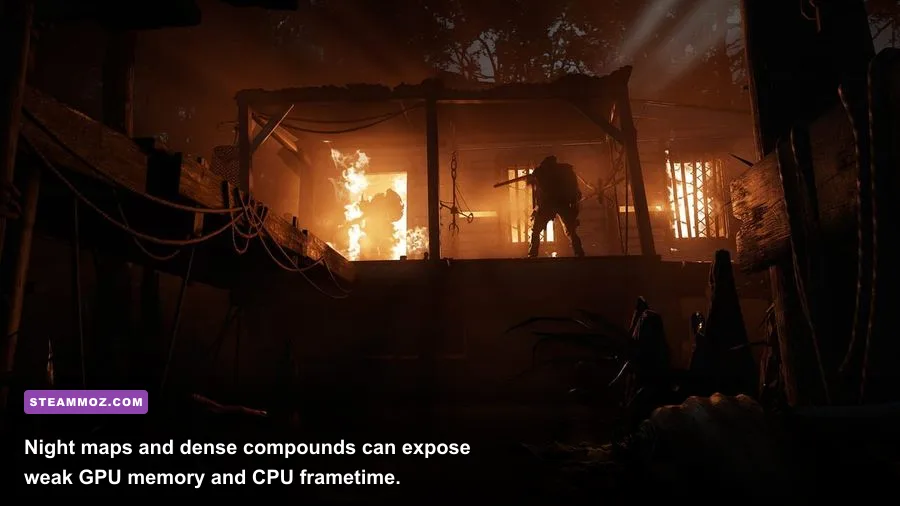
The smartest upgrade depends on the bottleneck. A machine with an i5-8400 and GTX 1070 may be CPU-limited in busy compounds, while a Ryzen 5 1600 paired with a newer 1440p graphics card can still struggle with older single-thread performance. Use an overlay to compare GPU utilization, CPU core activity, RAM consumption and VRAM during an actual match rather than the shooting range alone.
If GPU utilization sits near 99 percent, reduce shadows, effects, resolution or render scale. If utilization is low while the frame rate falls near compounds, lower object quality and cap the frame rate; then investigate CPU temperatures, background processes and power settings. Hunt's large maps make streaming behavior important, so installing the game on an SSD is one of the least glamorous but most worthwhile fixes. It won't magically increase average FPS, but it can reduce loading delays and texture-streaming roughness.
RAM deserves attention too. The official list says 12GB, but a 16GB dual-channel kit gives Windows and the game more breathing room. Single-channel memory can undermine minimum frame rates even when the CPU and GPU look adequate. Enable your motherboard's correct memory profile, update chipset and graphics drivers, and avoid aggressive overclocks until you know the stock system is stable.
For practical PC troubleshooting, compare these steps with our graphics settings performance guide and keep your driver installation clean after a major GPU change. Hunt is sensitive to patches, so record your settings before updating and retest the same map conditions afterward.
Is your PC ready for the Commedia Della Morte update?
Yes, if it meets the recommended profile or a modern equivalent: a six-core processor with solid single-core performance, 12–16GB of RAM, a GPU around the GTX 1070 class or better, and 75GB free on an SSD. That combination won't guarantee a fixed frame rate in every compound, but it gives you enough headroom to tune for clarity without dropping into the muddy low-settings look.
Minimum-spec owners can still play, but they should set expectations correctly. Hunt's minimum target is about compatibility and basic playability, not a flawless competitive experience. The biggest red flags are a dual-core CPU, less than 12GB of RAM, a 2GB graphics card with full VRAM, or a hard drive that spends every match streaming assets.
Commedia Della Morte itself doesn't demand a stronger PC than the base game. Check the official Hunt news page after major updates, keep drivers current, and tune for stable lows instead of chasing a flashy peak number. Once your frame pacing is under control, the real work begins: reading footsteps, holding a compound angle and surviving the hunter who heard you reload through the wall.
If Hunt's particular blend of extraction tension has you hooked, our guide to games like Hunt: Showdown 1896 points toward more tactical alternatives when the bayou is between matches.