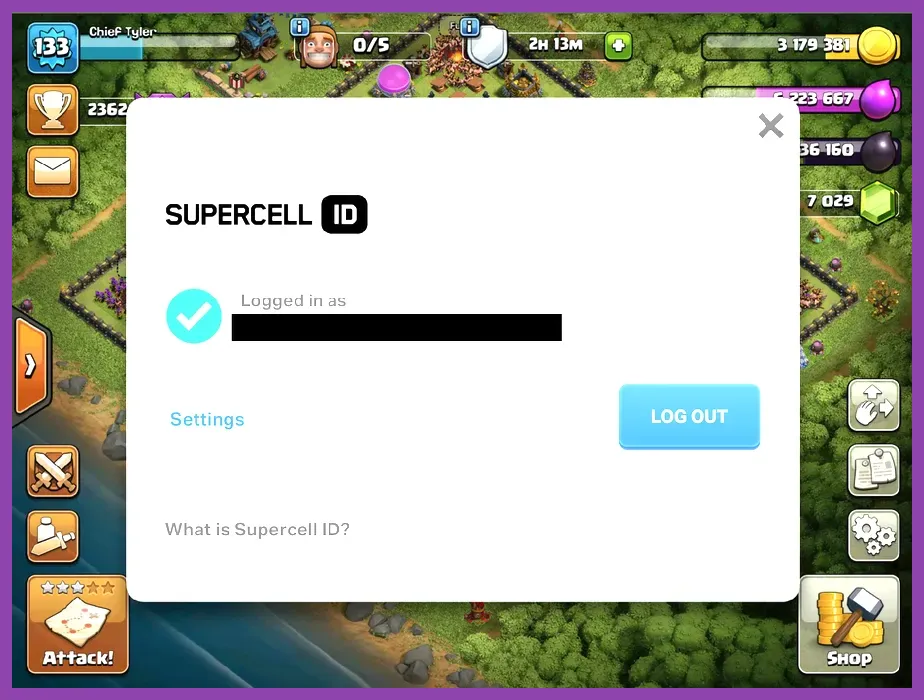
To recover a lost Clash of Clans account, launch the game, open the Settings menu (gear icon), tap Help and Support, select Account, and choose Recover My Account. If your village was previously bound to a Supercell ID, simply enter your registered email address to receive a 6-digit verification code. If you never linked a Supercell ID or lost email access, you must initiate an automated chat session with Supercell support and provide your exact Player Tag (e.g., #2Y8V90RPQ), Village Name, Town Hall Level (e.g., TH12 to TH16), XP Level, Clan Name, and proof of your first in-app purchase transaction receipt.
Method 1: Instant Recovery via Supercell ID
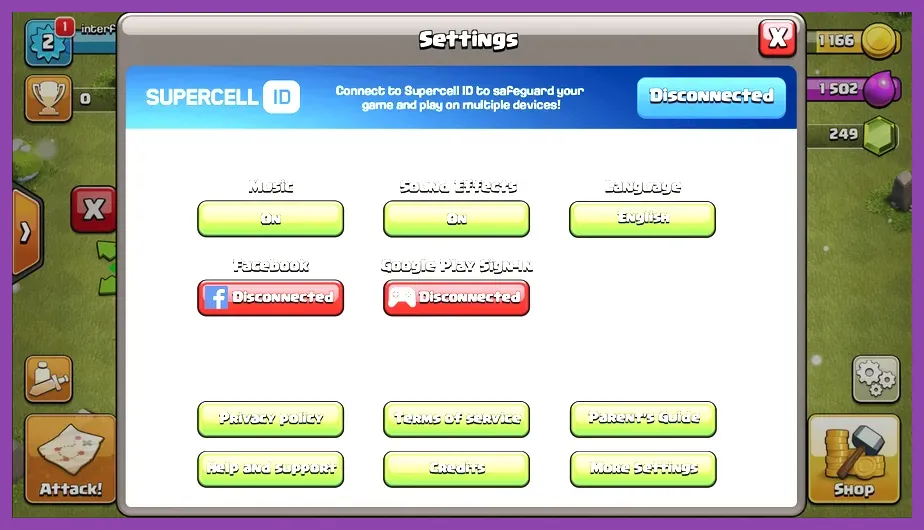
The fastest way to restore access to your village is through the official Supercell ID system. When a player links their base to a Supercell account, progress is saved server-side, making recovery instant across iOS, Android, and PC emulators. If you formatted your device, bought a new smartphone, or cleared game data, your village remains intact on Supercell servers.
To pull your village back to your active screen, follow these direct steps within the app interface:
- Launch Clash of Clans on your smartphone or tablet.
- If the game boots into a fresh Town Hall 1 tutorial, skip or complete the intro sequence until the gear-shaped Settings button becomes clickable on the right side of the screen.
- Tap Settings and locate the banner reading Supercell ID. If it displays "Disconnected," tap the Log In button.
- Select Log In to Supercell ID and enter the exact email address associated with your main account.
- Check your email inbox for a 6-digit authentication code sent by Supercell. Enter this code into the game prompt.
- Confirm the prompt that reads: "Load Village? You are about to load an existing village linked to this Supercell ID." Tap Confirm.
If you play multiple accounts on one device, managing profiles via Supercell ID eliminates login friction. Much like adjusting control profiles or optimization setups detailed in our guide on how to fix lag and low FPS in Assassin's Creed Shadows, organizing your digital logins prevents user errors and save file corruptions.
Method 2: Recovering an Account Without Supercell ID Using Support
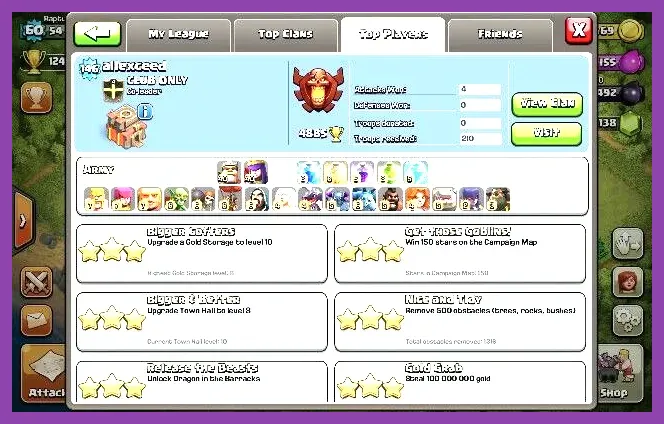
If you lost access to your account before connecting to Supercell ID, or if your registered email service was deleted, manual recovery through Supercell's automated ticket handler (OTTO) is required. This process cross-references public village statistics against internal billing logs to confirm owner identity.
Before launching the in-game support window, assemble the following mandatory data points to ensure your claim is not immediately rejected by anti-fraud filters:
- Player Tag: The unique alphanumeric code printed on your profile card under your username (e.g., #8P9L20RR).
- Exact Account Name: The precise capitalization, spacing, and special characters used in your active village username.
- Town Hall Level: The current upgrade tier of your central Town Hall structure (e.g., Town Hall 14 or Town Hall 16).
- Exact XP Level: The blue level badge number visible in the upper-left corner of your home screen.
- Current Clan Name: The exact name of the Clan your village currently resides in, or was last seen in.
- Purchase Proof: A screenshot of your first-ever in-app purchase receipt (Google Play Order Number starting with
GPA.xxxx-xxxx-xxxx-xxxxxor an official Apple iTunes invoice).
With this information ready, navigate to Settings > Help and Support > Account > Recover My Account. Scroll to the bottom of the article and tap Contact Us (or the message bubble icon in the top-right corner). Select Leave a Message, then click Account Queries followed by Lost Account. The system will prompt you to enter your Player Tag, Town Hall level, and exact username sequentially.
For players transitioning between platform ecosystems, maintaining accurate account records is just as essential as tracking character builds, similar to managing inventories in mobile titles like Minecraft PE Edition or managing your reroll steps in Subway Surfers.
How to Find Your Clash of Clans Player Tag and Account Details
The single most critical piece of data for restoring a lost base is the Player Tag. If you cannot log into your account, finding this unique identifier requires third-party or social methods. Without a correct tag, automated support systems cannot pinpoint your base within Supercell's massive server databases.
Using External Databases and Tools
If you know your old username or Clan name, you can track down your inactive profile using public Clash API tools like Clash of Stats. Type your old username or Clan name into the search bar. The tool will generate your full profile card, displaying your exact Player Tag, historic Clan migrations, and exact XP level.
Contacting Clan Mates or Friends
If your village is currently in a active Clan, ask a Clan leader, co-leader, or member to open the Clan roster, tap on your inactive account, and copy your Player Tag directly to a message board or chat app. If you are linked through Game Center or Google Play Games, friends can inspect your profile from their friend list window.
Gathering key resources and data before tackling a problem is standard practice in competitive titles, much like preparing structural assets in our Persona 3 Reload skills unlock guide or reviewing mechanics in Marvel Rivals beginner guides.
Restoring Access via Google Play Games and Apple Game Center
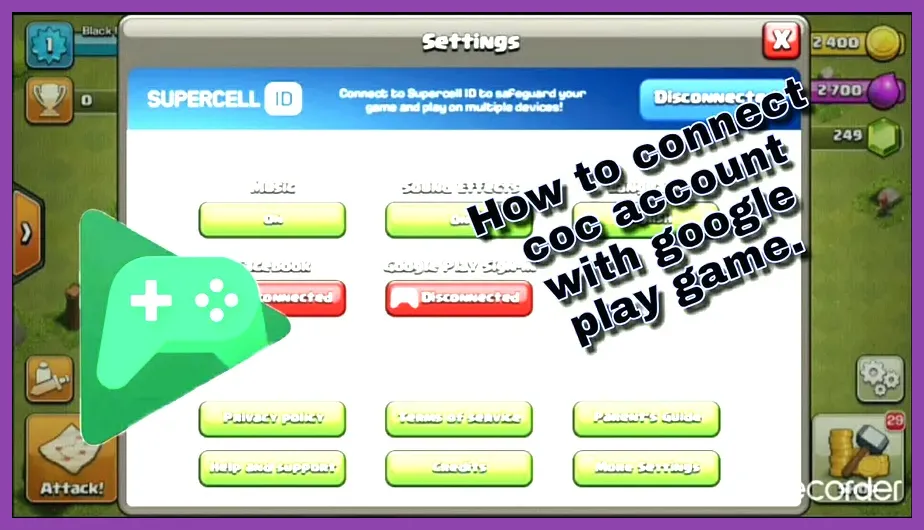
Legacy accounts created prior to the release of Supercell ID were tied directly to Android's Google Play Games or Apple's Game Center cloud synchronization framework. If you played years ago and are installing the app on a fresh device using the same operating system, cloud sync can recover your progress instantly.
To restore a legacy base on Android devices:
- Ensure your mobile device is signed into the exact primary Google Account used when you originally created the village via Android settings.
- Download and open the official Clash of Clans Android app.
- Open Settings, locate the Google Play Sign-In button, and toggle it to Connected.
- Select your original Google Play profile. If an unlinked village exists on that profile, a pop-up menu will present your Town Hall level and prompt you to override the local tutorial village.
To restore a legacy base on iOS (iPhone/iPad):
- Open device Settings on your iPhone or iPad, scroll down to Game Center, and switch the toggle to On.
- Sign in with the primary Apple ID tied to your historical gameplay.
- Launch Clash of Clans. The iOS Game Center banner will drop down from the top of your screen, displaying your nickname.
- If linked, the game will automatically ask if you wish to load your cloud save file.
Recovering a Hacked, Stolen, or Compromised Village
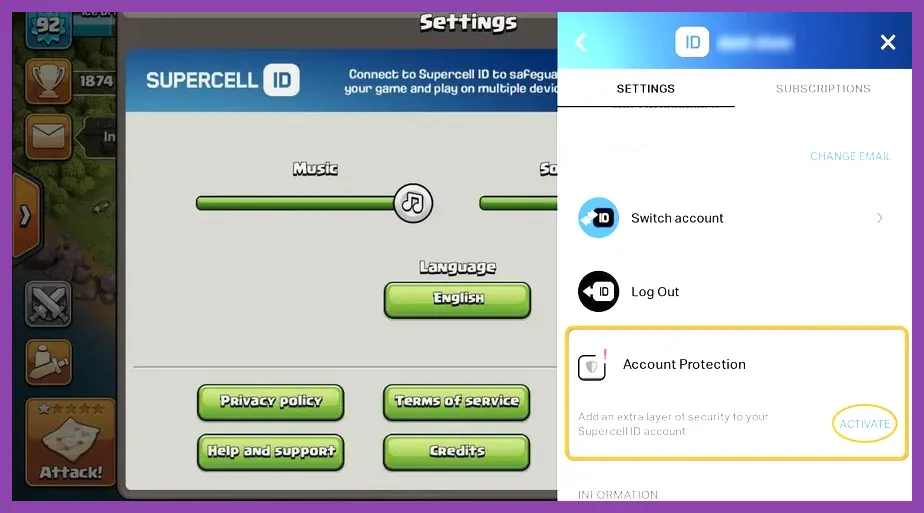
If an unauthorized user gained access to your email account, unlinked your Supercell ID, or changed your Account Protection security preferences, standard automated prompts will fail. You must submit a priority account compromise ticket directly to Supercell Support.
When an account is flagged as compromised, support representatives freeze the village temporarily to prevent further changes by attackers. During human agent verification, you must prove original account ownership beyond a shadow of a doubt. Agents will request:
- Device History: The exact device models used to access the account throughout its lifetime (e.g., iPhone 11, Samsung Galaxy S21, iPad Air 4).
- Location History: The city and country where the account was initially created, along with any major cities you played in while traveling.
- First Purchase Receipt: A clear, unredacted purchase receipt sent via Google Play or Apple billing emails. Transaction codes must show full text.
- Previous Name Changes: A chronological list of previous usernames assigned to the account before it was compromised.
If successful, Supercell agents will bind your base to a completely new, secure email address provided by you, revoking access from all active sessions globally. Managing account security protocols requires deliberate attention, similar to optimizing complex progression paths outlined in our guide for how to level up fast in Dragon Ball Sparking Zero.
Securing Your Base to Prevent Future Account Loss
Once your Clash of Clans account is successfully recovered, immediate security upgrades should be implemented to guarantee your Town Hall remains protected from unauthorized log-ins, phishing attempts, or device failures.
Enable Supercell ID Account Protection (2FA)
Supercell ID includes an advanced 2-Factor Authentication (2FA) security protocol known as Account Protection. Once enabled, no person—including support agents—can alter your security settings or transfer your account without explicit access to your physical phone number or offline recovery codes.
To enable Account Protection on your recovered account:
- Open Settings and tap your connected Supercell ID profile name.
- Tap the gear icon inside the Supercell ID dashboard to enter Account Settings.
- Scroll down to Account Protection and select Switch On.
- Enter your phone number to receive SMS confirmation codes.
- Save the 12 generated Recovery Codes in a secure location (e.g., a physical notebook or secure password manager).
Never share these 12-digit recovery codes with anyone. Supercell staff will never ask for your recovery keys or full account passwords. By linking your active village to a permanent Supercell ID and protecting it with two-factor authentication, your Clash of Clans progress remains safe across all future hardware upgrades and mobile platforms.