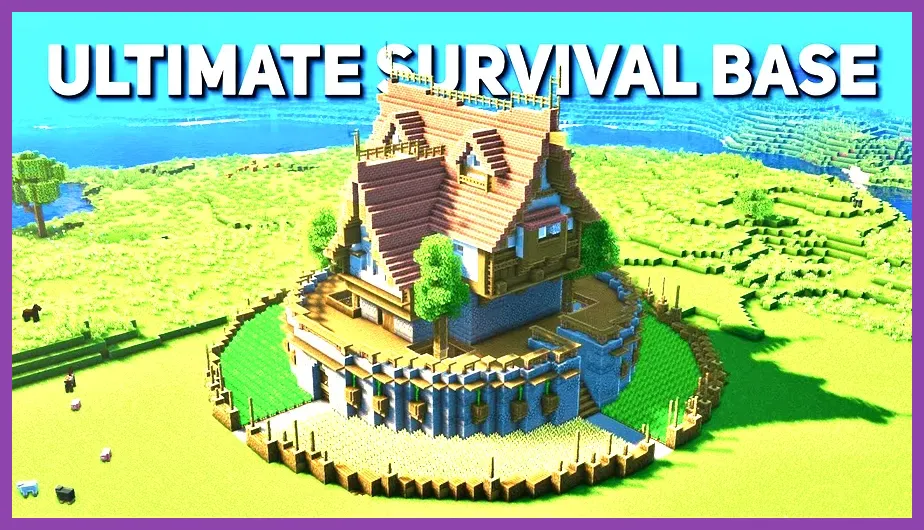
Minecraft PE (officially maintained under the unified Bedrock Engine on iOS and Android) is 100% worth playing if you want the complete, uncompromised sandbox survival experience in your pocket for a low one-time cost of $6.99. The mobile port has evolved from a feature-stripped demo into a full-fledged engine build featuring 1:1 gameplay parity with Xbox Series X|S, PlayStation 5, Nintendo Switch, and Windows PC. Whether you are exploring underground structures, building complex redstone contraptions, or battling the Wither with friends across different platforms, Minecraft PE delivers the standard Bedrock experience on modern smartphones and tablets without sacrificing key mechanic systems.
Complete Content Parity with Bedrock Console and PC
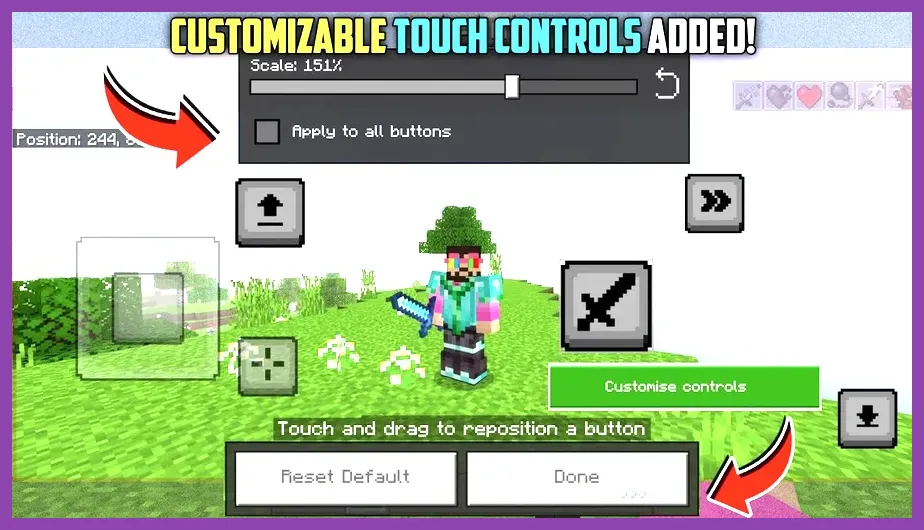
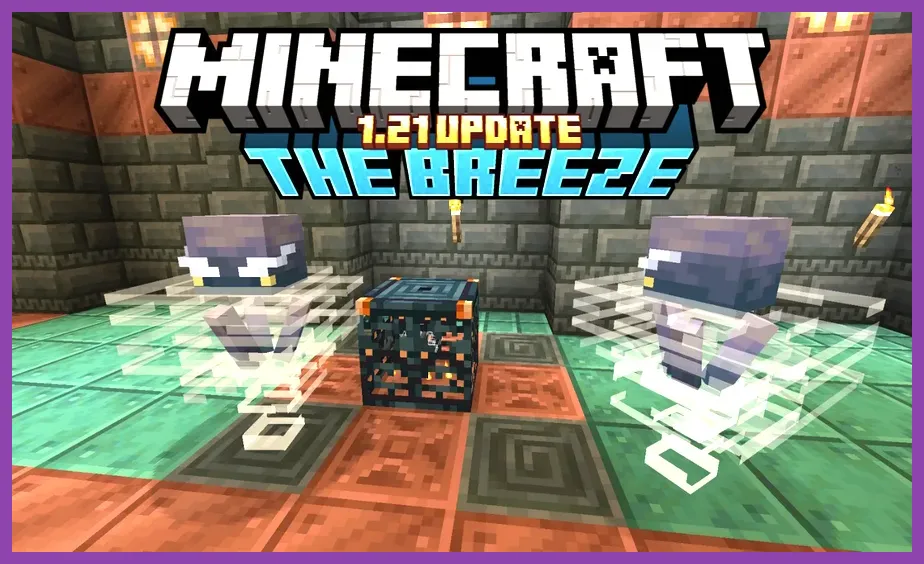
Gone are the days when Minecraft Pocket Edition lagged years behind its desktop counterpart. Running on Mojang's Render Dragon engine, Minecraft PE receives day-and-date updates alongside every other platform. Mobile players enjoy immediate access to high-profile additions like the 1.21 Tricky Trials update, featuring underground Trial Chambers, the wind-controlling Breeze mob, Vault reward blocks, the Crafter automated redstone block, and the heavy-hitting Mace weapon. Every biome, mob structure, generated dungeon, and high-tier boss encounter present on PC Bedrock exists natively within the mobile client.
For players dedicated to survival mechanics, world generation behaves identically to other platforms. World seeds yield exact terrain matches across Android, iOS, and PC. Mechanics like nether portal linking, villager trading halls (including cured zombie villager discount caps), potion brewing cycles, and end city elytra hunting function identically. You can reference official game databases on the Minecraft Wiki or developer updates directly from Mojang Studios without worrying about mobile-specific discrepancies.
The primary area where parity diverges is between Bedrock Edition (which mobile uses) and Java Edition (exclusive to PC). Minecraft PE shares standard Bedrock quirks, such as the absence of Java's redstone quasi-connectivity, different piston push limits, and variable observer tick timings. Furthermore, spawning mechanics use Bedrock's global and density cap system rather than Java's mob cap based on player proximity. If you are comfortable with standard Bedrock mechanics, the mobile version leaves nothing behind in terms of core content.
Touch Controls vs. Physical Controller Ergonomics
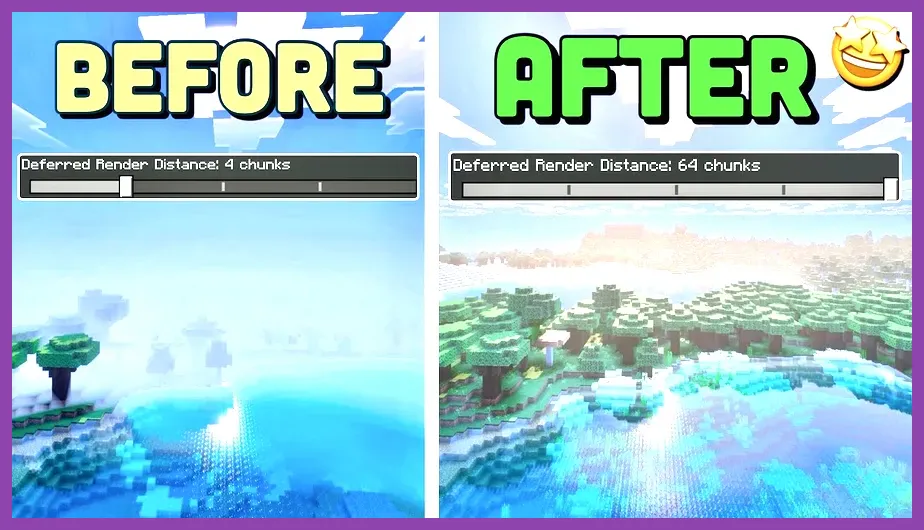
Touchscreen controls are traditionally the weakest link in mobile first-person titles, but Mojang has drastically improved input flexibility for mobile players. The touch interface provides three primary control schemes: Classic (d-pad arrows with right-side action buttons), Touch (tap-to-break and drag-to-look dynamic controls), and Crosshair (a fixed center reticle with dedicated jump, sneak, fly, attack, and place buttons). The Crosshair mode, combined with customizable HUD sizing, button opacity adjustment, and screen position tweaking, allows players to create an operational layout tailored to their grip style.
Fast-paced gameplay elements like elytra flying, rapid bridging, water-bucket landing (MLG water drops), and competitive PvP sword swapping remain noticeably harder on touchscreens than on a mouse and keyboard or physical gamepad. Precision placing during large-scale builds requires steady thumb discipline, and quick hotbar switching during hectic boss fights against the Ender Dragon or Warden can feel cluttered during intense moments. If you struggle with glass touchscreens, much like players tweaking sensitivity settings in mobile shooters or checking guides like our Subway Surfers optimization strategies, hardware customization remains key.
Fortunately, Minecraft PE offers full native physical controller support via Bluetooth and USB-C. Connecting an Xbox Wireless Controller, PlayStation DualSense, Razer Kishi, or Backbone One instantly transforms the user interface into the standard console layout. Button prompts shift automatically, analog stick dead zones can be adjusted in the settings menu, and latency is virtually imperceptible on modern Bluetooth 5.0+ or direct type-C connections. With a clamp controller attached, playing Minecraft PE feels indistinguishable from playing on a Nintendo Switch or Steam Deck.
Mobile Performance, FPS Optimization, and Battery Consumption
Performance on mobile devices is remarkably high thanks to optimized C++ codebase integration. Mid-range smartphones equipped with processors like the Snapdragon 7 Gen 1 or MediaTek Dimensity 8000 easily lock to a smooth 60 FPS at medium render distances. Flagship devices featuring the Apple A17 Pro or Snapdragon 8 Gen 3 can push high frame rates up to 120 FPS on high-refresh-rate displays (ProMotion/120Hz screens) with expanded render distances reaching 20 to 24 chunks.
To achieve an optimal balance between visual clarity and thermal stability, players should fine-tune their in-game video settings. High thermal throttling can drop frame rates drastically during prolonged sessions. If your phone experiences frame drops or heat build-up—similar to performance throttling analyzed in our Overwatch 2 PC performance guide—apply the following optimized graphics profile:
- Render Distance: 8–12 Chunks (Mid-Range) | 16–20 Chunks (Flagship Devices)
- Max Framerate: Match Screen Refresh Rate (60 FPS / 120 FPS) or cap at 60 FPS for battery saving
- Anti-Aliasing: 2x (Provides crisp block edges without choking the GPU band)
- Fancy Graphics: On (Toggle Off on budget hardware to boost frame consistency)
- Beautiful Skies & Smooth Lighting: On
- Fancy Bubbles & Render Clouds: On
- Particle Render Distance: 50% (Helps stabilize frame rates near large nether lava lakes or heavy redstone farms)
Battery drainage remains a factor during long play sessions. At 60 FPS with bright display levels, Minecraft PE consumes roughly 15% to 22% battery per hour on standard 5000mAh mobile batteries. Reducing your render distance down to 8 chunks and capping target frame rates to 60 FPS significantly lowers power draw and prevents performance stutter caused by thermal throttling.
Cross-Play Multiplayer, Realms, and Dedicated Server Ecosystem
One of Minecraft PE’s biggest advantages is its unified multiplayer system powered by free Microsoft Xbox Live integration. Mobile players can seamlessly join friends playing on Xbox, PlayStation, Switch, and Windows PC without needing separate platform subscriptions. Joining a friend’s local survival world, sending invitations, and communicating via text chat or system party chat works directly out of the box over Wi-Fi or high-speed 5G cellular connections.
For persistent online worlds, Minecraft PE fully supports official Minecraft Realms and Realms Plus subscriptions. A Realm host can maintain an online 2-player or 10-player world hosted on Microsoft servers, letting mobile players drop in and out anytime even when the world creator is offline. Realms Plus also provides access to a rotating catalog of over 50 Marketplace community packs, texture sets, and adventure maps accessible directly from the mobile interface.
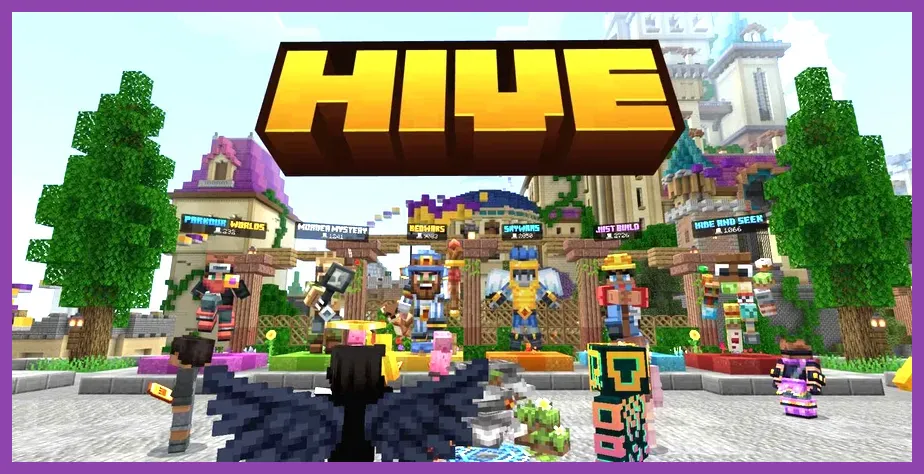
Beyond official realms, mobile players can connect to official featured Bedrock partner servers such as The Hive, CubeCraft, Lifeboat, and Galaxite. Minigames like SkyWars, BedWars, Hide and Seek, and Parkour run smoothly with dedicated mobile UI adjustments. Android users can also add custom third-party server IP addresses manually, allowing connection to private dedicated servers hosted via official Bedrock Dedicated Server (BDS) software or GeyserMC proxy servers (which let Bedrock mobile clients join Java Edition multiplayer servers).
Add-Ons, Customization, and Marketplace Economy
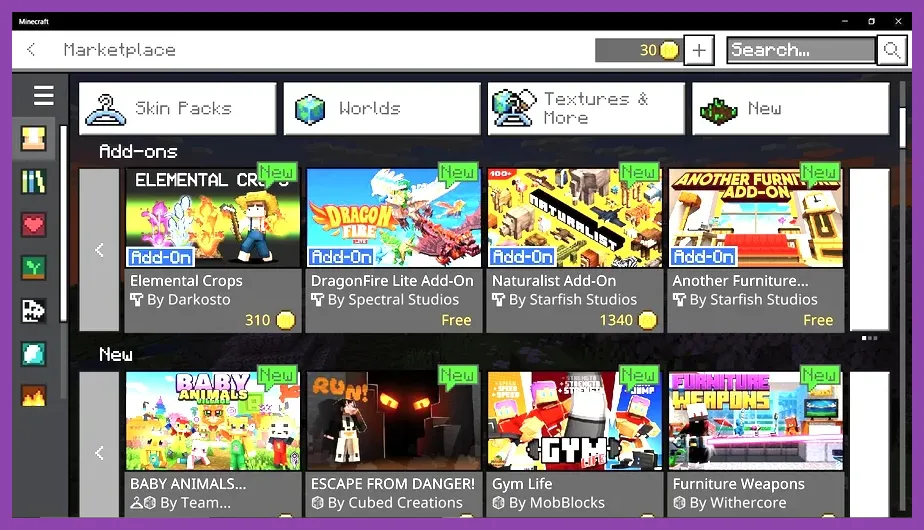
Customization in Minecraft PE operates through two distinct avenues: the official built-in Minecraft Marketplace and community-created add-ons (.mcpack and .mcworld files). The Marketplace utilizes Minecoins (purchasable via app stores) to grant access to professionally created texture packs, skin packs, custom audio overhauls, and complete story adventures created by top community teams.
If you prefer free community content, Android and iOS platforms support external file importing. Sites like MCPEDL allow players to download custom behavior packs, high-resolution resource packs, shaders compatible with the Render Dragon pipeline, and custom survival maps. Importing them is straightforward: tapping a downloaded `.mcaddon` or `.mcpack` file launches Minecraft PE automatically and imports the assets straight into your active world global resources settings.
While Bedrock add-ons use JSON scripts and behavior modifications rather than the deep Java code alterations enabled by Forge or Fabric (found in massive PC modpacks), modern Bedrock Add-Ons have expanded dramatically. Players can install custom furniture systems, new hostile mobs, custom weapon sets with unique hit animations, and mini-bosses without needing to jailbreak or root their mobile devices. For gamers exploring gear progression in other titles, such as managing gear efficiency in our Enshrouded armor locations guide, tinkering with custom Minecraft PE armor and weapon packs offers a similar sense of personalization.
Price-to-Value Ratio and Final Verdict
Evaluating Minecraft PE comes down to sheer value. Priced at $6.99 as a standard digital purchase on the Official Minecraft Website store redirects (Google Play Store and Apple App Store), it is arguably the single best dollar-per-hour entertainment investment available on mobile devices. Unlike the majority of modern mobile titles cluttered with aggressive microtransactions, stamina meters, or pay-to-win mechanics, Minecraft PE is a complete, premium title with zero gameplay paywalls.
While touch controls require a short adjustment period for fast actions, full controller support removes input barriers completely. When paired with native 120 FPS performance capabilities on modern smartphones, full Bedrock cross-play multiplayer, and day-and-date parity with major game updates, Minecraft PE remains an essential title for survival, building, and sandbox fans. Whether you plan to build massive redstone structures during your daily commute or embark on long multiplayer survival campaigns with friends on PC and console, Minecraft Pocket Edition remains entirely worth buying.