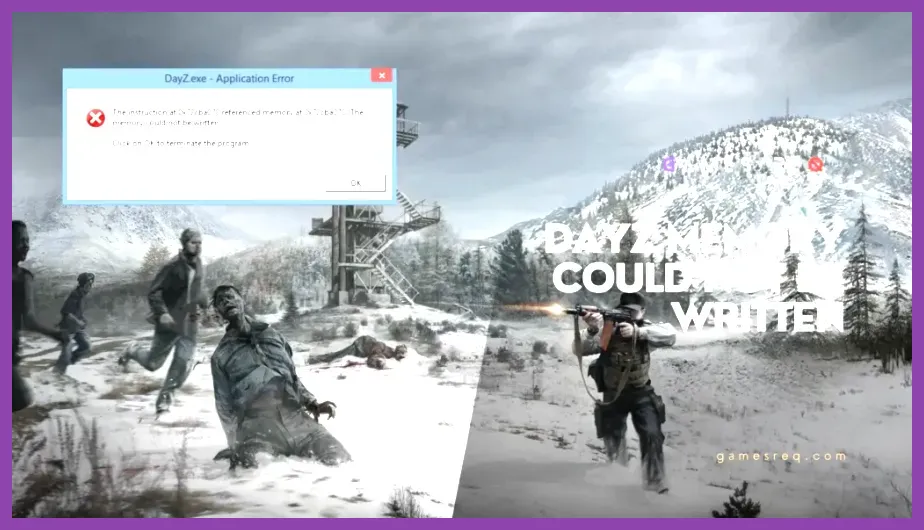
To immediately fix crashing on PC in DayZ, you need to verify your game cache integrity via Steam, disable Steam Overlay, update your GPU drivers, and clear corrupted script logs within your local AppData folder. DayZ is notoriously sensitive to corrupted local files, aggressive overclocks, and memory leaks caused by outdated mods running on servers like DayZ on Steam. Whether your game is throwing a generic error code, freezing during a firefight near the NWAF, or instantly desktop-crashing upon launch, applying these systematic technical fixes will stabilize your client.
Verify and Repair Corrupted Game Files
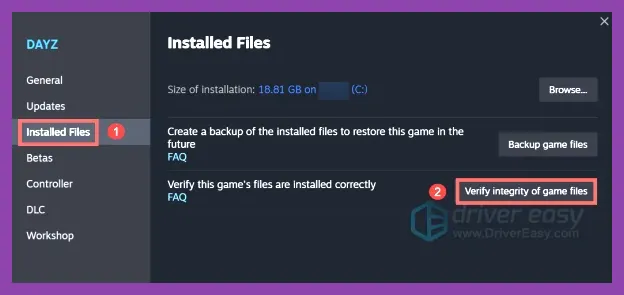
Corrupted installation files are the leading cause of random crashes during map loading or server connection. When you patch the game or download community maps, missing textures or broken scripts can cause hard crashes. Running an integrity check forces Steam to scan every single asset against the official database hosted on the official DayZ website and replace anything that is broken.
Open your Steam Library, right-click on DayZ, and select Properties. Navigate to the Installed Files tab and click on Verify integrity of game files. This process typically takes between 3 to 5 minutes depending on your storage drive speed. If you experience persistent storage stutter alongside crashes, consider cross-referencing optimization steps found in our Genshin Impact lag and FPS guide for general Windows performance hygiene.
Clear Local AppData and Script Logs
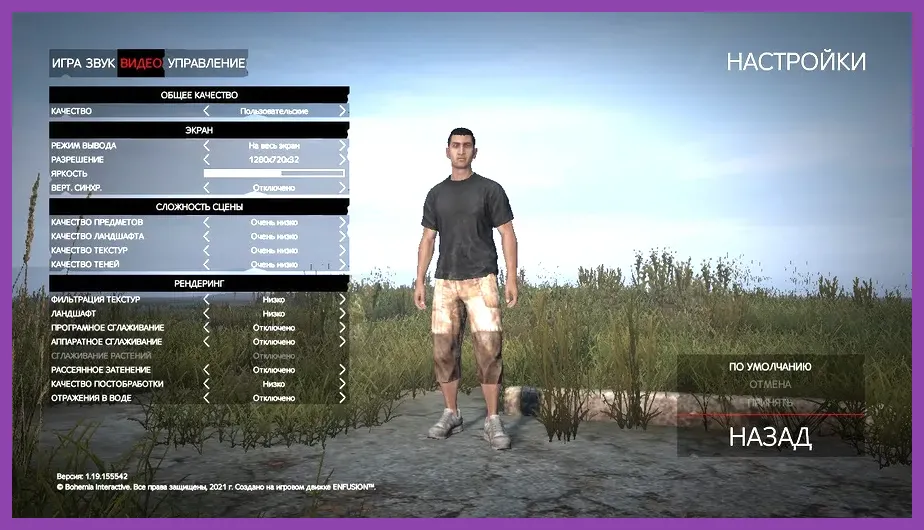
DayZ stores cached user configurations, server scripts, and local logs in your hidden Windows AppData directory. When these cache files become bloated or corrupted, they trigger crash-to-desktop (CTD) events, particularly when joining heavily modded community servers.
Press Windows Key + R, type %localappdata%, and press Enter. Locate the DayZ folder inside this directory. Safely delete the contents inside this folder (or move them to your desktop as a backup). The game will automatically regenerate clean configuration files the next time you launch it. For similar troubleshooting procedures regarding game crashes in competitive shooters, consult our detailed walkthrough on how to fix crashing on PC in Valorant.
Reinstall and Troubleshoot BattlEye Anti-Cheat
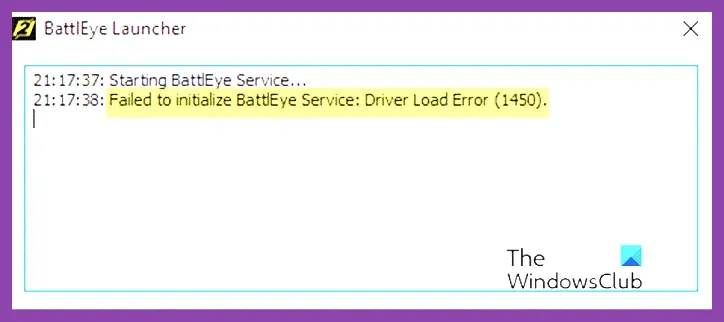
Many unexpected crashes accompanied by an immediate shutdown without a generated error log are caused by BattlEye initialization failures or conflicts with background antivirus software. Ensuring your anti-cheat service has proper administrative permissions is vital for stable sessions.
Navigate to your main DayZ installation directory (usually found at C:\\Program Files (x86)\\Steam\\steamapps\\common\\DayZ). Inside the folder, locate the BattlEye subfolder and run the Install_BattlEye.bat batch file as an administrator. Additionally, make sure your Windows Defender or third-party antivirus has an exclusion rule set for the entire DayZ directory.
Optimize Graphic Settings and VRAM Allocation
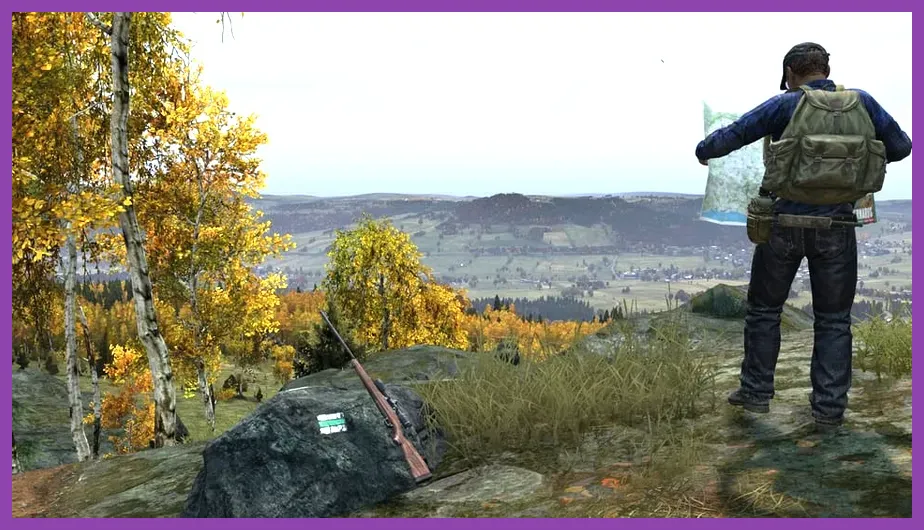
Pushing your GPU or VRAM beyond its physical limits while playing DayZ on high-population servers will cause DirectX crashes. Adjusting specific rendering parameters reduces memory overhead and prevents GPU driver timeouts.
- Texture Detail: Set to High or Medium based on your GPU's VRAM capacity.
- Objects Detail: Keep at Normal to reduce CPU bottlenecking in cities like Chernogorsk.
- Cloud Quality: Set to Low or Disabled, as volumetric clouds frequently trigger rendering stutters.
- Hardware Antialiasing: Set to FXAA Medium to balance visual clarity and rendering stability.
If you enjoy complex survival management games that demand rigorous hardware tuning, you will find valuable system balancing insights in our Frostpunk 2 starting build guide. Furthermore, if you are looking to explore other demanding open-world titles that require strict memory management, check out our recommendations in the Sea of Thieves leveling guide.
Manage Workshop Mods and DZSA Launcher Conflicts
Playing on community servers requires downloading dozens of community-made mods via the Steam Workshop. Outdated mods, missing dependencies, or conflicting signature files (.bikey) will instantly crash your game during the loading screen.
Instead of launching through the default Steam client, download and use the DZSA Launcher or the official DayZ Launcher. These specialized launchers automatically detect out-of-date workshop items, download missing dependencies, and verify mod signatures before attempting to connect to a server. If a specific server continues to crash your game, unsubscribe from its required mods via Steam, restart your client, and let the launcher download a fresh copy of the mod files.