
Deus Ex: The Fall is remarkably easy to run by modern standards. The official PC requirements call for only a 2 GHz dual-core CPU, 2 GB of RAM, and an NVIDIA GeForce 8800 GT or AMD Radeon HD 3850 at minimum. Recommended specs rise to a 2.4 GHz dual-core processor, 4 GB of memory, and a GeForce GTX 460 or Radeon HD 5850. Any reasonably modern laptop or desktop should clear those targets, although Windows compatibility, resolution, and the game's older PC port matter more than raw hardware power.
Released on PC in 2014 after launching on mobile, Deus Ex: The Fall follows former SAS mercenary Ben Sax through a conspiracy involving the Tyrants, Belltower Associates, and the drug supply keeping augmented people alive. It uses Unreal Engine 3, so you won't need a gaming powerhouse. The real question is whether your system can deliver stable frame pacing while handling the game's lighting, shadows, and crowded hubs without turning stealth encounters into a stuttery mess.
Deus Ex: The Fall minimum and recommended PC specs
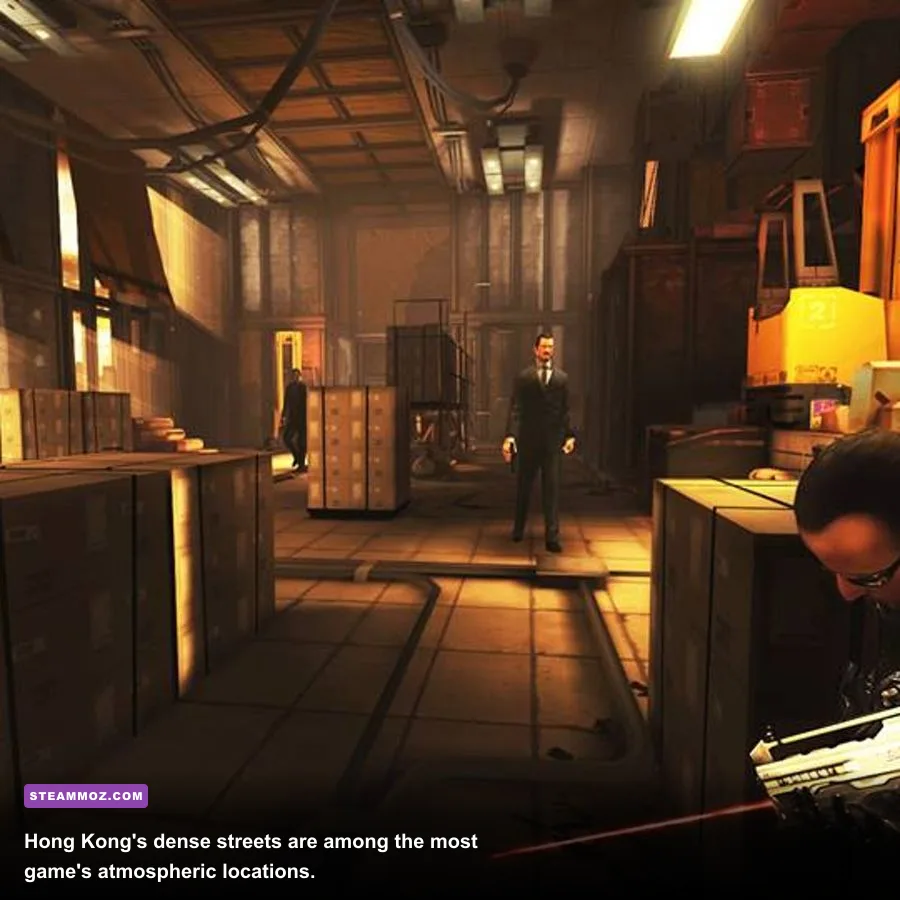
The table below reflects the published PC targets used for the Steam version. These are old-school requirements: the minimum GPU is from the DirectX 10 era, while the recommended graphics cards are now entry-level or weaker than integrated graphics found in many current CPUs. Storage is also modest at 4 GB, though you should leave extra room for the operating system, shader caches, and save backups.
| Component | Minimum | Recommended | What it means today |
|---|---|---|---|
| Operating system | Windows 7 | Windows 7 | Windows 10 and Windows 11 generally exceed the listed target |
| Processor | 2 GHz dual core | 2.4 GHz dual core | Most modern Core i3, Ryzen 3, and laptop CPUs are comfortably faster |
| Memory | 2 GB RAM | 4 GB RAM | 4 GB is the practical floor on a modern system with background apps |
| Graphics | GeForce 8800 GT or Radeon HD 3850 | GeForce GTX 460 or Radeon HD 5850 | Modern integrated graphics should usually outperform these cards |
| DirectX | Version 9.0c | Version 9.0c | Current Windows installations provide the required legacy support layer |
| Storage | 4 GB available | 4 GB available | An SSD is strongly preferred for faster loading and fewer interruptions |
The minimum specification should be treated as a launch threshold, not a promise of flawless 1080p performance. A system built around an old 8800 GT may start the game, but expect to use medium or low settings and possibly a 720p resolution. The recommended GTX 460 target is much more realistic for 1080p, especially if you want high textures and cleaner shadows.
For the official listing, check the Deus Ex: The Fall Steam page. The game's original publisher information is also available through the Eidos-Montréal game archive.

🎮 Deus Ex: The Fall
Looking to experience this game? Grab your digital key directly on our store for $1.99.
View on Steammoz Store →What hardware do you actually need for 1080p?
You don't need to match the recommended parts exactly. The GTX 460 and Radeon HD 5850 are more than a decade old, and even a modest current integrated GPU can often beat them in raw shader performance. The bigger factor is the rest of your system: older dual-core CPUs can struggle with Windows background tasks, while 4 GB of total RAM leaves almost no breathing room for Steam, a browser, and overlays.
Practical modern targets
For 720p at medium settings, aim for any recent Intel UHD or AMD Radeon integrated GPU, 4 GB of system memory, and a modern dual-core or quad-core CPU. For 1080p at high settings, 8 GB of RAM and a recent integrated GPU or entry-level discrete card will be plenty. A GTX 750 Ti, GTX 1050, Radeon RX 550, or newer equivalent should have no trouble with the game's relatively light rendering load.
A 60Hz monitor is a sensible target. The Fall isn't a twitch shooter, and its cover mechanics, stealth takedowns, and dialogue choices don't benefit much from chasing 144 frames per second. Stable frame delivery matters more. If your frame rate jumps between 45 and 100 FPS, a locked 60 FPS profile will feel better during firefights and when moving through the Hong Kong hub.
| Target | CPU and RAM | GPU class | Expected settings |
|---|---|---|---|
| 720p / 30 FPS | Older dual core / 4 GB | 8800 GT-class hardware | Low to medium, reduced shadows |
| 1080p / 60 FPS | Modern dual core or quad core / 8 GB | GTX 750 Ti or modern integrated GPU | High settings with selective shadow reduction |
| 1440p / 60 FPS | Recent quad core / 8 GB | GTX 1050 Ti, RX 560, or better | High settings, test anti-aliasing first |
| 1080p laptop play | Recent Core i3 or Ryzen 3 / 8 GB | Intel Iris Xe, Radeon 680M, or better | Medium to high, plugged in for full clocks |
Integrated graphics performance can vary wildly by memory configuration. A laptop with one 8 GB stick may run in single-channel mode, while two 4 GB sticks can give an integrated Radeon or Intel GPU substantially more bandwidth. If you're playing on a notebook, plug it in, select the high-performance power profile, and close browser tabs before blaming the game for low FPS.
Best Deus Ex: The Fall graphics settings for smooth FPS
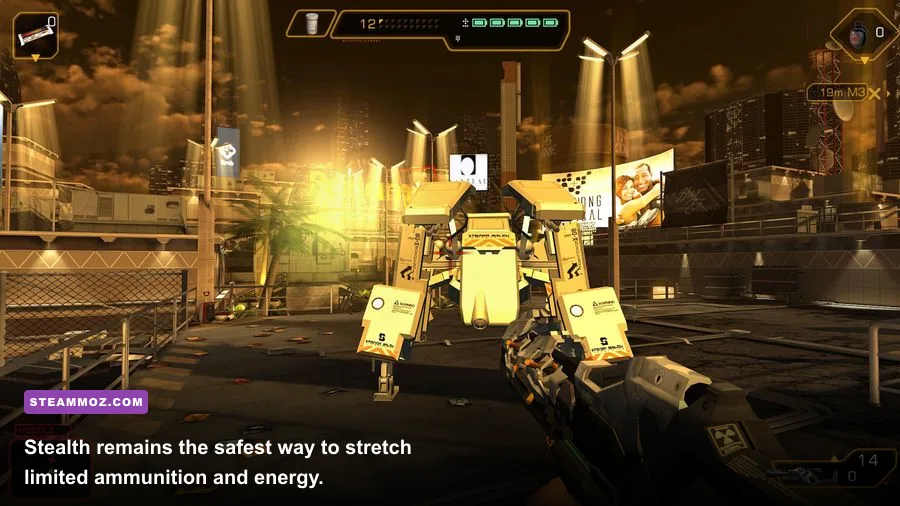
The PC version doesn't offer the huge settings menu found in modern Deus Ex releases, but the options it does provide still have a clear performance hierarchy. Resolution is the first major lever. Dropping from 1080p to 900p or 720p reduces the number of pixels every effect must process, while lowering shadows usually produces the best visual-to-performance trade-off.
| Setting | Recommended value | FPS impact | Visual trade-off |
|---|---|---|---|
| Resolution | Native 1080p, then 900p if needed | Very high | Lower values look softer, especially on a monitor |
| Texture quality | High if VRAM allows | Low to medium | High preserves faces, weapons, and wall detail |
| Shadows | Medium | Medium to high | Lower shadows can flatten rooms but rarely hurt clarity |
| Anti-aliasing | Use the lowest clean option | Medium | Reducing it helps older GPUs with jagged edges |
| Effects and lighting | High on modern GPUs | Medium | Lower values reduce atmosphere in neon-lit areas |
| V-sync | Enable for 60Hz displays | Variable | Removes tearing but can add latency or stutter |
Start with the recommended preset, then lower shadows before textures. Textures consume video memory but usually don't hammer the GPU once loaded; shadows require repeated scene calculations and can punish older cards in outdoor areas. If you see hitching rather than consistently low FPS, install the game on an SSD and disable unnecessary overlays from Steam, Discord, or GPU software.
For a broader approach to tuning older PC games, our guides on Huntdown PC requirements and Genesis Noir graphics settings cover the same important principle: target consistent frame pacing instead of blindly maxing every slider.
Does Deus Ex: The Fall run well on modern Windows PCs?

Usually, yes. The engine is light, and modern CPUs have vastly more headroom than the listed 2 GHz dual-core requirement. Still, older PC ports can behave differently across hardware combinations. If the game launches to a black screen, crashes during startup, or refuses to use your preferred resolution, verify the installation through Steam first and update your GPU driver before experimenting with compatibility settings.
Windows 10 and Windows 11 users should also check display scaling if the launcher or menus look unusually small. High-DPI scaling can make an older interface feel awkward even when gameplay renders correctly. Running at the monitor's native aspect ratio is safer than forcing an ultrawide resolution, because the game was designed around conventional 16:9 and 16:10 displays.
Quick troubleshooting checklist
- Confirm that at least 4 GB of storage remains available on the installation drive.
- Verify the game files in Steam if textures, audio, or cutscenes fail to load.
- Use a stable 60 FPS cap if uncapped output causes uneven frame pacing.
- Lower shadows and anti-aliasing before reducing texture quality.
- Disable third-party overlays if the game crashes when entering a hub or loading a save.
- Use the latest graphics driver that still supports your GPU rather than forcing a modern driver onto obsolete hardware.
Don't expect every issue to be solved by buying a faster graphics card. Because The Fall began life on mobile, some problems are tied to the port's input handling, UI scaling, or old engine behavior. If you run into repeated stutters or crashes in other older games too, Steamoz's guide to fixing crashes and low FPS has useful Windows-level checks.
Performance tips that also improve the game itself
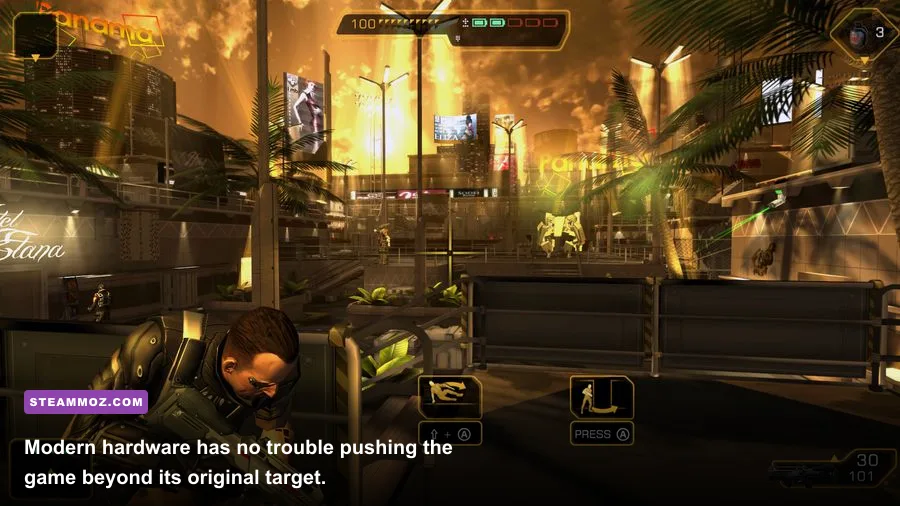
A stable frame rate helps, but the smartest performance strategy in Deus Ex: The Fall is playing efficiently. Ben Sax's augmentations and weapons let you avoid expensive, chaotic firefights that can expose weak hardware to smoke, muzzle flashes, and multiple AI actors at once. Stealth isn't just the most economical route through the story; it also keeps encounters visually controlled.
Build around stealth and hacking
Prioritize augmentations that support silent movement, hacking, and survivability. Hacking security terminals opens alternate routes and can disable cameras before they trigger reinforcements. The Icarus Landing System is especially useful when exploring vertical spaces because it prevents fall damage, while cloaking-style stealth tools let you bypass guards rather than burn ammunition in a frontal assault.
When combat is unavoidable, the silenced pistol is a dependable early choice for isolated targets. The combat rifle is better for sustained damage, while heavier weapons are best saved for armored enemies and boss encounters. Aim for headshots on unarmored guards, use cover between bursts, and remember that the game's energy economy rewards patience: hacking and augmentations can solve situations that bullets cannot.
| Play style | Priority | Useful tools | Performance benefit |
|---|---|---|---|
| Silent infiltrator | Stealth, hacking, energy management | Silenced pistol, multitools, security terminals | Fewer enemies active means fewer effects and AI calculations |
| Direct assault | Armor, accuracy, ammunition capacity | Combat rifle, heavy weapons, cover | Stable 60 FPS becomes more valuable during hectic firefights |
| Explorer | Mobility and access | Icarus Landing System, hacking tools | Alternate routes reduce backtracking and repeated combat loads |
The final verdict is simple: if your PC can run any current web browser comfortably, it probably exceeds Deus Ex: The Fall's minimum requirements. Aim for 8 GB of RAM, an SSD, and a recent integrated or entry-level GPU for a reliable 1080p experience. Set shadows to medium, keep textures high, cap the game at 60 FPS, and you'll get the cleanest balance between atmosphere and smooth play. For more practical PC-spec coverage, see our PC specs and best settings guide.
Before installing, compare your hardware with the official Steam requirements, then give the game enough disk space and a little patience with its older technology. The hardware barrier is tiny; the bigger challenge is accepting a compact, mobile-born Deus Ex adventure that still rewards the series' signature blend of hacking, stealth, exploration, and carefully chosen violence.