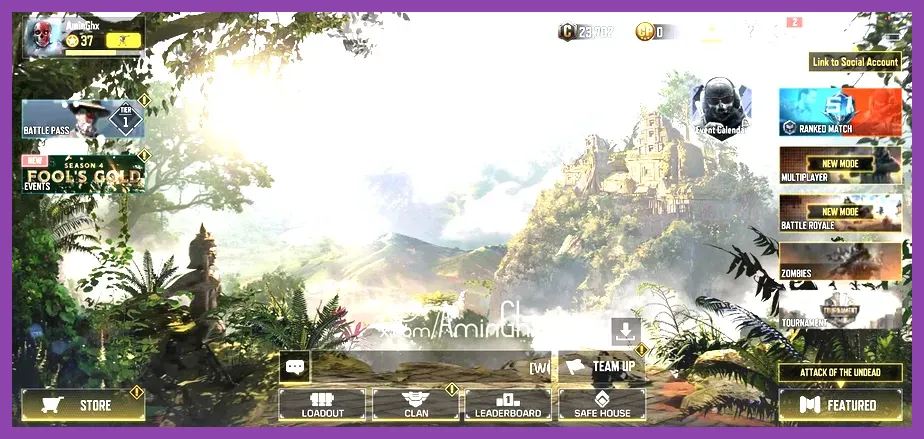
Call of Duty Mobile events offer players a reliable path to unlock free Epic weapon blueprints, operator skins, and seasonal currency by completing specific multiplayer and battle royale challenges. To maximize your efficiency, you need to focus on completing daily tasks, prioritizing featured game modes, and understanding the distinct token exchange structures introduced in each major update. Whether you are prepping for intense competitive matches or looking to optimize your mobile setup—much like tuning your hardware for optimal performance seen in our PS5 Pro Endgame Build Guide—mastering the event loop is crucial for expanding your arsenal without spending actual currency.
Understanding Seasonal Event Structures and Types
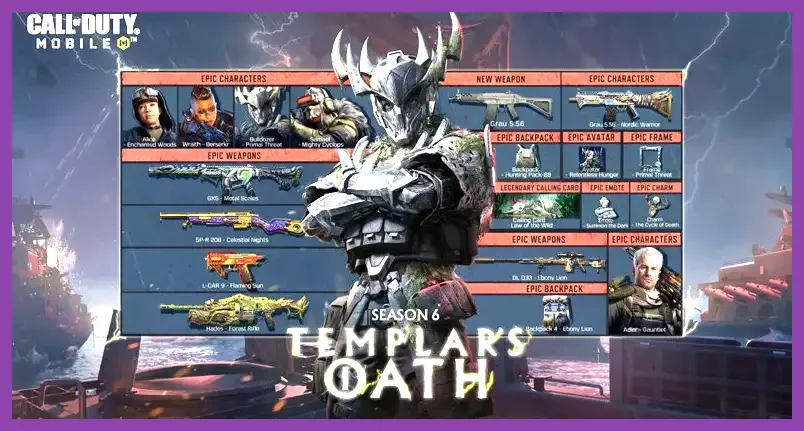
Activision structures Call of Duty Mobile updates around several recurring event types: Featured, Seasonal, Daily, and World Championship qualifiers. Each category requires a distinct approach to grinding experience points and event tokens. Featured events usually launch alongside new weapon drops, such as the latest SMGs or assault rifles, requiring you to rack up kills using specific attachments or perk combinations like Dead Silence and Lightweight.
Seasonal events, on the other hand, are multi-tiered missions that unfold over several weeks. These often require a mix of Multiplayer and Battle Royale achievements, such as surviving top-ten placements in Isolated or Firing Range, or securing multi-kills in Hardpoint and Domination. For players coming from tactical shooters who enjoy optimizing loadouts similar to the Phasmophobia Endgame Loadout Guide, tracking these specific operational parameters ensures you never waste a match.
Top Strategies to Grind Event Currency Fast
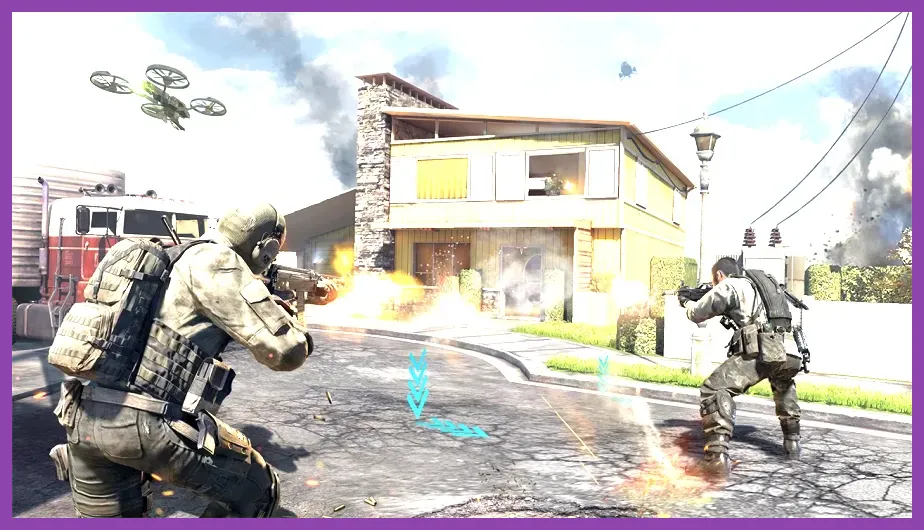
Farming event tokens efficiently relies on stacking multiple challenges into a single match. Before queuing into a public lobby, carefully read the active event requirements. If a seasonal mission asks you to win three matches of Kill Confirmed while using an assault rifle equipped with a Red Dot Sight and Agile perk, make sure your loadout hits every single condition simultaneously.
Avoid playing standard casual playlists if a specific featured mode is active. Featured modes like Prop Hunt, 10v10 Shipment, or Ground War often feature accelerated match pacing and higher kill counts, which drastically cuts down the time required to complete aggressive combat quotas. If you enjoy optimizing resource generation and high-yield farming loops similar to tactics found in the Remnant 2 Farming Guide, applying this multi-tasking mindset to CoD Mobile will net you maximum event rewards in record time.
Best Rewards to Prioritize in the Event Store
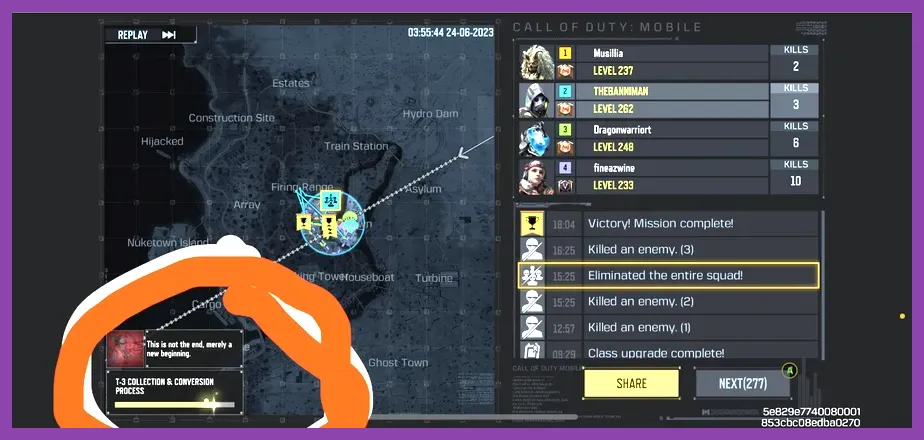
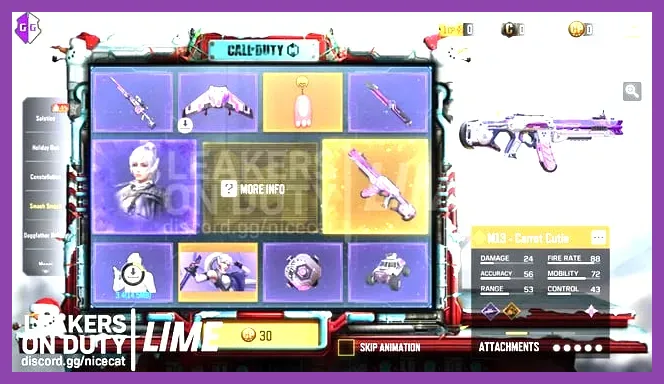
With limited seasonal tokens or credits available, prioritization is key. Always target permanent Epic weapon blueprints and unique operator skins first, as temporary cosmetics and common weapon camos offer zero long-term value. Weapon blueprints often come with pre-attached scopes and modified barrels that can give you a minor edge in gunfights before you fully level up a base gun.
Secondary priorities should include XP cards, Craters, and custom calling cards if you prefer aesthetic customization. Keep an eye on official patch notes via the Official Call of Duty Mobile Website to see which epic items are rotating out of the store at the end of the season. Much like acquiring top-tier gear in games discussed within our Portal 2 Legendary Weapons Guide, securing these limited-time assets ensures your collection remains formidable and complete.
Mastering Battle Royale Event Challenges
Many high-tier event rewards are locked behind Battle Royale specific milestones. To clear these efficiently, drop into low-traffic zones on the Isolated or Blackout maps to secure high-tier armor, Level 3 vests, and custom weapons from airdrops early in the match. Completing objectives such as upgrading your Class Terminal skills—like Ninja, Medic, or Defender—counts toward numerous survival and tactical event challenges.
Furthermore, working cohesively with a squad in tactical battle royale matches mirrors the strategic coordination required in team-based tactical titles, echoing the gameplay loops highlighted in our Squad Busters Weapons Tier List. Communicate enemy positions via the quick-ping system, manage your vehicle health, and always maintain high ground when the final zones close in to guarantee victory.
Optimizing Controls and Settings for Event Grinds
Grinding hours of event matches can cause hand fatigue if your sensitivity and HUD layouts are unoptimized. Switch your firing mode to Custom and separate your hip-fire and ADS controls to ensure absolute precision during high-intensity gunfights. Furthermore, locking your frame rate to 'Max' or 'Ultra' in the graphics settings—while lowering graphic quality to 'Low' or 'Medium'—prevents thermal throttling and maintains steady input registration.
Fine-tuning your mobile display setup and touch sensitivities provides a competitive edge akin to the graphical optimizations detailed in our Mount and Blade 2 Graphics Settings Guide. A responsive frame rate directly translates to better recoil control with high-rate-of-fire weapons like the Fennec or CBR4, making those arduous event kill streaks significantly easier to accomplish.
Leveraging Login Bonuses and Community Events
Never overlook daily login bonuses and community milestone trackers. Logging in for just a few seconds every day accumulates vital credits, temporary boost cards, and progression tokens without requiring a single match played. Additionally, global community events—where the collective player base works together to reach milestone kill counts or objective captures—frequently reward all participants with exclusive weapon skins and crates upon completion.
To stay updated on surprise drop events, double-check community hubs and read comprehensive database breakdowns like those found on the Call of Duty Mobile Fandom Wiki. Combining consistent daily check-ins with active match participation ensures you capture every piece of limited-time loot before the seasonal timer expires.