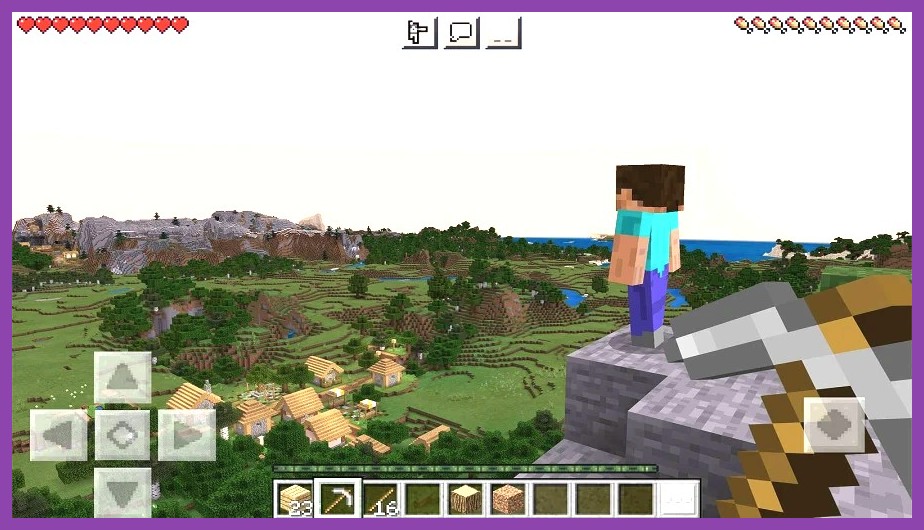
Ever since Minecraft hit mobile, the hunger for sandbox freedom on a phone has exploded. Whether you love building sky‑high castles, digging deep for rare ores, or just wandering endless procedurally‑generated worlds, there’s a whole library of Android titles that capture that same magic. In this guide we’ll dive into the best games like Minecraft for Android, break down what makes a great block‑builder, and help you pick the perfect pixel‑playground for your next on‑the‑go adventure.
Why Android Players Crave Minecraft Alternatives
Minecraft set the bar for portable creativity, but its sandbox isn’t the only way to experience limitless building on a phone. Many players look for fresh twists – better graphics, new combat systems, or deeper crafting trees – while still keeping the core freedom that makes Minecraft addictive. Mobile hardware has also leapt forward, meaning developers can now push richer worlds, smoother frame rates, and multiplayer modes that feel almost console‑level. Add in the fact that some titles are completely free‑to‑play, and you’ve got a recipe for a thriving ecosystem of block‑based experiences.
On top of that, Android’s open nature lets you sideload games, try beta builds, and even mod certain titles without the restrictions you’d find on other platforms. That flexibility fuels a community of creators constantly tweaking, sharing, and expanding these worlds. If you’re ready to explore beyond the familiar grass blocks, keep reading – we’ve curated the cream of the crop.
Top 7 Minecraft‑Style Games for Android
1. Block Story
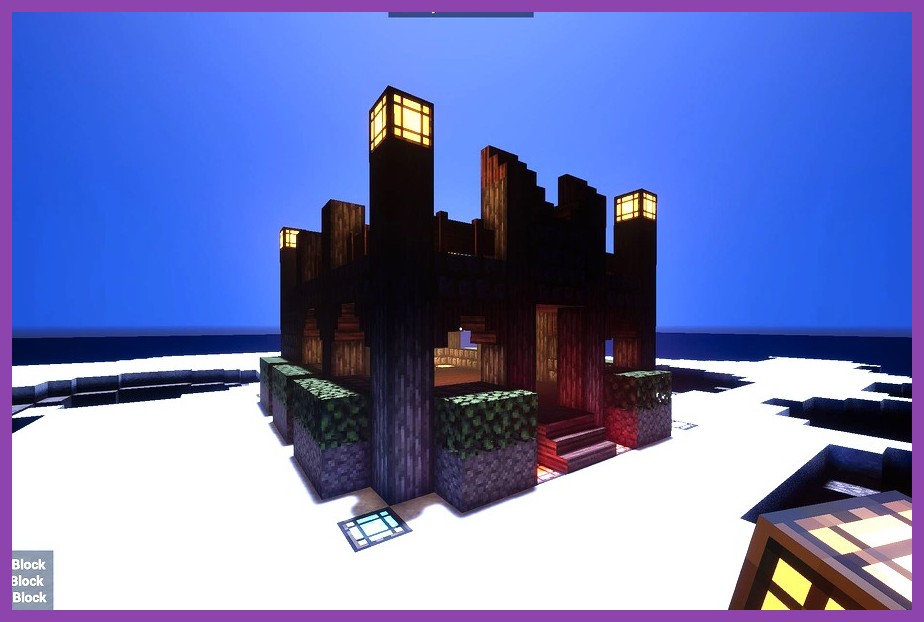
Block Story blends classic sandbox building with RPG elements. You start with a simple world, but as you explore, you’ll encounter quests, NPCs, and a skill tree that lets you specialize in mining, combat, or magic. The graphics are a step up from Minecraft’s pixel art, offering smoother lighting and a more polished UI. Official Block Story page shows off the vibrant worlds you can craft.
What sets Block Story apart is its story‑driven progression. You’re not just surviving; you’re completing missions that reward you with rare materials and unique building blocks. It’s a perfect bridge for players who love Minecraft’s creativity but crave a narrative hook.
2. Survivalcraft 2
Survivalcraft 2 is the spiritual successor to the original Survivalcraft, delivering a massive open world that feels both familiar and fresh. The game emphasizes realism – you’ll need to manage hunger, thirst, temperature, and even the risk of hypothermia. The crafting system is deep, with over 200 items to combine, and the graphics have been upgraded to a more realistic block style.
Fans of hardcore survival will appreciate the day‑night cycle, dynamic weather, and wildlife that can either help or hinder your progress. Check out the Survivalcraft 2 Google Play page for screenshots that showcase its lush biomes.
3. Terraria
While not strictly a voxel game, Terraria offers a 2‑D sandbox experience that rivals Minecraft’s depth. The game shines with its massive boss roster, intricate crafting recipes, and a world that constantly evolves as you dig deeper. The Android version has been optimized for touch controls, making building and combat feel natural.
Terraria’s community is massive, and the game receives regular updates that add new items, events, and biomes. If you love the exploration and loot‑hunting aspects of Minecraft, you’ll feel right at home here. Official details are available on the Terraria Google Play listing.
4. The Blockheads
The Blockheads takes the 2‑D side‑scroll approach but retains the core sandbox spirit. You control a small crew of blocky characters, each with its own role – miner, builder, farmer, or explorer. The game’s charm lies in its simplicity and the way it encourages multitasking: set up farms, mine deep veins, and watch your Blockheads manage resources autonomously.
Its low‑poly art style runs smoothly on almost any Android device, making it a great pick for older phones. The game also supports multiplayer via Wi‑Fi, so you can collaborate on massive projects with friends.
5. Worldcraft
Worldcraft is a true Minecraft clone that aims to replicate the original experience as closely as possible, while adding a few quality‑of‑life upgrades. The world generation is robust, the crafting menu is intuitive, and the multiplayer mode supports up to 10 players in a shared server.
One standout feature is the “World Edit” tool, which lets you copy, paste, and manipulate large sections of terrain with a few taps – a dream for anyone who loves massive builds but hates the repetitive grind. Download it from its official page and start constructing without limits.
6. Creative Destruction
Creative Destruction mixes battle‑royale mechanics with sandbox building. Drop onto an island, gather resources, and craft weapons or fortifications on the fly. The game’s graphics are more stylized, featuring bright colors and smooth animations that set it apart from the blocky aesthetic of Minecraft.
What makes it compelling for Minecraft fans is the emphasis on building under pressure – you’ll need to erect defenses quickly while fending off opponents. The game is free‑to‑play and offers regular seasonal events, keeping the experience fresh. Find out more on the Creative Destruction page.
7. Mini World: Block Art
Mini World: Block Art is a colorful, family‑friendly sandbox that boasts a massive library of pre‑made worlds, mini‑games, and a robust building suite. Its UI is designed for quick learning, making it ideal for younger players or anyone new to sandbox gaming.
The game also includes a social hub where creators can share their builds, and a marketplace for custom skins and textures. Its frequent updates ensure new blocks and creatures are added regularly. Check out the Mini World listing for a glimpse of its vibrant worlds.
What Makes a Great Minecraft Clone?
Not every block‑building game earns the “Minecraft‑like” badge. Here are the ingredients that separate a solid sandbox from a shallow copy:
- Procedural Generation: A truly endless world that feels fresh each time you start a new game.
- Deep Crafting System: More than just a few recipes – think hundreds of items, tools, and upgrades.
- Modding or Extensibility: The ability to add new textures, blocks, or gameplay tweaks keeps the community alive.
- Multiplayer Options: Whether it’s local Wi‑Fi, online servers, or cross‑play, social building amplifies fun.
- Performance Optimization: Smooth 30‑60 FPS on mid‑range Android devices without draining the battery.
Games that nail these points tend to have thriving communities, regular updates, and a longevity that rivals the original Minecraft. For example, Steamoz’s performance guide offers tips that apply directly to these Android titles, ensuring you get the most out of your device.
How to Choose the Right One for Your Playstyle
Everyone approaches sandbox games differently. Some love pure creativity, others thrive on survival challenges, and a few enjoy competitive building under pressure. Here’s a quick decision matrix:
| Playstyle | Best Fit |
|---|---|
| Creative Building Only | Mini World: Block Art or Worldcraft |
| Survival & Exploration | Survivalcraft 2 or Block Story |
| Combat‑Heavy & PvP | Creative Destruction |
| 2‑D Nostalgia | Terraria or The Blockheads |
Consider also your device’s specs. If you own a budget phone, lean toward lighter titles like The Blockheads or Mini World. For flagship devices, you can safely dive into graphically demanding games like Creative Destruction without stutter.
Need a deeper dive into choosing games? Our Remote Play guide explains how to stream heavier titles from a PC to your Android if you ever run into performance caps.
Getting Started – Installation Tips and Performance Hacks
Before you download, make sure you have at least 2 GB of free storage – many sandbox games require large world files and frequent updates. Enable “Install from Unknown Sources” only if you’re sideloading an APK from a trusted developer; otherwise, stick to the Google Play Store for safety.
Once installed, tweak a few settings for the smoothest experience:
- Turn off background sync for apps you don’t need while gaming.
- Set the game’s graphics to “Medium” or “Low” if you notice frame drops; most titles auto‑adjust based on device capabilities.
- Activate “Battery Saver” mode only after you’ve confirmed the game runs well – it can throttle CPU performance.
- Use a high‑speed Wi‑Fi connection for multiplayer worlds to reduce latency.
For a more technical rundown, check out Steamoz’s performance optimization article. It covers Android‑specific tweaks like clearing cache, managing RAM, and using game boosters.
Finally, keep an eye on community forums and subreddits for each game. Many developers release beta patches that improve stability and add fresh content. With the right setup, you’ll be building, surviving, and battling for hours without a hitch.
So there you have it – a curated list of the best Minecraft‑style games for Android, the key features that make them shine, and practical advice to get you playing right now. Dive in, experiment with different worlds, and remember: the only limit is your imagination. Happy crafting!