
Mount and Blade II: Bannerlord needs at least an Intel Core i5-6600 or AMD FX-8350 CPU, an NVIDIA GeForce GTX 660 or AMD Radeon HD 7850 GPU, 8 GB of RAM, and 60 GB of storage to hit minimum specs at 1080p / 30 FPS on low settings. For a smooth 60 FPS experience on high settings, TaleWorlds recommends an Intel Core i5-9600K or AMD Ryzen 5 3600X, an NVIDIA GeForce GTX 1060 (6GB) or AMD Radeon RX 580, and 16 GB of RAM. Plan on a quad-core CPU minimum, because Bannerlord's large-scale battles scale heavily across multiple cores during siege warfare and field engagements.
You can pick up the game right now on its official Steam page and check the latest patch notes on the TaleWorlds news hub for any recent hardware tweaks.
Minimum System Requirements for Bannerlord
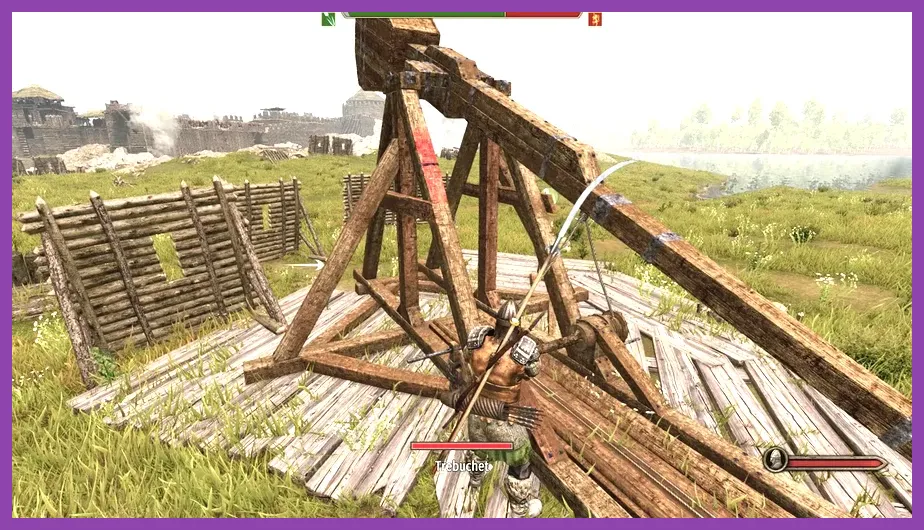
These are the absolute minimum specs to launch Bannerlord at 1080p on low settings, targeting around 30 FPS. Expect heavy frame drops during large-scale battles involving 200+ troops, especially when the camera pans across sieges or cavalry charges around cities like Pravend or Epicrotea.
- OS: Windows 7 (64-bit) or newer
- CPU: Intel Core i3-6600 / AMD FX-6350 (quad-core minimum)
- RAM: 8 GB
- GPU: NVIDIA GeForce GTX 660 / AMD Radeon HD 7850 / Intel Arc A380
- DirectX: Version 11
- Storage: 60 GB available space (HDD supported, SSD strongly recommended)
An 8 GB RAM setup will run the campaign map fine, but expect stutter when late-game kingdoms like the Aserai or Khuzaits start running multiple armies at once. The engine streams NPC data constantly during the Calradic Campaign, so dropping to 6 GB will cause crashes on most modern patches.
Recommended Specs for 60 FPS Gameplay
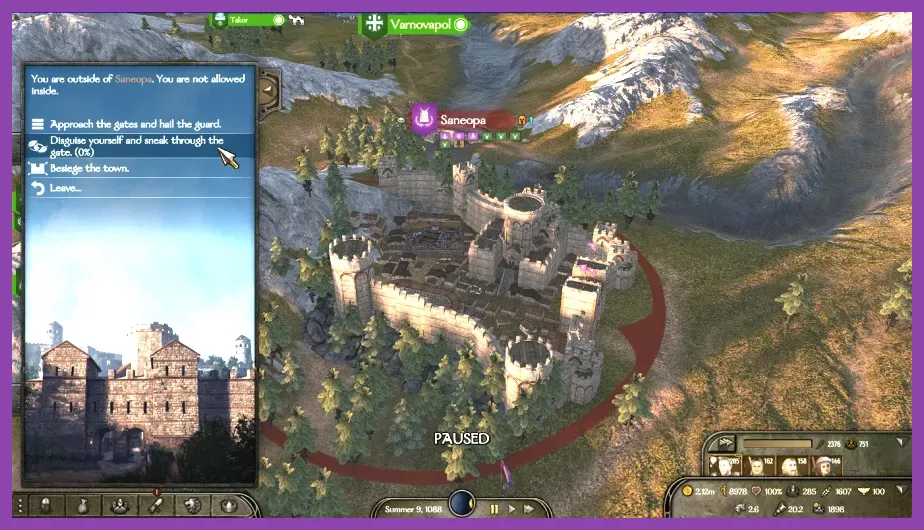
This is the sweet spot for most Bannerlord players. At 1080p on high settings, you'll hold a stable 60 FPS in field battles and sieges, with minor dips when 300+ AI troops spawn in a single encounter. The Ryzen 5 3600X and i5-9600K both have the strong single-core performance the custom Bannerlord engine relies on, while the GTX 1060 6GB handles the game's high-res textures without breaking a sweat.
- OS: Windows 10 (64-bit)
- CPU: Intel Core i5-9600K / AMD Ryzen 5 3600X
- RAM: 16 GB dual-channel
- GPU: NVIDIA GeForce GTX 1060 (6GB) / AMD Radeon RX 580 / Intel Arc A580
- DirectX: Version 11
- Storage: 60 GB SSD
Jumping to 16 GB of RAM makes a massive difference when you've got a mid-sized kingdom with 4+ fiefs, since the engine tracks garrison troops, party members, and trade inventories simultaneously. A proper SSD cuts load times into towns like Battania and Sargot by nearly 50% compared to a 7200 RPM HDD.
High-End Specs for 1440p and 4K
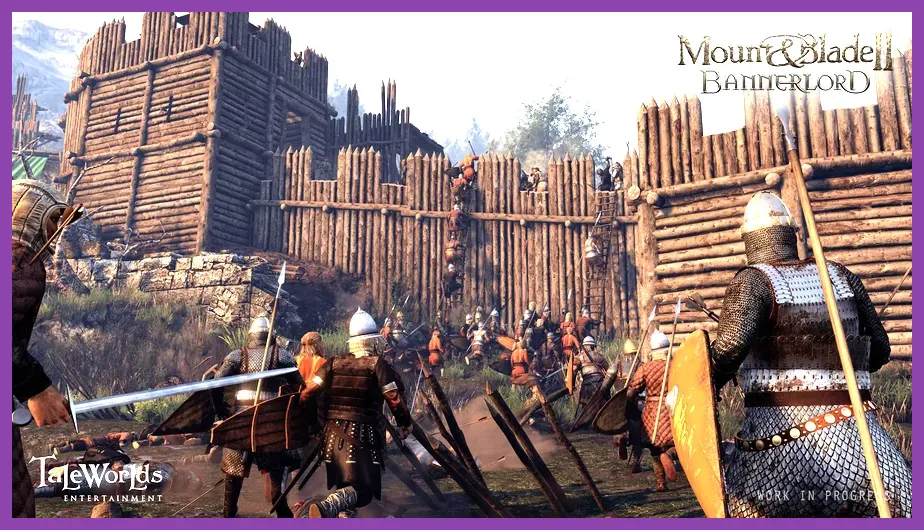
For pushing Bannerlord to 1440p / 60 FPS on ultra or 4K / 30 FPS, you'll want a modern six-core or eight-core chip and at least an RTX 3060 Ti / RX 6700 XT. The game doesn't officially support ray tracing, but it uses heavy forward+ lighting during night sieges and torch-lit castle interiors, which stress GPU compute pipelines hard.
- CPU: Intel Core i7-10700K / AMD Ryzen 7 5800X
- RAM: 16 GB DDR4 (32 GB recommended for heavily modded setups)
- GPU: NVIDIA GeForce RTX 3060 Ti / RTX 4070 / AMD Radeon RX 6700 XT
- Storage: NVMe SSD (1 TB recommended for total conversion mods)
If you're running popular mods like Calradia: New Dawn or Bannerlord Tweaks, the load on RAM and CPU climbs fast. 32 GB of system memory is the safest bet for heavily modded playthroughs that overhaul troop trees, add new factions, and import custom maps.
Best In-Game Settings for Your Hardware
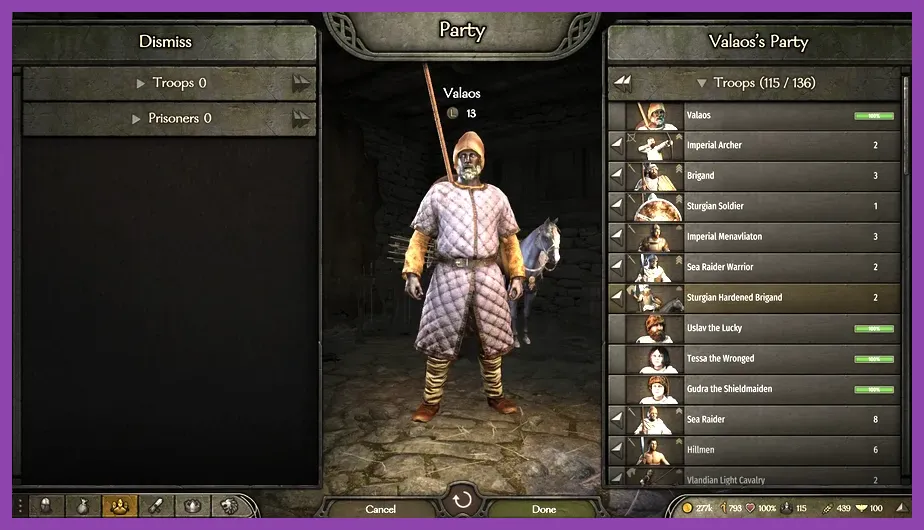
Tweaking the right sliders can squeeze out 20-30% more performance on aging hardware. Head into Options > Video and apply this profile if you're running a GTX 1060 or RX 580:
- Resolution: 1920x1080 native (use DLSS or FSR on Quality if you have an RTX or RX 6000+ card)
- Texture Quality: High (Medium if you have 6 GB VRAM or less)
- Shadows: Medium
- Lighting: High
- Post-Processing: Medium
- Antialiasing: TAA
- View Distance: Medium for armies, High for terrain
- Character Detail: High
- Number of Ragdolls: 8 (lowering this stops massive battlefield frame drops)
- Number of Trees: 50-75%
- Number of Grass Tuft: 50%
- V-Sync: Off (use frame cap instead)
The single biggest performance killer in Bannerlord is the Number of Ragdolls setting during post-battle aftermath scenes. Dropping it from 30 to 8 can recover 15+ FPS in a major field battle around towns like Revyl or Lycaron. We have a deeper breakdown of similar tweaks in our Max FPS settings guide, since most of the same principles apply to large-scale RPGs.
Optimizing CPU and RAM Performance

Bannerlord leans heavily on single-core performance for its campaign AI and decision-making systems, but multi-core scaling kicks in during battles. If you're running an older quad-core chip, the first upgrade you should make is RAM — going from 8 GB to 16 GB single-handedly fixes a lot of late-game stutter. After that, lock your CPU to its boost clock using your BIOS P-state settings, since the engine occasionally fails to maintain all-core boost on certain Ryzen 1000-series and Intel 7th-gen chips.
Disable any overlays you're not actively using, including Steam Overlay, Discord, and NVIDIA GeForce Experience. These overlay hooks add 3-5% CPU overhead in the campaign map, and you'll feel it during wars where the AI is moving three or four kingdoms in real time. If you're experiencing crashes or stutter, the lag and FPS troubleshooting guide covers some general fixes that apply here too.
Storage and Load Time Tips

Bannerlord's 60 GB install fits comfortably on any modern SATA SSD, but if you're running total conversion mods, you'll want at least 150 GB of free space on an NVMe drive. The game uses a custom asset streaming system that constantly loads and unloads textures as you ride across regions like the Northern Empire or the Southern Empire borderlands. NVMe drives cut those texture pop-ins dramatically and keep the autosave system from hitching when you recruit prisoners or finish a tournament at Ortysia.
Defragmenting your drive before installation can also help if you're stuck running the game on a 5400 RPM laptop HDD, though you'll still see 15-20 second load times when entering castles. Don't run the game off an external USB drive — the streaming system will choke on the read latency, and you'll get constant stutter during battles.
Does Bannerlord Run Well on Laptops?
Yes, but with caveats. Most gaming laptops with a GTX 1650 or RTX 3050 and an Intel i5-10300H / Ryzen 5 4600H can hit 45-60 FPS at 1080p on medium-high settings. The big issue is thermal throttling during long sieges, which can drop your FPS by 30% if your cooling solution is poor. Use a cooling pad, cap your framerate to your display's refresh rate, and undervolt your CPU if your laptop supports it.
For thin-and-light laptops with integrated graphics, don't expect playable performance. Even Intel Iris Xe struggles to hold 30 FPS in early campaign map scenes, and integrated Radeon graphics on Ryzen 5 5500U chips will crawl during any battle. The Dragon's Dogma 2 system requirements guide has a good overview of similar performance expectations for modern open-world RPGs on lower-end hardware, and our graphics settings guide walks through the same kind of slider-by-slider optimization.
Once your hardware checks out, jump into Calradia and start building your kingdom. For more on optimizing large-scale RPGs, check out our armor progression guide and starting build guide — the same optimization mindset applies whether you're storming a Vlandia castle or climbing a Harve tower.