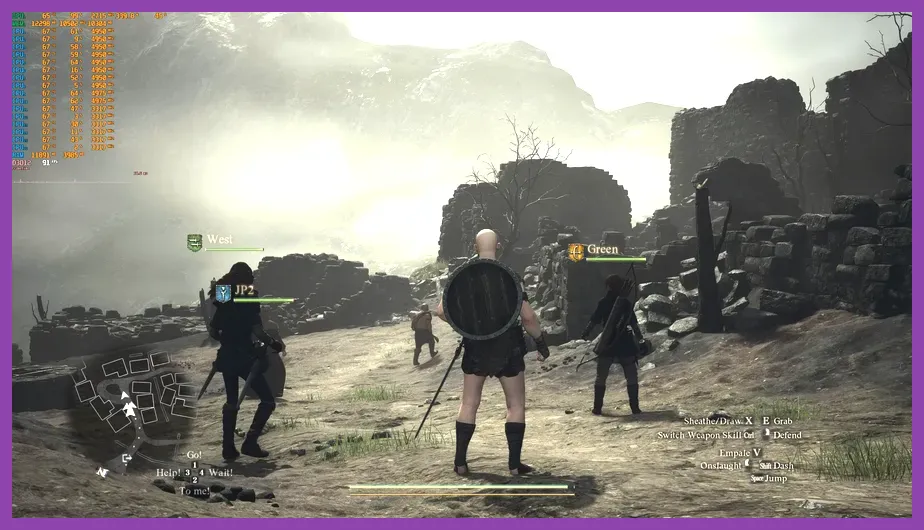
Running Capcom's massive RE Engine action-RPG demands precise hardware selection due to heavy CPU-based NPC processing in major hubs like Vernworth and Bakbattahl. To meet the minimum system requirements for 1080p resolution at 30 FPS, your PC requires an Intel Core i5-10600 or AMD Ryzen 5 3600 CPU paired with an NVIDIA GeForce GTX 1070 or AMD Radeon RX 5500 XT graphics card (with at least 8GB VRAM) and 16GB RAM. For stable 1080p performance at 60 FPS or 4K output at 30 FPS, Capcom recommends an Intel Core i7-10700 or AMD Ryzen 7 3700X CPU alongside an NVIDIA GeForce RTX 2070 or AMD Radeon RX 6700 GPU. You can check the official listing on the Dragon's Dogma 2 Steam Page for base compatibility before stepping into Vermund.
Official Minimum PC System Requirements
The minimum hardware configuration for Dragon's Dogma 2 targets 1080p resolution rendering at roughly 30 FPS. However, framerates will dynamically dip below 30 FPS during intense spellcasting or inside densely populated settlement zones. If you are running hardware near these baseline specs, installing the game on a high-speed Solid State Drive (SSD) is mandatory to minimize texture streaming hitches and long loading screens between zones.
- OS: Windows 10 (64-bit) / Windows 11 (64-bit)
- Processor: Intel Core i5-10600 or AMD Ryzen 5 3600
- Memory: 16 GB RAM
- Graphics Card: NVIDIA GeForce GTX 1070 (8GB) or AMD Radeon RX 5500 XT (8GB)
- DirectX: Version 12
- Network: Broadband Internet connection
- Storage: 100 GB available space (SSD required)
- Additional Notes: Estimated performance is 1080p/30fps. Framerate may drop in graphics-heavy scenes. Ray Tracing requires NVIDIA GeForce RTX 2070 or AMD Radeon RX 6800.
Players attempting to run the game on older GPUs with less than 8GB of video memory will encounter immediate VRAM allocation warnings in the display menu, resulting in severe texture popping and erratic micro-stuttering. Before diving deep into character builds, review our Dragon's Dogma 2 beginner tips and tricks to set up your journey smoothly.
Official Recommended PC System Requirements
To reach superior graphical fidelity, smoother combat animation responsiveness, and high-resolution rendering, you need a modern multi-threaded processor and a current-generation discrete GPU. The official recommended specifications aim for 2160i / 4K resolution at 30 FPS, but with upscaling technologies enabled, this hardware profile comfortable sustains 60 FPS at 1080p or 1440p resolutions across open-world exploration.
- OS: Windows 10 (64-bit) / Windows 11 (64-bit)
- Processor: Intel Core i7-10700 or AMD Ryzen 7 3700X
- Memory: 16 GB RAM
- Graphics Card: NVIDIA GeForce RTX 2070 or AMD Radeon RX 6700
- DirectX: Version 12
- Storage: 100 GB available space (NVMe SSD recommended)
- Ray Tracing Hardware Target: NVIDIA GeForce RTX 2080 Ti or AMD Radeon RX 6800
Because the RE Engine offloads immense world calculations onto your processor, choosing a CPU with strong single-core clock speeds and substantial L3 cache memory gives a drastic framerate improvement over baseline systems. Check out details regarding the game's official design architecture directly on the Capcom Official Dragon's Dogma 2 Site.
Best Graphics Settings for Optimal PC Performance
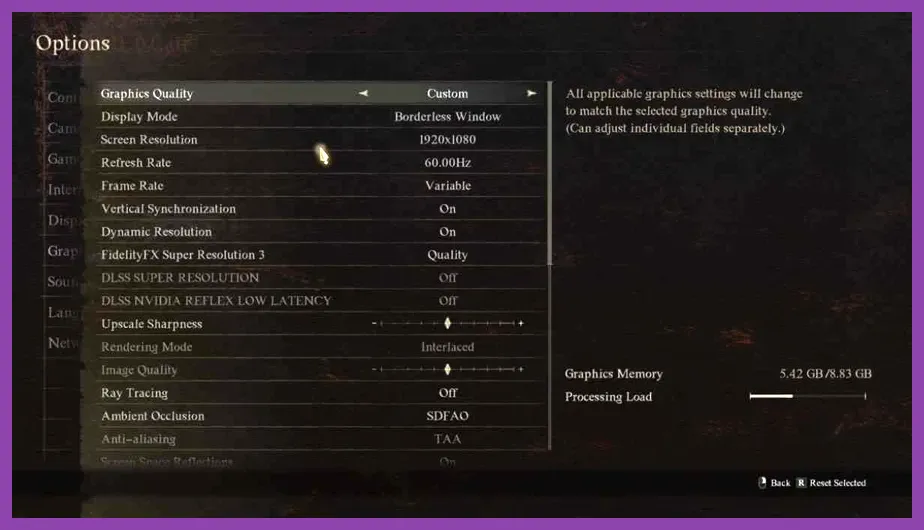
Achieving stable framerates in Dragon's Dogma 2 requires dialing back specific settings that place heavy stress on your GPU's rasterization hardware and CPU threading. Use this optimized preset profile to gain up to 35% higher FPS without sacrificing critical visual clarity during battle.
- Display Mode: Fullscreen
- Resolution: Native monitor resolution (1080p / 1440p)
- Rendering Mode: Normal
- Image Quality: Fixed at 100% (Use DLSS/FSR for scaling instead)
- Ray Tracing: Off (Disable unless using RTX 4070 / RX 7800 XT or higher)
- DLSS / FSR Upscaling: Quality Mode
- DLSS Frame Generation: On (Requires RTX 40 Series GPU)
- Mesh Quality: High (Lowers draw distance stutter)
- Texture Filtering: High (ANISO x8)
- Texture Quality: High (2GB or 4GB allocation based on VRAM capacity)
- Grass / Foliage Quality: Medium
- Shadow Quality: Medium (High shadows heavily drain GPU rendering pipelines)
- Shadow Cache: Enabled
- Contact Shadows: On
- Ambient Occlusion: SDAO or SSAO
- Screen Space Reflections: On
- Subsurface Scattering: On
- Motion Blur: Off (Personal preference, improves clarity in motion)
- Depth of Field: On
Fine-tuning these graphics controls ensures that dynamic vocation combat remains fast and responsive. If you are starting fresh with optimized settings, select your playstyle using our comprehensive best starting build guide.
CPU Bottlenecks and High Density Performance Fixes
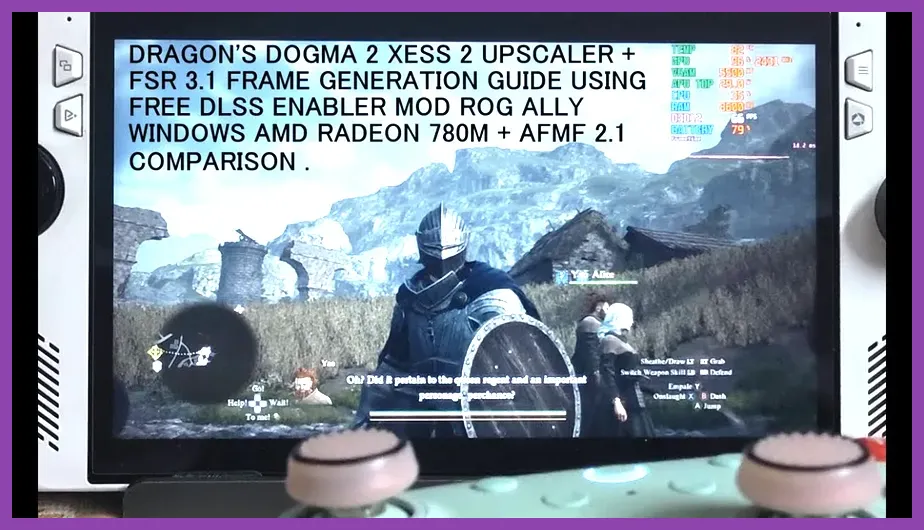
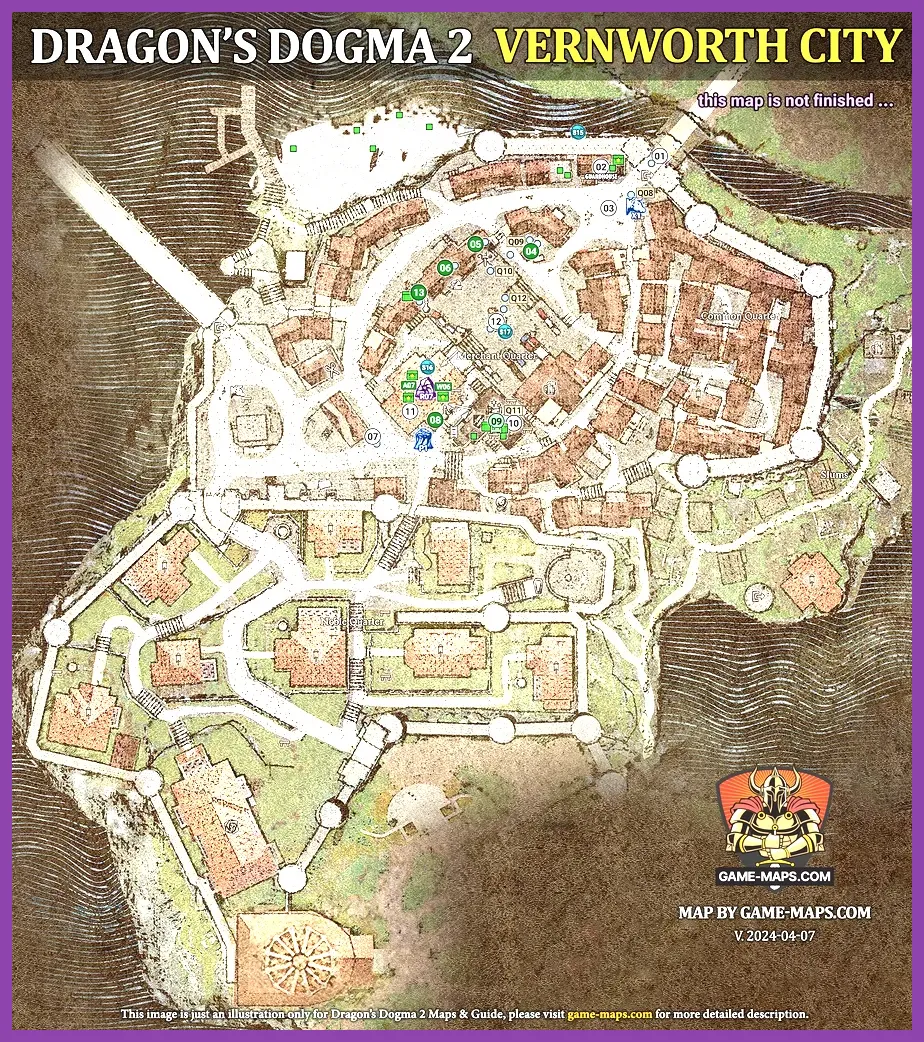
The primary performance roadblock in Dragon's Dogma 2 stems from heavy CPU processing rather than GPU limits. In major cities such as Vernworth and Bakbattahl, the game calculates complex behavioral AI routines, pathfinding networks, and physics interactions for hundreds of individual NPCs simultaneously. This CPU strain leads to sudden framerate drops even on high-end graphics cards like the RTX 4080 or RX 7900 XTX.
To mitigate CPU-bound bottlenecks, perform the following system optimizations:
- Enable Hardware-Accelerated GPU Scheduling (HAGS): Open Windows Settings > Display > Graphics Settings and toggle HAGS on to allow the GPU to manage its memory buffer directly.
- Update Display Drivers: Ensure your system runs the latest game-ready drivers available from the Nvidia GeForce Driver Page or AMD Driver Support portal to grab essential engine optimizations.
- Set Windows Power Plan to High Performance: Prevents your CPU cores from downclocking during town navigation.
- Limit Background Applications: Close web browsers, overlays, and third-party recording software that consume ambient CPU threads.
When traveling out of crowded cities back into the wilderness, your CPU usage drops significantly, allowing high framerates during combat encounters. Build an efficient squad to tackle open-world monsters by consulting our guide to best party compositions.
Upsampling and Frame Generation Breakdown

To overcome heavy GPU rendering loads at high resolutions, Dragon's Dogma 2 incorporates NVIDIA DLSS 3, AMD FSR 3, and Intel XeSS upscaling tech. Utilizing these upscalers is essential for smooth gameplay at 1440p and 4K display settings.
NVIDIA users with RTX 40-series graphics cards should always enable DLSS Frame Generation. Frame Generation inserts AI-synthesized frames between traditionally rendered frames, bypassing CPU pipeline limits and increasing observed framerates in CPU-heavy cities by up to 50%. AMD users should enable FSR 3 with NativeAA or Quality mode to boost clarity while running high visual options.
For players exploring challenging environments solo, pairing smooth frame delivery with high-tier survivability builds makes a massive difference. Review our recommended best vocation for solo players to maximize your combat efficiency across all regions.
Hardware Upgrade Priority for Dragon's Dogma 2
If you plan to upgrade your desktop rig specifically for Capcom's open-world adventure, prioritize hardware component choices in this exact order to eliminate performance bottlenecks:
- Processor (CPU): Upgrade to modern processors equipped with large L3 caches, such as AMD's Ryzen 7 7800X3D or Intel's Core i7-14700K. The massive 3D V-Cache on AMD X3D chips drastically reduces framerate stutter inside Vernworth.
- System Memory (RAM): Upgrade from 16GB DDR4 to 32GB DDR5 dual-channel RAM running at 6000MHz. Dragon's Dogma 2 allocates high RAM buffers, and faster RAM frequency reduces system-level micro-stutters.
- Graphics Card (GPU): Target GPUs featuring a minimum of 12GB to 16GB VRAM (such as the RTX 4070 Super or RX 7800 XT) to run Ultra texture settings alongside Ray Tracing without running out of video memory.
- Storage Drive: Install the game exclusively on a high-speed NVMe PCIe 4.0 SSD to eliminate world streaming hitches when fast-traveling or sprinting through vast landscapes.
Once your hardware specs and graphics settings are fully optimized for smooth framerates, you can comfortably explore end-game content and secret zones across the map. Prepare your character with our best endgame Warfarer build guide and uncover hidden treasures using our comprehensive Dragon's Dogma 2 secret locations guide.