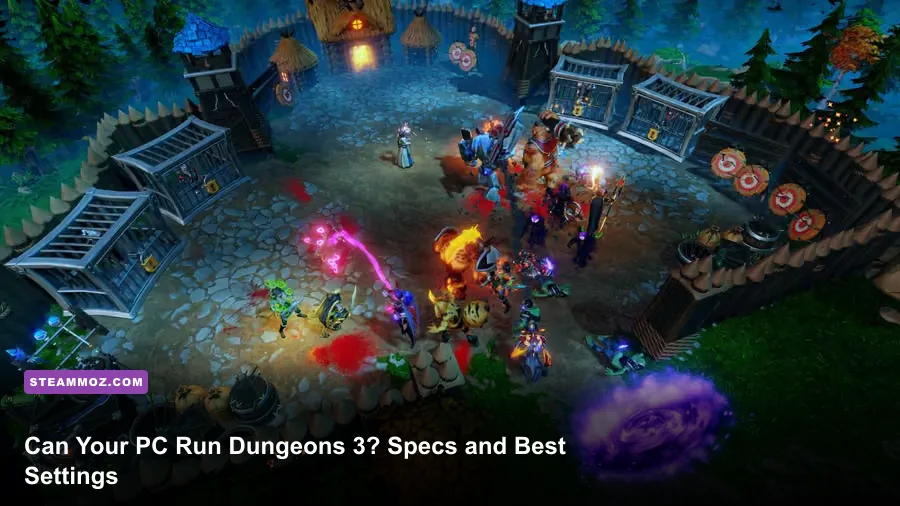
Dungeons 3 runs on surprisingly modest hardware: the official minimum is a 64-bit PC with an Intel Core i5-750 or AMD Phenom II X4 965, 4 GB of RAM, and a GeForce GTX 460 or Radeon HD 5850. For a smoother 1080p experience, aim for the recommended Core i5-4690 or AMD FX-9370, 8 GB of memory, and a GTX 770 or Radeon R9 290. The important catch is that late-game minion crowds and spell-heavy battles can stress the CPU long before the opening missions do.
Realmforge Studios built Dungeons 3 as a hybrid of dungeon management and real-time strategy. You dig out rooms, harvest Gold and Mana, recruit creatures, set traps, and then march your Evilness into the overworld to flatten heroic settlements. That split matters for PC performance. A quiet dungeon with a handful of creatures is easy to render; a fully expanded stronghold packed with workers, enemies, particle effects, and pathfinding calculations is a very different workload.
These requirements come from the game's official Steam listing. Before buying, also check whether your laptop uses an integrated GPU, because a modern-looking processor does not automatically mean it has enough graphics power for Dungeons 3.
Dungeons 3 minimum and recommended PC specs
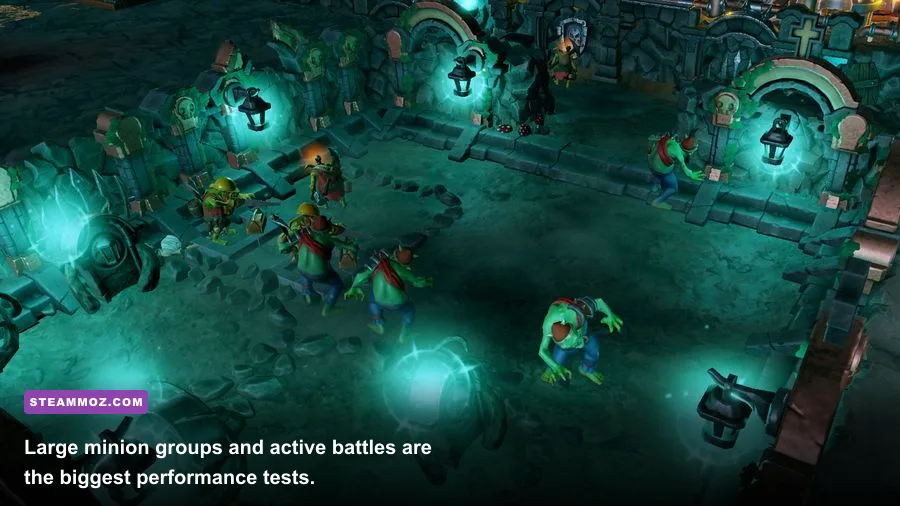
The minimum configuration should launch the game and handle the campaign at reduced settings, but it represents a 2010-era gaming PC. The GTX 460 and Radeon HD 5850 are dedicated DirectX 11 cards with their own video memory; Intel UHD graphics found in office laptops are not equivalent, even if the laptop CPU is newer.
| Component | Minimum | Recommended | What it means in practice |
|---|---|---|---|
| Operating system | Windows 7 64-bit | Windows 10 64-bit | Use a current 64-bit Windows installation for better driver support. |
| Processor | Intel Core i5-750 2.67 GHz or AMD Phenom II X4 965 3.4 GHz | Intel Core i5-4690 3.5 GHz or AMD FX-9370 4.4 GHz | CPU speed and sustained simulation performance matter during crowded missions. |
| Memory | 4 GB RAM | 8 GB RAM | 8 GB leaves room for Windows, Steam, saves, and background applications. |
| Graphics | GeForce GTX 460 or Radeon HD 5850 | GeForce GTX 770 or Radeon R9 290 | A dedicated DirectX 11 GPU is the safe baseline. |
| DirectX | Version 11 | Version 11 | Update graphics drivers and Windows components before troubleshooting. |
| Storage | 10 GB available space | 10 GB available space | An SSD mainly improves loading and save access, not raw frame rate. |
The recommended specification is not asking for a modern powerhouse. A recent six-core desktop with 16 GB RAM and a current entry-level graphics card should clear it comfortably. However, “meets recommended” does not promise a locked 60 frames per second in every situation. The specification was written for the game's release period, and it does not account for high-refresh monitors, ultra-wide resolutions, or heavy background software.
One more practical warning: the 10 GB storage requirement is modest, but leave additional free space for Windows updates, shader caches, and Steam's patch process. If the game is installed on a slow hard drive, missions may take longer to load and the camera can feel less responsive while assets stream in. An SSD is a quality-of-life upgrade rather than a mandatory performance fix.

🎮 Dungeons 3
Looking to experience this game? Grab your digital key directly on our store for $5.99.
View on Steammoz Store →What actually affects Dungeons 3 performance
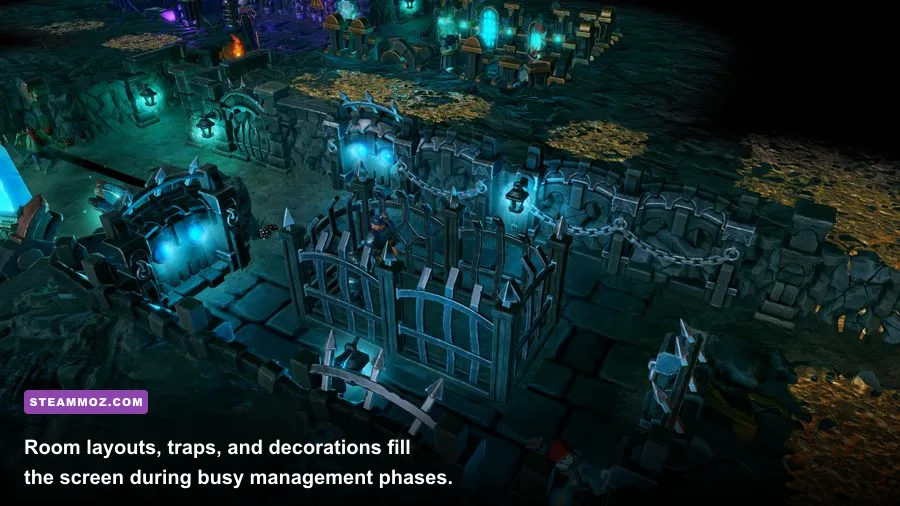
Dungeons 3 is not a simple GPU benchmark. The underground view can show dozens of creatures, workers, walls, furniture pieces, traps, and animated effects at once. The overworld adds larger open spaces and more aggressive spell effects. Your frame rate can therefore change dramatically between a tidy early dungeon and a sprawling late-campaign fortress.
CPU load: pathfinding and simulation
The processor handles the living systems that make the dungeon feel busy. Creatures need jobs, workers carry resources, enemies navigate rooms, and battles update constantly. When the game slows during a massive fight, lowering resolution may barely help because the bottleneck is simulation rather than pixel rendering.
This is why a newer six-core or eight-core CPU can feel much smoother than an old quad-core processor, even when both machines use the same graphics card. Watch for uneven frame pacing rather than only the average FPS counter. A stable 45 FPS often feels better than a nominal 60 FPS that repeatedly stutters whenever a hero wave enters your dungeon.
GPU load: shadows, effects, and resolution
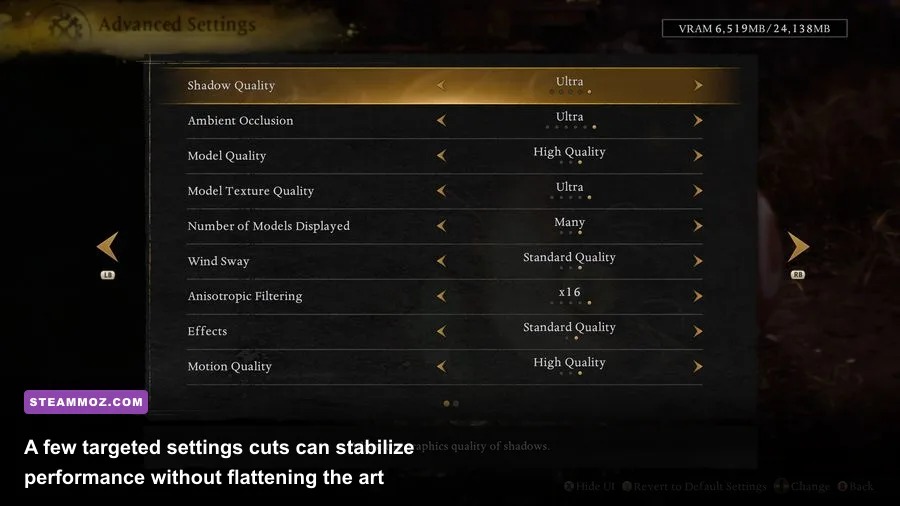
Your graphics card takes the hit from screen resolution, shadow quality, ambient occlusion, anti-aliasing, and spell effects. Shadows are especially expensive in a busy dungeon because every wall, creature, and prop contributes to the scene. Ambient occlusion adds depth around rooms and corridors, but it is one of the first settings worth trimming when the GPU is close to full usage.
RAM and background applications
Four gigabytes is technically enough for the minimum specification, but it leaves almost no breathing room on a modern Windows system. With 8 GB, the game has more space for campaign data and background streaming. With 16 GB, you can comfortably keep a browser, voice chat, and recording software open, although those applications can still create CPU spikes.
For another perspective on balancing visual quality against frame rate, Steamoz's Airline Tycoon 2 performance settings shows the same principle: target the bottleneck instead of blindly selecting the lowest preset.
Best graphics settings for smooth 1080p
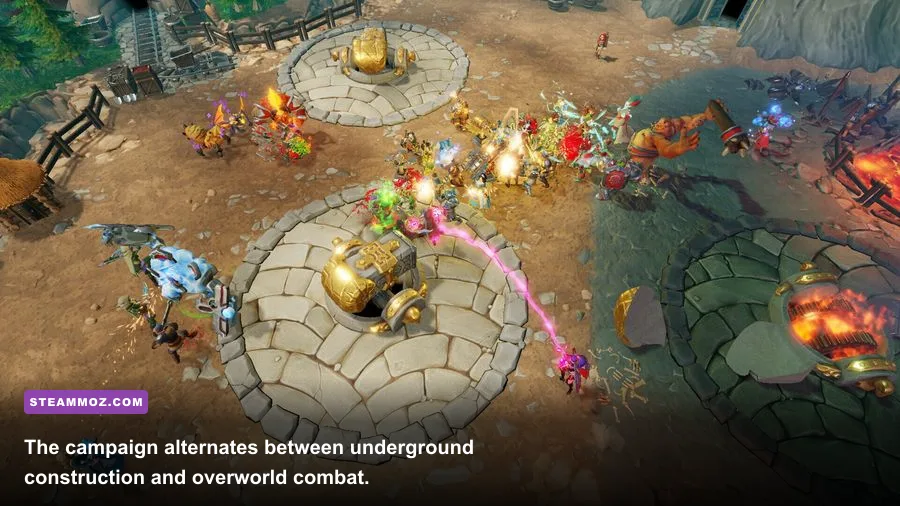
Start with the High preset on a PC near the recommended specification, then test it in a crowded mission rather than the opening tutorial. Build several rooms, recruit a full creature force, and trigger a fight near your dungeon entrance. That scenario gives you a much more useful result than staring at an empty corridor.
| Setting | Recommended value | FPS impact | Visual trade-off |
|---|---|---|---|
| Resolution | Native 1920x1080 | Very high | Lower only when the GPU is saturated; 1600x900 is a cleaner fallback than excessive blur. |
| Overall quality | High, then custom | Medium | High preserves the colorful dungeon materials and creature detail. |
| Shadows | Medium or High | High | Medium keeps room depth while reducing the cost of large scenes. |
| Textures | High | Low to medium | Keep High if your GPU has adequate VRAM; lowering textures makes surfaces look flat. |
| Ambient occlusion | Medium | Medium | Medium retains contact shadows around walls and props. |
| Anti-aliasing | Medium or High | Medium | Reduce this before textures if jagged edges are acceptable. |
| Effects | High on modern GPUs | Medium to high | Lower it if spells and large battles cause sudden drops. |
| V-sync | Off for testing; on for tearing | Variable | Use a frame cap if your display tears or frame pacing feels uneven. |
On a minimum-spec PC, use 1280x720 or 1600x900, Low or Medium quality, Medium textures, Low shadows, and reduced effects. Keep the interface readable and change one option at a time. If the frame rate improves after lowering resolution, the GPU is the problem. If it barely moves, restore the resolution and investigate CPU load, background processes, or a crowded simulation.
Don't immediately drop textures to Low. In an isometric game, walls and floor materials occupy much of the screen, so texture reduction has a surprisingly obvious visual cost. Shadows and effects offer better performance gains per sacrificed detail. This is the same “targeted cuts first” approach covered in Steamoz's smooth 60 FPS settings guide.
How to test your PC before a long campaign
A reliable test takes about 15 minutes. First, launch a campaign mission and let the initial dialogue and loading settle. Then dig a compact dungeon with a Treasury, Lair, Workshop, and Guard Room. Recruit several creature types, place traps near a chokepoint, and allow your workers to fill the rooms. Finally, move to the overworld and engage a hero group while multiple abilities are active.
| Test stage | What to observe | Likely bottleneck | Best adjustment |
|---|---|---|---|
| Empty dungeon | Baseline FPS and camera movement | GPU or driver issue if already slow | Check resolution, drivers, and power mode. |
| Expanded rooms | Camera stutter and worker movement | CPU simulation or RAM pressure | Close background apps and lower shadows only if GPU usage is high. |
| Creature recruitment | Frame pacing with many units visible | CPU pathfinding and animation | Use a stable frame cap and avoid unnecessary overlays. |
| Hero attack | Spells, explosions, and sudden drops | GPU effects or CPU combat updates | Lower effects first, then ambient occlusion. |
| Overworld push | Performance in open terrain | Resolution, shadows, and effects | Use High textures with Medium shadows and effects. |
If you use a laptop, plug it into power, select the high-performance profile, and confirm the game is using the discrete GPU rather than integrated graphics. Update the NVIDIA or AMD driver, disable unnecessary recording overlays, and keep the laptop cool. Thermal throttling can make a machine appear powerful for five minutes and sluggish by the middle of a mission.
Save files and campaign progression are not worth risking during troubleshooting. Change settings from the main menu, restart after major graphics changes, and keep a manual save before testing a demanding battle. For another management-heavy comparison, Steamoz's Dungeon Tycoon FPS guide covers how simulation games can expose CPU limits differently from action titles.
Is Dungeons 3 still easy to run on modern PCs?
Yes. By current standards, Dungeons 3 is an accessible PC game. Any recent desktop with a Core i3 or Ryzen 3-class processor, 8 GB of RAM, and a dedicated GPU should handle 1080p High comfortably. A modern integrated GPU may run it at reduced settings, but results depend heavily on the specific chip, memory configuration, and cooling. Treat integrated graphics as a test-and-adjust scenario, not a guaranteed match for the GTX 460 minimum.
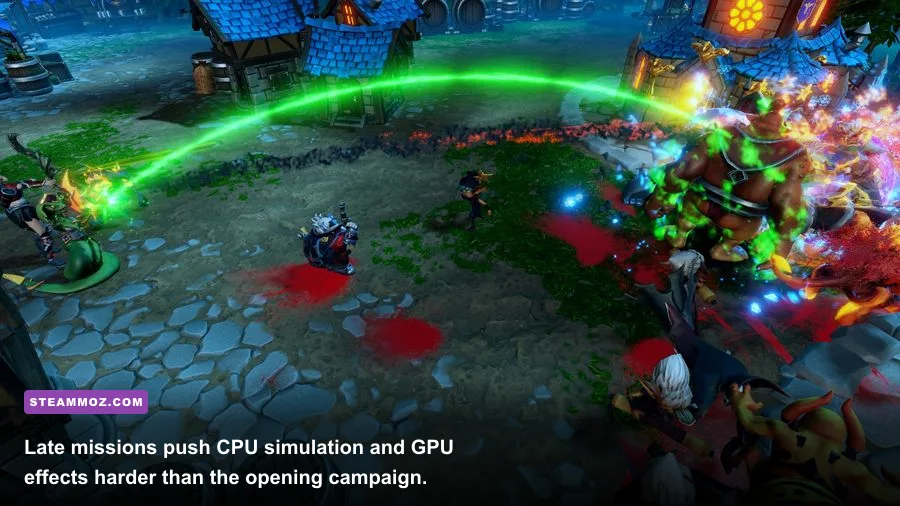
The best balanced target is a 1080p profile with High textures, Medium shadows, Medium ambient occlusion, and High or Medium effects. That preserves the game's excellent visual personality—the chunky rooms, expressive creatures, and over-the-top spell effects—while avoiding the settings most likely to punish older hardware. If your PC is only just above minimum, expect compromises in late missions rather than a flawless 60 FPS lock.
For official background, consult Kalypso Media's publisher site and the Realmforge Studios website. The game's charm comes from scale: you start with a few rooms and end up managing a ridiculous underground machine of creatures, traps, resources, and destruction. Give that simulation room to breathe, tune shadows and effects before textures, and even an older gaming PC can make Dungeons 3 feel wonderfully smooth.