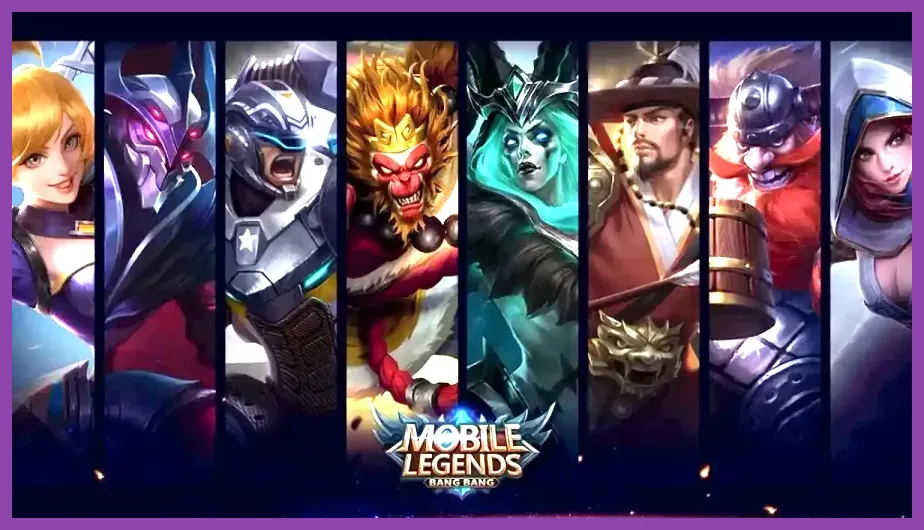
There are no hidden or secret playable characters in Mobile Legends: Bang Bang that require a cheat code, secret map, or special account level. What players often call “secret characters” are heroes hidden by filters, limited-time event rewards, free-rotation heroes, trial characters, or heroes that have not yet been purchased. To unlock the complete standard roster, use Battle Points, Diamonds, Hero Fragments, event rewards, and the in-game shop; avoid unofficial APKs and “all heroes unlocked” tools because they can steal accounts or trigger penalties.
That distinction matters because MLBB has a large and changing roster, but every normal playable hero is obtained through official game systems. The account level does not unlock a secret assassin, the Classic map contains no hidden character, and entering codes from social media videos will not permanently add a hero. Moonton's official Mobile Legends website and the game's own Events, Shop, and Heroes menus are the reliable sources for current availability.
This guide explains exactly where to look, which currency to save, how free rotations work, and how to identify an event-exclusive reward. The same process applies on Android and iOS, although menu names and promotional offers can change after major patches.
What “secret characters” really means in MLBB
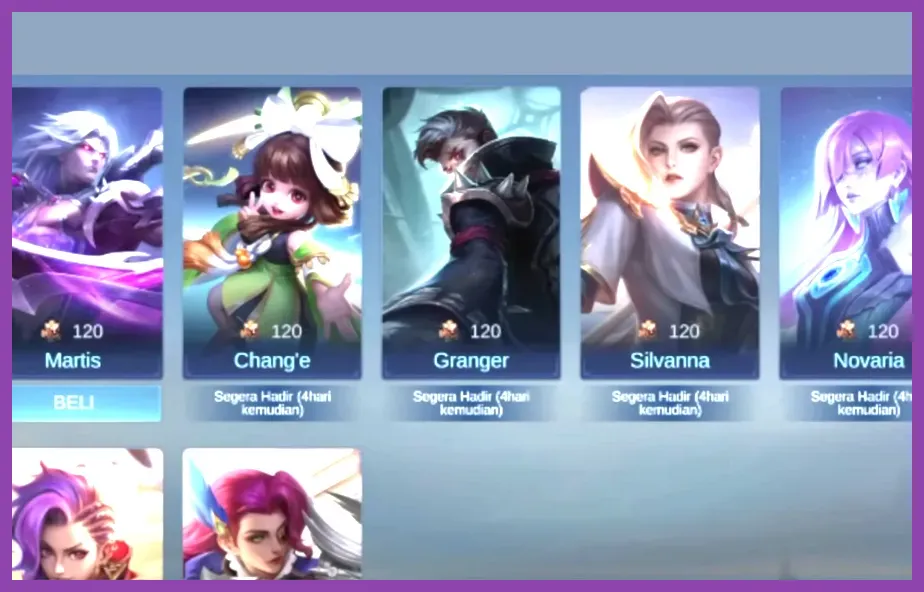
Mobile Legends does not use a conventional secret-character system. Heroes such as Miya, Tigreal, Layla, and Eudora are available through normal progression, while newer heroes may appear first in a launch event, limited-time draw, or discounted purchase. The roster also includes heroes from several roles: tanks such as Atlas and Tigreal, fighters such as Yu Zhong and Paquito, assassins such as Ling and Hayabusa, mages such as Xavier and Lunox, marksmen such as Beatrix and Brody, and supports such as Floryn and Rafaela.
Some heroes can appear “locked” for different reasons. The hero may cost Battle Points or Diamonds, the game may be displaying a role filter, a temporary free rotation may have expired, or the account may be viewing a mode-specific list such as Magic Chess rather than the main MLBB roster. Tap the crossed-swords or Heroes icon from the main lobby, clear every role filter, and browse the complete list alphabetically. Selecting a locked hero shows the exact current purchase method.
Do not confuse heroes with skins, fragments, emblems, or Magic Chess commanders. A skin changes appearance and sometimes effects, but it does not unlock a different character. Magic Chess commanders are separate from the heroes used in Ranked, Classic, Brawl, and other standard matches.
How to check whether a hero is permanently unlocked
- Open the Heroes tab from the lobby.
- Clear role, lane, and ownership filters.
- Select the character you want to inspect.
- Look for the ownership label or the purchase button.
- Open Story or Skills to confirm you are viewing a hero, not a skin preview.
If the hero is available only through a temporary Trial Card, the interface will show a remaining duration. Trial access is useful for testing, but it is not a permanent unlock.
Unlock heroes with Battle Points and Diamonds
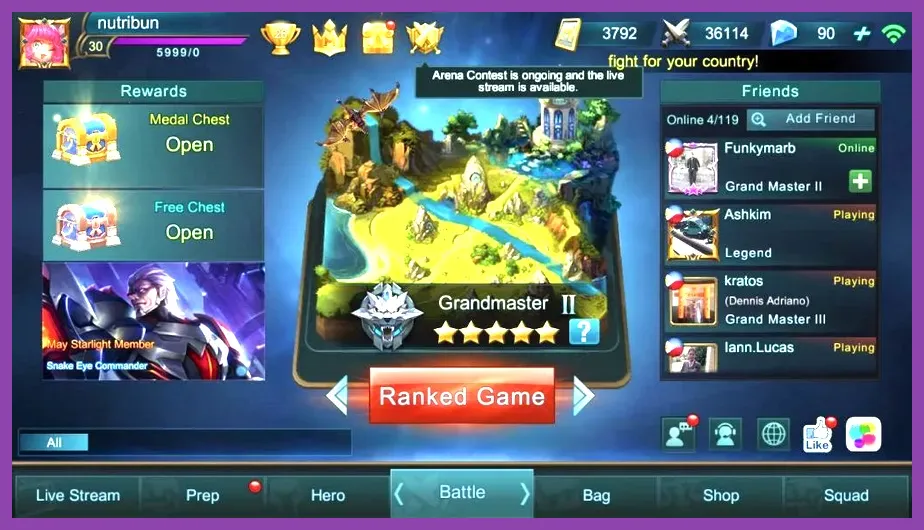
Battle Points are the safest free currency for expanding the roster. You earn them from completed matches, daily activity, tasks, achievements, and selected event rewards. The exact Battle Point price can vary by hero and by live shop adjustments, so check the purchase panel instead of relying on an old tier list. Save Battle Points for heroes that fit your preferred roles rather than buying every character immediately.
New accounts should prioritize a practical spread of roles. Layla and Miya teach basic marksman positioning, Tigreal demonstrates initiation and crowd control, Eudora offers straightforward burst damage, and Balmond provides a forgiving fighter option. These choices do not represent secret unlocks; they are efficient early purchases because their kits are easy to understand and useful in standard matches.
Diamonds are premium currency and can purchase some heroes, skins, draw entries, and special offers. Spending Diamonds on a hero is usually less efficient than using Battle Points unless a limited promotion includes a meaningful discount or the hero is temporarily offered through a premium event. Never enter your Moonton account password into a third-party “free Diamond” website. The official Google Play listing is the appropriate Android download source, and iOS players should use the official App Store listing.
Weekly limits can affect Battle Point farming. Open the profile or currency area to see the current cap and claim available rewards before playing more matches. Double-BP cards can improve efficiency during active sessions, but only use them when you have enough time to complete several games and avoid wasting their duration.
How to use Hero Fragments
Hero Fragments are another free-to-play route. Open the Shop, enter the Fragment Shop, and select the hero exchange section. The featured list rotates, so a desired character may not be available every day. Fragment Shop rotations can include older heroes and are particularly useful for players who collect fragments from login rewards, events, chests, and free activity missions.
Check the exchange requirement shown in the current interface before spending. Do not assume that a fragment amount from an old video remains accurate after a balance patch. If the target hero is absent, keep the fragments until the rotation changes rather than converting them into an unwanted character.
For broader resource-management advice, Steamoz's fastest way to get gold guide covers a different Supercell game, but its principle applies here: spend progression currency deliberately instead of chasing every short-term offer.
Use free rotations, Trial Cards, and events
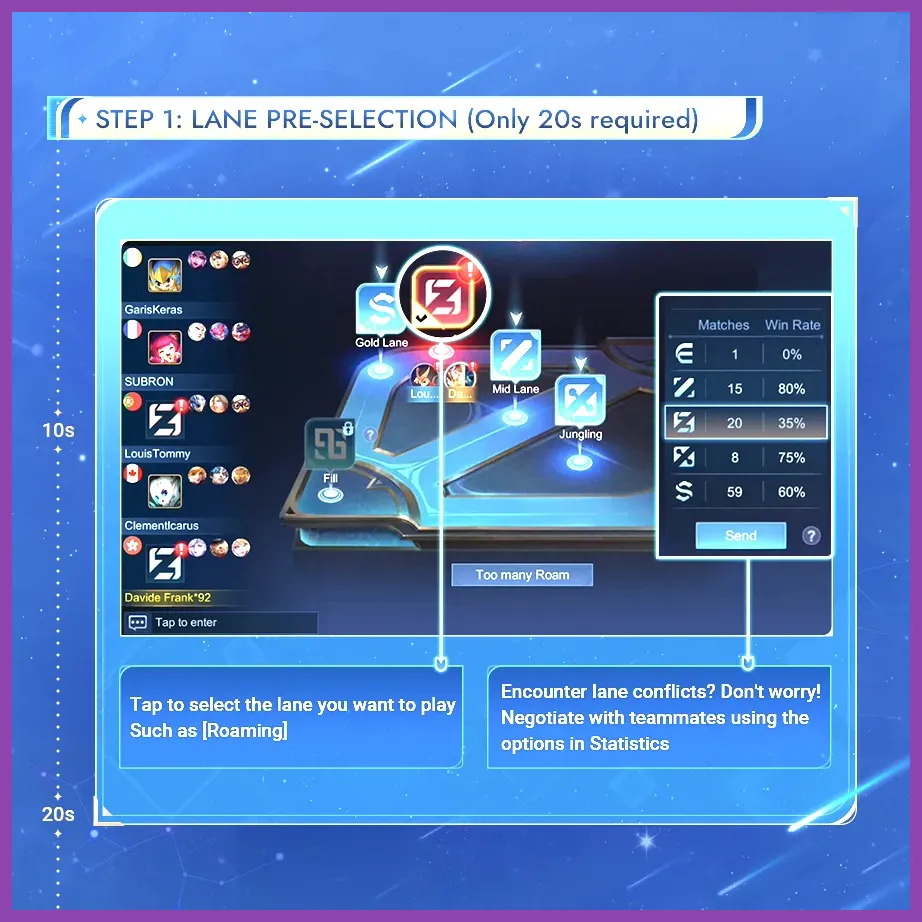
MLBB regularly makes a selection of heroes temporarily free. A free-rotation hero can be used in eligible modes without permanent ownership, allowing you to test the character's basic attack pattern, mana or energy demands, skill range, and ultimate timing. The rotation is not a hidden unlock: when the period ends, the hero returns to a locked state unless you purchase it or obtain it through another official method.
Trial Cards work similarly. When a Trial Card is active, the hero page displays the remaining time or matches. Use that window in Practice, Classic, or another permitted mode. A good test should include the hero's full skill sequence, not just one match. For example, test Tigreal's Implosion with Flicker timing, Hayabusa's Ougi Shadow Kill against multiple targets, Beatrix's weapon switching, or Floryn's global support ultimate before deciding whether permanent ownership is worthwhile.
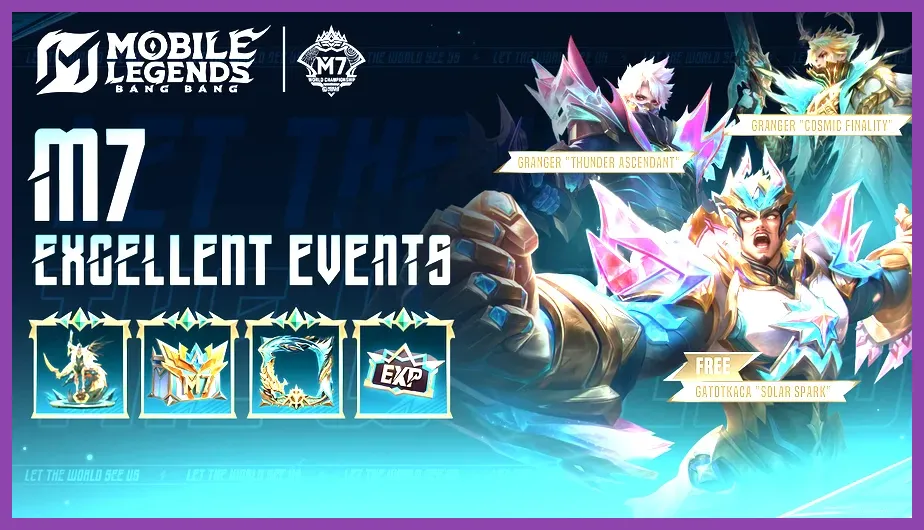
Events are the closest thing to a “secret character” hunt. Open the Events tab and inspect every mission, login calendar, exchange shop, and claim button. Some events award a permanent hero selection chest, while others provide fragments, temporary access, or a discount coupon. Read the reward description carefully: “Hero Trial Card” means temporary access, “Hero Fragment” requires an exchange, and a named hero or permanent selection chest normally adds lasting ownership after the claim is confirmed.
Limited-time events may require daily logins, match completion, sharing, token collection, or spending event currency. Set a reminder for the expiry date displayed in the event panel. Rewards usually cannot be claimed after the timer reaches zero, even if the required missions were completed.
Where official rewards appear
- Events: login calendars, seasonal missions, exchange stores, and collaboration rewards.
- Mailbox: compensation, maintenance gifts, tournament rewards, and system deliveries.
- Inventory: Trial Cards, fragments, tickets, chests, and event tokens.
- Shop: permanent hero purchases, Fragment Shop rotations, and temporary discounts.
- Recharge or draw pages: premium campaigns that may include hero-related rewards, but never guarantee an unspecified character without clear terms.
For patch notes and official announcements, use the official MLBB news page. The official Mobile Legends Facebook page also publishes event notices, but verify any reward in the client before acting on a repost.
Unlock every available hero safely and efficiently
Start by making a roster checklist. In the Heroes menu, note each locked character and sort them by role. Buy one dependable hero for your main lane, then add a tank or support so you can fill team needs in Ranked. After that, prioritize heroes that match your mechanics. A mechanically demanding assassin such as Fanny or Ling is a poor first purchase if you rarely practice movement-heavy characters, even if the hero is currently popular.
Use the Preparation and Practice features before spending currency. In Practice, test emblem pages, battle spells, damage against training dummies, and cooldown interactions. For example, compare Flicker and Retribution on a fighter, check whether a mage's combo kills a backline target with your available equipment, and learn the range of a marksman's escape tool. This prevents wasting Battle Points on a hero whose control scheme does not suit you.
Claim daily and weekly rewards consistently, complete available tasks, and check the mailbox after maintenance. Keep a reserve of Battle Points for newly released heroes only after their purchase cost and role are visible in the live client. Do not buy a hero solely because a content creator calls it “secret” or “free.” Confirm whether the offer is permanent, time-limited, or merely a trial.
Account security is essential. Install MLBB only from an official store, enable the strongest available account protections, avoid account sharing, and never use scripts, modified clients, unlocker APKs, or third-party currency generators. These tools cannot legitimately reveal hidden heroes because the server controls hero ownership. They can instead expose login credentials, install malware, or cause account restrictions.
If you want more mobile-game optimization tips, Steamoz's PUBG Mobile battery-drain fixes can help with longer sessions, while the Smite graphics settings guide offers useful performance principles for reducing heat and frame drops on mobile hardware.
The complete answer to “how to unlock all secret characters in Mobile Legends Bang Bang” is therefore straightforward: there is no hidden character code. Clear the roster filters, use Battle Points for permanent purchases, exchange Hero Fragments when the desired hero rotates in, test free-rotation heroes with Trial Cards, and finish official events before they expire. Every legitimate permanent unlock will appear in the Heroes menu and remain tied to your account after the event or trial ends.