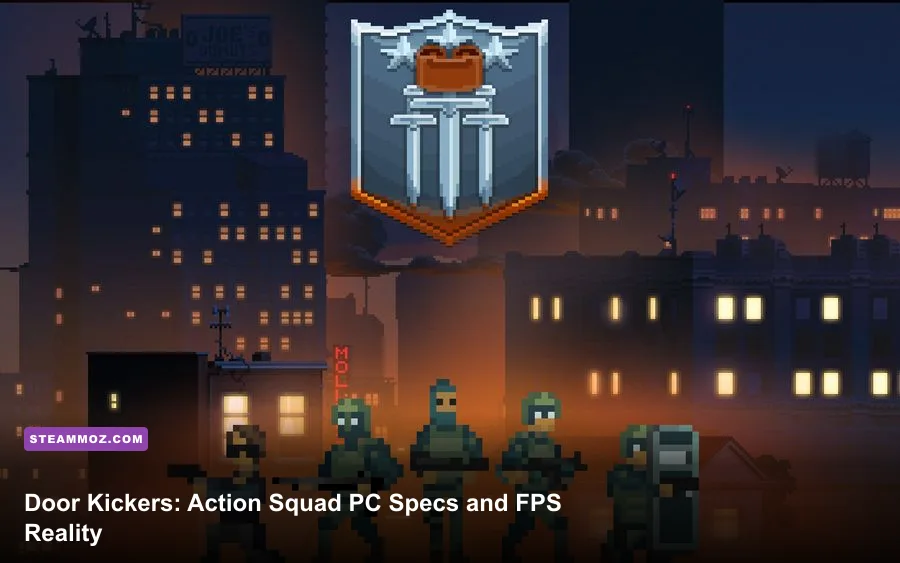
Door Kickers: Action Squad is exceptionally easy to run. The Steam-listed minimum is just a Windows 7-era dual-core processor, 2 GB of RAM, a GeForce 510-class graphics card, DirectX 9.0c, and 2 GB of storage. For a smoother modern setup, aim for a Core i3-6100, 4 GB of RAM, and a GeForce GTX 750-class GPU. In practice, almost any office laptop or integrated-graphics PC from the last decade can handle this pixel-art tactical shooter at 1080p, while frame-rate problems are more likely to come from drivers, overlays, fullscreen scaling, or background software than from raw hardware limits.
That low barrier matters because Door Kickers: Action Squad on Steam is built around instant reactions. You kick doors, rescue hostages, avoid friendly fire, and make split-second decisions while enemies flood narrow corridors. A machine that technically launches the game but introduces stutter during a breach can still ruin a run. Here’s what the official numbers mean, what hardware is actually sensible today, and which settings deserve your attention.
Door Kickers: Action Squad minimum requirements
The official minimum specification is deliberately modest. Door Kickers: Action Squad lists Windows 7, an Intel Core 2 Duo E8400, 2 GB of memory, an Nvidia GeForce 510, DirectX 9.0c, and 2 GB of available storage. Those parts date back to the late 2000s and early 2010s, so the game’s requirements are far below what you’ll see for most modern 2D action titles.
The important detail is that the minimum GPU is not a performance target. It is a launch-and-play baseline. The GeForce 510 is an extremely low-end desktop card with limited 3D capability, and a Core 2 Duo E8400 has only two processing cores. The game’s pixel-art presentation is lightweight, but combat still produces plenty of simultaneous activity: muzzle flashes, enemy movement, destructible doors, blood effects, alarms, hostages, and multiple characters occupying tight spaces.
If you’re using an old Windows desktop with a Core 2 Duo, 2 GB of RAM, and a discrete card around the GeForce 510 level, lower your expectations to 720p or 900p first. The game may run acceptably, but background applications can consume a meaningful share of 2 GB. Close browsers, launchers, recording tools, and hardware-monitoring utilities before starting a long campaign session.
| Component | Official minimum | What it means in practice |
|---|---|---|
| Operating system | Windows 7 | Modern Windows versions should run it, provided drivers are current |
| Processor | Intel Core 2 Duo E8400 | Two older cores are enough, but background tasks may cause stutter |
| Memory | 2 GB RAM | Playable, though 4 GB or more is much safer |
| Graphics | Nvidia GeForce 510 | Baseline hardware, not a guarantee of high-resolution smoothness |
| DirectX | DirectX 9.0c | The game uses an older graphics API with low overhead |
| Storage | 2 GB available space | Leave extra room for Steam updates and save data |

🎮 Door Kickers: Action Squad
Looking to experience this game? Grab your digital key directly on our store for $2.79.
View on Steammoz Store →Recommended PC specs for a smoother experience
Steam’s recommended target is Windows 10, an Intel Core i3-6100, 4 GB of RAM, a GeForce GTX 750, DirectX 11, and 2 GB of storage. None of that is demanding by current standards. A budget desktop with a recent Core i3, Ryzen 3, Intel UHD graphics, or AMD Radeon integrated graphics should comfortably exceed the listed target.
The GTX 750 recommendation is especially conservative. Door Kickers: Action Squad does not need a modern RTX card, dedicated ray-tracing hardware, or a large pool of VRAM. What you want is consistent frame pacing at your display’s native resolution. A modern integrated GPU can usually deliver that without difficulty because the game’s visual load comes from crisp 2D assets rather than dense 3D environments.
For a new low-cost PC, I’d treat 8 GB of system memory as the sensible floor even though the game officially asks for only 4 GB in its recommended configuration. That isn’t because Action Squad suddenly consumes 8 GB; it’s because Windows, Steam, Discord, a browser, and other normal utilities can quickly crowd a 4 GB machine. A solid-state drive is optional for frame rate, but it makes launching missions and switching between episodes noticeably snappier.
On laptops, don’t judge performance purely by the CPU model. A low-power Core i3 or Ryzen 3 can be perfectly fine, while an aggressively power-limited machine may downclock when running on battery. Plug in the charger, select a performance power profile, and keep vents clear. That matters more than buying a high-end GPU for this particular game.
| PC profile | Suitable hardware | Expected use | Verdict |
|---|---|---|---|
| Legacy minimum | Core 2 Duo E8400, 2 GB RAM, GeForce 510 | Low-resolution play with minimal background software | Runs, but little headroom |
| Official recommended | Core i3-6100, 4 GB RAM, GTX 750 | 1080p play with comfortable overhead | Solid target |
| Modern budget laptop | Recent Core i3 or Ryzen 3, 8 GB RAM, integrated graphics | 1080p with stable performance | More than enough |
| Modern gaming PC | Six-core CPU, 16 GB RAM, GTX 1650 or better | High-resolution play, streaming, and multitasking | Massive overhead |
Can integrated graphics run the game?
Yes. Intel HD Graphics 4000-era hardware is already a realistic starting point, and newer Intel UHD, Iris Xe, Radeon Vega, and Radeon 680M graphics are comfortably above the game’s official minimum. The key advantage of integrated graphics is that Action Squad’s pixel-art scenes don’t demand large amounts of texture memory or complex shader performance.
There are still a few caveats. Older integrated GPUs borrow system memory, so a computer with a single 4 GB RAM module can perform worse than the same machine with 8 GB in dual-channel mode. If you see inconsistent frame pacing, check whether the laptop is using one memory stick, battery mode, or an outdated graphics driver. The game itself is light; the platform around it may be the bottleneck.
Resolution also matters. At 1080p, the image stays sharp and the interface is comfortable. On a 1440p or 4K monitor, the game still has an easy workload, but scaling behavior can vary by display and driver. If the picture looks soft, use the monitor’s native resolution and test fullscreen rather than assuming a lower resolution will look better.
For handheld PCs, the same rule applies. A Steam Deck-class APU has vastly more graphics capability than Action Squad needs. You can run the game at the panel’s native resolution and use a modest power limit if battery life matters. The limiting factor will be the handheld’s screen, controls, or battery—not the game’s system requirements.
Best graphics settings for stable FPS
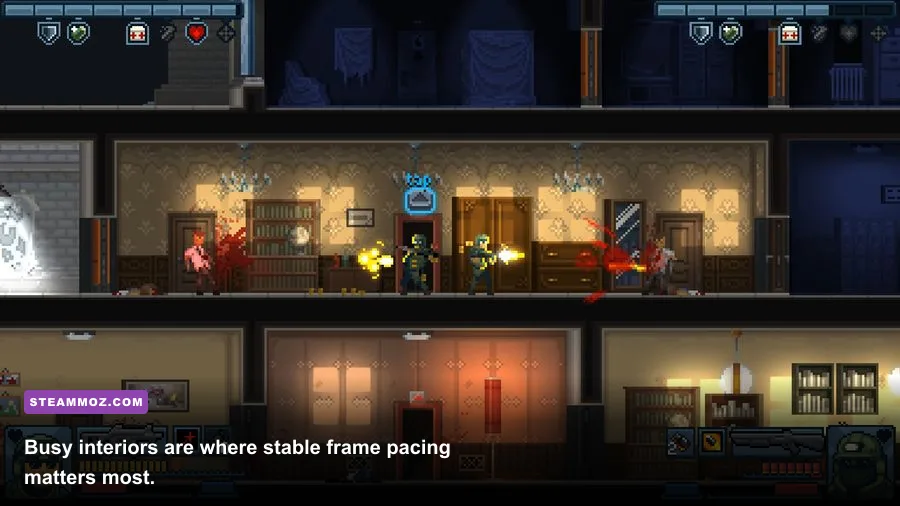
There isn’t a giant PC graphics menu to obsess over, and that’s good news. The game’s art style is fixed around readable pixel art, so resolution, display mode, and synchronization have a greater practical effect than texture or shadow sliders. If your PC meets the recommended target, start at native resolution, use fullscreen, and leave visual effects enabled.
On a truly old machine, reduce resolution before stripping away every effect. Readability is crucial when you’re identifying a hostage, spotting a hostile behind a doorway, or timing a reload. A stable 60 FPS at 900p is generally preferable to a fluctuating presentation at a resolution your monitor has to scale awkwardly.
V-sync can help if your display shows tearing during rapid horizontal movement, but it may add a little input latency. That trade-off is more noticeable here than in a slow strategy game because the Breacher’s door charges, the Assault class’s aggressive pushes, and close-range hostage rescues reward immediate reactions. If your monitor supports variable refresh rate, test it with v-sync disabled first; if you see tearing, turn synchronization back on.
| Setting or adjustment | Recommended value | FPS impact | Visual and control note |
|---|---|---|---|
| Resolution | Native display resolution | Low on modern PCs | Best image clarity for targets and hostages |
| Fullscreen mode | Fullscreen for older systems | Small potential gain | Can reduce desktop compositing overhead |
| V-sync | Enable only if tearing appears | May cap output or add latency | Disable for the quickest response if tearing is absent |
| Background overlays | Disable unnecessary overlays | Improves frame-time consistency | Useful on 2 GB to 4 GB systems |
| Power profile | Plugged-in performance mode | Prevents clock drops | Especially important on laptops and handhelds |
If you’re troubleshooting stutter, use a clean test: restart the PC, launch only Steam and the game, then replay the same mission. Don’t compare a quiet opening room with a late-stage firefight. A repeatable section with several enemies, a hostage, and multiple doors gives you a much more useful performance baseline.
Why hardware still matters during a breach
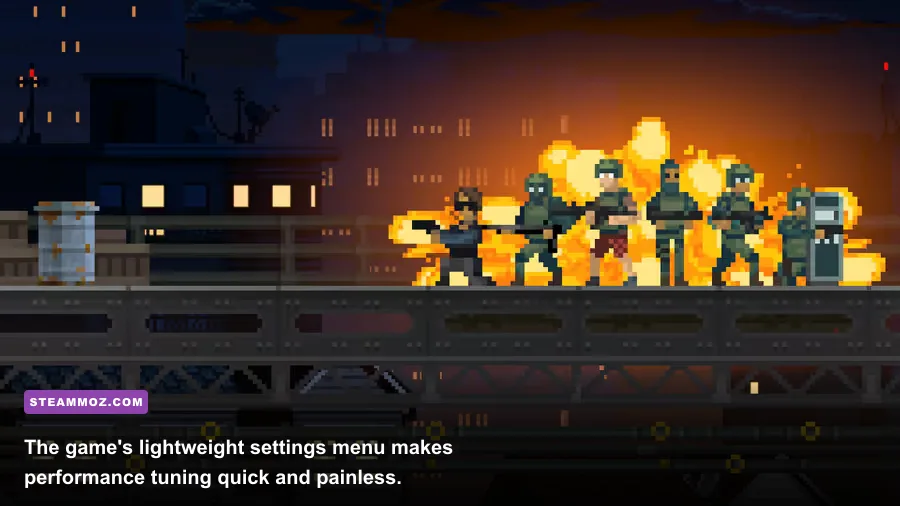
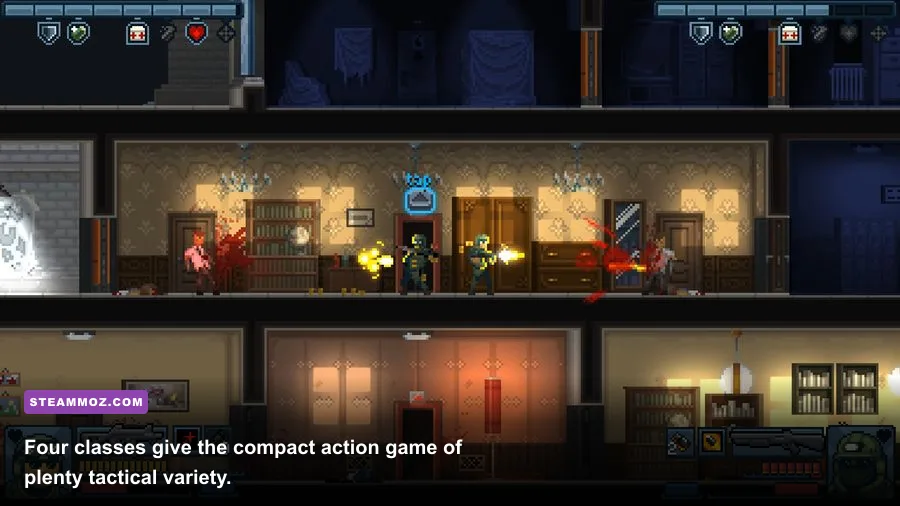
Action Squad’s requirements are low, but its gameplay is not forgiving. The four playable classes—Assault, Breacher, Support, and Recon—create different demands on your attention. The Assault is built for aggressive room clearing, the Breacher specializes in forcing entry, Support brings heavier firepower and utility, and Recon rewards controlled movement and precision. None requires a special PC, but every class benefits from clean input and stable frame delivery.
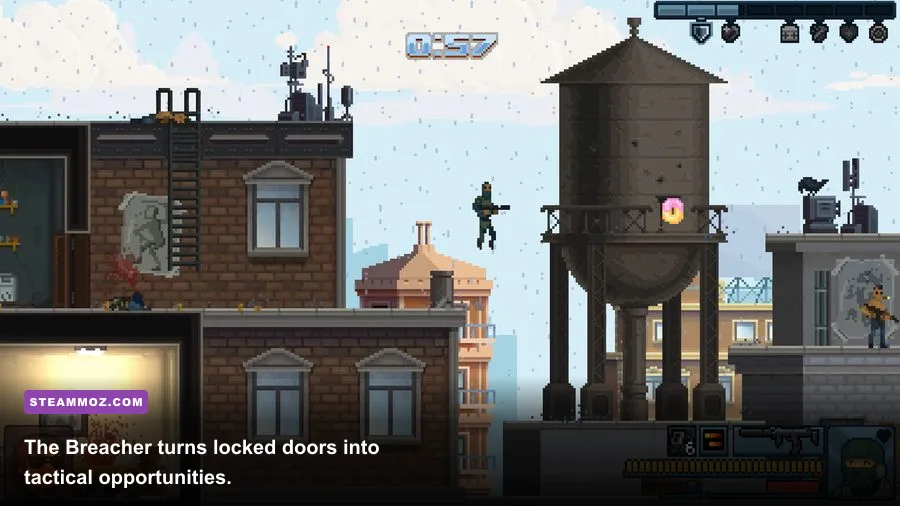
The Breacher is a good stress test because doors are central to the game’s rhythm. You can open them carefully, kick them, or use tools and firepower to create a more violent entry. A hitch at the instant a door opens can delay your reaction to an enemy on the other side. That is why frame pacing matters more than chasing a high average number in a lightweight title.
Hostage missions add another layer. Enemies can appear from rooms and corridors while civilians occupy the same cramped spaces, so indiscriminate firing is dangerous. On a stable system, you can make the small timing corrections that separate a clean rescue from a failed objective. If controls feel sluggish, check synchronization and controller software before blaming the GPU.
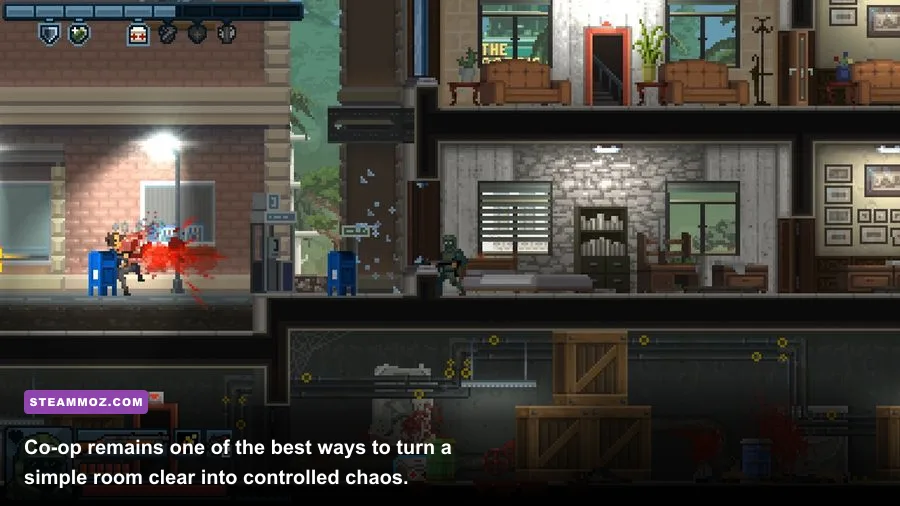
Co-op can expose network or input issues that look like graphics problems. If one player sees delayed reactions while the local frame rate remains steady, test your connection and disable bandwidth-heavy downloads. For broader PC troubleshooting, our guides to ELEX crash and FPS fixes and EscapeVR performance problems cover the same driver, overlay, and power-profile checks that often help older PC games.
Storage, Windows compatibility, and troubleshooting
The listed storage requirement is only 2 GB, so capacity isn’t a serious concern. Still, don’t install the game on a drive that is completely full. Windows needs free space for temporary files, shader caches, updates, and virtual memory. On a mechanical hard drive, installation will work, but an SSD makes launching and navigating the Steam client faster.
Windows 10 and Windows 11 users should normally have no trouble running a game designed around DirectX 9.0c and later systems. If it refuses to launch, verify the installation through Steam, update the GPU driver, and reboot after installing legacy runtime components. Avoid downloading random DLL files from third-party websites; they can create security problems and rarely solve the real issue.
For black screens or strange scaling, switch between windowed and fullscreen modes, confirm that Windows display scaling is behaving normally, and test a standard 16:9 resolution such as 1920×1080 or 1280×720. If a controller is misbehaving, unplug other gamepads and remap controls through Steam Input. Keep Steam Overlay disabled only as a diagnostic step; turn it back on if it isn’t contributing to the problem.
Players comparing this game with heavier PC releases can also use Steamoz’s Far Cry 2 PC specs breakdown to see how radically different the hardware baseline is. For another low-demand title, the Edna & Harvey PC requirements guide offers useful context on older hardware and compatibility.
The final verdict on Door Kickers: Action Squad specs
Door Kickers: Action Squad is one of the safer Steam purchases for an aging PC. The official minimum of a Core 2 Duo E8400, 2 GB RAM, GeForce 510, DirectX 9.0c, and 2 GB storage is genuinely approachable, although it leaves little room for background programs. The recommended Core i3-6100, 4 GB RAM, GTX 750, DirectX 11, and Windows 10 target is equally modest today.
For the best experience, use any modern four-core laptop or desktop with 8 GB of RAM, current graphics drivers, and an SSD. Integrated graphics are fine. Prioritize stable frame pacing, native resolution, and responsive controls over chasing unnecessary visual tweaks. If your PC can run a browser, Steam, and a handful of indie games without struggling, it almost certainly has enough power to handle this tactical shooter.
The real challenge is clearing rooms without losing civilians—not rendering them. Whether you choose the Breacher for explosive entries, Assault for speed, Support for heavier pressure, or Recon for careful precision, the game’s compact missions deserve a machine that stays out of your way. Meet the recommended target and you’ll have plenty of overhead for smooth 1080p play, co-op, and the kind of frantic last-second rescues that make Action Squad so replayable.
For more PC performance coverage, browse our Filament settings guide and keep an eye on the Empires of the Undergrowth strategy guide for another tactics-heavy PC experience.