Far Cry 2 is easy to run by modern standards: the original PC release asks for a Pentium 4 or Athlon 64 3500+, 1GB of RAM, and a GeForce 6800 or Radeon X1650 with 256MB of video memory at minimum. Ubisoft's recommended target rises to a Core 2 Duo E6700 or Athlon 64 X2 6000+, 2GB of RAM, and a GeForce 8600 GTS or Radeon X1900 with 512MB. Almost any desktop or laptop bought in the last decade clears those numbers, but Windows 10/11 compatibility, old DirectX components, widescreen scaling, and frame pacing are the real hurdles.
That distinction matters because Far Cry 2 is not a tiny corridor shooter. The Dunia engine streams a large African map, dynamic weather, vegetation, fire propagation, vehicle physics, and enemy camps while you drive between objectives. A modern integrated GPU can technically beat the listed requirements and still deliver uneven performance if the game is configured badly. Here are the official specs, what they mean in practice, and the settings profile I'd use today.
Far Cry 2 minimum and recommended requirements
The requirements below reflect the PC version's original target hardware. They should be read as compatibility baselines rather than modern performance guarantees. The minimum GPU supports Shader Model 3.0 and DirectX 9.0c, while the recommended tier gives the engine more room for higher texture quality, lighting, and vegetation detail.
| Component | Minimum | Recommended | Modern interpretation |
|---|---|---|---|
| Operating system | Windows XP SP2 or Windows Vista | Windows XP SP2 or Windows Vista | Windows 10/11 may need compatibility fixes |
| CPU | Intel Pentium 4 3.2 GHz or AMD Athlon 64 3500+ | Intel Core 2 Duo E6700 2.6 GHz or AMD Athlon 64 X2 6000+ 3.0 GHz | Any recent dual-core CPU is substantially faster |
| Memory | 1GB RAM | 2GB RAM | 8GB system RAM is comfortable today |
| Graphics | NVIDIA GeForce 6800 or ATI Radeon X1650, 256MB, Shader Model 3.0 | NVIDIA GeForce 8600 GTS or ATI Radeon X1900, 512MB | Modern integrated graphics generally exceed this |
| DirectX | DirectX 9.0c | DirectX 9.0c | Install legacy runtime files if the game fails to launch |
| Storage | About 12GB free space | About 12GB free space | Use an SSD for faster loads and streaming |
The CPU listings are especially revealing. Far Cry 2's recommended Core 2 Duo is not there because the game needs modern multi-threading; it reflects how heavily the 2008 engine depended on fast single-threaded CPU performance. A current Core i3, Ryzen 3, or better has plenty of headroom. The bigger practical warning is the GPU's age: today's Intel UHD, Iris Xe, Radeon 680M, and Radeon 780M integrated graphics are far beyond a GeForce 6800, though laptop cooling and power limits still matter.
For the authoritative store listing, check the Far Cry 2 Steam page. The Steam release is generally sold as the Fortune's Edition, which includes the main game and additional downloadable content, but its core rendering demands remain the same.
🎮 Far Cry 2 – Standard Edition
Looking to experience this game? Grab your digital key directly on our store for $2.99.
View on Steammoz Store →What hardware do you really need today?
You don't need a gaming PC to enjoy Far Cry 2. A machine with a recent four-core CPU, 8GB of RAM, and a GTX 1050 Ti, RX 560, or newer integrated GPU should handle 1080p comfortably. The game is old enough that ultra settings are often possible, but maxing everything blindly isn't the smart move: vegetation, shadows, and fire effects can produce dips during a burning outpost or a busy convoy ambush.
| PC profile | Resolution and preset | Expected result | Best use case |
|---|---|---|---|
| Legacy minimum-class PC | 720p, Low, DirectX 9 | Playable but likely inconsistent | GeForce 6800-era hardware |
| Office laptop with modern iGPU | 1080p, Low or Medium | Usually smooth with reduced shadows | Intel UHD, Iris Xe, or basic Radeon graphics |
| Entry-level gaming PC | 1080p, High | Comfortable high-refresh play | GTX 1050 Ti, GTX 1650, RX 560, or better |
| Modern gaming PC | 1440p, Very High | GPU headroom, but old-engine quirks remain | RTX, RX, or modern integrated graphics with fast CPU |
RAM is rarely the limiting factor once you have 4GB or more, although 8GB prevents background applications from creating unnecessary stutter. Install the game on an SSD if possible. It won't transform the average frame rate, but it cuts loading delays and helps the engine stream map assets more consistently during long drives between Leboa-Sako and Bowa-Seko.
There is also a difference between average FPS and how Far Cry 2 feels. A locked 60 FPS is preferable to an uncapped 120 FPS that repeatedly drops into the 40s when fire spreads through grass. The game's weapon animations, vehicle handling, and enemy reactions feel far more dependable when frame pacing is even.
Best graphics settings for smooth 1080p performance

Start with the High preset, then tune the expensive options rather than demolishing image quality. Far Cry 2's broad vistas benefit from decent texture and terrain detail, while the heaviest settings are the ones tied to shadows, vegetation, and environmental effects. Use the in-game benchmark if your build includes it, but also test a real firefight because a quiet road dramatically understates the load.
| Setting | Recommended value | FPS impact | Visual trade-off |
|---|---|---|---|
| Resolution | Native 1080p | High | Lower only when the GPU is clearly overloaded |
| Anti-aliasing | 2x or off on weak GPUs | Medium | Reduces jagged foliage and weapon edges |
| Shadows | Medium | High | Big performance gain; softer and less detailed shadows |
| Vegetation | High | Medium to high | Preserves the dense African landscape |
| Environment | High | Medium | Maintains terrain and world detail |
| Fire effects | High on dedicated GPUs, Medium on iGPUs | High during fires | Lowering this helps burning outpost battles |
| Geometry | High | Medium | Controls object and building detail at distance |
| HDR | On if stable, otherwise off | Low to medium | Improves bright sky and lighting transitions |
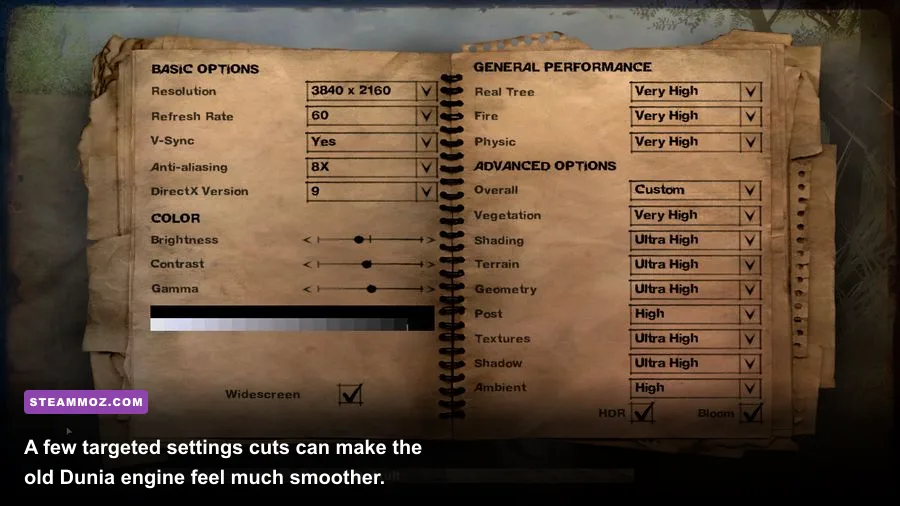
My pro-tuned profile is 1080p, High textures and geometry, Medium shadows, High vegetation, 2x anti-aliasing, and a 60 FPS cap. If you're using integrated graphics, disable anti-aliasing first, then lower shadows and fire effects. Don't immediately slash resolution to 720p; the game's foliage becomes noticeably muddy, and distant enemies are harder to pick out across the savanna.
Far Cry 2 also has an old-fashioned relationship with refresh rates. If the game behaves badly above 60 FPS, cap it through your GPU driver or a reliable frame limiter. Uncapped physics and animation can expose oddities in older PC builds. Players troubleshooting other older PC releases may also find useful ideas in our guide to settings that fix low FPS, even though the games use different engines.
Windows 10 and Windows 11 compatibility fixes
The listed operating systems are Windows XP and Vista, so a modern installation may need a little housekeeping. First, install the game through Steam, launch it once, and let it create its configuration files. If it immediately crashes, install Microsoft's legacy DirectX 9.0c runtime components; having DirectX 12 installed does not automatically provide every older D3DX file the game expects.
Fixes worth trying in order
- Verify the installation: use Steam's file verification tool before changing configuration files.
- Run the executable as administrator: this can help when the game cannot write its profile or save data.
- Test compatibility mode: Windows 7 compatibility is usually a better first experiment than forcing XP mode.
- Disable fullscreen optimizations: open the executable's Properties, choose Compatibility, and test this option if alt-tab causes black screens.
- Try a frame cap: lock the game to 60 FPS if menus, aiming, or driving feel erratic.
- Update GPU drivers: current drivers generally handle the game, but laptop users should ensure the dedicated GPU is selected.
Don't install random DLL files from unofficial download sites. If the game reports a missing component, use Microsoft's official DirectX End-User Runtime installer or the redistributables supplied by a trusted storefront. For broader troubleshooting habits, Steamoz's PC crash and FPS fixes guide covers the same safe diagnostic approach.
The Microsoft DirectX End-User Runtime documentation is the right place to start for legacy components. You can also review Ubisoft's Far Cry 2 information before applying community tweaks.
Why stable performance matters in Far Cry 2
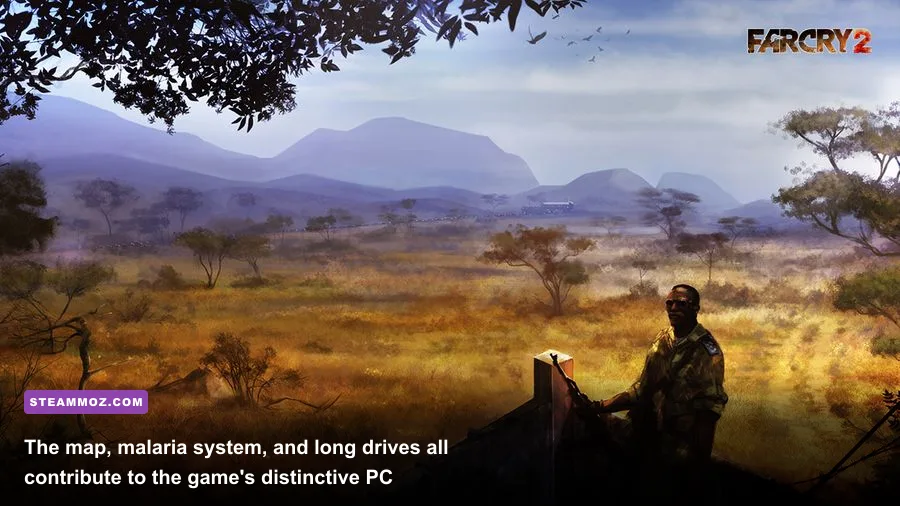
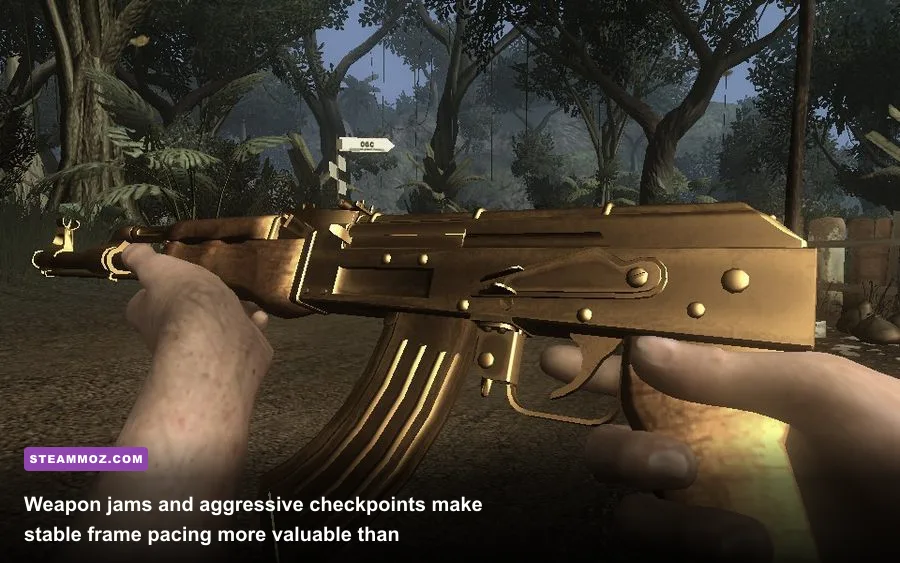
Far Cry 2's systems make performance more than a cosmetic concern. A jammed weapon can leave you exposed while enemies reposition, fire can cut off a retreat, and checkpoints repopulate as you travel across the map. The AK-47, FAL Paratrooper, G3-KA4, and PKM each have different handling and reliability personalities, while the dart rifle and silent MP5 reward deliberate stealth. Smooth frame delivery makes those small timing windows easier to read.
Fire is the classic stress test. Dry grass can carry flames across an outpost, smoke can obscure targets, and wind changes the direction of the burn. If your average frame rate looks excellent but the game stutters whenever a Molotov hits vegetation, lower fire effects and shadows before touching textures. That preserves the atmosphere while protecting the moments when combat is most chaotic.
| Scenario | What stresses the PC | Priority setting to reduce | Practical target |
|---|---|---|---|
| Long vehicle drive | World streaming and terrain detail | Environment or geometry | Stable frame pacing |
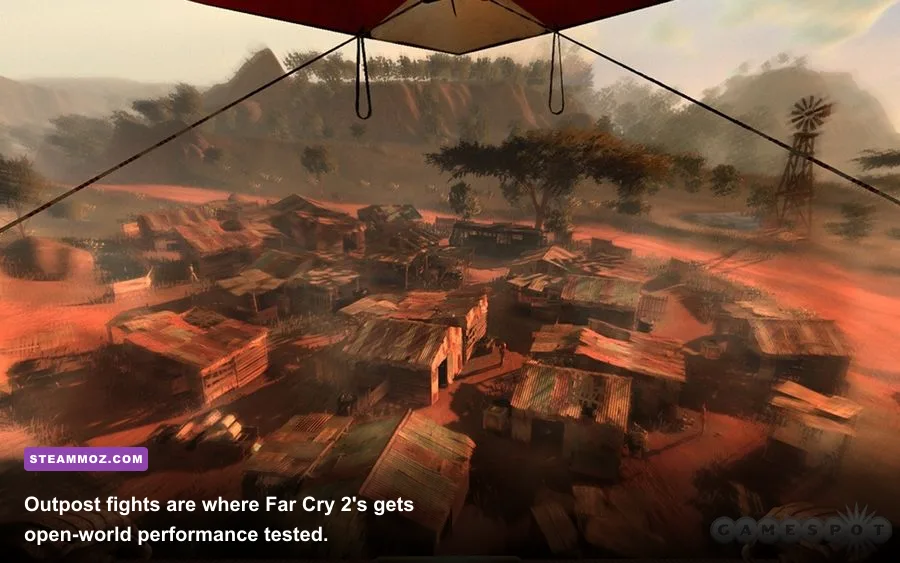
| Burning outpost | Fire, smoke, vegetation, shadows | Fire effects and shadows | Keep combat above 45-60 FPS |
| Large checkpoint firefight | AI, objects, weapon effects | Shadows, then anti-aliasing | Avoid sudden frame-time spikes |
| Dense jungle or grass | Vegetation visibility and overdraw | Vegetation quality | Preserve enough detail to spot enemies |
That is why the best Far Cry 2 PC setup isn't necessarily the one with every slider at maximum. A modest modern machine with 1080p resolution, controlled shadows, and a firm 60 FPS cap will usually deliver a better experience than an older high-end card pushing unstable ultra settings. If you enjoy the series' open-world experimentation, our roundup of games like Far Cry Primal is a good next stop.
Bottom line: meet the official minimum specs and Far Cry 2 should launch, but aim for at least a modern dual-core or quad-core CPU, 8GB of RAM, and any GPU comfortably above the GeForce 8600 GTS class. On Windows 10 or 11, install the legacy DirectX files, verify the game, cap the frame rate, and tune fire and shadows first. That combination keeps the Dunia engine's spectacular fires, distant vistas, and unpredictable combat intact without letting its 2008 technology get in the way.
For another official reference, the Ubisoft Help portal can point you toward current account and launcher support. Just remember that community fixes can vary between the Steam build, operating system version, and GPU driver, so change one setting at a time and keep a backup of your configuration files.