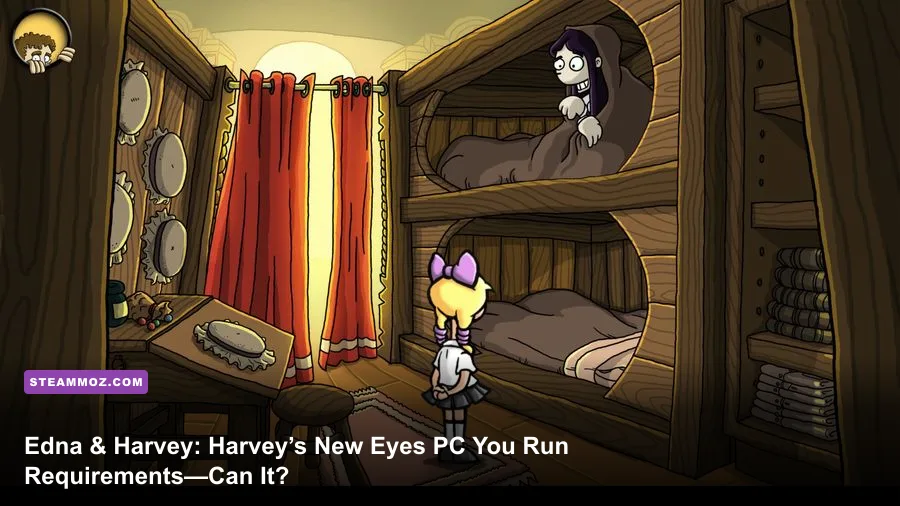
Edna & Harvey: Harvey’s New Eyes is exceptionally easy to run by modern PC standards. The published Windows baseline calls for a 2 GHz processor, 1 GB of RAM, a DirectX 9c-compatible graphics card, and roughly 3 GB of free storage. For a smoother modern setup, aim for any recent dual-core CPU, 4 GB of memory, integrated graphics from the last decade, and Windows 10 or Windows 11 with compatibility settings available if needed.
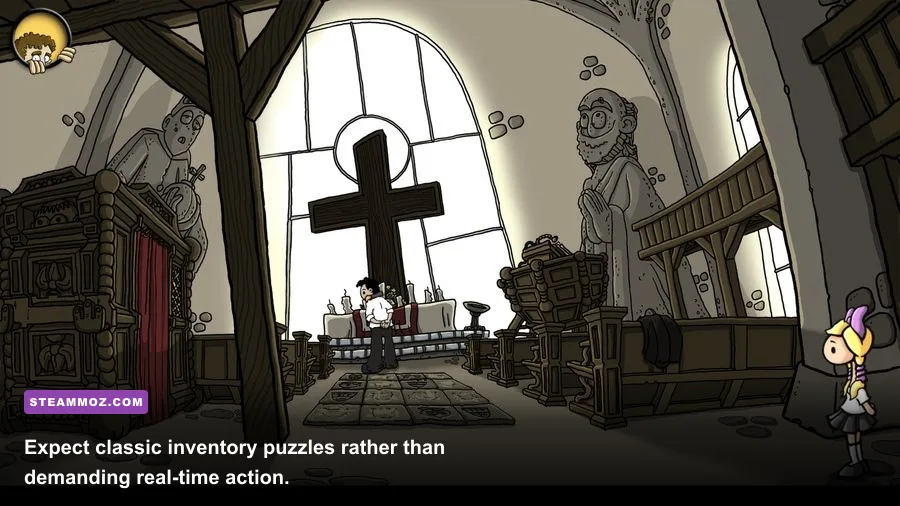
That distinction matters because this is a 2011 point-and-click adventure, not a modern 3D production with ray tracing, shader compilation, or huge open-world streaming demands. The game’s hand-drawn environments, animated characters, inventory interface, and pre-rendered presentation place almost no meaningful load on a current gaming PC. The bigger concerns are operating-system compatibility, display scaling, old middleware, and whether the Steam version behaves properly on your particular Windows installation.
This guide breaks down the Edna & Harvey: Harvey’s New Eyes system requirements, explains what the minimum specification actually means today, and gives you a practical recommended profile rather than pretending a powerful graphics card will improve the experience. If you’re comparing it with another older PC title, our coverage of Drawful 2’s real PC requirements offers a useful point of reference.
Edna & Harvey: Harvey’s New Eyes Minimum Requirements
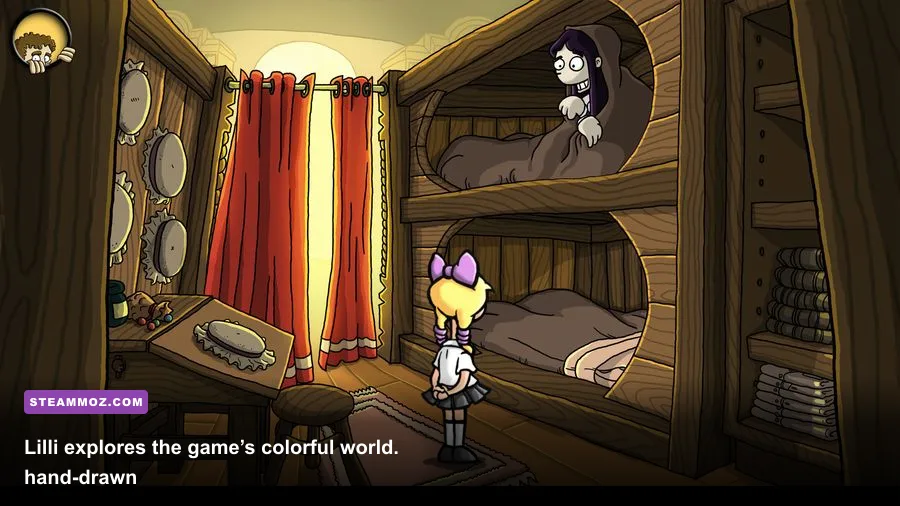
The official Windows minimum specification is wonderfully modest. You need a 2 GHz processor, 1 GB of RAM, a DirectX 9c-compatible graphics solution, and approximately 3 GB of available storage. The listed operating systems are Windows XP, Windows Vista, and Windows 7-era environments, which tells you exactly how old the game’s technical foundation is. A DirectX 9.0c-capable sound setup is also part of the original specification.
Those numbers describe the hardware the game was designed around, not a modern purchasing recommendation. A 2 GHz clock speed alone doesn’t tell the whole story: a low-power modern Celeron, Pentium, or Ryzen mobile chip can still be perfectly capable, while an ancient single-core processor at the same advertised frequency may produce slower loading and less consistent animation. The game doesn’t need a dedicated gaming CPU, but a modern dual-core chip gives it plenty of breathing room.
| Component | Published Minimum | What It Means Today | Likely Result |
|---|---|---|---|
| Operating system | Windows XP, Vista, or 7 | Designed for older Windows versions; current Windows may need compatibility adjustments | Usually playable on Windows 10/11 |
| Processor | 2 GHz CPU | Any modern dual-core chip is substantially faster | Low CPU usage during play |
| Memory | 1 GB RAM | Modern systems have several times the required capacity | Easy to run alongside normal desktop apps |
| Graphics | DirectX 9c-compatible GPU | Basic integrated graphics generally exceed this feature level | No dedicated GPU required |
| Storage | About 3 GB available | Leave extra space for Steam files, saves, and updates | Fits comfortably on an SSD or hard drive |
The graphics requirement is especially forgiving. Harvey’s New Eyes doesn’t ask for a specific GeForce or Radeon model because its visuals are built around 2D artwork and relatively lightweight effects. Intel HD Graphics, Intel UHD Graphics, AMD Radeon integrated graphics, and older laptop GPUs are all reasonable candidates if their drivers support the game’s display mode. You won’t see a useful difference between an entry-level GPU and a high-end RTX card here.
Storage is similarly straightforward. The game’s approximately 3 GB footprint is tiny beside current releases, but don’t interpret that as an invitation to install it on a failing or nearly full drive. Old adventure games can be more sensitive to permission issues and unusual folder locations than their size suggests. A normal Steam library on an SSD is the cleanest option.
🎮 Edna & Harvey: Harvey's New Eyes
Looking to experience this game? Grab your digital key directly on our store for $1.99.
View on Steammoz Store →The Recommended PC Specs for a Smooth Playthrough
There isn’t a demanding, separately defined modern recommended profile that changes the conversation. The sensible recommendation is simply a current Windows PC with 4 GB or more of RAM, a modern dual-core or quad-core processor, integrated graphics, and at least 5 GB of free space. That profile leaves room for Steam, browser tabs, antivirus software, and background services without turning a tiny adventure game into a memory-management exercise.
| Component | Practical Recommended Spec | Why It’s Enough |
|---|---|---|
| Operating system | Windows 10 or Windows 11, fully updated | Provides current drivers, security support, and easier Steam installation |
| Processor | Modern Intel Core i3, AMD Ryzen 3, or equivalent | Offers far more single-threaded performance than the original target hardware |
| Memory | 4 GB RAM or more | Leaves ample headroom for the operating system and other applications |
| Graphics | Intel UHD, AMD Radeon integrated graphics, or any dedicated GPU | Comfortably exceeds the DirectX 9c baseline |
| Storage | 5 GB free, preferably on an SSD | Allows installation overhead and keeps loading responsive |
| Display | 1080p monitor or laptop panel | Gives the artwork a clean presentation, though native resolution varies |
The important word here is practical. A modern integrated GPU isn’t recommended because the game requires serious rendering power. It’s recommended because integrated graphics are now common, inexpensive, and much newer than the DirectX 9-era hardware listed in the original requirements. If your laptop can handle basic video playback and ordinary desktop work, it almost certainly has enough graphics performance for Lilli’s journey.
A dedicated graphics card becomes relevant only if you’re using a particularly old office PC, a virtual machine, or a system with broken graphics drivers. Even then, a low-end card such as an older GeForce GT or Radeon HD-class product should be more than adequate on paper. The catch is driver support, not raw frame rate.
For context, the game’s hardware demands are closer to classic adventure software than modern action RPGs. If your machine handles titles discussed in our Dungeon Siege performance coverage, it has vastly more headroom than Harvey’s New Eyes needs.
Graphics Settings, Resolution, and Expected Performance
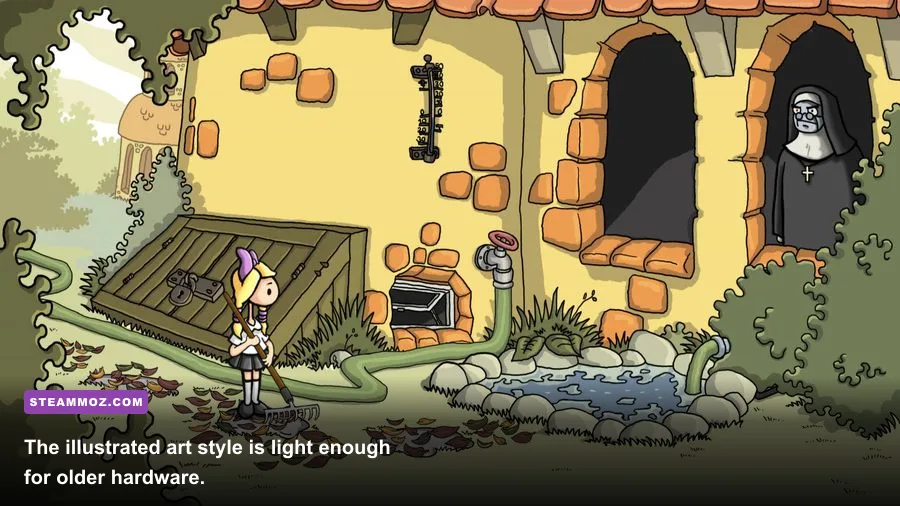
Harvey’s New Eyes is not a game where you’ll spend an evening tuning volumetric fog, contact shadows, or texture streaming. Its visual options are limited compared with contemporary 3D games, and that’s a feature rather than a flaw. The best experience comes from choosing a stable resolution, preserving the artwork’s intended aspect ratio, and avoiding forced scaling that makes the interface look soft.
| Setting or Use Case | Recommended Value | Performance Impact | Visual Consideration |
|---|---|---|---|
| Resolution | Native monitor resolution when available | Minimal on modern hardware | Sharpest interface and cleanest scaling |
| Window mode | Fullscreen first; borderless if supported | Very low | Windowed mode may help with Alt-Tab behavior |
| VSync | Enable if tearing appears | Negligible for this game | Prevents visible horizontal tearing during scrolling |
| Display scaling | Use GPU or application scaling consistently | None worth measuring | Prevents stretched artwork and mismatched aspect ratios |
| Compatibility mode | Try Windows 7 compatibility only if needed | None once configured | Can help older launcher or display behavior |
On a current desktop or laptop, you should expect the game to feel effectively effortless. The limiting factor won’t be whether your GPU can render enough frames; it will be whether the game presents its original assets correctly on a modern display. At 1080p, the artwork should remain comfortable to read, although some scenes may look softer than a current remaster because the source assets were made for older resolutions.
At 1440p or 4K, forcing a high output resolution can expose scaling artifacts. That doesn’t mean your PC is struggling. It means the original artwork has a finite native detail level. If text looks blurry, test a lower resolution or alter Windows and GPU scaling rather than replacing hardware. This is a presentation problem, not a performance problem.
There’s also no meaningful reason to chase 144 Hz or 240 Hz for this title. A stable 60 frames per second is already more than sufficient for a dialogue-heavy point-and-click adventure. The mouse cursor, menu transitions, and scene changes benefit from consistency, but ultra-high refresh rates won’t transform the experience.
Will Harvey’s New Eyes Run on Windows 10 and 11?
In most cases, yes. The original operating-system list predates Windows 10 and Windows 11, but that doesn’t automatically make the game incompatible. Steam handles the installation, while Windows’ legacy support often allows older 32-bit adventure games to launch normally. Still, an old title can fail for reasons unrelated to system power, including fullscreen quirks, missing runtime components, permissions, or graphics-driver behavior.
Start with the boring fixes because they’re the ones most likely to work. Install the game through the official Steam client, update your graphics driver, and verify the installation files from the game’s Steam properties menu. Don’t download random DLL files from third-party websites. That approach often creates more problems than it solves and introduces an unnecessary security risk.
If the game launches to a black screen, immediately try windowed mode or Windows compatibility settings. Right-click the game executable, open Properties, select Compatibility, and test Windows 7 compatibility. You can also try disabling fullscreen optimizations and overriding high-DPI scaling if the window is badly sized. Apply one change at a time so you know which setting fixed the problem.
For unusual crashes, check whether an overlay is interfering. Steam Overlay, Discord, GPU recording tools, and aggressive third-party monitoring software can occasionally cause issues in older games. Temporarily disabling overlays is a sensible diagnostic step. This is the same general troubleshooting mindset we recommend in our guide to PC crashes and frame-rate problems in ELEX, even though ELEX is dramatically more demanding.
| Symptom | Most Likely Cause | First Fix to Try | What Not to Do |
|---|---|---|---|
| Black screen at launch | Old fullscreen or resolution behavior | Use windowed mode or compatibility settings | Don’t assume the GPU is too weak |
| Game will not start | Damaged files, permissions, or missing legacy component | Verify Steam files and run the launcher normally | Don’t replace system DLLs from untrusted sites |
| Blurry or stretched picture | Modern display scaling | Adjust aspect ratio and GPU scaling | Don’t buy a faster graphics card |
| Crashes during play | Overlay, driver, or compatibility conflict | Disable overlays and test Windows compatibility | Don’t stack several unknown fixes at once |
| Slow loading | Old hard drive or background activity | Move the install to an SSD and close heavy apps | Don’t lower graphics settings; they won’t solve disk latency | </tbody> </table> </div>