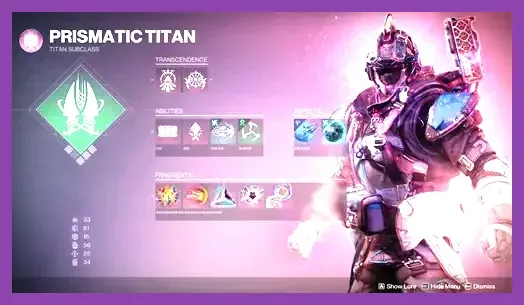
In Destiny 2, you do not need to spend currency or items to respec your skill points, because the game uses a completely free, fluid customization system built directly into your subclass screen where you can swap Aspects, Fragments, Grenades, and Melee abilities at any time without resetting character progress or paying Glimmer penalties. Whether you are reconfiguring a Void Warlock for endgame raids or transitioning a Solar Hunter for Grandmaster Nightfalls, changing your build takes only a few clicks in the character menu.
Understanding the Destiny 2 Subclass System
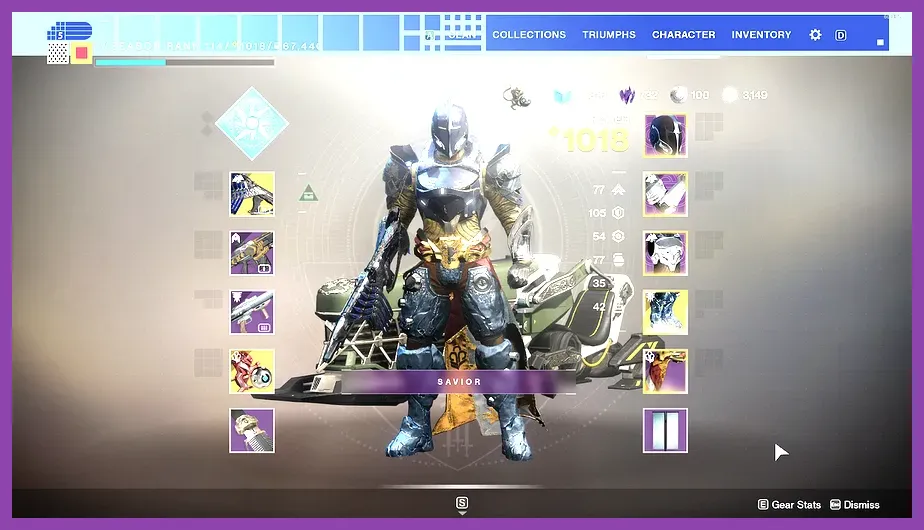
Unlike traditional MMORPGs that lock you into permanent skill trees, Bungie designed Destiny 2 around modular customization via the Light 3.0 and Darkness subclass systems (Prismatic, Stasis, and Strand). Every Guardian class—Hunter, Titan, and Warlock—can freely mix and match abilities on the fly. To get started with optimizing your character, make sure to check out related builds like Final Fantasy 7 Rebirth Best Party Synergies for tactical inspiration, or review our Frostpunk 2 Best Starting Build Guide to understand core progression structures.
Your subclass loadout is divided into several distinct components:
- Super Abilities: Powerful ultimate attacks with long cooldowns, such as Nova Warp, Well of Radiance, or Golden Gun.
- Class Abilities: Tactical movement tools like Rifts, Barricades, and Dodges.
- Movement Modes: High Lift, Triple Jump, Burst Glide, and other mobility options.
- Melee Abilities: Charged melee strikes that often apply elemental debuffs like Scorch, Jolt, or Volatile.
- Grenades: Utility or damage-dealing throwables tailored to crowd control or single-target burst.
- Aspects: Passive and active game-changing modifiers that dictate your playstyle (e.g., Feed the Void, Touch of Flame).
- Fragments: Minor stat modifiers that slot into your Aspects to grant bonus Resilience, Recovery, or specialized combat triggers.</p>
</ul>
Step-by-Step Guide to Changing Your Skills
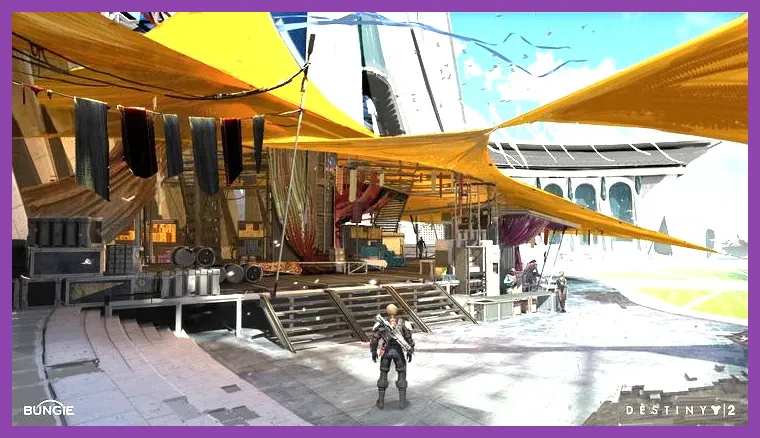
Visiting vendors in the Tower to acquire subclass materials Because there is no traditional skill reset button, "respecifying" your character simply means clearing your current selections and equipping new ones tailored to your current activity. Follow these exact steps to reconfigure your Guardian for peak efficiency:
- Press your menu button (Tab on PC, Options/Menu on consoles) to open your character screen.
- Navigate to the subclass icon located on the left side of your armor and weapon grid.
- Click on your active subclass (e.g., Stormcaller Arc, Sunbreaker Solar, or Berserker Strand) to enter the custom grid editor.
- Hover over any currently slotted Aspect, Fragment, or Ability to inspect its properties and cooldown timers.
- Click on an empty slot or select an alternative node to instantly swap your abilities without any resource cost.
- Save your configuration directly to your in-game Loadouts menu using the directional pad or shortcut keys to switch between PvE, PvP, and raid setups instantly.
If you encounter performance issues or stuttering while managing complex inventory screens in demanding activities, you might find useful optimization tips in our Genshin Impact How to Fix Lag and Boost FPS guide or check out the official Bungie Destiny 2 New Light Guide for beginner essentials.
Acquiring New Aspects and Fragments from Ikora Rey
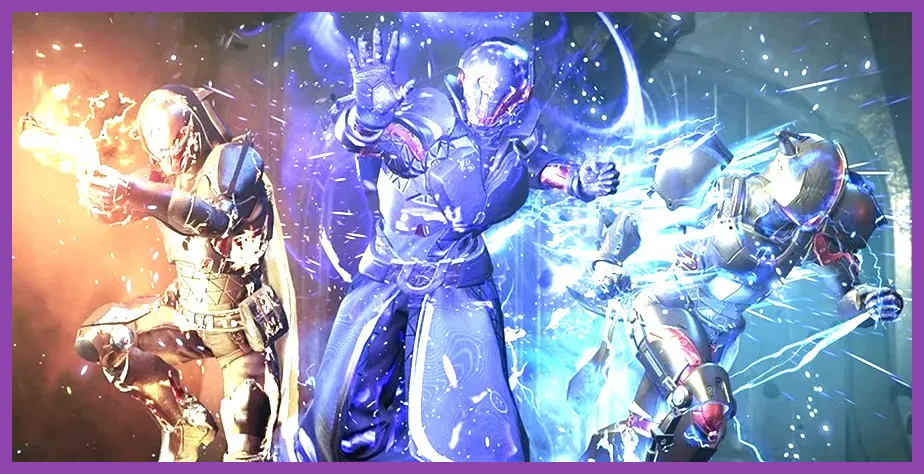
Unleashing subclass abilities in high-end activities If you are returning to the game or starting a new character, you might notice that certain Aspects or Fragments are locked. To unlock them and expand your respec options, you must visit a specific NPC in the Tower.
Travel to the Tower Courtyard and locate Ikora Rey, standing near the Vanguard bounties terminal. Speak with her and select the subclass meditation menu. Here, you can purchase all missing Aspects, Fragments, Grenades, and Class abilities for Glimmer and Meditation Materials. For fast Glimmer farming strategies to fund your unlocks, take a look at our FC Mobile 26 How to Get Legendary Items Fast framework for resource management efficiency, or brush up on tactical combat loops using the Genshin Impact Best Combo Guide.
Optimizing Stat Distributions During a Respec
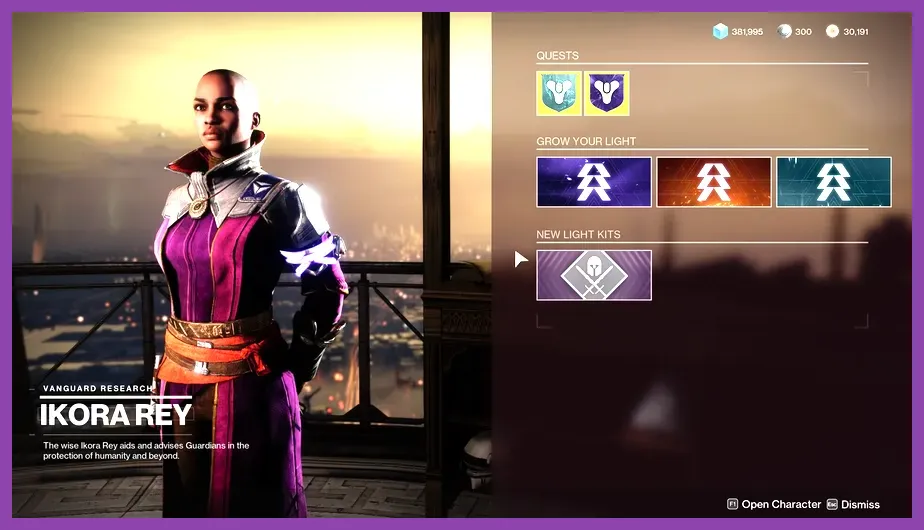
Purchasing fragments from Ikora Rey When you respec your skill points and abilities, your job isn't finished until you align your armor stats with your newly chosen subclass. Destiny 2 features six core armor statistics that directly impact your combat capabilities:
- Mobility: Governs your baseline walking speed and Hunter dodge cooldown.
- Resilience: Provides crucial damage resistance (up to 30% damage reduction at Tier 10) across all classes.
- Recovery: Shortens the delay before your health regeneration begins and accelerates shield recharge speed.
- Discipline: Reduces the cooldown timer of your grenade ability.
- Intellect: Lowers the base cooldown of your Super ability.
- Strength: Decreases the cooldown of your charged melee attack.
When changing your subclass loadout, always use armor mods such as Discipline Mod (+10 Discipline) or Resilience Mod (+10 Resilience) in your armor socket slots to balance out stat tiers. Aim to hit Tier 10 Resilience in endgame PvE content to survive high-damage attacks from combatants in master raids and dungeons.
Saving Custom Builds via the Loadout Manager
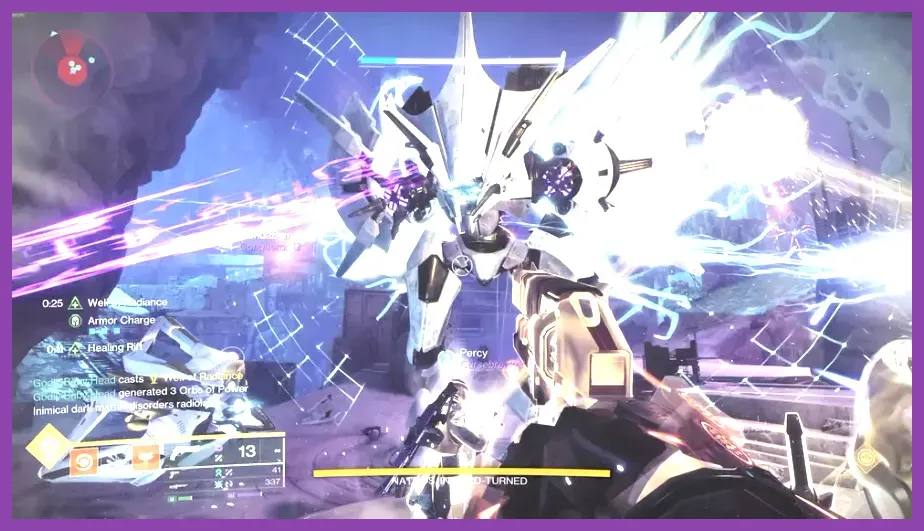
Testing your customized builds in raid encounters Manually swapping individual fragments and armor pieces every time you switch from a dungeon encounter to PvP can become tedious. Destiny 2 features a built-in Loadout Manager that lets you save up to 10 distinct builds per character. Once you have perfected your respec setup, press left on your D-pad (or click the loadouts tab on PC) while in your character screen to save your current configuration.
You can name your loadout, attach custom icons, and instantly swap your entire suite of weapons, armor, subclass aspects, and mod setups with a single keystroke. This eliminates the need for constant manual respecs when transitioning between activities.
Testing Your New Build in Endgame Activities
After finalizing your skill respec and organizing your loadout slots, you should test your configuration in controlled environments before jumping into high-tier content. Head to the Cosmodrome patrol zone or launch the Prophecy Dungeon to test your cooldown loops, damage output, and survivability.
Pay close attention to how your Fragments interact with your weapon perks—for example, pairing a weapon with the Incandescent perk alongside Solar Fragments like Spark of Ashes creates massive synergy. For further reading on game mechanics and community updates, visit the official Destiny 2 Steam Store Page or consult the comprehensive community-driven Destiny Tracker Database.