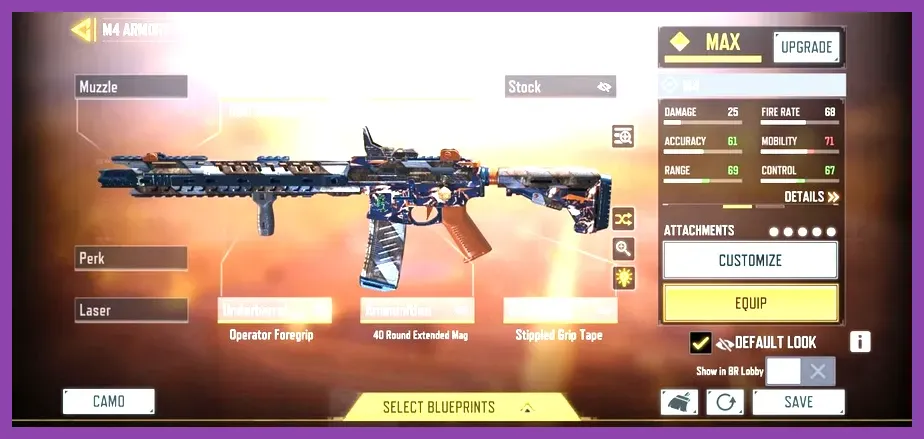
The best starting build in Call of Duty Mobile centers on the M4 Assault Rifle paired with the MW11 Pistol, utilizing Lightweight, Quick Fix, and Hardline perks alongside the Purifier operator skill. This early-game setup delivers non-existent recoil, fast Aim Down Sights (ADS) speeds, rapid health regeneration on kills, and accelerated Scorestreak looping right from level one. If you want to drop your first VTI-Nuke on Shipment or hold your own in early ranked lobby rotations without spending real money on weapon blueprints, optimizing this foundational class in the Gunsmith is your highest priority shortcut to dominating lobby leaderboards.
The Ultimate Starter Loadout: The All-Rounder M4 Setup
When launching into Call of Duty Mobile (CODM) as a fresh recruit, the M4 assault rifle is handed to you immediately during the tutorial. While veteran players often gravitate toward high-skill ceiling weapons like the SKS or Kilo 141, the base M4 remains an absolute powerhouse for newcomers due to its predictable vertical recoil pattern and forgivable fire rate of 681 RPM. However, the raw default configuration suffers from slow sprint-to-fire delays and sluggish ADS movement. Building the weapon correctly through the Gunsmith transforms it from a generic starter weapon into a pinpoint laser rifle capable of winning mid-to-long range engagements across iconic maps like Firing Range and Standoff.
To construct the absolute best starting M4 loadout, focus on attachments that suppress hit flinch and enhance ADS mobility without ruining bullet velocity. Equipment slot allocation should prioritize gun controllability above all else:
- Barrel: OWC Marksman (+20% Damage Range, -12% Horizontal Recoil, -8% Vertical Recoil)
- Stock: YKM Light Stock (+12% ADS Movement Speed)
- Laser: OWC Laser - Tactical (-8% ADS Time, -9.2% Aiming Bullet Spread)
- Ammunition: 40 Round Extended Mag (+10 Capacity with minimal movement speed penalty)
- Rear Grip: Granulated Grip Tape (-11.6% Aiming Bullet Spread)
This exact setup boosts damage drop-off ranges, allowing you to consistently secure four-shot kills up to 28 meters. The inclusion of the OWC Laser - Tactical is non-negotiable across almost all CODM builds, as it drastically tightens your bullet cone during active firefights. While learning movement tech in mobile shooters can feel daunting compared to console setups—much like mastering combat mechanics detailed in our Marvel Rivals beginner tips—this M4 platform gives you standard-setting stability so you can practice your strafing without fighting harsh weapon bounce.
Secondary Weapon Choice: The Lethal MW11 Sidearm
Never underestimate your sidearm when your primary magazine runs dry mid-gunfight. Switching to your sidearm is universally faster than completing a full reload cycle in CODM. The starter MW11 Pistol can be modded into a rapid-fire secondary that acts almost like a pocket SMG. Equip the .45 Light Trigger to increase your rate of fire by 20%, combine it with the 15 Round Reload, and add the Match Grade Barrel. If an enemy pushes your cover while your M4 is empty, swapping to this boosted MW11 instantly salvages your killstreak.
Close-Quarters Domination: The RUS-79u Aggro Build
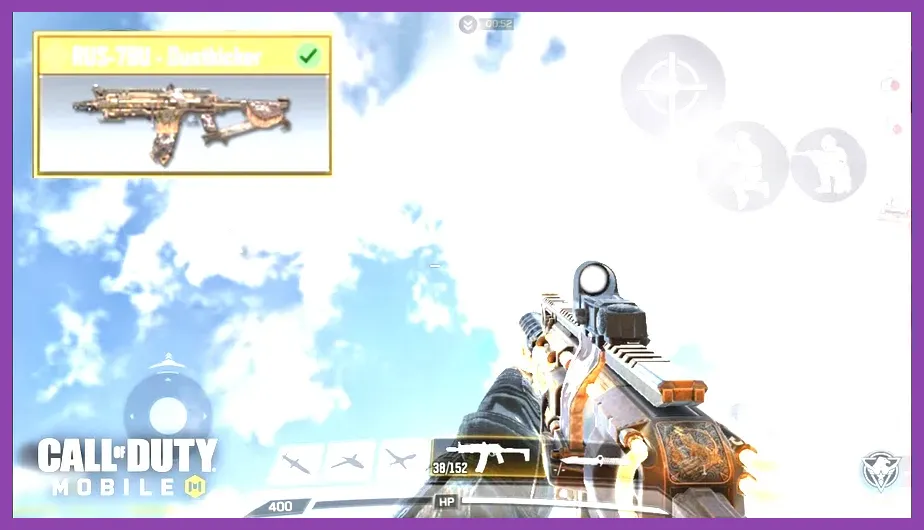
For players who prefer aggressive run-and-gun playstyles on smaller, chaotic maps like Nuketown or Rust, the M4 can feel slightly sluggish up close. Enter the RUS-79u, unlocked at player Level 10. The RUS-79u is widely considered by the community as the most forgiving Submachine Gun (SMG) in CODM history. It blends the high mobility of a light submachine gun with the stability and range consistency of an assault rifle.
Building an aggressive starting RUS-79u class requires optimizing Sprint-to-Fire delay and hip-fire accuracy so you can burst into enemy spawn points, clear out defenders, and slide back to cover safely. Here is the premier low-level Gunsmith configuration:
- Barrel: MIP Light Barrel (Short) for maximum ADS speed acceleration
- Stock: No Stock (+15% Movement Speed, +18% ADS Movement Speed)
- Laser: OWC Laser - Tactical
- Underbarrel: Strike Foregrip (-4.4% Vertical Recoil, -7.6% Aiming Bullet Spread)
- Ammunition: 50 Round Extended Mag
By removing the stock entirely, your character slides farther and moves significantly faster while aiming down sights. The 50 Round Extended Mag ensures you can clear three enemy players back-to-back before needing to pull back for a reload. Just like organizing skill progression in complex tactical games like managing gear in our Escape From Tarkov skill management guide, understanding how individual attachment penalties interact with your base stats is essential to keeping your mobile build balanced.
Long-Range Precision: Early-Game DL Q33 Sniper Loadout
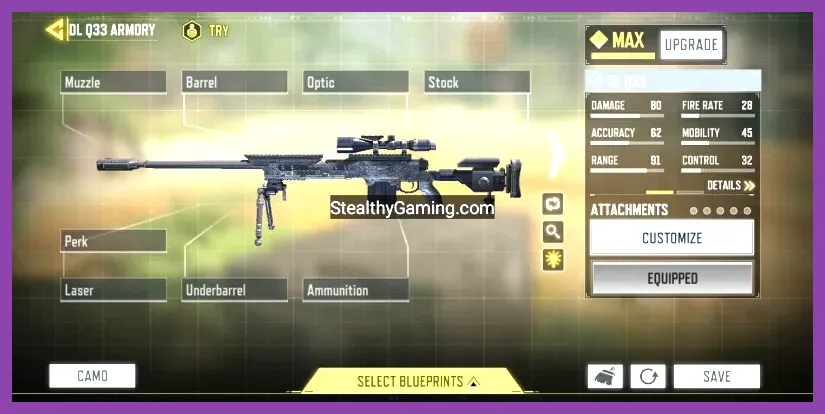
If you prefer snipers over automatic rifles, Call of Duty Mobile features one of the most satisfying sniper mechanics in mobile gaming. The DL Q33 is available right out of the gate at Level 1, and surprisingly, it remains a top-tier S-Rank bolt-action sniper rifle even in high-rank Legendary competitive play. The DL Q33 features a massive lethal hit zone—a single shot to the chest, upper arms, neck, or head results in a guaranteed one-hit kill.
The main objective when building a starter DL Q33 loadout is stacking ADS speed attachments. Default snipers carry heavy scope-in delays that leave you exposed against assault rifle spray. Apply these attachments to transform your sniper into an agile quick-scoping machine:
- Barrel: MIP Light (-5% ADS Time)
- Stock: YKM Combat Stock (-9.5% ADS Time)
- Perk: Sleight of Hand (30% faster reloads to keep up pressure)
- Laser: OWC Laser - Tactical
- Free Slot: FMJ Perk (to penetrate thick wooden and concrete wall cover)
With this setup, the time required to scope in and fire is reduced by roughly 15%, allowing you to snap onto targets the instant they appear on your screen. Keep in mind that mobile screens require steady fingers; practicing your quick-scopes in the target practice range before heading into Ranked matches will quickly build up your thumb muscle memory.
Best Early-Game Perks, Operator Skills, and Equipment
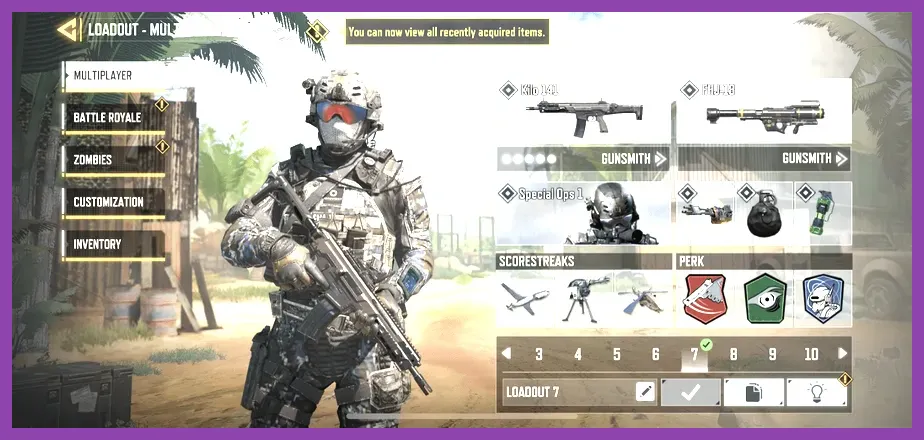
A great Gunsmith weapon build is only half the battle in Call of Duty Mobile. Your perk deck, tactical equipment, and operator skill dictate how well you survive grenade spam, counter enemy radar, and sustain multi-kill streaks. Below is the ideal starter perk deck designed for survival and maximum score output:
Red Perk: Lightweight vs. Flak Jacket
At low levels, Lightweight is your best overall choice. It grants a passive +10% boost to sprint speed and dramatically reduces fall damage, enabling aggressive flank routes. If you find yourself dying constantly to enemy lethal grenades or Trip Mines on Hardpoint objectives, swap Lightweight out for Flak Jacket, which cuts incoming explosive damage by 35%.
Green Perk: Quick Fix (The Game Changer)
Unlocking Quick Fix should be your immediate priority. Gunfights in CODM happen in fractions of a second. Normally, after taking damage, you must hide behind cover for several seconds to start health regeneration. Quick Fix instantly triggers health recovery the exact moment you get a gun, melee, or combat axe kill. Additionally, capturing or holding objectives active-heals your player model. This allows you to aggressively take on back-to-back duels without waiting around on low health.
Blue Perk: Hardline vs. Dead Silence
For beginner players aiming to call in high-tier scorestreaks like the VTOL or Chopper Gunner, Hardline increases all points earned by 25%. This means a standard 100-point kill awards 125 points toward your streaks. If you play Search & Destroy modes where footstep audio is critical, swap to Dead Silence to completely mute your footsteps while walking or crouching.
| Loadout Slot | Recommended Starter Item | Key Benefit for Beginners |
|---|---|---|
| Red Perk | Lightweight | +10% Sprinting Speed for faster map positioning |
| Green Perk | Quick Fix | Instantly starts health regeneration upon securing a kill |
| Blue Perk | Hardline | +25% Score boost to unlock powerful Scorestreaks early |
| Operator Skill | Purifier / War Machine | Guaranteed multi-kills during close-quarters point clears |
| Lethal Slot | Sticky Grenade | Fuses quickly to prevent enemies from throwing it back |
| Tactical Slot | Trophy System | Destroys up to 2 incoming enemy grenades/rockets automatically |
For your initial Operator Skill, equip the Purifier flamethrower. It requires zero aim precision, liquidates enemy health pools instantly in tight rooms, and acts as a massive comeback tool when your team is trapped inside an objective point. Check out the official Call of Duty Mobile website for current seasonal operator balance tweaks and patch notes.
Optimizing Settings and Controls for Maximum Accuracy
Even the strongest starting build in CODM will perform poorly if your mobile control settings are misconfigured. Default settings force your character to use "Simple Mode," which fires automatically whenever your crosshair hovers over an enemy. This introduces a lethal firing delay and prevents you from shooting through thin walls or pre-firing corners.
Crucial Audio and Graphic Adjustments
First, access your settings menu and switch your Shooting Mode to Advanced Mode. This enables manual fire buttons, giving you complete control over when your gun discharges. Next, apply these critical setting profiles for optimal performance on mobile devices:
- Graphics Quality: Low (Maximizes frame rate consistency and prevents thermal throttling)
- Frame Rate: Max / Ultra (Crucial for smooth tracking and lower input latency)
- Field of View (FOV): 75 - 80 (Expands your peripheral vision on screen)
- ADS FOV Curve: Default (Keeps target scaling consistent when zooming in)
- Display Realtime FPS: On (To monitor phone performance drops)
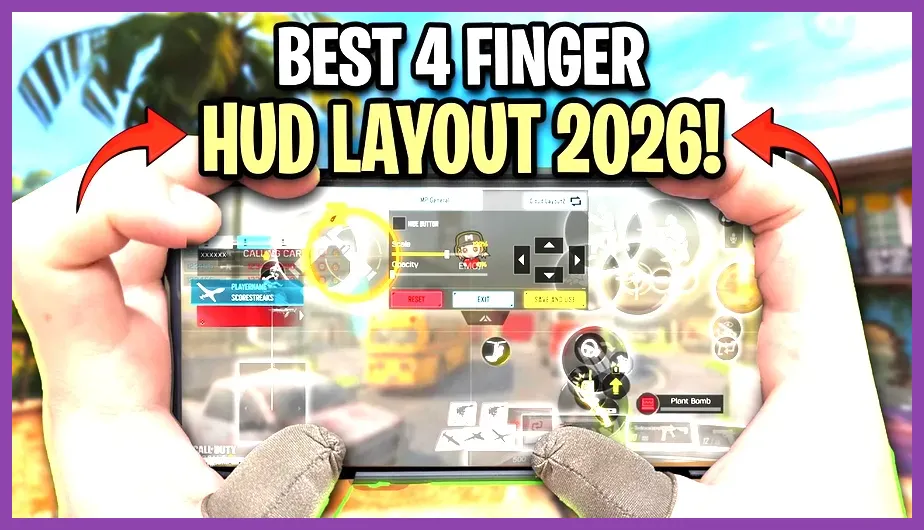
Just as optimized touchscreen sensitivity transforms casual gaming on handheld platforms—a topic explored in our Minecraft PE review—tuning your touchscreen layout in CODM yields immediate performance improvements. Consider switching from a basic two-thumb layout to a 3-Finger or 4-Finger Claw HUD layout. Placing your index fingers on the top corners of your phone screen to handle manual ADS and firing allows your thumbs to focus entirely on movement sliding and precision aiming simultaneously.
Leveling Strategy: Fast Weapon XP and Attachment Unlocks
When you start a fresh account, your chosen weapons won't have all five Gunsmith attachment slots unlocked right away. You need to level up individual guns to access high-tier barrels, stocks, and suppressed muzzles. Efficiently leveling up your armory ensures your starting build reaches its maximum potential without endless grinding.
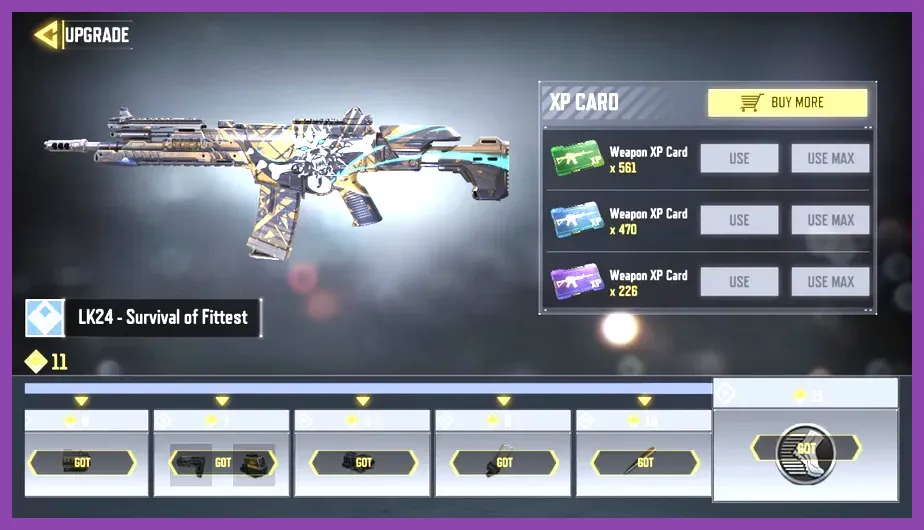
The fastest way to level up weapons in Call of Duty Mobile is by utilizing Weapon XP Cards (Green, Blue, and Purple variants). Do not spread your cards thin across dozens of different weapons when starting out. Dump all your early quest reward XP cards directly into your M4 or RUS-79u until the weapon reaches maximum level. You can download the latest game updates via the Call of Duty Mobile Google Play page to access seasonal events that yield bonus Double Weapon XP Tokens.
If you run out of XP cards, hop into the Hardpoint mode on the Shipment map playlist. Shipment features non-stop close-quarters engagements where matches yield anywhere from 30 to 60 kills per game. Equipping the Hardline perk during these high-kill games doubles your match XP yield, allowing you to fully upgrade a starter weapon in just a couple of hours of gameplay. Accelerating your progression efficiently here follows similar strategies used to level up fast in Dragon Ball Sparking Zero or executing quick start routines like learning how to reroll fast in Subway Surfers for optimal resource management.
Should you ever encounter account sync bugs, level progression resets, or missing COD Points while setting up your fresh loadouts, consult the Activision Support portal to submit account verification tickets. Armed with the M4 laser build, high-mobility RUS-79u, fast ADS DL Q33, and an optimized claw HUD setup, your early-game Call of Duty Mobile journey will be defined by constant victory screens, easy Scorestreak deployments, and rapid rank progression through the Leaderboards.