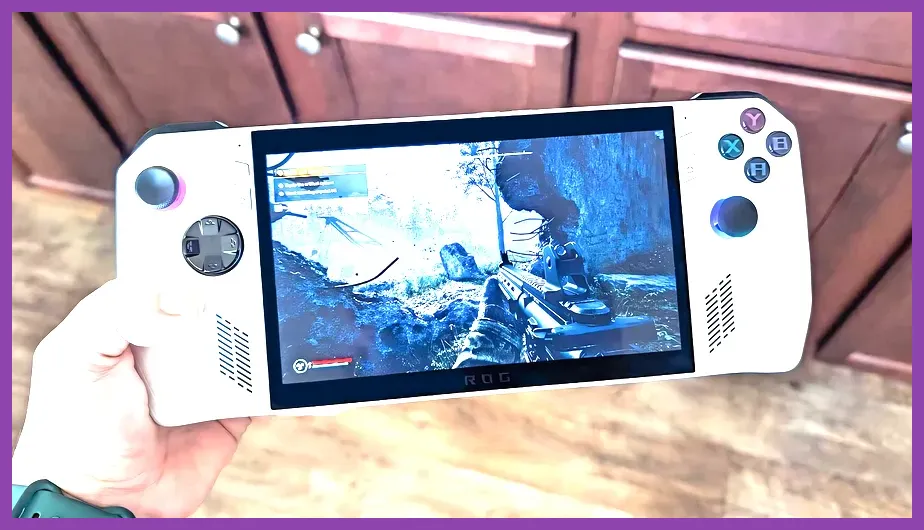
Finding the absolute best FPS games for the ROG Ally in 2026 comes down to balancing high refresh rates, tight gamepad controls, and the AMD Z1 Extreme chip's 1080p capabilities. Titles like Apex Legends, Doom Eternal, and Halo Infinite stand out as top-tier choices because they combine optimized frame pacing with responsive gyro and thumbstick handling. To hit a locked 60 to 120 FPS on your handheld without draining the battery in twenty minutes, you need the right mix of in-game graphic presets, AMD Radeon Super Resolution (RSR), or FidelityFX Super Resolution (FSR) 3.1.
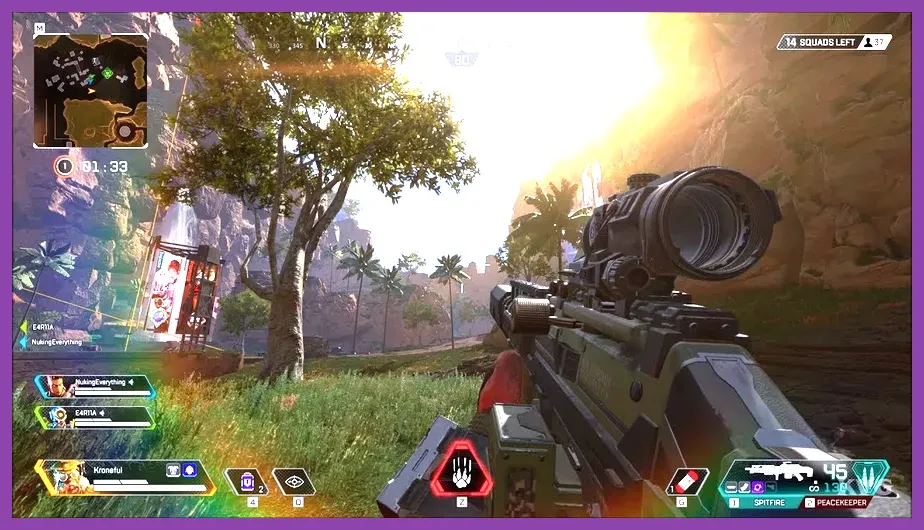
Apex Legends: High-Framerate Battle Royale Mastery
Running Apex Legends on the ROG Ally requires shifting the display resolution to 720p or 900p paired with Adaptive Resolution. On the Z1 Extreme profile plugged into a 30W wall charger or running a custom 25W manual profile, you can easily maintain a steady 90 FPS during heavy fragment skirmishes in districts like Estates or District.
For optimal competitive performance, set your texture streaming budget to 2GB or 3GB, disable volumetric lighting completely, and turn off anti-aliasing if you are using RSR at the driver level. Map your rear macro buttons to jump and crouch to enable fluid movement tech like wall bouncing and slide jumping without taking your thumbs off the analog sticks. For additional hardware troubleshooting and optimization techniques, check out our guide on how to fix lag and boost fps.
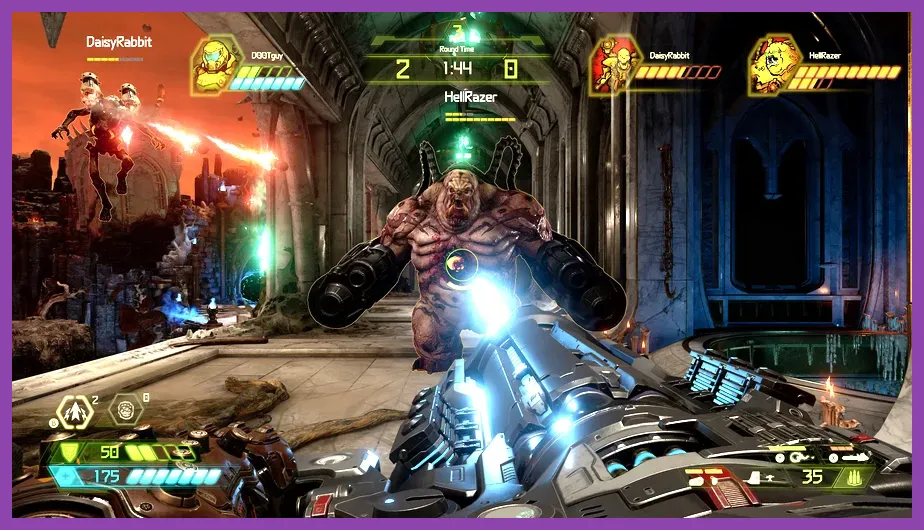
Doom Eternal: The Pinnacle of Handheld Optimization
No handheld FPS library is complete without id Software's masterpiece. Doom Eternal is widely considered the best-optimized shooter on PC, and it translates brilliantly to the ROG Ally's 120Hz VRR (Variable Refresh Rate) screen. You can comfortably run the game on the Medium-to-High graphic preset at 1080p native resolution by enabling dynamic resolution scaling with a target framerate lock of 60 FPS.
During frantic encounters against the Marauder or Icon of Sin, the game maintains buttery-smooth frame times. Utilize the Armoury Crate software to map weapon wheel switching to the left bumper while reserving the right trigger for your heavy cannon precision shots. If you experience unexpected stuttering or application interruptions, review our comprehensive tips on how to fix crashing on pc in valorant for similar anti-cheat and driver stabilization methods.
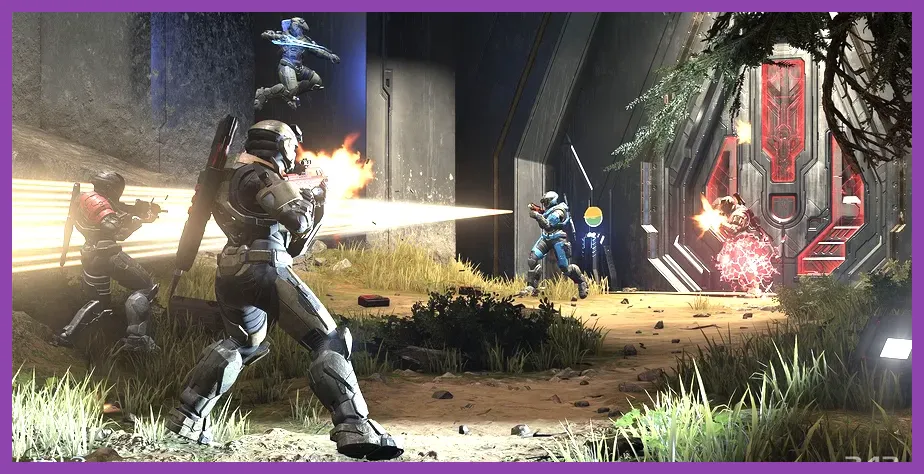
Halo Infinite: Arena Shooter Excellence on the Go
343 Industries' flagship shooter feels remarkably at home on ASUS hardware. In Halo Infinite, the secret to maintaining competitive integrity in Big Team Battle or Ranked Arena is dropping shadow quality to Low, setting geometry to Medium, and activating FSR 2.1 set to Performance mode.
This configuration yields a consistent 75 to 90 FPS average, keeping input latency exceptionally low on the 7-inch panel. Adjust your controller deadzones within the game menu—lowering the axial deadzone to 2.5 and max input threshold to 97—to achieve the snappy reticle placement needed to land perfect Battle Rifle four-shot kills. For players juggling multiple heavy multiplayer titles, you can also consult our troubleshooting advice on how to fix crashing on pc in dayz to resolve memory leaks.
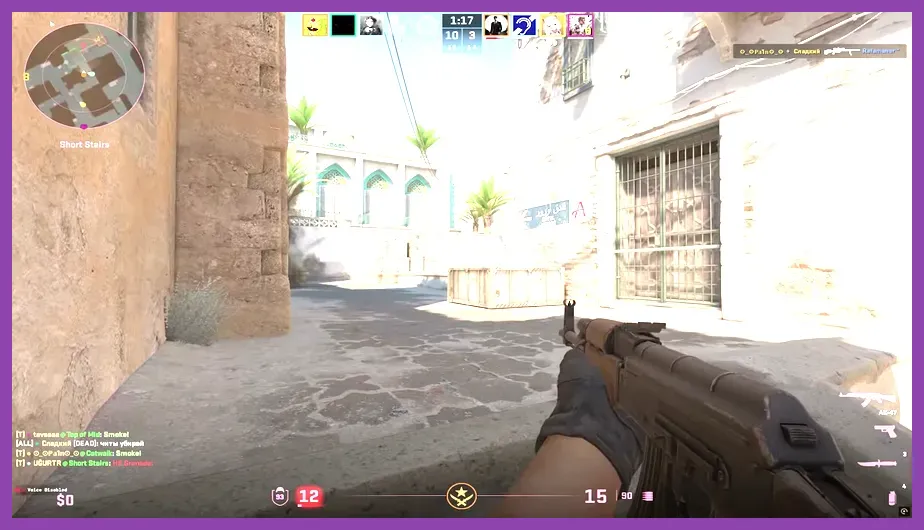
Counter-Strike 2: Tactical Precision and Thumbstick Tuning
While playing Counter-Strike 2 on a handheld sounds unconventional, the ROG Ally's responsive triggers and touch screen make casual Deathmatch and Wingman matches entirely viable. To achieve a stable 100+ FPS baseline, you must lower global shadows to Low, turn off High Dynamic Range (HDR), and set texture filtering to Bilinear.
Because CS2 heavily taxes the CPU, use a manual operating mode with boost enabled to prevent thermal throttling. Pair your Ally with a portable Bluetooth mouse for menu navigation, but rely on Steam Input to configure custom radial menus for quick grenade purchases during buy phases. For broader gaming ecosystem habits and avoiding rookie mistakes across various genres, look over our breakdown of mobile legends worst mistakes to avoid.
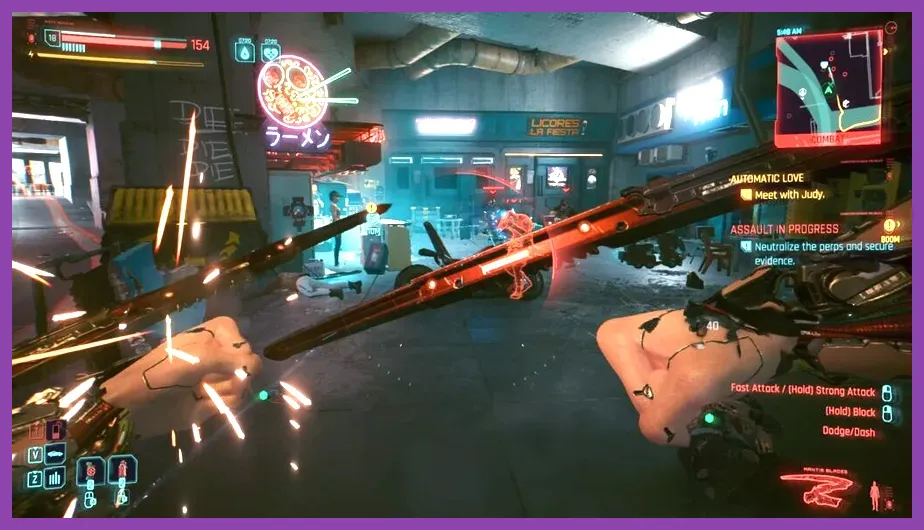
Cyberpunk 2077: Immersive First-Person Gunplay
Though structured as an action RPG, Cyberpunk 2077 delivers some of the punchiest first-person gunplay available today. Running CD Projekt Red's epic in Night City on the ROG Ally requires leveraging AMD FSR 3 with Frame Generation enabled. Set your in-game preset to Steam Deck / Handheld, lock your framerate to 45 FPS via RivaTuner Statistics Server (RTSS), and set your VRAM allocation in Armoury Crate to 6GB or 8GB.
This setup prevents texture pop-in when driving at high speeds and ensures smooth tracking during intense firefights with Maelstrom gang members or corporate security forces. Tweak your stick response curves to exponential for precise headshots with power pistols and sniper rifles.