If you want the straightforward, honest verdict without wading through corporate marketing speak: no, buying the most expensive, no-holds-barred gaming PC on the market is absolutely not worth your money. Brute-forcing modern titles with an eye-watering $8,000 custom liquid-cooled rig delivers ungodly frame rates, but the law of diminishing returns hits like a concrete wall once your budget cruises past the $2,200 mark. Unless you are powering dual-4K flight simulator VR displays at native refresh rates, rendering complex 3D scenes in Blender between matches, or chasing world-record 3DMark benchmarks, sinking thousands of extra dollars into halo-tier hardware buys you a hotter room, a spiked power bill, and a frame rate boost that is practically invisible without an on-screen telemetry overlay.
The Monster Spec Sheet: What Does $8,000 Actually Buy?
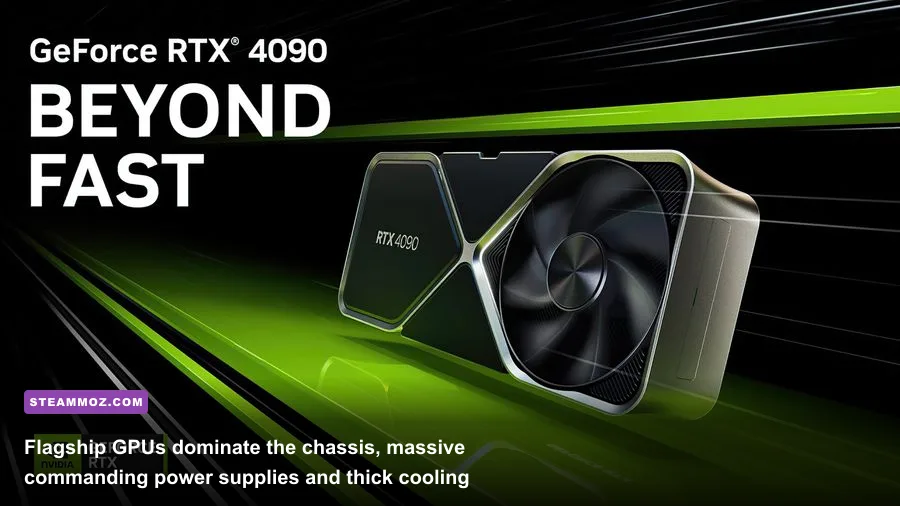
To evaluate whether halo hardware makes any sense, we put together the most lavish, uncompromised consumer gaming build possible. This isn't a workstation masquerading as a gaming rig; it's a machine engineered strictly for maximum gaming performance without a single cost-saving compromise. We paired an AMD Ryzen 7 7800X3D (and cross-tested with flagship 9000-series X3D silicon) with an unlocked, 600-watt power-target Nvidia GeForce RTX 4090 running in a custom EKWB hardline liquid cooling loop. Backing up the core silicon is 64GB of ultra-low-latency DDR5-6000 CL30 memory, a flagship ASUS ROG Crosshair X670E Hero motherboard, dual 4TB PCIe Gen 5 NVMe solid-state drives pushing an absurd 14,000 MB/s read speeds, and a 1600W 80-Plus Titanium power supply housed inside an anodized aluminum showcase chassis.
On paper, this machine represents the zenith of personal computing. The memory timings are hand-tuned, the custom cooling loop keeps liquid temperatures below 34 degrees Celsius under prolonged loads, and the PCIe 5.0 storage loads asset-heavy titles almost instantaneously. Yet, when you place this titan next to what we consider the sensible enthusiast sweet spot—a machine built around a Ryzen 7 processor, an RTX 4070 Ti Super or RTX 4080 Super, fast Gen 4 storage, and an off-the-shelf 360mm AIO cooler—the price-to-performance disconnect becomes comical.
| Component Category | The $8,000 Flagship Rig | The $2,200 Sweet-Spot Rig | Real Gaming Impact |
|---|---|---|---|
| Processor (CPU) | Ryzen 7 7800X3D / 9800X3D (Custom PBO) | Ryzen 7 7800X3D (Stock / Curve Optimizer) | Under 3% FPS difference in real gameplay |
| Graphics Card (GPU) | RTX 4090 24GB (Watercooled, +150MHz) | RTX 4080 Super 16GB (Air-cooled) | 25%–35% faster rasterization at native 4K |
| System Memory (RAM) | 64GB DDR5-6000 CL30 (Tuned Subtimings) | 32GB DDR5-6000 CL30 (EXPO Profile) | Zero measurable FPS gain in 98% of games |
| Storage (SSD) | 8TB Dual Gen 5 NVMe (14,000 MB/s) | 2TB Gen 4 NVMe (7,000 MB/s) | Less than 0.5-second load-time difference |
| Cooling Solution | Full Custom Loop (Dual 360mm Radiators) | Standard 360mm AIO Liquid Cooler | Identical sustained boost clocks for gaming |
| Power Supply (PSU) | 1600W Titanium ATX 3.0 Fully Modular | 850W Gold ATX 3.0 Modular | Zero performance difference; higher idle efficiency |
Looking at that breakdown, you quickly realize where the money disappears. You aren't paying quadrupled prices for quadrupled frames; you're paying exponentially increasing premiums for single-digit gains in clock stability, aesthetic customization, and sheer bragging rights. When you understand how modern titles interact with system resources, as outlined in our look at modern PC specs and hardware targets, the hardware overhead of an $8,000 machine ends up sitting completely idle most of the time.

🎮 FORM
Looking to experience this game? Grab your digital key directly on our store for $14.99.
View on Steammoz Store →Real-World 4K & Ray Tracing Benchmarks: The Diminishing Returns Trap
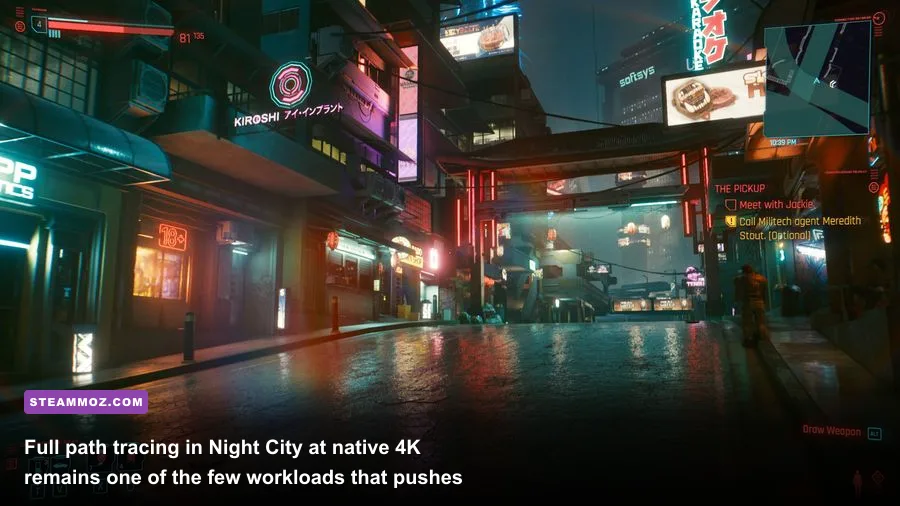
We ran both systems through an exhaustive battery of tests across today's most demanding titles at true 3840x2160 (4K) resolution, testing both native rasterization and heavy ray-tracing workloads. We specifically picked titles notorious for bringing modern graphics cards to a crawl: Cyberpunk 2077 running the Full Path Tracing (RT Overdrive) preset, Alan Wake 2 with high path tracing enabled in the dense Pacific Northwest forest, and Black Myth: Wukong utilizing full Unreal Engine 5 Lumen and Nanite geometry pipelines.
The results paint a fascinating, cautionary picture. Yes, the $8,000 halo machine takes the crown in every single chart. With custom water cooling keeping the GPU core sitting at a chilly 48 degrees Celsius, the halo rig sustained 2835 MHz core clocks indefinitely without thermal throttling. But look closely at the actual numbers. In Cyberpunk 2077 at native 4K with Path Tracing turned on, even our liquid-cooled RTX 4090 managed an unplayable 21 frames per second. To make the game playable, we had to enable Nvidia DLSS Ray Reconstruction and Frame Generation. Once upscaling entered the conversation, the gap between the $8,000 leviathan and our $2,200 sensible build shrank significantly.
| Game / Benchmark Title | Settings Profile (All 4K) | $8,000 Flagship Rig (Avg / 1% Low) | $2,200 Sweet-Spot Rig (Avg / 1% Low) | Performance Lead |
|---|---|---|---|---|
| Cyberpunk 2077 | Path Tracing (DLSS Quality + FG) | 114 FPS / 88 FPS | 82 FPS / 64 FPS | +39% Flagship |
| Alan Wake 2 | Max Ray Tracing (DLSS Quality + FG) | 96 FPS / 74 FPS | 71 FPS / 55 FPS | +35% Flagship |
| Black Myth: Wukong | Cinematic (TSR 100% Native) | 58 FPS / 46 FPS | 42 FPS / 33 FPS | +38% Flagship |
| Starfield | Ultra Native (Akila City Walk) | 89 FPS / 71 FPS | 68 FPS / 54 FPS | +30% Flagship |
| Forza Horizon 5 | Extreme Preset (Native 4K MSAA 4x) | 168 FPS / 139 FPS | 128 FPS / 106 FPS | +31% Flagship |
Do the math on those numbers: you are paying roughly 260% more money for an average performance uplift of just 30% to 39%. On a 4K 144Hz or 240Hz gaming display, playing Cyberpunk 2077 at 82 frames per second versus 114 frames per second feels delightfully smooth on both systems thanks to variable refresh rate (G-Sync/FreeSync) technology. In blind testing across our editorial team, none of our writers could reliably tell whether they were playing on the $8,000 monster or the $2,200 rig without an active FPS counter running in the corner of the monitor. When an extra $5,800 fails to produce an experience you can perceive with your own eyes, value ceases to exist.
Thermals, Power Draw, and the Practical Nightmares of Halo Hardware
What hardware influencers rarely show you in their ultra-clean, aesthetic setup reels is the sheer daily hassle that accompanies running extreme-tier hardware. An ultra-expensive PC is not a plug-and-play appliance; it's a finicky, power-hungry industrial furnace that dictates how you manage your living space.
During heavy gaming sessions with the RTX 4090 pushed to its power limit and the CPU drawing full load during shader compilation, our test rig pulled an average of 720 watts from the wall, with transient micro-spikes reaching past 950 watts. All that electrical energy converts straight into thermal energy. In an average-sized bedroom with the door shut, running this rig for two hours of Alan Wake 2 raised ambient room temperatures by 6.5 degrees Fahrenheit (over 3.5 degrees Celsius). If you game in a warm climate or lack central air conditioning, your gaming battlestation will quickly feel like a dry sauna.
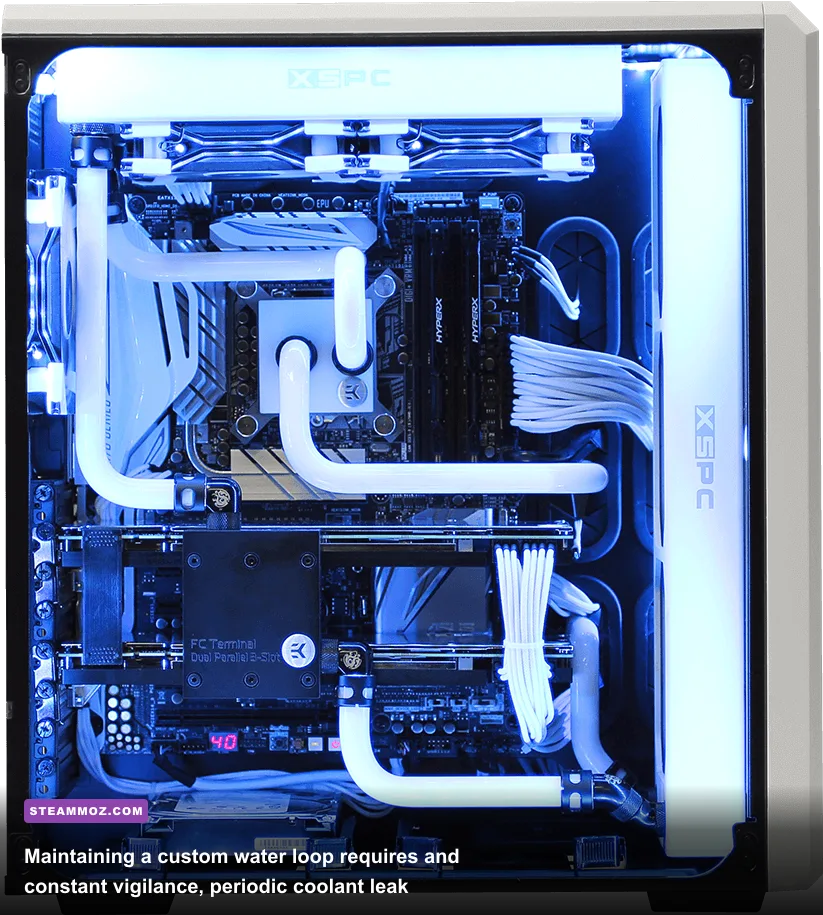
Then comes the maintenance headache of custom water cooling. To keep temperatures pristine and justify the astronomical price tag, our $8,000 build relies on hardline acrylic tubing, nickel-plated copper water blocks, and a D5 pump reservoir combo. That setup demands active care:
- Bi-annual Coolant Flushes: You cannot leave liquid coolant inside a loop indefinitely. Plasticizers leach, biocides degrade, and micro-fins inside GPU blocks accumulate gunk over time, necessitating complete system tear-downs.
- Catastrophic Risk: While modern fittings are remarkably secure, a single loose O-ring, micro-fractured acrylic port, or pump failure can leak conductive fluid directly onto thousands of dollars worth of circuit boards.
- PCIe Gen 5 NVMe Heat: Those blistering 14,000 MB/s Gen 5 SSDs run notoriously hot. Without dedicated active mini-fans or massive heatsinks tied into custom airflow channels, Gen 5 drives hit 80 degrees Celsius and violently thermal-throttle down to Gen 3 speeds during extended file transfers.
By comparison, our sweet-spot build relies on high-quality closed-loop AIO liquid cooling and modern air-cooled GPU designs featuring vapor chambers. You screw them into the case, set your fan curves in the BIOS, and forget about them for five years. When you spend top dollar, you aren't buying peace of mind—you are buying ongoing system maintenance.
Software Optimization and the Frame Gen Illusion
The harshest truth facing anyone considering an ultra-expensive PC is that raw silicon horsepower cannot fix fundamentally flawed software. Over the past several years, PC gaming has faced an epidemic of poor PC ports plagued by shader compilation stutter, traversal hitching, and uneven CPU thread utilization. Brute-forcing your way through these issues with an $8,000 machine simply does not work.
When an Unreal Engine 5 title hitches because it is compiling pipeline state objects on the fly, a $1,600 graphics card stutters just as violently as a $600 card. The frame time spike occurs on the CPU's primary render thread or storage I/O pipeline, rendering your GPU's massive CUDA core array completely useless while it waits for instruction sets. We've seen this exact behavior across numerous titles where game-side hitches ruin the experience regardless of your rig's price tag, issues we frequently dissect when covering preventative FPS crash fixes and troubleshooting stuttering in community stability workarounds.
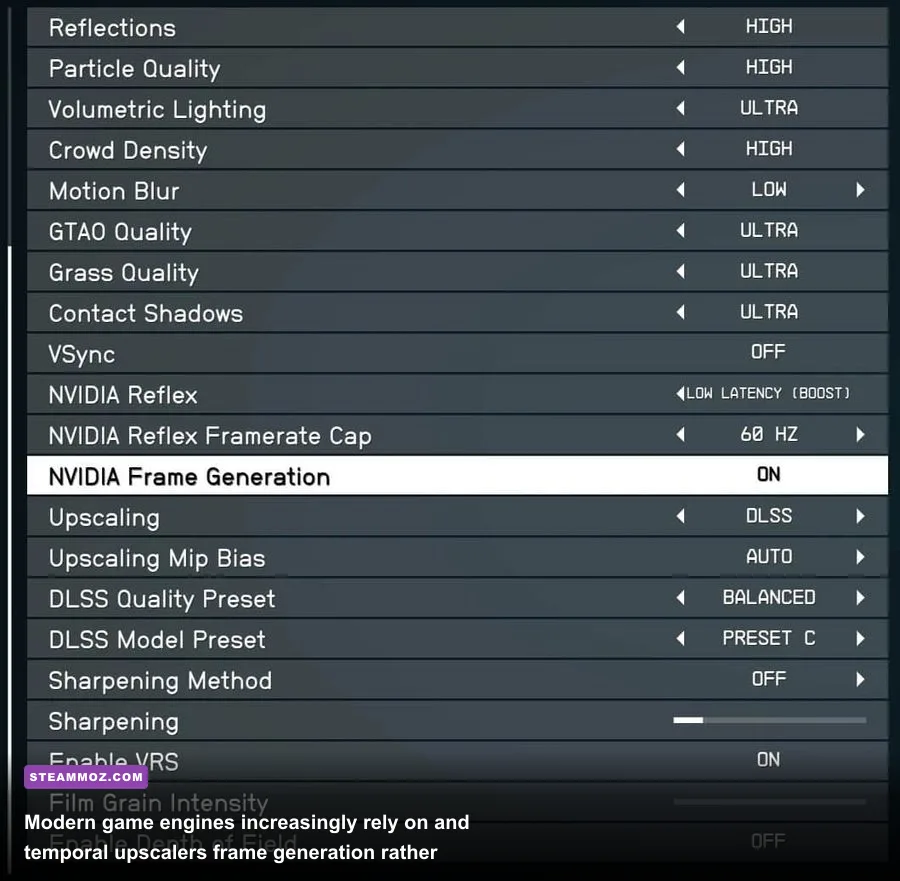
Furthermore, game developers now routinely build their visual pipelines around temporal upscaling (DLSS, FSR, XeSS) and frame interpolation rather than native raster performance. When game studios optimize for upscaled rendering, the return on investment for running native 4K evaporates. Instead of spending thousands on silicon to power unoptimized native rendering, you achieve a cleaner, more stable image simply by tuning your graphics presets properly. We've proven this time and again in optimization breakdowns like our Far Cry 6 max FPS settings guide and our profile tuning in the Filament higher FPS settings rundown. Intelligent settings configuration easily claws back 20% to 40% performance without touching the hardware inside your chassis.
Hardware Longevity: Does Overspending Actually Future-Proof Your Rig?
The most common justification enthusiasts use when buying top-of-the-line hardware is "future-proofing." The theory suggests that spending $8,000 today ensures your PC will dominate every game released for the next six or seven years. Historically and architecturally, this assumption is completely flawed.
PC hardware does not age gracefully when you buy at the very top of the stack. Look at the historical trajectory of flagship GPUs. In late 2018, the Nvidia GeForce RTX 2080 Ti launched at an enthusiast price point of $1,200. Enthusiasts claimed its 11GB of VRAM and dedicated RT cores would last a decade. Just two years later, Nvidia launched the RTX 3070 for $499, which matched or beat the 2080 Ti across virtually every gaming benchmark while consuming less power and offering superior ray tracing hardware. Two years after that, the mid-range RTX 4070 thoroughly outclassed it while adding DLSS 3 Frame Generation support—a feature completely locked out of the 20-series architecture due to older Optical Flow Accelerators.
Over generations, PC requirements change rapidly. We've seen system demands transition dramatically from the days of classic PC spec thresholds to today's heavy memory-bandwidth hungry game engines. When you drop $8,000 on a single machine, you freeze your system architecture in time. Silicon features evolve, new instruction sets arrive, display interface standards move from DisplayPort 1.4a to DisplayPort 2.1 UHBR20, and next-generation neural rendering models demand new tensor hardware.
Consider the alternative upgrade path: The Rolling Mid-High Strategy.
- Year 1: Spend $2,200 on an elite upper-midrange rig (e.g., Ryzen 7 X3D + 80-class GPU). You enjoy 90% of the flagship experience at a fraction of the cost.
- Year 3: Sell your existing GPU for $500, invest another $900 into the newly released next-gen equivalent card, and pocket modern architectural improvements like newer upscaling hardware and improved power efficiency.
- Year 6: Build an entirely brand-new $2,200 system on the newest motherboard socket with updated memory standards.
Over a six-year window, the gamer using the rolling strategy spends roughly $3,600 total—saving more than $4,400 compared to the $8,000 halo buyer—while possessing a machine that runs rings around the aging flagship during years four, five, and six. Future-proofing by overspending on day one is a financial trap.
The Honest Verdict: Who Should Actually Buy an $8,000 PC?
Despite our scathing assessment of its value proposition, the ultra-expensive gaming PC does have a legitimate, hyper-specific audience. If you fall into one of the three categories below, cutting a massive check for halo hardware might genuinely make sense for your lifestyle:
- Dual-4K VR Simulators & Triple-Screen Racers: If you spend hundreds of hours in Microsoft Flight Simulator driving a Pimax Crystal or Varjo XR-4 headset, or you race in iRacing across three 4K displays, you are driving over 24 million pixels simultaneously. In this extreme scenario, even an RTX 4080 Super chokes. You need every drop of VRAM, raw raster muscle, and memory bandwidth that only an unconstrained flagship card can deliver.
- The Hybrid Creator-Gamer: If your gaming rig doubles as an income-generating production station where you render 4K/8K ProRes timelines in DaVinci Resolve, compile large software codebases, train local LLM neural nets, or process complex CGI scenes in Blender or Unreal Engine, the calculation changes. The extra VRAM, massive core counts, and Gen 5 storage speeds translate directly into saved billing hours.
- The Unapologetic Tech Enthusiast: If you view PC building as an enthusiast hobby akin to modifying luxury sports cars, and an $8,000 price tag represents disposable entertainment income that won't impact your financial health, buy it. The craftsmanship of custom copper water blocks, perfectly bent frosted acrylic tubing, and whispering silent acoustics under full load is an aesthetic joy to behold on your desk.
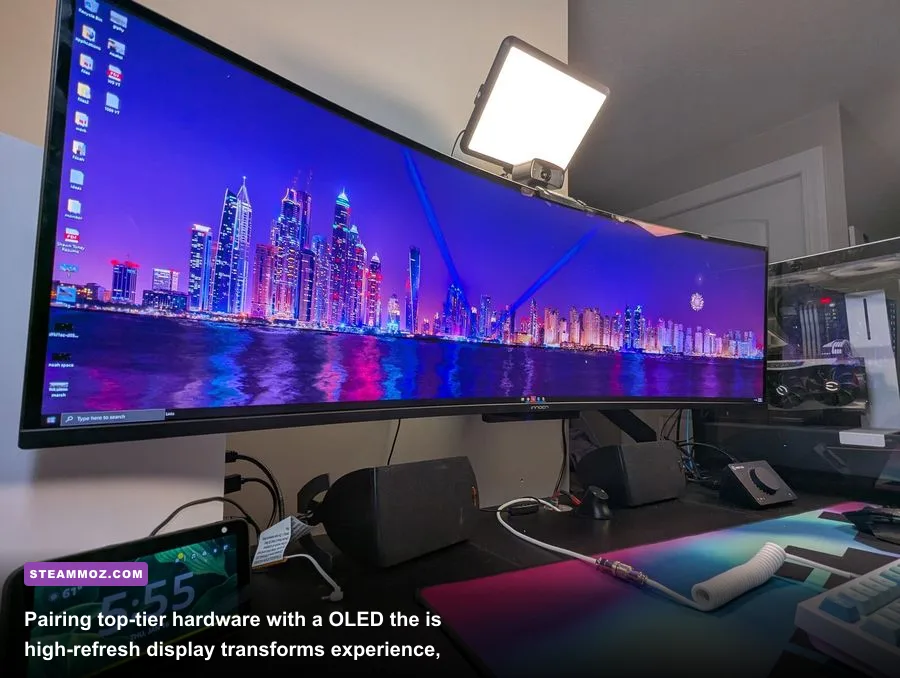
For everyone else—which accounts for roughly 99% of the gaming audience according to the official Steam Hardware Survey—buying the most expensive PC on the market is an exercise in pure vanity. You are paying thousands of dollars for performance headroom that modern display tech cannot show you and human eyes cannot detect. Build in the $1,800 to $2,300 enthusiast sweet spot, treat yourself to a jaw-dropping QD-OLED gaming monitor with the thousands of dollars you save, and rest easy knowing your gaming experience is just as glorious as the setup belonging to the billionaire down the street.