
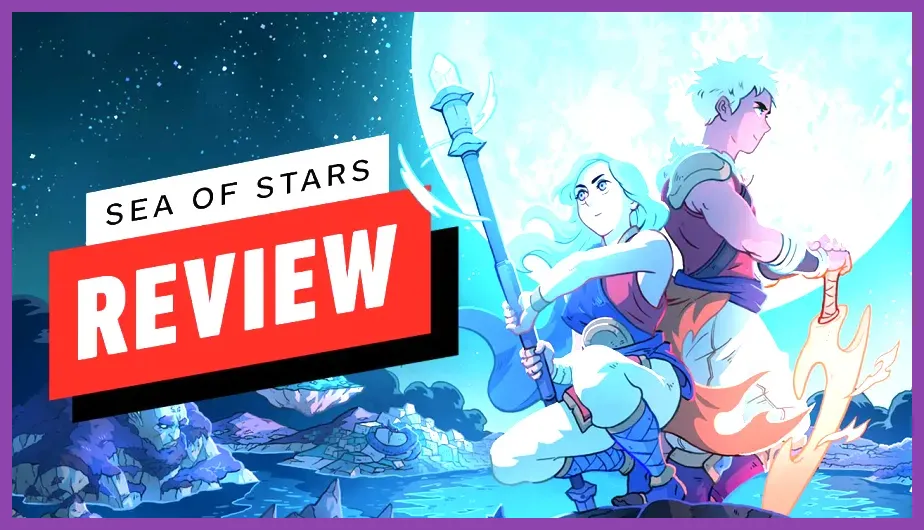
Playing Sabotage Studio's critically acclaimed turn-based RPG on PC requires surprisingly modest hardware, with minimum specifications asking for an Intel Core i3-3220 paired with an NVIDIA GeForce GTX 660, while the recommended setup calls for an Intel Core i7-7700K and a GeForce GTX 1060 to ensure buttery-smooth 60 frames per second at 1080p. Whether you are stepping into the shoes of Solstice Warriors Zale and Valere to master the powers of the Sun and Moon, or preparing your rig for breathtaking dynamic lighting effects and seamless world traversal, understanding your PC's capabilities is essential for an optimal playthrough. This comprehensive breakdown covers everything you need to know about Sea of Stars system requirements, recommended hardware configurations, storage allocations, and graphic setting optimizations.
Sea of Stars Minimum System Requirements for PC
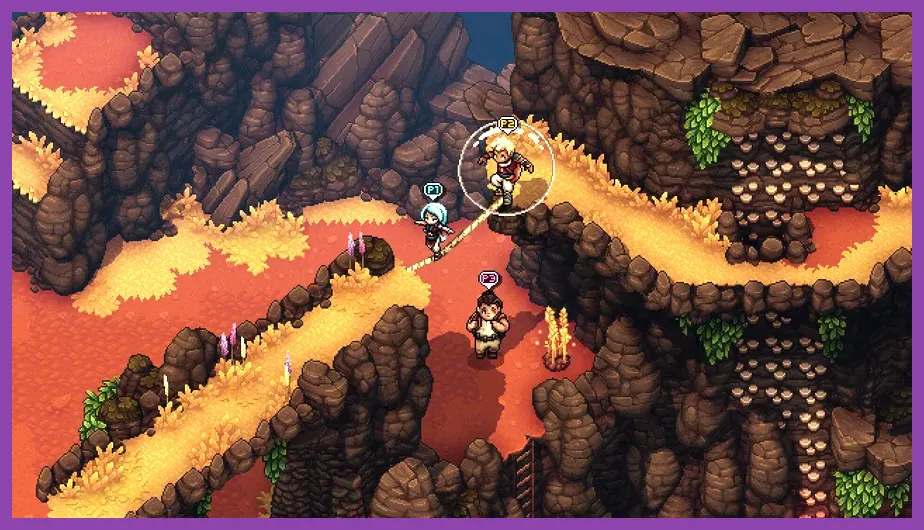
If your gaming rig is a bit older or you are attempting to run the game on a lightweight laptop or handheld device, the minimum hardware profile for Sea of Stars on Steam ensures you can still experience the complete narrative without enduring severe stuttering or input delay. Sabotage Studio meticulously optimized their retro-inspired engine to scale down gracefully, meaning low-end GPUs from over a decade ago can comfortably handle the detailed sprite work and lighting passes.
To run Sea of Stars at 720p or 1080p with a target of 30 to 60 frames per second on lower graphical presets, your PC must meet or exceed the following minimum specifications:
- OS: Windows 7, 8, 10, or 11 (64-bit)
- Processor: Intel Core i3-3220 or AMD FX-4300
- Memory: 8 GB RAM
- Graphics: NVIDIA GeForce GTX 660 (2 GB) or AMD Radeon HD 7850 (2 GB) or Intel HD Graphics 630
- DirectX: Version 11
- Storage: 5 GB available space
While an integrated GPU like the Intel HD Graphics 630 can technically boot and run the title, you may encounter minor frame drops during heavy particle effects in spell animations like Zale's Sunball or Valere's Moonerang. For a much smoother entry into indie masterpieces, check out how other optimized titles perform on portable hardware or review general settings guides such as this Stardew Valley system requirements guide to compare lightweight indie demands.
Recommended PC Specs for Maximum Performance

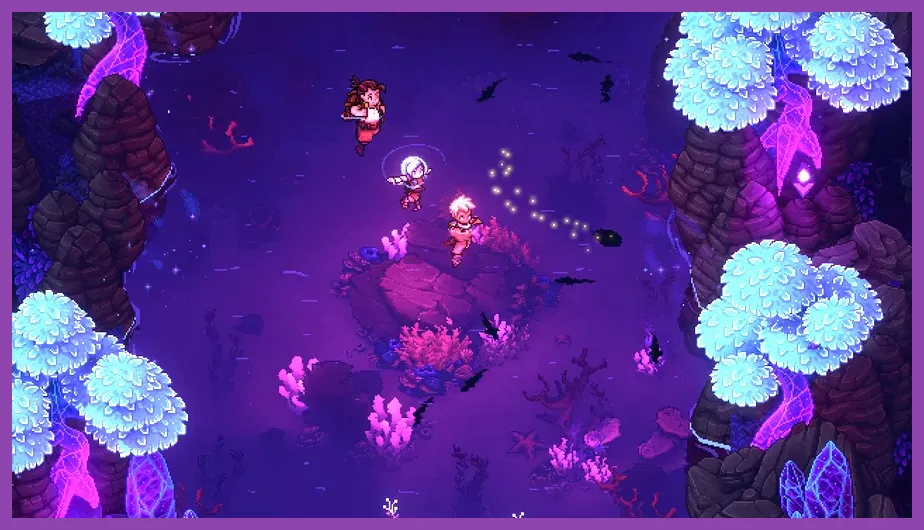
To truly appreciate the stunning dynamic lighting, water reflections, and gorgeous fluid animations that define Sabotage Studio's visual identity, you will want to meet the recommended hardware tier. Playing at a native 1080p or 1440p resolution at a locked 60 frames per second requires a slightly more robust processor and a dedicated graphics card with adequate VRAM to process the game's atmospheric particle layers and real-time shadows.
For the ultimate visual and responsive combat experience featuring precise timed hits and combo execution, upgrade your system to match these recommended parameters:
- OS: Windows 10 or 11 (64-bit)
- Processor: Intel Core i7-7700K or AMD Ryzen 5 1600
- Memory: 8 GB RAM (16 GB recommended for multitasking)
- Graphics: NVIDIA GeForce GTX 1060 (6 GB) or AMD Radeon RX 580 (4 GB)
- DirectX: Version 11
- Storage: 5 GB available space (SSD highly recommended)
Having a dedicated GPU with at least 4GB or 6GB of VRAM eliminates asset loading hitches when transitioning between the world map, dynamic combat encounters, and intricate puzzle rooms inside locations like the Forbidden Cavern or the Morteora Mountain Trail. If you enjoy optimizing demanding visual suites across other genres, you might also find valuable performance tweaks in our breakdown of Street Fighter 6 system requirements.
Storage, SSD Advantages, and Load Times
One of the most user-friendly aspects of Sea of Stars is its remarkably compact storage footprint. Requiring only 5 GB of free hard drive space, it stands in stark contrast to modern triple-A releases that demand upwards of 100 GB to 150 GB. This makes it an ideal title to keep permanently installed on your primary drive or portable gaming setups.
However, the type of storage drive you utilize directly impacts your quality of life. Installing the game on a Solid State Drive (SSD) drastically reduces zone transition times, fast travel loading screens when hopping between Lucent Village and Wraith Island, and initial boot-up sequences. While a traditional Mechanical Hard Drive (HDD) will function adequately, players using NVMe or SATA SSDs will experience instantaneous transitions when entering dungeons or activating campfires.
If you are exploring hardware upgrades or fine-tuning performance parameters for similar atmospheric exploration games, take a moment to consult resource management tips found in guides like Stalker 2 secret locations and stashes or optimize your broader setup using our Stardew Valley max FPS guide.
Graphics Settings and Display Optimization for PC
Sea of Stars features a clean, intuitive graphics options menu designed to let players tailor their visual fidelity to their specific hardware capabilities. Even if your PC sits right at the minimum requirements threshold, adjusting a few key parameters can lock in a consistent 60 frames per second without sacrificing the game's signature aesthetic charm.
When diving into the video and display settings, consider configuring the following options for optimal balance between visual quality and performance:
- Display Mode: Borderless Windowed or Exclusive Fullscreen (Exclusive Fullscreen provides minor frame pacing improvements on older Windows builds).
- Resolution: Match your native monitor resolution (1920x1080 for standard 1080p displays; scaling handles 4K exceptionally well due to the vector-scalable pixel art style).
- V-Sync: Enabled to prevent screen tearing during fast-paced traversal and combat animations, unless you are utilizing a variable refresh rate (VRR) monitor with G-Sync or FreeSync.
- Lighting Quality: High (Sabotage Studio's dynamic lighting is a core visual pillar; drop to Medium only if experiencing severe bottlenecks on integrated graphics).
- Particle Effects: High (Essential for tracking spell locks and multi-hit combo cues during boss fights against formidable foes like the Dweller of Woe).
For more deep dives into optimizing game mechanics and character progression systems once your hardware is fully configured, check out our expert resources on how to respec skill points in Stalker 2 and our comprehensive tier lists such as The First Descendant best weapons tier list.
Handheld Compatibility and Steam Deck Performance
Given its classic turn-based JRPG roots and vibrant art style, Sea of Stars is a match made in heaven for portable gaming handhelds like the Steam Deck, ASUS ROG Ally, and Lenovo Legion Go. Valve has officially verified Sea of Stars for the Steam Deck, meaning it offers a flawless "out of the box" experience with correct controller mappings, legible UI text scaling, and native resolution support.
On the Steam Deck LCD and OLED models, the game effortlessly runs at a native 1280x800 resolution at a locked 60 frames per second on maximum graphical settings. More impressively, running the game at these settings consumes very little battery power, allowing for approximately 4 to 5 hours of continuous play on a single charge of the standard Steam Deck battery. If you want to maximize battery longevity further, you can cap the refresh rate at 40Hz or 45Hz through the SteamOS quick-access menu without impacting the responsiveness of timed attack inputs during combat.
Players looking to expand their portable gaming library with other top-tier handheld recommendations should browse community-tested insights like the Steam Deck OLED secret characters guide for additional portable gaming inspiration.
Audio and Input Requirements for the Ultimate Experience
Beyond raw graphical processing power, Sea of Stars relies heavily on precise audio cues and responsive controller inputs to deliver its engaging gameplay loop. The combat system incorporates timed hits—pressing the action button precisely as an attack connects deals bonus damage and reduces incoming enemy damage—making low input latency paramount.
Developers recommend playing with a dedicated gamepad such as an Xbox Wireless Controller, DualSense, or Nintendo Switch Pro Controller rather than a keyboard and mouse, though both control schemes are fully supported with customizable key bindings. Furthermore, featuring a breathtaking musical score composed by Eric W. Brown alongside legendary guest composer Yasunori Mitsuda, having a reliable pair of stereo headphones or a quality speaker setup is strongly encouraged to fully appreciate the auditory soundscapes accompanying your journey across the Inland Sea and beyond.