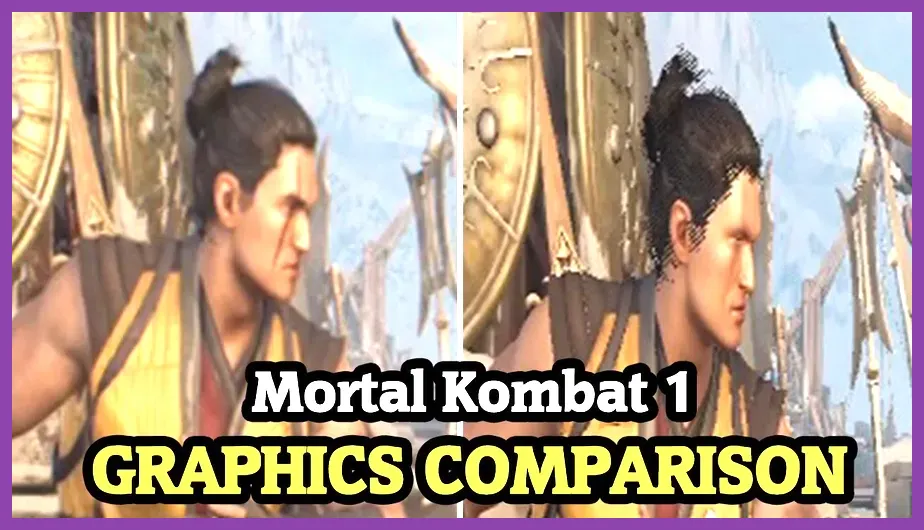
To run Mortal Kombat 1 smoothly at a locked 60 frames per second, your PC needs at least an Intel Core i5-6600 or AMD Ryzen 5 2600 processor paired with an NVIDIA GeForce GTX 980 or AMD Radeon RX 470 graphics card, along with 8GB of RAM. NetherRealm Studios' latest fighting game requires robust hardware, especially when transitioning from standard matches into heavy cinematic sequences like Fatal Blows and Brutalities. If you are upgrading your setup or trying to optimize your current rig for competitive online matches, understanding the precise hardware specifications is critical to avoiding frame drops that ruin timing-based combo inputs.
Mortal Kombat 1 Minimum PC Requirements
Meeting the absolute baseline specifications ensures the game boots and maintains a playable state, though you will likely need to dial down in-game graphical fidelity. Fighting games like Mortal Kombat 1 on Steam are notoriously strict about maintaining a constant 60 FPS lock; dropping even a few frames during a neutral game interaction can cause dropped combo links and missed punishes. For similar performance-tuning methodologies across demanding titles, check out this guide on Mount & Blade 2 graphics settings for high FPS.
The baseline hardware profile outlined by NetherRealm Studios and publisher Warner Bros. Games consists of the following components:
- OS: Windows 10 64-bit
- Processor (CPU): Intel Core i5-6600 or AMD Ryzen 5 2600 / Zen+
- Memory (RAM): 8 GB RAM
- Graphics (GPU): NVIDIA GeForce GTX 980, AMD Radeon RX 470, or Intel Arc A750
- DirectX: Version 12
- Storage: 100 GB available space (SSD strongly recommended)
Running the game on an HDD instead of an NVMe SSD will result in severe stuttering during character select screens, stage transitions, and opening cinematic intros. For hardware enthusiasts looking to maximize modern setups, reference our comprehensive PS5 Pro endgame build guide for high-performance benchmarks.
Mortal Kombat 1 Recommended PC Requirements
To experience the game at maximum settings with crisp 1080p or 1440p resolutions while keeping a rock-solid 60 FPS cap, your rig needs to step up significantly. NetherRealm's proprietary engine demands more from your graphics card and system memory during intense stage interactions and dynamic lighting events.
Here is what you need under the hood for the recommended configuration:
- OS: Windows 10/11 64-bit
- Processor (CPU): Intel Core i5-8400 or AMD Ryzen 5 3600X
- Memory (RAM): 8 GB to 16 GB RAM
- Graphics (GPU): NVIDIA GeForce GTX 1080 Ti, AMD Radeon RX 5700 XT, or NVIDIA GeForce RTX 2060 Super
- DirectX: Version 12
- Storage: 100 GB SSD space
If you are pushing past standard hardware limits and want to streamline resource management, you can adopt optimization tricks similar to those found in our Remnant 2 resource efficiency guide or our deep dive into Roblox crafting and material optimization.
Best PC Graphics Settings for 60 FPS Performance
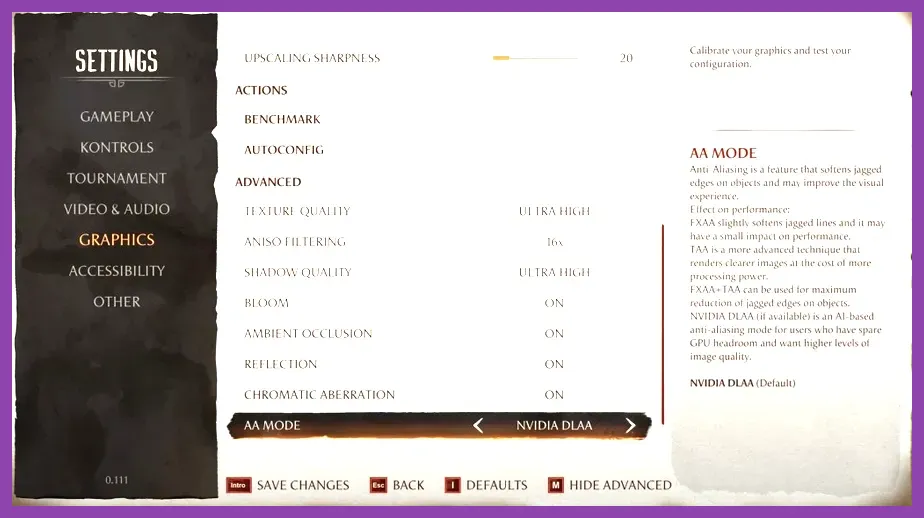
Even if your hardware sits comfortably between the minimum and recommended specs, unoptimized settings can cause micro-stutters during intense neutral exchanges with characters like Liu Kang, Raiden, or Sub-Zero. To eliminate input lag and frame drops during ranked matches, apply the following optimized configuration:
- Resolution: Match your native monitor resolution (1920x1080 or 2560x1440)
- V-Sync: Off (Control refresh rate via NVIDIA Control Panel or AMD Software to reduce input latency)
- Framerate Cap: 60 FPS (Mandatory for fighting game engine physics)
- Shadow Quality: Medium (High shadows heavily tax the CPU during multi-character Kameo assists)
- Texture Quality: High (Provided your VRAM exceeds 6GB)
- Particle Density: Medium (Reduces visual clutter during special moves and projectiles)
- Ambient Occlusion: Low or Off
- Post Processing Effects: Medium
For players transitioning between competitive fighting titles and tactical shooters or action RPGs, keeping your system responsive is key. Check out our Phasmophobia investigation build guide or our tactical breakdown of Nine Sols endgame loadouts for more performance tuning insights.
Storage and Installation Troubleshooting
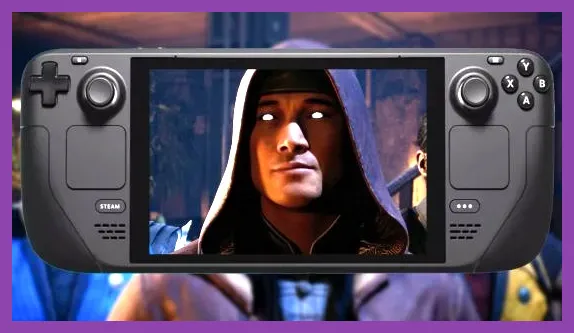
With an installation footprint hovering around 100 GB, managing your storage drives is a major hurdle. Mortal Kombat 1 relies heavily on fast asset streaming for its Kameo Fighter system, where secondary characters pop in and out instantaneously to extend combos or interrupt opponent pressure. If your game is installed on a mechanical hard drive, asset streaming bottlenecks will cause frozen frames right as you input critical special moves.
Ensure your storage drive has at least 15% free space beyond the 100 GB requirement to allow Windows adequate paging file breathing room. For players managing complex progression systems and avoiding technical pitfalls in other genres, consult our guide on Mobile Legends tactical mistakes to avoid and our strategy breakdown for Marvel Future Fight speedruns.
Optimizing for Handhelds and Steam Deck
Many players look to take their fighting game practice on the go using portable hardware. While Mortal Kombat 1 can run on the Steam Deck and other handheld gaming PCs, it demands aggressive configuration changes. You must lower the resolution scaling to 75%, set all graphical sliders to Low or Off, and utilize AMD FSR 2.0 set to Performance mode.
Even with these compromises, expect occasional dips during heavy stage transitions. For broader hardware setups and action game mastery, review our tactical breakdown on Monster Hunter Wilds early game builds and our comprehensive resource on Once Human survival optimization to ensure your entire gaming library runs at peak efficiency.