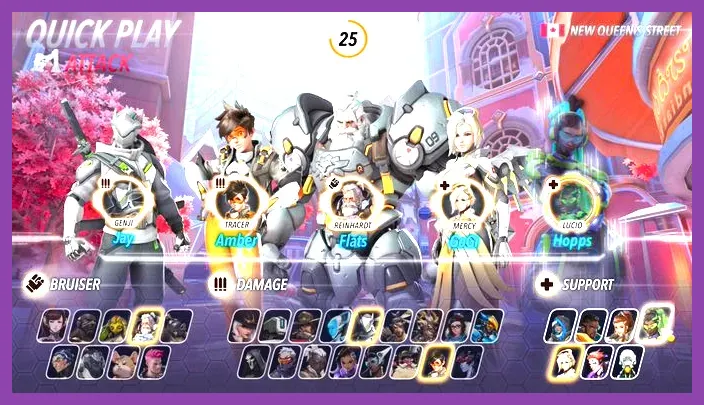
You cannot respec skill points in Overwatch 2 because the game does not feature a traditional RPG skill tree, talent system, or point allocation mechanic for its heroes. Unlike titles that require you to invest currency or points into branching passive buffs, Blizzard's hero shooter relies on a fixed kit design where every character—from damage powerhouses like Tracer and Reaper to support staples like Mercy and Kiriko—comes equipped with standardized abilities that cannot be permanently altered, customized, or reset via a talent tree. If you are looking to optimize your gameplay, performance tuning relies entirely on configuring your optimal settings, much like dialing in the Lenovo Legion Go best graphics settings for performance, or mastering hero-specific mechanics rather than managing passive attribute trees.
Understanding the Overwatch 2 Progression System
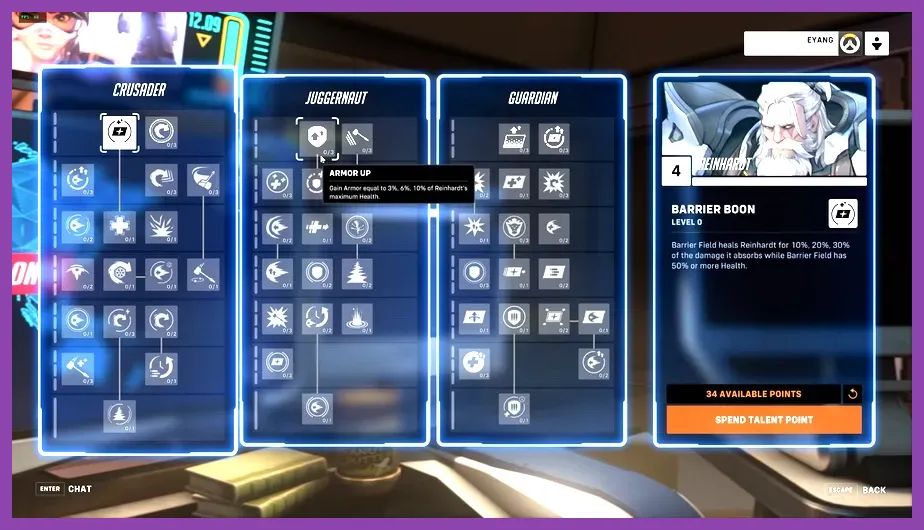
To fully understand why a respec option does not exist, it helps to examine how progression functions within the ecosystem of Overwatch 2 on Steam. Progression in this hero shooter is tied strictly to Player Level, Hero Progression levels, Battle Pass tiers, and Competitive Skill Tiers (SR). When you play matches with heroes like Reinhardt, Genji, or Ana, you earn experience points that increase your individual Hero Level, unlocking cosmetic name cards, sprays, and player icons. None of these rewards impact in-match statistics, cooldown timers, or weapon damage output.
Because every player enters a match of Payload, Push, or Flashpoint with identical hero capabilities, balance remains symmetrical across all ranks from Bronze to Top 500. There are no passive skill points to misallocate, meaning you never have to worry about ruining a character build or needing a respec token. For players transitioning from deep RPGs or action titles, this fixed structure can feel restrictive, but it ensures that competitive integrity is maintained solely through mechanical execution, positioning, and game sense.
How to Change Hero Settings and Controls Instead
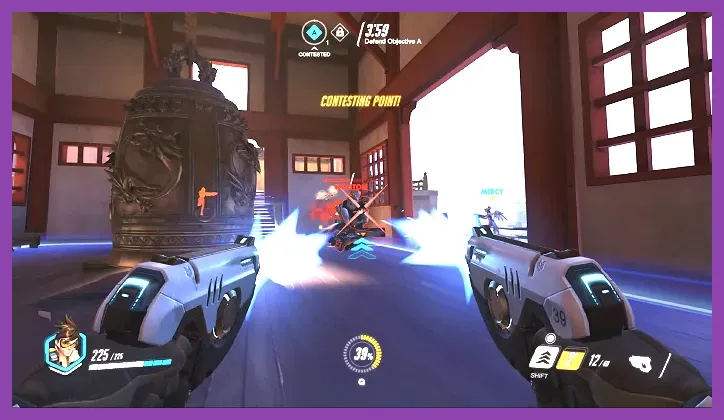
While you cannot respec skill points, Overwatch 2 offers a robust, highly granular per-hero control customization system that functions as the game's functional equivalent of tweaking a build. If a hero feels awkward or unresponsive, you can completely alter their input layout, sensitivity, and toggle behaviors to match your playstyle.
Customizing Individual Hero Controls
Navigate to the Options menu, select the Controls tab, and click on the drop-down menu in the top right corner to switch from "All Heroes" to a specific character, such as Widowmaker or Doomfist. From here, you can fine-tune several critical parameters:
- Relative Aim Sensitivity While Zoomed: Essential for sniper heroes like Ana and Widowmaker to maintain consistent muscle memory.
- Secondary Fire Toggle: Adjust abilities like Sigma's Experimental Barrier or Zenyatta's Orb of Discord to fit your preference.
- Jump and Crouch Bindings: Move movement inputs to alternative mouse buttons or paddle configurations for advanced tech like wall-riding or bunny hopping.
Adjusting these settings drastically changes how fluid a hero feels, effectively allowing you to tailor your mechanical execution without needing traditional skill point modifiers.
Optimizing Hero Performance and Team Synergies
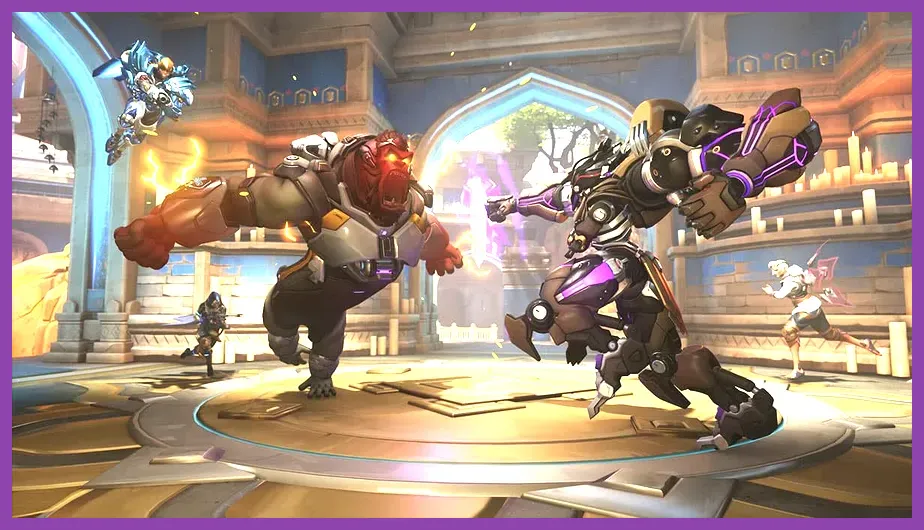
Since skill point allocation is off the table, mastering Overwatch 2 requires understanding hero meta compositions, counter-picking enemies, and managing your team's utility economy. Just as players study optimal loadouts in Mortal Kombat 1 best characters for solo players or evaluate the Marvel Future Fight best characters tier list 2026, staying competitive in Overwatch 2 means knowing which heroes synergize best on specific map layouts.
Essential Tactics for Hero Mastery
If you want to maximize your match impact without relying on skill trees, focus your practice sessions on these core areas:
- Target Prioritization: Focus fire on vulnerable enemy targets, such as a support hero caught out of position without cooldowns.
- Ultimate Economy Tracking: Keep a mental note of which ultimate abilities (like Zarya's Graviton Surge or Zenyatta's Transcendence) your team and the enemy team have available.
- Map Geometry Exploits: Utilize high ground advantages and flank routes unique to maps like Dorado, King's Row, and Colosseo.
Adjusting Visual Settings for Better Competitive Readability
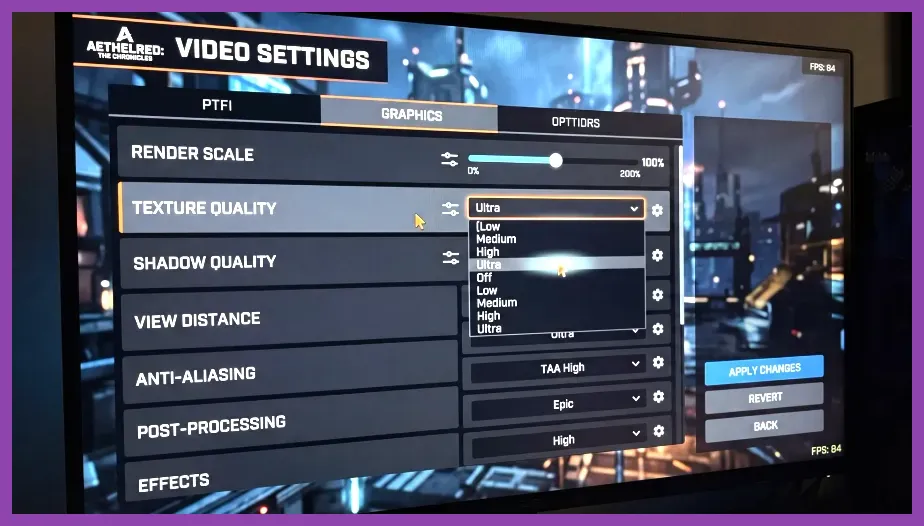
Another way to "respec" your setup for maximum competitive advantage is by optimizing your display and graphic settings. Reducing visual clutter helps you track fast-moving enemy projectiles, enemy cooldown animations, and critical hit markers with absolute clarity. Much like finding the ideal configuration in Nine Sols best graphics settings for high performance, prioritizing high frame rates over visual fidelity is critical for twitch-reaction FPS gameplay.
Recommended Competitive Video Settings
Apply these settings in the video menu to boost your frame rate and reduce input latency:
- Display Mode: Fullscreen (reduces input lag compared to Windowed Borderless).
- FPS Limit: Custom, set to well above your monitor's refresh rate (e.g., 300 FPS or Display Based).
- Graphics Quality: Low or Medium across all preset options to maximize steady frame pacing.
- NVIDIA Reflex / AMD Anti-Lag: Enabled + Boost (drastically cuts system latency).
Adapting to Meta Shifts and Hero Updates
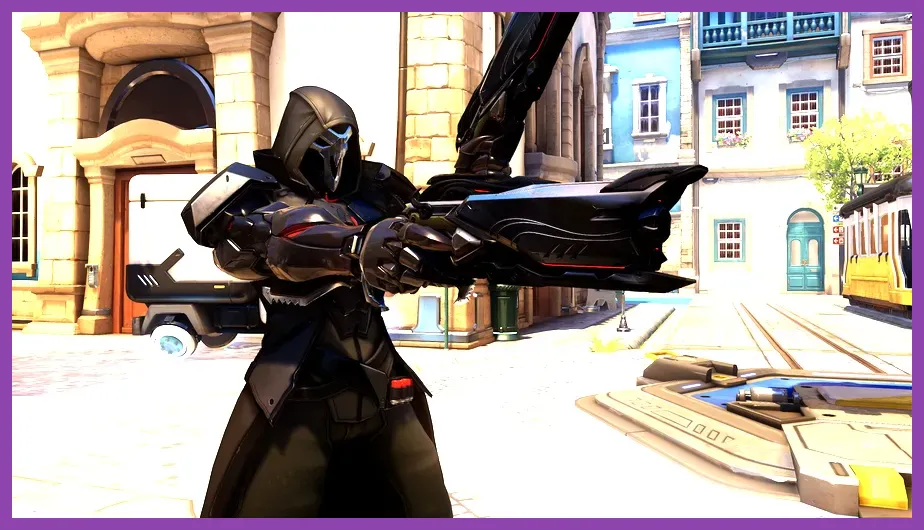
Because Blizzard frequently pushes balance patches, hero reworks, and seasonal updates, the most effective way to adapt to changes is by expanding your hero pool rather than relying on a single one-trick pony strategy. When a specific hero receives damage nerfs, cooldown increases, or health pool adjustments, learning a complementary character within the same role ensures you remain adaptable.
If you enjoy experimenting with different class configurations and optimization strategies across various genres, be sure to check out our comprehensive guides on the Lords of the Fallen best early skills to unlock or master team compositions using the Nintendo Switch 2 best team comp synergy guide. While Overwatch 2 may not let you reset talent points, continuous practice, control refinement, and strategic hero swapping will yield far better results on your climb to Grandmaster.