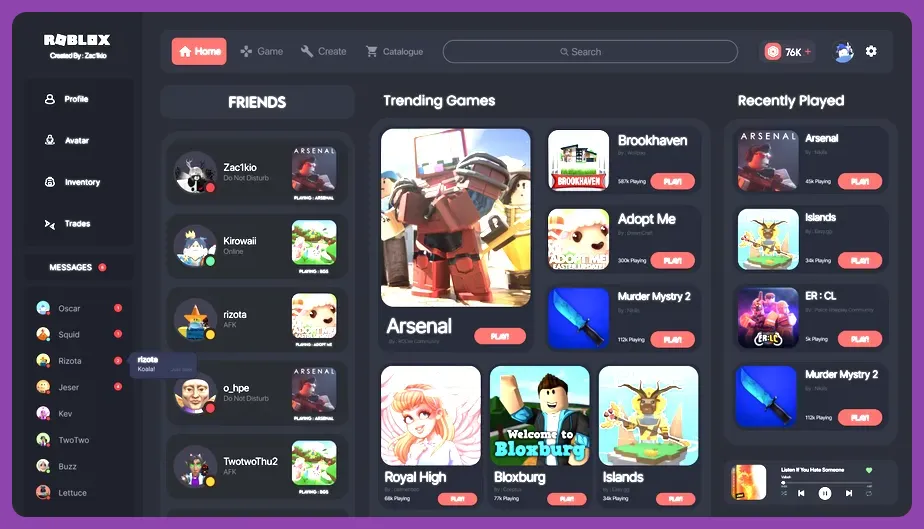
To reroll fast in Roblox, you need to bypass tedious tutorial sequences by utilizing multi-instance PC applications, automated macro recorders, and rapid account-switching scripts tailored to popular experiences like Blox Fruits, Anime Defenders, or All Star Tower Defense. Because most high-end anime and RPG experiences lock initial currencies behind mandatory starter quests, optimizing your file management and login loops cuts your reroll time from twenty minutes down to under ninety seconds per cycle.
Understanding the Roblox Reroll Ecosystem
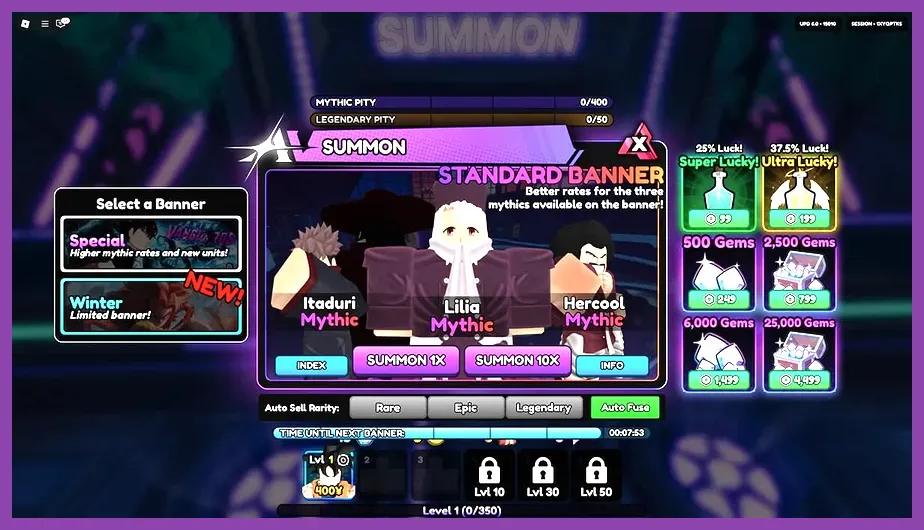
Before diving into advanced automation, you must understand how individual experiences handle data storage and user sessions. Unlike traditional PC titles where local save files can be instantly copied and pasted, Roblox binds your game progress directly to your user account token or local app cache depending on your platform. Popular titles on the official Roblox website handle currency distribution through daily logins, tutorial completion bonuses, and active promotional code redemptions.
When aiming for top-tier mythic units, secret styles, or god-roll stats, relying on a single primary account guarantees burnout. Professional efficiency requires setting up dedicated burner accounts or exploiting fast log-out routines. If you enjoy optimizing game loops across various platforms, check out this guide on how to level up fast in Metaphor ReFantazio for similar resource-grinding strategies.
Core Principles of Rapid Account Cycling
Successful fast rerolling relies on three pillars: minimal UI navigation, instant code redemption, and zero-latency session clearing. Most gacha-heavy Roblox titles hand out free starter gems or spins via chat commands or menu buttons immediately upon spawning into the lobby. Your goal is to bypass cutscenes entirely by hitting the skip keybinds or leveraging game-specific configuration toggles.
For players experiencing performance drops or stuttering while running multiple client windows simultaneously, optimizing your hardware settings is essential. Review the configurations outlined in this Lenovo Legion Go best graphics settings for performance breakdown to ensure your rig maintains peak frame rates during heavy multi-tasking.
PC Multi-Instance and Macro Setup
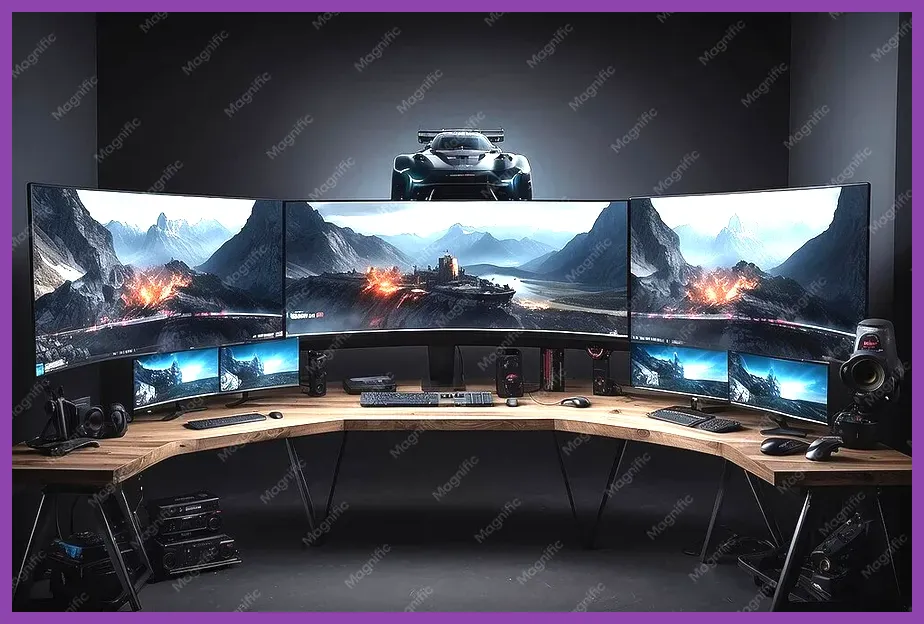
The undisputed king of fast rerolling on PC is multi-instancing paired with custom macro automation. Running four to six Roblox client instances simultaneously lets you roll multiple accounts in the time it takes standard players to complete a single cycle. To achieve this, you will need a trusted multi-instance manager or alternative client loader that permits running concurrent sessions without triggering anti-cheat flags.
Launch your instances and arrange them neatly across your monitor using window-snapping tools. Next, record a precise macro sequence using software like TinyTask or AutoHotkey. Your macro should execute the following strict sequence:
- Spawn into the main lobby and dismiss any popup announcements or daily reward windows.
- Open the settings menu or code redemption box via hotkey.
- Paste the latest active developer codes using a clipboard buffer tool.
- Navigate to the summoning portal or stat-rolling NPC.
- Execute all available free spins or gem pulls instantly.
If your rolls fail to secure top-tier drops, the macro should trigger a logout sequence or close the client cleanly. For those dealing with technical hurdles or network latency during high-intensity sessions, consult this guide on how to fix lag and low fps in Subnautica 2 to stabilize your connection stability.
Configuring Clipboard Buffers for Instant Code Input
Typing out long promotional codes manually across multiple accounts kills your efficiency. Instead, use a multi-clipboard manager or simple text replacement script. Copy a string of current working codes into your buffer so that pressing a single macro key instantly pastes the entire batch into the game's chat or redeem box. This trick alone saves upwards of thirty seconds per reroll attempt.
Managing rare unlocks efficiently is just as critical in Roblox as it is in other grinding titles. Similar item-hunting methodologies can be explored in guides like Left 4 Dead 2 how to get legendary weapons.
Mobile Device Fast Rerolling Techniques
If you are playing on iOS or Android devices, multi-instancing is impossible, meaning you must rely on rapid app data clearing and guest account manipulation. While slower than a dedicated PC multi-box setup, mobile rerolling remains highly effective for handheld enthusiasts.
To execute a mobile fast reroll, start by installing the game while logged into a disposable Google or Apple ID. Complete the tutorial or claim initial rewards. If you pull unwanted units, do not simply delete the app icon—go directly to your device's system settings, locate the application storage manager, and select Clear App Data / Cache. This action wipes local session tokens instantly, allowing you to launch the app fresh and sign in with a brand-new burner account without waiting for a full reinstallation.
Hardware optimization matters just as much on portable setups. For insight into balancing visual fidelity and operational speed on modern devices, refer to Nine Sols best graphics settings for high performance.
Optimizing Mobile Account Creation
To bypass email verification hurdles during rapid mobile rerolling, utilize temporary email generators or plus-addressing (e.g., yourname+burner1@gmail.com). This allows dozens of unique accounts to funnel notifications to a single inbox while keeping your primary personal email secure from spam.
Character tier awareness is vital before you start burning through accounts. For comparison on how tier lists operate in high-competition games, check out the League of Legends Wild Rift top 10 strongest characters analysis.
Game-Specific Strategies: Blox Fruits and Anime Experiences
Different Roblox experiences require tailored approaches due to varying tutorial lengths and anti-cheat restrictions. For instance, in fruit-rolling games, your primary objective is gathering cash or fragments through starter quests before heading to the Cousin NPC. Avoid engaging in protracted mob grinds unless the experience mandates a specific level requirement to access the gacha mechanic.
In tower defense or anime collector titles, your focus shifts toward maximizing starter gem income. Always check community wikis like the Roblox Fandom Wiki to verify active codes before beginning your session. Wasting spins before redeeming a massive batch of starter codes severely lowers your overall efficiency.
Advanced Resource Management During High-Volume Rolls
When executing hundreds of rolls across multiple burner accounts, organization becomes your biggest bottleneck. Keep a running spreadsheet tracking your account usernames, passwords, and rolled items. Once you secure a God-tier unit or rare drop on an alternate account, you can either trade the item to your main account (if the game's trading economy permits) or pivot that burner account into your new primary play session.
For tactical inspiration on handling high-tier roster optimization and team building, look at the roster breakdowns in Marvel Future Fight best characters tier list 2026.
Avoiding Bans and Managing Rate Limits
Roblox security systems actively monitor account creation frequencies and rapid login attempts from single IP addresses. If you create too many accounts within a narrow window, you may encounter temporary IP rate limits, captcha locks, or error codes that halt your rerolling session.
To mitigate this risk, space out your account creation batches. If you are running a multi-instance PC setup, limit your active windows to four at a time rather than launching twenty simultaneously. Additionally, avoid using automated clickers that operate at inhuman speeds, as modern server-side validation can flag unnatural input patterns instantly.
If you encounter persistent technical glitches or account synchronization errors during your reroll sessions, review troubleshooting workflows similar to those found in how to fix lag and low fps in Subnautica 2 or clear your local cache directories entirely.
Conclusion and Final Efficiency Tips
Mastering the art of fast rerolling in Roblox transforms frustrating gacha grinds into a streamlined, scientific process. By combining multi-instance PC setups, pre-compiled code buffers, and disciplined app-data clearing techniques on mobile, you eliminate wasted downtime and secure your desired units in a fraction of the usual time.
Always stay updated on patch notes and economy shifts by following developer announcements on the Roblox Developer Forum. Keep your macros updated, maintain organized login credentials, and enjoy dominating your favorite experiences with top-tier gear right from day one.