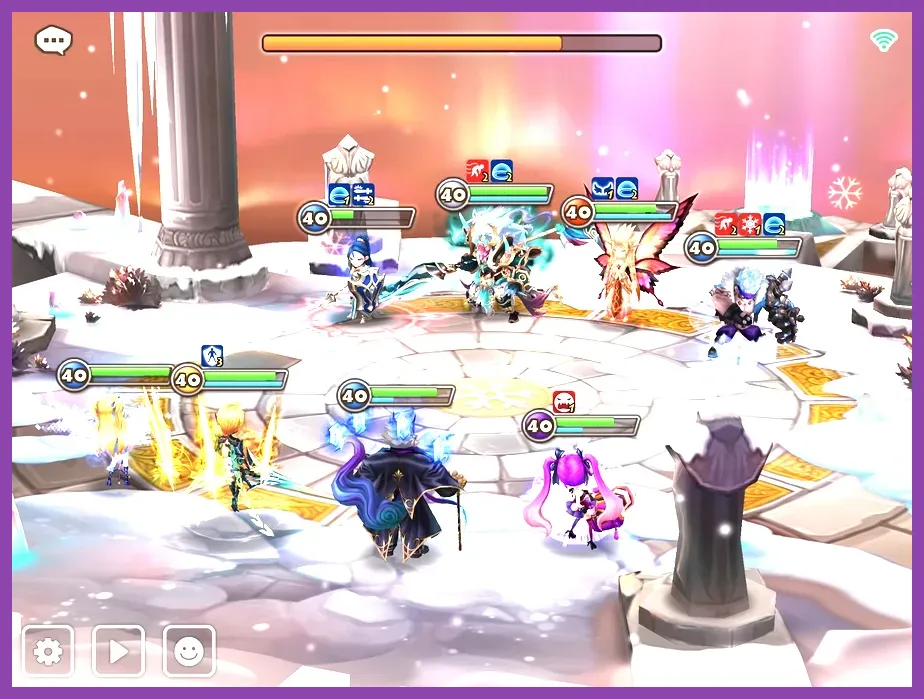
To fix lag and ping issues in Summoners War, you need to clear local game caches, switch from unstable Wi-Fi to a dedicated 5GHz network or cellular data, close background apps eating bandwidth, and ensure your device connects to the optimal regional server hosted by Com2uS. High latency and stuttering during Real-Time Arena (RTA) matches, Guild Siege, or simple Cairos Dungeon runs can ruin your progression and cause lost turn advantages. Applying these targeted network and device tweaks will stabilize your connection and eliminate frustrating 'Connecting...' prompts.
Diagnosing Your Connection Issues
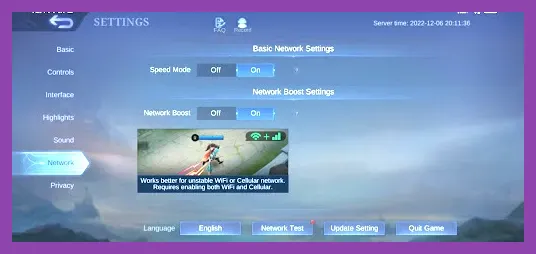
Before applying fixes, you must identify whether your problem stems from local device performance, unstable Wi-Fi, or Com2uS server congestion. Summoners War is a server-authoritative game, meaning every action—from rune upgrades to skill activations on monsters like Lushen or Jeanne—requires a constant, uninterrupted handshake with the game servers. If your ping spikes during peak hours (usually between 18:00 and 22:00 server time), the issue is likely routing or server load.
Check your connection by running a ping test to major regional hubs. If you experience high packet loss, your local router might be struggling. For a broader look at mobile optimization and rewards while you troubleshoot, you can check out Summoners War Redeem Codes Active Today to grab some free crystals and energy once your connection stabilizes. You can also review general mobile progression insights via Stardew Valley Mobile How to Get Skins for Free for cross-platform performance habits.
Optimizing Network Settings and Wi-Fi Routing
Wireless interference is the primary culprit behind erratic ping spikes in mobile games. Microwaves, Bluetooth devices, and physical walls degrade Wi-Fi signal strength rapidly. To fix this:
- Switch Bands: If your router supports dual-band frequencies, disconnect from the crowded 2.4GHz band and connect exclusively to the 5GHz Wi-Fi band. The 5GHz frequency offers significantly lower latency and less interference, though its range is shorter.
- Restart Network Hardware: Power cycle your modem and router by unplugging them for 30 seconds. This clears the routing table and assigns a fresh IP address, which often resolves routing loops causing high ping to Com2uS servers.
- Test Mobile Data: Toggle your Wi-Fi off and test the game using 4G LTE or 5G data. If your ping drops and gameplay becomes smooth, your home internet service provider (ISP) has poor routing to the game servers, and you may need a mobile VPN.
For players exploring other competitive team-based strategy games that require pristine network conditions, take a look at Squad Busters Tier List All Characters Ranked for 2026 and Squad Busters Best Weapons Tier List 2026 to see how performance demands scale across titles.
Clearing Device Cache and Managing Background Processes
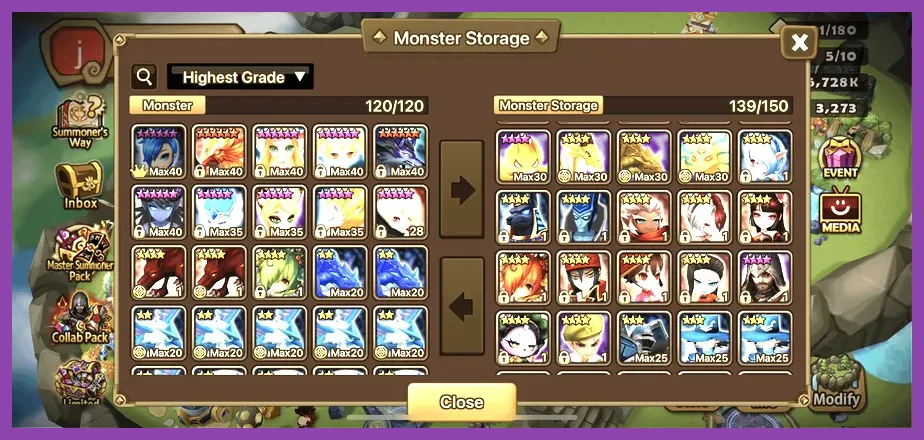
Sometimes the issue isn't your internet connection at all, but rather local thermal throttling or RAM bottlenecking on your smartphone or tablet. Summoners War renders heavy particle effects during high-end animations, such as Artamiel's passive or Psamathe's resurrection skill, which can stutter if your device is bogged down.
- Clear App Cache: Go to your device Settings > Apps > Summoners War > Storage, and tap 'Clear Cache'. Do not tap 'Clear Data' unless your account is securely linked to a Hive ID, Google, or Apple account, as clearing data will wipe local login credentials.
- Disable Background Data: Restrict background data usage for heavy social media apps (like Instagram, TikTok, or Facebook) while playing to ensure Summoners War has top priority on your network interface.
- Enable Game Mode: Modern Android and iOS devices feature built-in gaming modes (such as Game Launcher or Guided Access). Turn these on to block incoming notifications, optimize CPU clock speeds, and dedicate maximum RAM to the game client.
Managing resource allocation effectively prevents frame drops that mimic network lag. For deeper dives into managing team compositions and strategic resource spending without performance hiccups, visit Roblox Best Team Composition Guide and Roblox Crafting Guide Best Materials and How to Farm Them.
Using VPNs and DNS Optimization for Better Routing
If your ISP uses suboptimal routing paths to connect to Com2uS regional servers (Global, Asia, Europe), your packets may be taking unnecessary hops around the globe, resulting in baseline ping exceeding 200ms. Routing can be optimized using specific technical adjustments.
- Change DNS Servers: Switch your phone's DNS settings from your ISP default to Cloudflare (1.1.1.1) or Google DNS (8.8.8.8). This often speeds up domain name resolution and initial server handshakes when loading into Cairos Dungeon or Rift Raids.
- Utilize a Reputable Gaming VPN: Connect to a trusted mobile VPN service and select a server location physically close to the Summoners War server region (e.g., Los Angeles for Global, Frankfurt for Europe, Seoul or Tokyo for Asia). This forces a direct, encrypted routing tunnel that bypasses congested ISP nodes.
- Avoid Free, Overloaded VPNs: Free VPNs often bottleneck bandwidth and introduce massive latency, making your lag worse. Stick to premium providers with dedicated gaming nodes.
To understand how tactical precision and smooth connection are required in other competitive tactical genres, review Smite Best Class for Solo Players and Smite Best Skills to Unlock First. You can also explore foundational beginner guides like Roblox Best Beginner Tips and Tricks.
Reinstalling and Repairing Game Files
Corrupted local game files can cause endless loading screens, desynchronization during guild battles, and sudden crashes that register as connection errors. Ensuring your client installation is pristine is the final step in troubleshooting.
If you suspect file corruption:
- Completely uninstall Summoners War from your device.
- Restart your phone to clear lingering temporary files.
- Download a fresh installation directly from the official Com2uS Summoners War Official Website or your device's native app store.
- Log back in using your verified Hive ID to restore all your monsters, runes, and progression safely.
By following these systematic hardware, network, and software fixes, you will drastically reduce your ping, eliminate stuttering during critical guild content, and enjoy a seamless Summoners War experience. For further gaming guides across various platforms, check out Space Marine 2 How to Unlock All Characters and Champions and Starfield How to Get Legendary Weapons Fast.