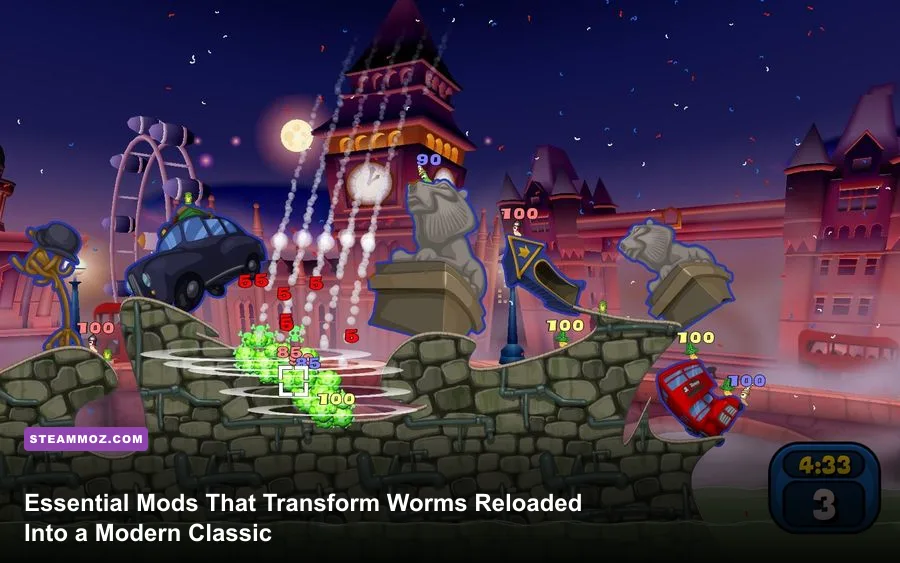
If Worms Reloaded feels surprisingly sluggish compared to the snappy, physics-defying acrobatics of Worms Armageddon, the right community mods completely fix the problem. Transforming the 2010 artillery title into the definitive turn-based deathmatch on modern hardware comes down to four core adjustments: deploying custom physics configurations to restore classic elastic Ninja Rope momentum, running scheme injection utilities to strip away restrictive weapon caps, dropping in legacy 1999 voicebanks, and using Vulkan translation layers to eliminate persistent engine micro-stutter. Team17 built a gorgeous visual foundation on modern PC architecture, but out of the box, conservative movement mechanics and hardcoded scheme limits held it back. With the right community modifications installed, you can strip away those artificial constraints and experience chaotic, high-velocity artillery perfection.
Restoring the Holy Grail: Ninja Rope Physics and Movement Tweaks

The biggest grievance veteran players voiced when Worms Reloaded on Steam dropped was its heavily dampened Ninja Rope physics. In classic competitive play, the rope is not just a utility tool to cross gaps—it is a devastating weapon used for momentum-building, aerial drop-kicks, and dynamic crate gathering. In the vanilla release, horizontal swing velocity is aggressively capped, damping dynamic recoil by nearly 40% compared to earlier iterations. This made the legendary Shopper and Roper custom game modes almost unplayable for high-tier enthusiasts.
Community movement patches and physics override scripts rewrite the rope hook behavior directly within memory or through modified scheme asset files. By altering the tension coefficients and releasing velocity vectors, you instantly regain the ability to sling your invertebrate across massive cavern spans. Rather than sticking awkwardly to vertical rock faces, your worm preserves directional kinetic energy when disconnecting mid-swing.
Installing rope physics modifications requires navigating to your game installation directory (typically Steam\steamapps\common\Worms Reloaded\Data) and backing up your default configuration archives. Once you patch the movement tables, you will notice an immediate difference in crate surfing and high-angle bazooka tosses. Just like tweaking control sensitivity when optimizing combat in action-heavy modern titles, dialed-in physics give you pinpoint tactical agency over every trajectory.
Why Physics Restorations Change Competitive Matchups
- Vertical Acceleration Retention: Removing the artificial terminal velocity cap lets you propel worms skyward, clear treacherous mountain peaks, and deploy Parachutes with surgical precision.
- Double-Tap Bouncing: Restores the micro-attachment technique, allowing you to flick the rope hook against nearby ceilings twice within a single second to maintain continuous flight.
- Friction Neutralization: Eliminates the sticky terrain bug where worms drop all horizontal speed upon brushing against a single-pixel outcrop during a wide arc swing.

🎮 FORM
Looking to experience this game? Grab your digital key directly on our store for $14.99.
View on Steammoz Store →Unlocking the Arsenal: Custom Weapon Schemes and Tactical Rebalancing
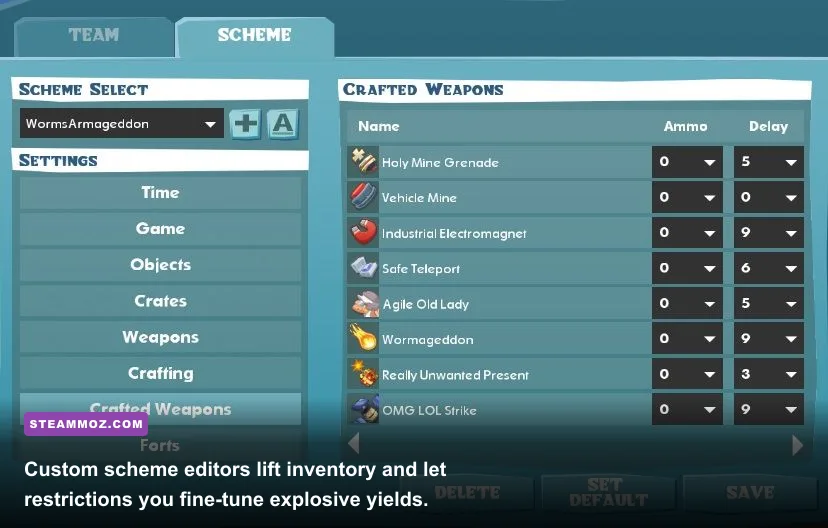
Vanilla Worms Reloaded restricted some of the wildest super weapons to pre-set single-player campaign missions, locking down competitive multiplayer configurations with strict availability limits. Fortunately, community-developed Scheme Editors smash those limitations wide open. These external toolsets edit the game's native scheme files (.wsc extensions), allowing you to customize fuse times, explosive radii, drop probabilities, and stock counts down to the exact decimal point.
Want to turn the holy hand grenade into a map-erasing tactical nuke with zero detonation delay? Or perhaps you want an endless supply of Bunker Busters to burrow through unreachable subterranean stalactites? The Reloaded Custom Scheme Injector lets you build specialized tournament profiles that rival the depth found in hardcore weapon tier lists. Furthermore, community balance mods adjust the base blast damage of underutilized ordnance like the Cluster Bomb and Mortar, making mid-range ballistic skill far more rewarding than relying strictly on point-blank Fire Punch spam.
| Mod / Tool Name | Mod Tier | Core Mechanics Altered | Best Playstyle Synergy |
|---|---|---|---|
| Reloaded Scheme Injector (RSI) | S-Tier | Unlocks hidden super weapons, removes ammo ceilings, customizes turn delays | Competitive Shopper, Custom BnG (Bazooka & Grenade) |
| Classic Physics & Rope Restoration | S-Tier | Replaces momentum decay curves, enables infinite rope attachment cycles | Roper Matches, High-Speed Crate Racing |
| Arsenal Rebalance & Blast Radius Mod | A-Tier | Recalibrates grenade fragmentation bounce, increases air strike dispersion | Standard Tournament Deathmatch, Tactical Artillery |
| Infinite Utility & Jetpack Extender | B-Tier | Expands jetpack fuel pools by 250%, unlocks persistent teleportation charges | Exploration, Puzzle Map Challenges |
| Sudden Death Water Surge Tweak | B-Tier | Accelerates turn-by-turn sea level rise, introduces dynamic toxic flooding | High-Stakes Blitz Matches |
Fine-tuning these values prevents stale stalemates where opposing worms simply turtle behind thick girders. By increasing the crater diameter of the Concrete Donkey or tweaking the fragmentation scatter on standard grenades, defensive players are forced to stay on the move, keeping matches fluid, fast-paced, and wildly unpredictable.
Visual and Technical Polish: Modern Resolution and Framerate Stabilization
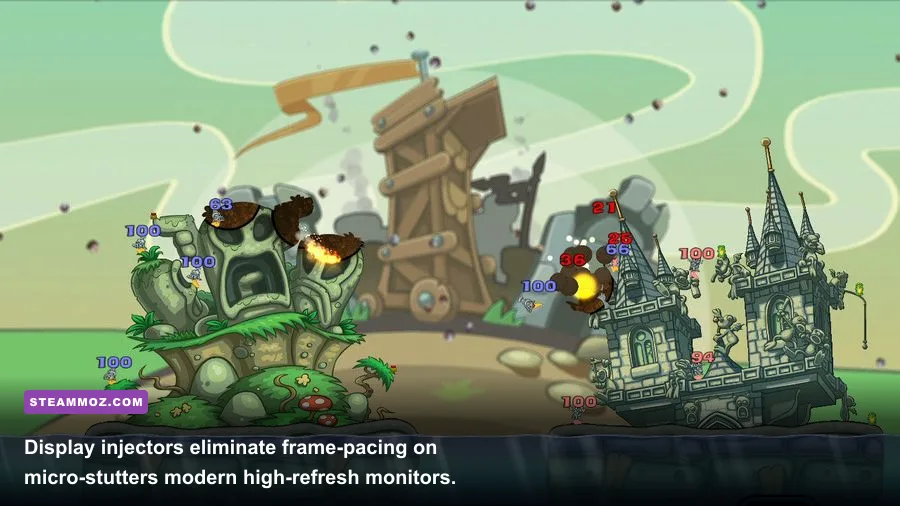
While Team17 crafted charming, vector-style 2D art that ages wonderfully, the game's rendering pipeline was designed during the Windows 7 era. Running the default DirectX 9 executable on Windows 10 or 11 across modern 144Hz or 240Hz monitors frequently triggers micro-stutters, tearing, and jarring camera hitches when panning across expansive custom battlefields. Fixing these graphical anomalies turns the game into a butter-smooth visual showpiece.
The most effective fix is dropping DXVK into the root folder. DXVK translates legacy DirectX 9 API calls into modern Vulkan instructions, bypassing legacy display driver bottlenecks. If you have tackled frame-pacing and stability hurdles in other classic PC titles, such as applying engine crash fixes or configuring specialized FPS profiles, you already understand how crucial Vulkan wrappers are for older game engines. Additionally, community configuration utilities allow you to unlock true 21:9 ultrawide viewport scaling, ensuring that your view of the destructible landscape is never artificially stretched or pillar-boxed.
| Engine Setting / Mod Tweak | Recommended Value | Performance Impact | Visual & Operational Benefit |
|---|---|---|---|
| DXVK Translation Layer (d3d9.dll) | Enabled (Vulkan Runtime) | +15-25% Frame Stability | Completely eliminates camera pan stuttering on 120Hz+ screens |
| Ultrawide Aspect Ratio Fixer | Native (2560x1080 / 3440x1440) | Negligible (<1 FPS) | Removes side pillar-boxing; exposes the entire horizontal landscape |
| Borderline Terrain Anti-Aliasing | 4x MSAA / 16x Anisotropic | Very Low | Smooths jagged pixel artifacts on deformed blast craters |
| Driver-Level Frame Limiter | Monitor Refresh Rate - 3 FPS | Zero Impact | Guarantees flawless G-Sync and FreeSync frame pacing |
These performance modifications are lightweight and run seamlessly on modern gaming rigs as well as budget setups. Much like reviewing legacy hardware baselines in classic PC spec rundowns, optimizing Worms Reloaded ensures that even low-power handhelds like the Steam Deck can run the game at a locked 60 or 90 FPS with minimal battery consumption. For in-depth configuration parameters and technical troubleshooting, the community documentation maintained on PCGamingWiki's Worms Reloaded hub remains an invaluable reference.
Reviving Classic Nostalgia: Soundbank Injectors and Custom Speech Packs

Half of the soul of any classic Worms game lives in the irreverent, squeaky audio banks that trigger when a worm fumbles a dynamite toss or drops into the drink. While Worms Reloaded launched with clean, competent sound design, longtime series fans immediately missed the eccentric, unhinged variety of legacy voice packs from Worms 2 and Worms Armageddon.
Custom soundbank injectors allow you to import high-fidelity classic audio archives straight into your client. Classic speech banks like "Stiff Upper Lip," "Angry Scots," "Redneck," "Cyberworms," and "The Raj" can be repackaged and injected directly into the game's Audio\Speech directory. These mods overwrite the generic modern voice packs with the original 16-bit sound bites, restoring hilarious pre-shot insults and frantic panic squeals when a holy hand grenade bounces down an incline.
Step-by-Step Soundbank Injection
- Acquire the Legacy Bank Files: Download the community-compiled
.xwbor loose.wavlegacy speech archives from trusted Worms mod repositories. - Locate Audio Assets: Head to your Steam directory:
Steam\steamapps\common\Worms Reloaded\Data\Audio\Speech. - Backup Default Sound Folders: Create a safe backup folder labeled
Speech_Vanilla_Backupso you can revert anytime without verifying integrity via Steam. - Overwrite Target Banks: Drop the community sound pack files into your target language directory. Rename custom audio packs to match existing game IDs (such as replacing
Team17_StandardorCustom_01). - Configure In-Game Roster: Launch the game, open the Team Editor, and select your freshly imported soundbank under the Speech dropdown to hear your personalized banter on the battlefield.
Custom sound injection is not limited to voice lines either. Audio replacer tools let you bring back the deep, booming explosion sound effects and classic menu chimes from 1999, immediately injecting vintage personality into every turn.
Community Battlegrounds: Custom Map Injectors and Level Architecture
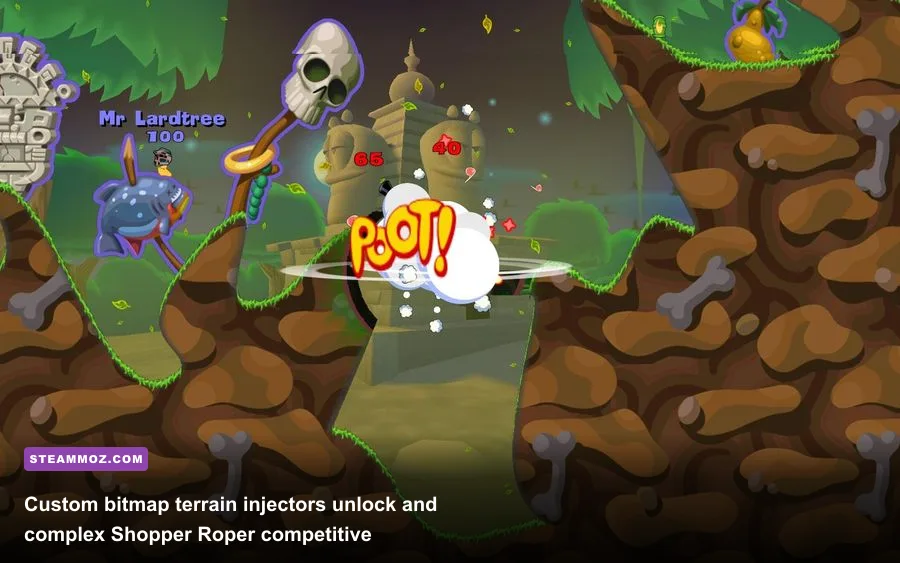
The procedural land generator built into the vanilla release is good for quick, casual games, but it lacks the structural complexity required for competitive, organized matches. Custom terrain injectors resolve this by letting players import external 24-bit PNG files and convert them into fully destructible, high-resolution battlegrounds.
Through third-party map builders, level designers can create intricate subterranean labyrinths, vertical tower-climb arenas, and puzzle gauntlets with pixel-perfect hitboxes. Transparent alpha channels in custom PNG maps dictate where worms can pass through, while solid color blocks define destructible rock, indestructible girders, and toxic hazards. If you run into stuttering when loading massive, hyper-detailed 4K custom landscapes, applying standard game engine stability checks—like those detailed in our guide to troubleshooting PC hitches and low FPS—will ensure smooth rendering across even the most complex arenas.
Premier Custom Map Archetypes to Explore
- Shopper Caverns: Massive, enclosed subterranean networks with zero wind and high ceilings, engineered specifically for high-speed Ninja Rope navigation and crate hunting.
- BnG Plinths (Bazooka and Grenade): Isolated, indestructible platforms separated by deep water chasms, where movement is forbidden and victory relies entirely on high-angle trajectory calculations and wind reading.
- Fortress Warfare: Split-map designs featuring opposing castles, where each squad must use burrowing tools, drill holes through reinforced bulkheads, and deploy air strikes across fortified battlements.
- Survival Climbing Towers: Vertical gauntlets designed for custom game modes where rising water forces all worms to ascend precarious ledges while battling over limited jetpack fuel.
Preserving Your Modded Setup for Seamless Multiplayer
Once you have injected custom physics, upgraded your audio packs, and integrated widescreen display fixes, you need to ensure your modifications stay intact across game updates and online multiplayer lobbies. The golden rule for Worms Reloaded modding is client-server parity: visual fixes, audio replacers, and display injectors work entirely on the client side, meaning you can play in public lobbies without triggering desync issues.
However, when running custom weapon schemes, rope elasticity tweaks, and modified land physics, all players in the multiplayer lobby must have the same parameter values loaded. If your physics table gives the Ninja Rope 100% elastic bounce while your opponent is running vanilla configurations, the game engine will experience immediate network desynchronization, resulting in phantom shots or sudden disconnects. To avoid this, compile your favorite configuration files into an organized zip folder and share it with your regular gaming squad before hosting private matches.
By transforming movement physics, expanding custom scheme capabilities, stabilizing rendering pipelines, and reviving legendary soundbanks, you strip away the clunky compromises that held the game back at launch. With these essential community tools loaded up, Worms Reloaded evolves into a modern, razor-sharp artillery experience that honors the golden age of turn-based tactical chaos.