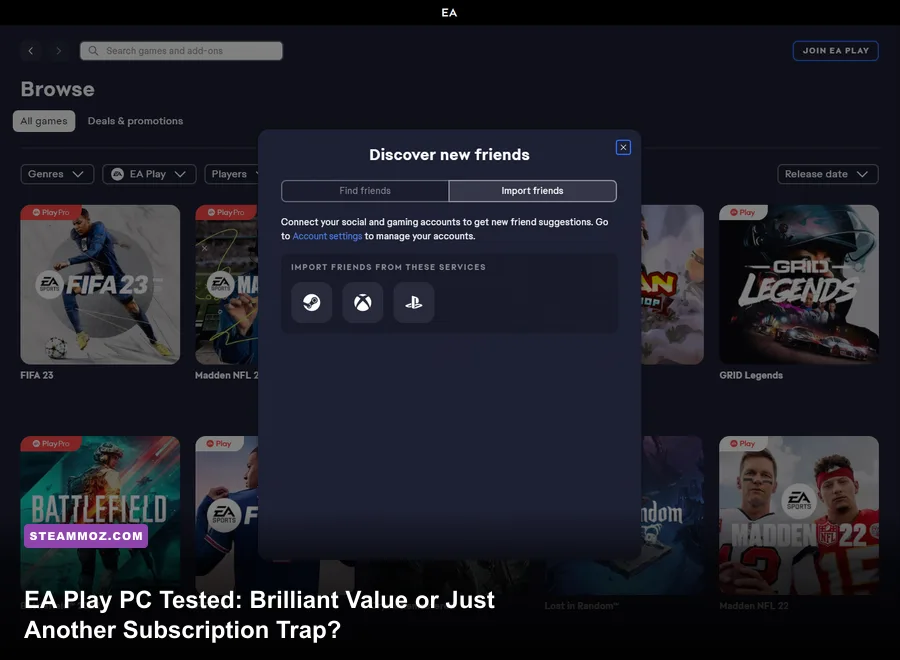
If you're wondering whether EA Play on PC is worth your hard-earned cash right now, here is the short, unfiltered verdict: EA Play Standard is an absolute steal if you buy the $39.99 annual plan to blast through backlogs, but paying $5.99 monthly is a sucker's bet when PC Game Pass exists. Meanwhile, the premium EA Play Pro tier ($16.99/mo or $119.99/yr) only makes economic sense if you obsessively play brand-new EA releases on day one alongside their premium DLC editions. For everyone else, standalone sales or Microsoft's bundle render the service complicated at best and redundant at worst.
Gaming subscriptions have reached absolute saturation. Between platform-exclusive launchers, publisher vaults, and hardware passes, deciding where to spend your recurring budget requires cold, hard math. Electronic Arts offers two radically different membership models on PC: the basic tier (available directly through the EA App, Steam, and bundled into Microsoft's ecosystem) and the powerhouse Pro tier (exclusive strictly to the native EA App). Let's dissect the pricing structure, inspect the vault quality, look at launcher quirks, and run the real numbers to see if you should hit subscribe or stick to Steam sales.
The Price Breakdown: Standard vs EA Play Pro vs Game Pass
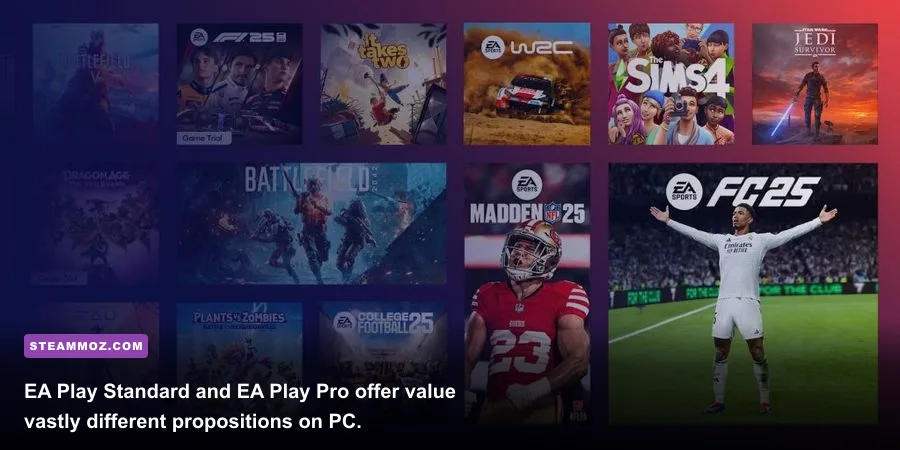
To understand EA Play's value, you first need to untangle the messy web of pricing tiers. EA doesn't just sell one subscription; they sell two drastically distinct experiences on PC, while a third party quietly gives away the baseline version as an included perk.
The entry point is EA Play Standard, retailing at $5.99 per month or $39.99 annually. This grants access to "The Play List"—a rotating vault of older catalog titles, legacy franchises, and games that have been on the market for roughly six to twelve months. It also includes 10-hour early access trials for brand-new releases, along with a flat 10% member discount on digital EA purchases (including DLC and Microtransactions). If you treat this as a single-year binge pass at $39.99, it costs roughly the price of a discounted mid-tier game and offers hundreds of hours of action.
Then comes EA Play Pro, sitting at a much steeper $16.99 monthly or $119.99 annually. This is EA's equivalent to Ubisoft+ Premium. You skip the 10-hour trials entirely; you receive full, unlimited day-one access to brand-new releases, typically in their top-tier Deluxe or Ultimate editions with season passes included. If you buy EA Play Pro directly from EA, you are essentially pre-ordering every single high-profile release the publisher puts out in exchange for a yearly triple-digit fee.
| Subscription Tier | Price (Monthly / Annual) | Day-One Game Access | DLC & Deluxe Editions | Where to Buy |
|---|---|---|---|---|
| EA Play Standard | $5.99 / $39.99 | 10-Hour Trial Only | Base Games Only | EA App, Steam |
| EA Play Pro | $16.99 / $119.99 | Full Unlimited Day-One | Deluxe / Ultimate Perks | EA App Exclusive |
| PC Game Pass (Includes EA Play) | $11.99 / N/A (Monthly Only) | 10-Hour Trial Only | Base Games Only | Microsoft Store / Xbox |
Notice the massive discrepancy in that table. If you want the Standard experience, paying $5.99 monthly to EA makes very little sense when Microsoft PC Game Pass gives you the exact same EA Play vault plus hundreds of third-party day-one titles like Starfield, Lies of P, and Obsidian RPGs for $11.99. Unless you drop the upfront $39.99 cash for the annual Standard tier, going month-to-month on base EA Play is the least efficient way to spend your money.
The Play List: What You Actually Get Across Genres
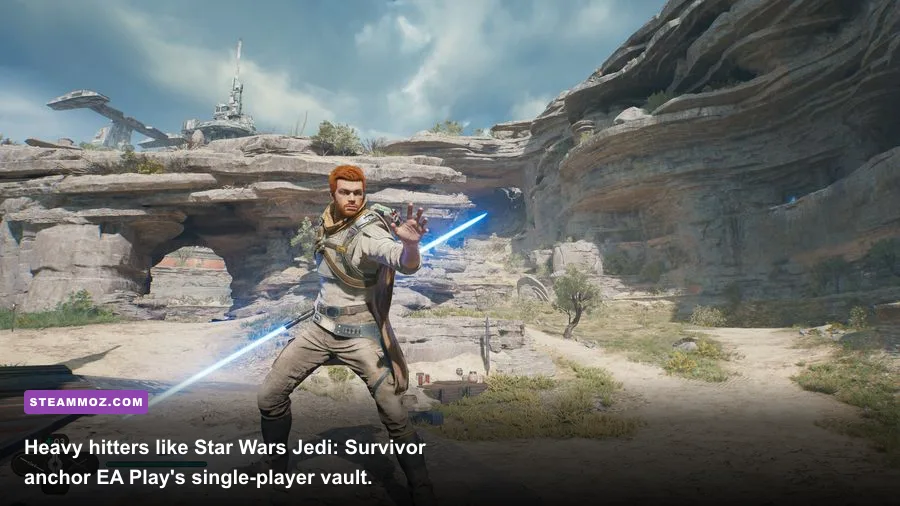
A subscription is only as strong as the software installed on your NVMe drive. Fortunately for EA, their back-catalog contains some of the finest single-player campaigns and arcade multiplayer titles produced over the last fifteen years. The Play List isn't just budget bin filler; it houses legitimately legendary franchises alongside modern, high-budget technical showcases.
For single-player narrative fans, the vault is stacked. You get Respawn's masterful Star Wars Jedi: Fallen Order and its stunning sequel Star Wars Jedi: Survivor. You can play through the entire, remastered Mass Effect Legendary Edition—delivering three of the finest sci-fi RPG campaigns ever built into a single cohesive launcher. Motive's phenomenal Dead Space Remake is also inside the vault, serving up state-of-the-art Frostbite volumetric lighting and grotesque dismemberment combat that stresses modern GPUs.
If you prefer arcade racing or competitive shooters, the service delivers mixed results. Titanfall 2 remains the pinnacle of agile first-person platforming and mech gunplay, easily worth a weekend playthrough. Battlefield 2042, despite its disastrous launch, has evolved through extensive patches into a playable, chaotic sandbox, even if it falls short of Battlefield 4 and Battlefield 1 (both of which are also in the catalog). For gearheads, Need for Speed Unbound brings cel-shaded swagger and tight street-drifting physics. However, if your rig struggles to keep up with intense physics engines or heavy particle effects, you might need to check your performance overhead, much like tweaking profiles in our settings guides for higher FPS to keep frametimes buttery smooth.
| Game Title | Tier Rating | Standalone Price (Avg Sale) | Main Campaign Length | Sub Value Score |
|---|---|---|---|---|
| Dead Space Remake | S-Tier | $23.99 | 12–15 Hours | Essential Play |
| Mass Effect Legendary Edition | S-Tier | $11.99 | 60–100 Hours | Insane Value |
| Star Wars Jedi: Survivor | S-Tier | $27.99 | 20–25 Hours | Essential Play |
| Titanfall 2 | A-Tier | $4.49 | 6 Hours | Weekend Joyride |
| Battlefield 2042 | B-Tier | $11.99 | Multiplayer Only | Casual Fun |
| EA Sports FC (Current Cycle) | B-Tier | $29.99 | Endless (Live Service) | Pro Tier Exclusive |
| Wild Hearts | C-Tier | $19.99 | 35 Hours | Niche Monster Hunter |
The catch here lies in ownership versus rental. Notice the average sale prices in the table above. During regular Steam seasonal sales, you can buy Titanfall 2, Dragon Age: Inquisition, and Mass Effect Legendary Edition for less than $25 combined. Once you buy them, they stay in your digital library forever without an active credit card billing you annually. If you only care about playing two specific older games, buying them outright on an authorized storefront will always beat renting them indefinitely.
The EA App Factor: Launcher Headaches and Steam Integration
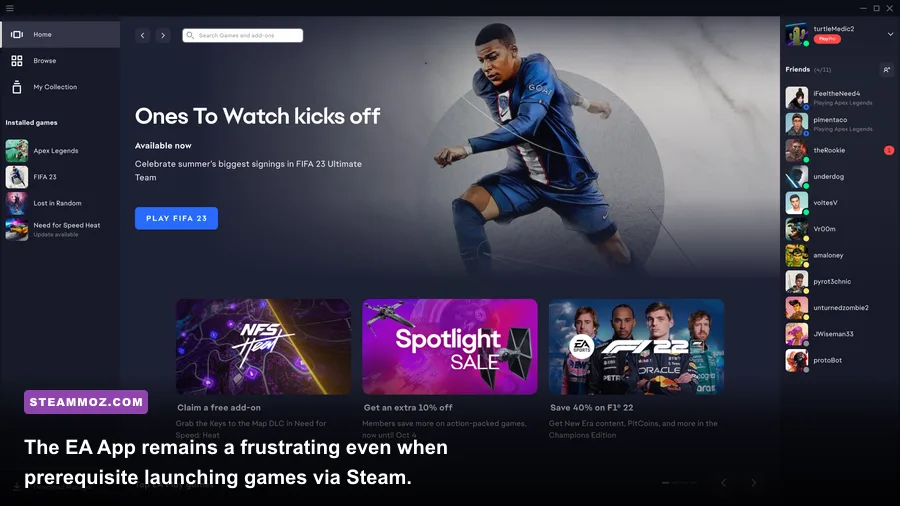
We cannot talk about EA Play on PC without addressing the elephant in the room: software bloat. Even if you purchase EA Play Standard through the official Steam subscription portal, clicking "Play" on Steam will silently trigger the background launch of EA's proprietary desktop client, the EA App.
The EA App replaced Origin years ago, but it still inherits many of its predecessor's technical headaches. You will occasionally encounter cloud sync conflicts, overlay crashes, and background CPU utilization spikes driven by background telemetry. If you've ever spent an entire evening troubleshooting startup errors—similar to resolving stuttering loops in our PC crash and stability troubleshooting guide—you know how infuriating dual-launcher handshakes can be. Running Steam, which boots the EA App, which then triggers the EA AntiCheat kernel driver, creates unnecessary software layers that can cause frametime hiccups on budget hardware.
Furthermore, Steam integration comes with platform restrictions. EA Play Pro is completely unavailable on Steam. Gabe Newell's platform only supports the $5.99/mo ($39.99/yr) Standard plan. If you want Pro for day-one access to games like the newest Battlefield or Dragon Age: The Veilguard, you are forced to download games exclusively through the native EA App. This means you lose Steam Community features, native Steam Input controller remapping configurations, and seamless Steam Deck compatibility without diving into tedious desktop-mode Proton workarounds.
For mobile handheld enthusiasts using an ASUS ROG Ally, Lenovo Legion Go, or Steam Deck, the EA App adds noticeable friction. Micro-updates to the client frequently break auto-launch commands, requiring you to manually log back into your EA credentials using a virtual touchscreen keyboard. It isn't a dealbreaker, but it is an annoying technical tax you don't have to pay when launching standalone GOG or pure Steam games.
Game Pass PC Overlap: Why Standard EA Play Is Redundant
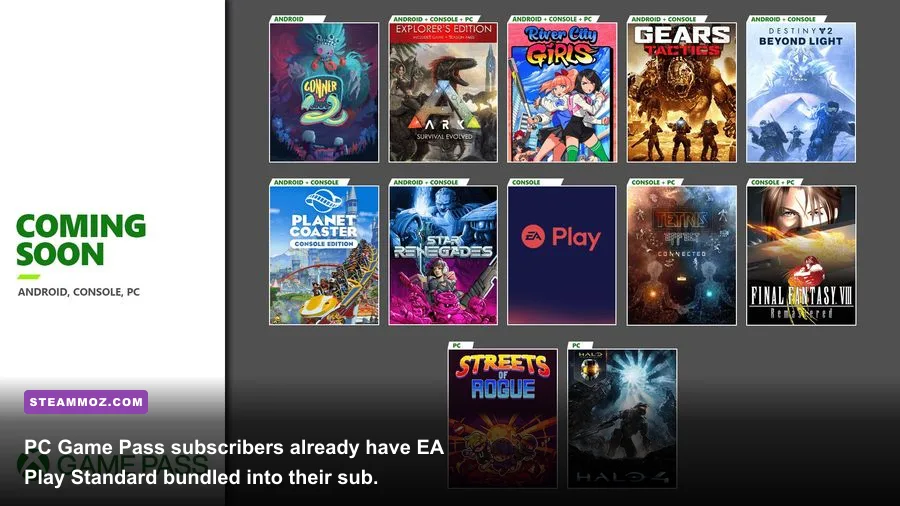
The biggest threat to EA Play Standard isn't another publisher vault—it's Microsoft. If you already maintain an active subscription to Xbox PC Game Pass or Xbox Game Pass Ultimate, you already have EA Play Standard included at zero extra cost.
Microsoft integrated EA's Standard tier into Game Pass for PC years ago, and that relationship remains rock solid. By linking your Xbox network profile to your EA account, every single title from The Play List automatically appears inside your Xbox PC App library. When you download an EA game from the Xbox App, it seamlessly authenticates your access via the EA App background service.
Why does this matter? Because subscribing to EA Play Standard directly for $5.99 a month is an objectively bad deal when you evaluate total platform value. For $11.99 a month on PC Game Pass, you get:
- The full EA Play The Play List catalog (Dead Space, Jedi Survivor, Battlefield, etc.)
- Every 10-hour trial EA pushes out for upcoming sports and action releases
- Hundreds of third-party PC releases spanning indie masterpieces to AAA blockbusters
- Day-one first-party Xbox/Bethesda/Activision-Blizzard games (Call of Duty, Doom, Avowed)
- Riot Games benefits (unlocked Valorant agents, League champions)
The only mathematical scenario where buying standalone EA Play Standard makes sense is if you absolutely refuse to touch non-EA games, you don't care about Game Pass, and you buy the $39.99 full-year upfront package. That breaks down to roughly $3.33 per month. But if you are paying month-to-month, you are paying half the price of Game Pass for roughly 10% of the game selection.
Hardware Demands and Modern System Realities
Before pulling the trigger on an annual pass, examine your rig. EA's modern catalog is built almost universally on either the Frostbite engine or heavily modified Unreal Engine 4 and 5 iterations. These games look spectacular, but they demand competent hardware. Playing through Star Wars Jedi: Survivor or Dead Space Remake requires a CPU with strong single-core IPC and a minimum of 16GB (preferably 32GB) of system RAM to avoid severe traversal stuttering.
If you are rocking an older graphics card, say an NVIDIA GTX 1060 or AMD RX 580, you won't be enjoying the upper crust of EA's current vault. You will be largely relegated to the legacy catalog: Burnout Paradise Remastered, Mirror's Edge Catalyst, Dragon Age: Origins, and classic Command & Conquer remasters. While those older games run on modern toasters—much like the hardware setups discussed in our legacy PC specifications guide or modern hardware breakdowns like current PC spec requirements—paying an ongoing fee to play games that sell for $2 to $5 during holiday sales is financially backwards.
On the flip side, if you sport a modern rig featuring an RTX 4070 or Radeon RX 7800 XT paired with a rapid NVMe drive, EA's latest vault entries look breathtaking. Frostbite's ambient occlusion, sub-surface scattering, and destructible geometry look remarkably sharp, provided you tune your graphics pipeline properly. Dialing in graphic presets to maximize fidelity without sacrificing frame stability makes all the difference, similar to the hardware tuning covered in our GOTY upgrade pass FPS settings guide or stabilizing RPG frame rates seen in curing action-RPG performance hitches.
The Final Verdict: Who Should Actually Subscribe?
To cut through the marketing noise, your decision to subscribe to EA Play on PC boils down to which of the following three gamer profiles describes your habits:
Profile 1: The Tactical Binge-Player (Buy: EA Play Standard, 1-Year or 1-Month)
You haven't played an EA title in three years. You want to knock out the Dead Space Remake, finish Star Wars Jedi: Survivor, run the campaign of Titanfall 2, and mess around with Need for Speed Unbound. For you, grabbing a single month of EA Play Standard for $5.99—or a full year for $39.99 if you take your time—is an outrageous bargain. You get over $120 worth of gaming for a fraction of the cost, complete the campaigns, and cancel before the subscription renews. That is peak value.
Profile 2: The Day-One Sports & Deluxe Enthusiast (Buy: EA Play Pro)
You play EA Sports FC, Madden NFL, or the latest Battlefield every single season, and you typically buy the expensive $99+ Ultimate Editions for early access and digital packs. If you purchase two top-tier EA games at launch per year, you would spend roughly $140 to $200. Subscribing to EA Play Pro at $119.99 annually actually saves you money while granting you every day-one deluxe edition, battle pass skips, and immediate access to their entire historical vault. For hardcore EA loyalists, Pro pays for itself.
Profile 3: The General PC Gamer (Skip: Stick to Game Pass or Steam Sales)
You play a wide variety of titles across multiple genres, already own the classic BioWare and DICE games on Steam, and have an active PC Game Pass sub. For you, standalone EA Play Standard is entirely redundant, and EA Play Pro is far too expensive to justify unless EA happens to launch three undisputed masterworks in a single calendar year. Keep your gaming consolidated on Steam, pick up individual EA hits when they drop to historical lows during major sales, and bypass the extra recurring charge on your credit card statement.
EA Play PC isn't an outright scam, nor is it a universal must-buy. It is a highly specialized tool. Use it strategically for a short-term single-player blitz, or lock into the annual plan if your gaming rotation revolves strictly around Electronic Arts. Otherwise, save your cash for your Steam wishlist.