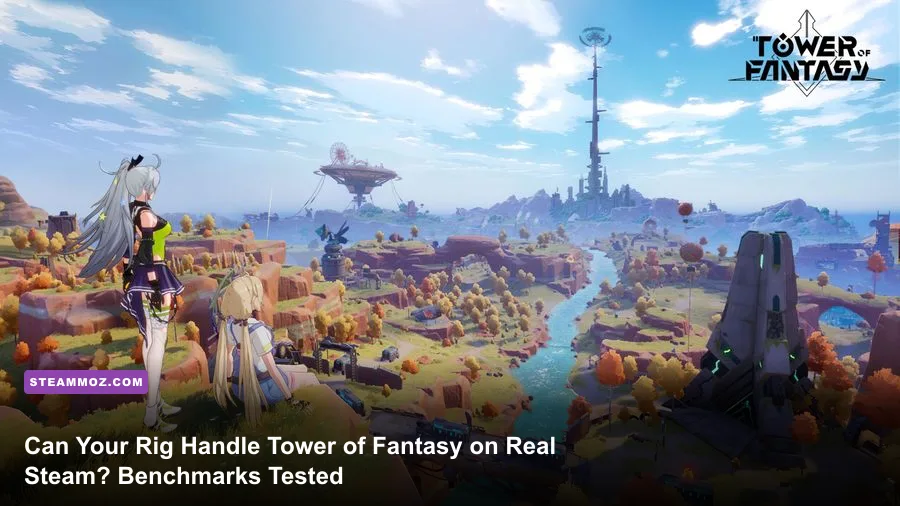
Yes, your PC can technically launch Tower of Fantasy on Steam even on modest, aging hardware, but locking down a fluid 60 to 120 FPS across its massive open-world updates is an entirely different battle. Hotta Studio's listed minimum specifications claim an antique quad-core processor and an entry-level GPU can handle the adventure, yet actual in-game testing paints a much harsher reality. While early-game Aesperia plains run smoothly on modest setups, newer expansions like the towering cyberpunk sprawl of Mirroria and the vertical vistas of Domain 9 hammer your hardware with brutal draw calls, unoptimized shader compilation, and sudden VRAM spikes. If you want stable combat where dropped frames do not ruin your Phantasia dodges or discharge rotations, you need the ground truth on what this anime MMORPG actually demands.
The Official Steam Specs vs. The Brutal Benchmark Reality
Looking at the official Steam store page for Tower of Fantasy, you would think any budget office PC from 2017 could glide through the game. Hotta Studio lists an Intel Core i5-4460 paired with an Nvidia GeForce GT 1030 as the minimum entry bar, with an Intel Core i7-7700K and a GeForce GTX 1060 (6GB) marked as the recommended standard. In reality, those numbers represent legacy targets tailored for the initial 1.0 release. If you try running modern patch content—such as Vera's sandstorms, the underwater abyss of the Grand Sea, or dense guild events—on a GTX 1060 at 1080p Ultra, your framerate will regularly plummet into the mid-20s.
The core culprit behind this discrepancy is Unreal Engine 4's handling of multiplayer asset streaming and particle effects. In single-player scenarios, the engine behaves predictably. The moment fifteen other Wanderers enter your rendering bubble wielding flashy weapons like Lin's Shadow Weaver, Fenrir's Gleipnir, or Fiona's Moon Star Bracelet, memory bandwidth and single-core CPU execution become intense bottlenecks. Much like evaluating PC specs for modern releases, taking publisher minimums at face value is a recipe for severe micro-stutters and input latency.
| Hardware Tier | Target Resolution & FPS | Realistic CPU / GPU Pairing | RAM & Storage Reality | Expected Performance Experience |
|---|---|---|---|---|
| Bare Minimum (Playable) | 1080p @ 30–45 FPS (Low) | Core i5-8400 / GTX 1050 Ti (4GB) | 8 GB RAM / SATA SSD | Heavy stuttering in hubs; tolerable for solo questing in Aesperia. |
| Solid 1080p Standard | 1080p @ 60 FPS (High) | Ryzen 5 3600 / GTX 1660 Super (6GB) | 16 GB RAM / SATA SSD | Smooth open exploration; minor frame drops during 30-player world bosses. |
| The 1440p Sweet Spot | 1440p @ 90–120 FPS (Ultra) | Ryzen 5 5600X / RTX 3060 Ti or RX 6700 XT | 16 GB Dual-Channel / NVMe SSD | Silky smooth gameplay, stable Phantasia triggers, fluid combat rotations. |
| 4K Enthusiast Tier | 4K @ 90–120 FPS (Maxed + DLSS) | Core i7-13700K / RTX 4070 Ti Super (16GB) | 32 GB DDR5 / Gen4 NVMe | Uncompromised visual fidelity; locked high framerates across all regions. |
Real Benchmark Stress Tests: From Aesperia to Mirroria and Sector 9
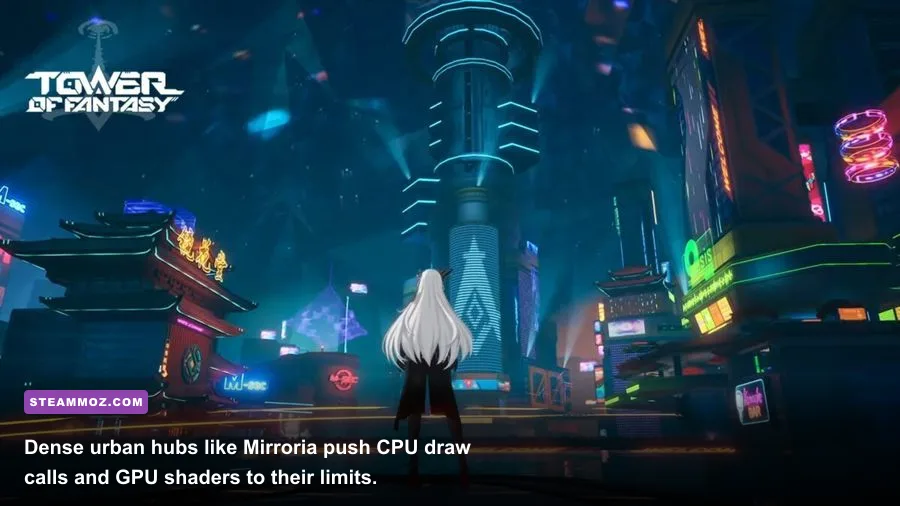
During dedicated benchmark runs using an AMD Ryzen 5 5600X paired with an Nvidia GeForce RTX 3060 (12GB) at native 1080p and 1440p, performance varied wildly depending entirely on geographical zone and player density. In the starter territory of Astra within Aesperia, our test rig sailed along at an effortless 115 to 120 FPS at maximum settings. Environmental geometry is relatively simple, textures are lightweight, and shadow casting is minimal. However, stepping foot onto the maglev transit system into Mirroria immediately cut the framerate down to 54 FPS—a brutal 55% performance drop without a single combat action taking place.
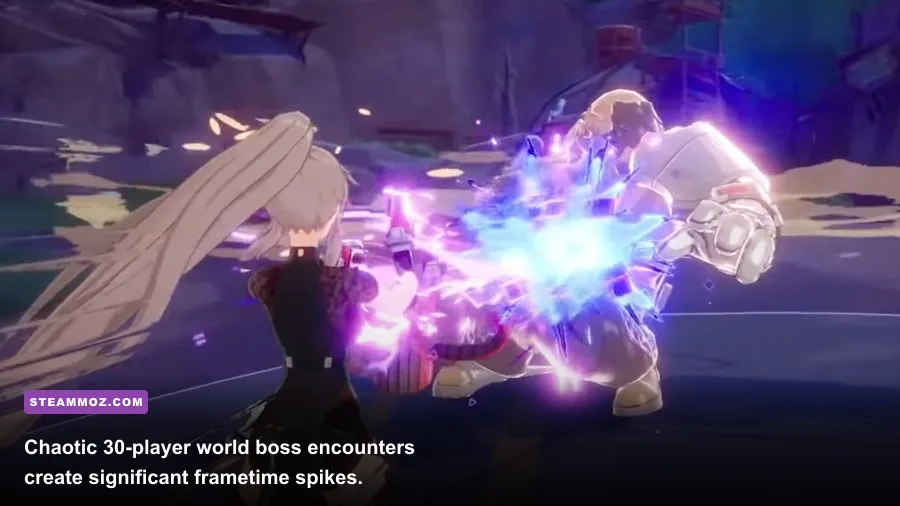
Mirroria is filled with complex multi-layered architectural meshes, neon sign dynamic lights, and reflective surfaces that swamp your graphics pipeline. Furthermore, when tackling open-world raid bosses such as Scylla in the Grand Sea or Nakya in Domain 9, performance is heavily dictated by CPU draw calls rather than raw GPU rasterization. When twenty players trigger explosive Simulacrum discharge animations simultaneously, frametimes spike from an even 8.3ms to erratic jumps exceeding 35ms. These issues closely mirror the performance degradation covered in our guide on resolving baseline stutter and low FPS bottlenecks, proving that background memory management and asset queues make or break your session.
Graphic Settings Optimization: Tweaks for Maximum FPS and Clarity
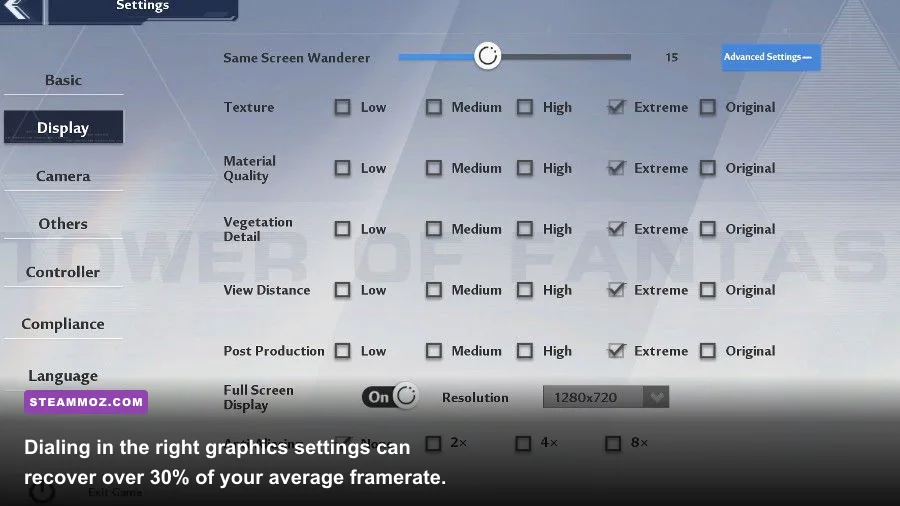
You do not need to settle for an unstable, hitching experience. Tower of Fantasy gives PC players a robust set of graphical toggles, though several of them carry deceptive performance costs while providing negligible visual improvements. The single most impactful setting in the entire game is not texture resolution or post-processing; it is the "Same Screen Wanderer" slider located under Basic Settings. By default, the game attempts to render up to 30 other players at maximum detail. Lowering this slider to 10 or 15 instantly recovers up to 30% of your framerate during crowded events without affecting enemy visibility.
Similar to fine-tuning methods detailed in our settings adjustments for max FPS and our breakdown on framerate tweaking approaches, adjusting individual visual parameters allows budget and mid-tier GPUs to run at high refresh rates without turning the anime art style into a blurry mess.
| In-Game Setting | Recommended Value | FPS Gain | Visual & Performance Trade-Off |
|---|---|---|---|
| Same Screen Wanderer | 10 to 15 Players | +20% to +35% (In Hubs) | Massive CPU frametime relief; less screen clutter during world boss raids. |
| View Distance | Medium or High | +10% to +14% | Reduces far-off mountain mesh detail; practically unnoticeable in combat. |
| Post Processing | Medium | +8% to +12% | Clears up excessive screen bloom and heavy depth-of-field blurring. |
| Shading | Medium | +7% to +10% | Lowers complex dynamic shadow calculations beneath dense foliage. |
| Vegetation | High | +3% to +5% | Keeps grass density plush while culling distant non-interactive shrubs. |
| Anti-Aliasing | TAA or Off (with DLSS) | +4% | Eliminates edge shimmer; use DLSS Quality if playing on an RTX card. |
| Ray Tracing | Off (Strictly Disabled) | +40% to +55% | Prevents catastrophic GPU throttling; RT implementation is poorly optimized. |
Ray Tracing and Upscaling: Are They Worth Enabling?
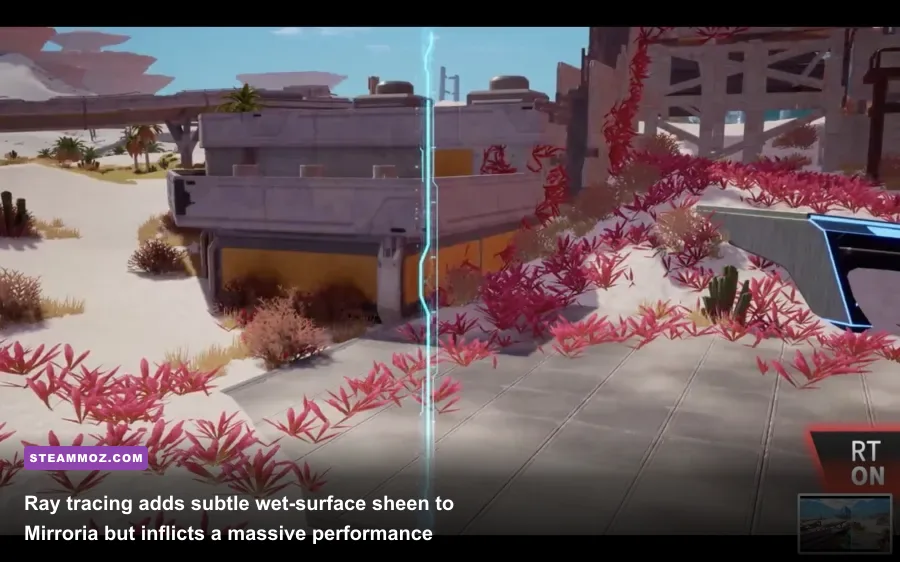
Tower of Fantasy integrates real-time ray-traced reflections and ambient shadows, but our recommendation is unequivocal: leave Ray Tracing completely turned off. When enabled in Mirroria, an Nvidia GeForce RTX 3080 running at 1440p witnessed its framerate collapse from a butter-smooth 110 FPS down to a sluggish 48 FPS. The visual payoff is nearly imperceptible during fast-paced movement, only manifesting as cleaner reflections on glass skyscrapers and wet asphalt in specific sections of the city. The performance cost is simply unjustifiable for an action game where fast dodging and animation canceling dictate combat survival.
On the flip side, upscaling tech is an absolute blessing for this title. If you own an Nvidia RTX GPU, enabling DLSS (Deep Learning Super Sampling) set to "Quality" mode restores crisp native-like edge reconstruction while granting a reliable 18% to 25% boost to your framerate headroom. Players using AMD or Intel graphics can leverage FidelityFX Super Resolution (FSR) to achieve comparable benefits at 1440p and 4K. If you encounter strange micro-stutters or out-of-memory errors after long play sessions, you may be experiencing Unreal Engine memory fragmentation, an issue that requires halting crashes and rescuing system memory through regular client restarts.
Hardware Truths: Storage, RAM, and Launch Arguments
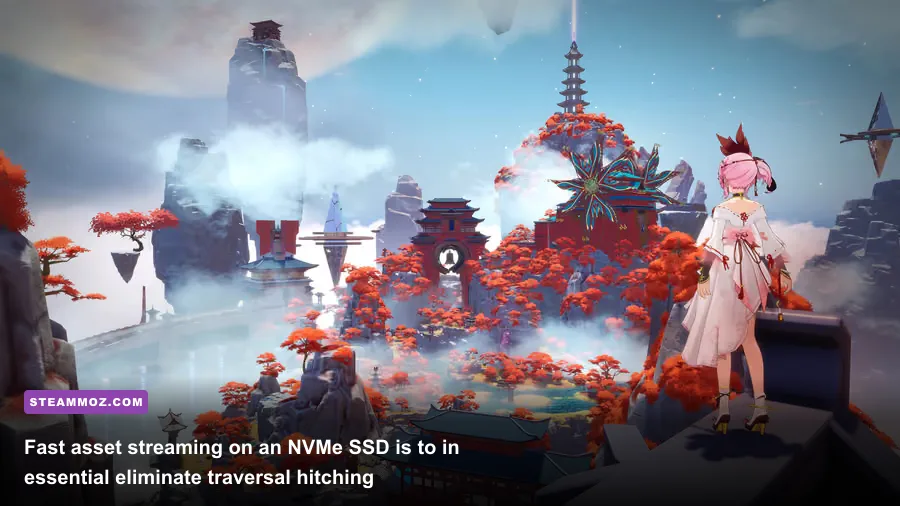
Beyond your graphics card and processor, your storage drive plays a massive, often overlooked role in how Tower of Fantasy performs on Steam. Installing this game on a mechanical hard disk drive (HDD) is asking for trouble. As you zip across terrain using cybernetic mounts like the Falcon motorcycle or soar through the skies using Rubilia's wings, the game streams gigabytes of high-resolution textures and audio files on the fly. On a mechanical drive, this asset streaming pipeline chokes, producing noticeable 1- to 2-second screen freezes every time a new sub-region loads. Installing the game on a dedicated NVMe or SATA SSD is mandatory if you want zero hitching.
System memory is another critical hurdle. While the game claims to function on 8 GB of RAM, Windows background processes combined with Tower of Fantasy's memory footprint easily push usage past 10 GB within twenty minutes of booting. Once your operating system is forced to utilize pagefiles on your drive, stuttering multiplies exponentially. Running 16 GB of dual-channel memory is the true operational baseline, echoing findings from our breakdown on understanding PC hardware scalability across demanding open environments.
Finally, you can resolve underlying DirectX compatibility hitches directly within Steam. If your game suffers from unexplained crashes on modern graphics drivers, right-click Tower of Fantasy in your Steam Library, navigate to Properties, and enter -dx11 into the Launch Options field. Forcing the game to compile its pipeline states under DirectX 11 bypasses the unstable DirectX 12 wrapper used in early builds, smoothing out frametime spikes and delivering the responsive combat feedback you need to dominate every Joint Operation and Frontier Clash.