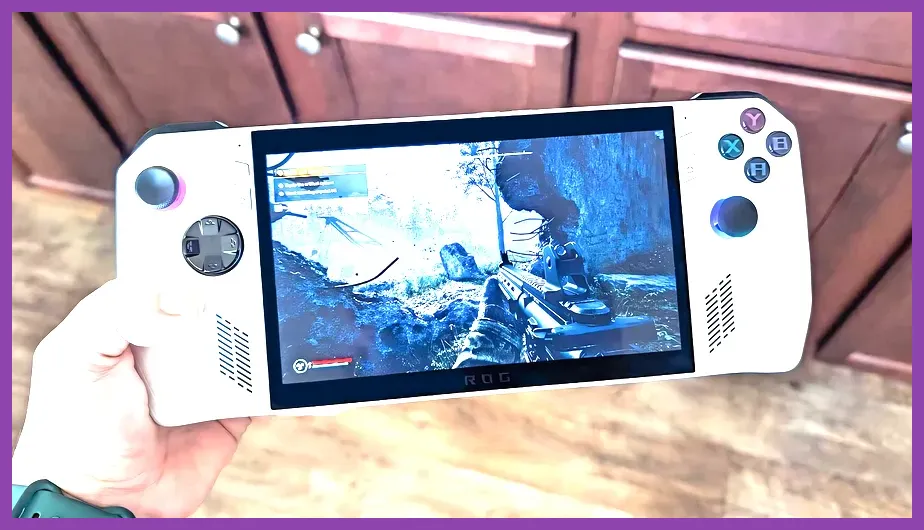
The best open world games for the ROG Ally in 2026 balance massive scale, dense exploration loops, and optimized frame rates running at 720p or 1080p via AMD Radeon Super Resolution (RSR) and Lossless Scaling. To maximize your handheld battery life and keep framerates locked at a steady 60 FPS, titles must feature robust graphic scalability, FSR 3 frame generation support, and manageable UI scaling for a 7-inch display. Handheld optimization requires a careful balance of TDP settings between 15W (Performance) and 25W/30W (Turbo when plugged in) to ensure demanding physics engines and asset streaming do not cause micro-stutters during intense traversal.
1. The Witcher 3: Wild Hunt (Complete Edition)
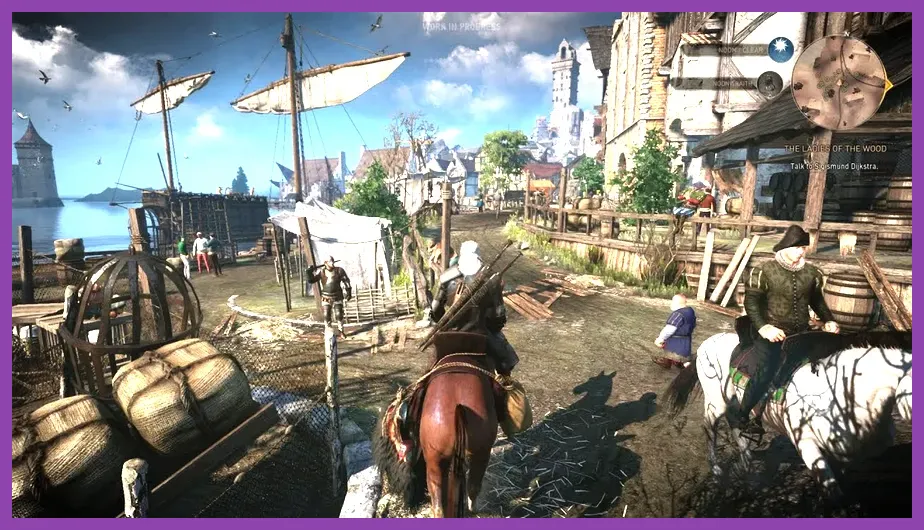
Running The Witcher 3: Wild Hunt on Steam is the ultimate test of the ROG Ally's Z1 Extreme chip. With the Next-Gen update, utilizing FSR 2 Quality mode alongside Medium shadow settings and High textures delivers a gorgeous 55-60 FPS experience in Velen and Novigrad. When exploring dense forests or engaging in fast-paced sword combat with Geralt of Rivia, utilizing the back macro buttons for quick-casting signs like Quen and Igni provides a massive ergonomic advantage over traditional controllers.
For players diving into complex builds, checking out resources like Lords of the Fallen best early skills to unlock can help transition your action-RPG skill allocation mindset to manage heavy stamina drain and active status effects effectively. Target 900p resolution paired with Radeon Image Sharpening set to 80% to keep text legible while maintaining fluid motion clarity during horseback gallops through White Orchard.
2. Cyberpunk 2077
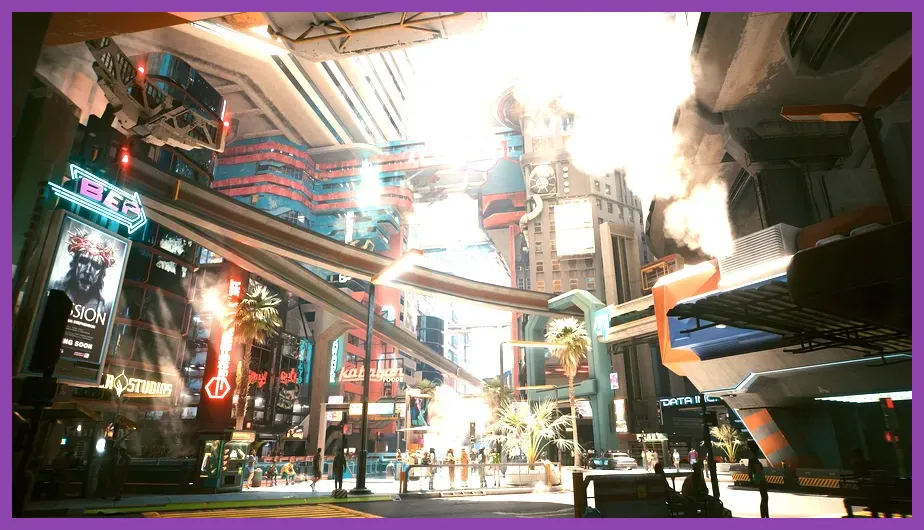
Night City is notoriously demanding, but with the right configuration, Cyberpunk 2077 shines brilliantly on the ROG Ally screen. To achieve a stable 45-50 FPS average in heavy urban firefights around Japantown, players must employ a specific graphical profile: Texture Quality set to High, Volumetric Fog Resolution set to Low, Screen Space Reflections set to Medium, and AMD FSR 2.1 set to Performance mode.
When tweaking these hardware parameters, referencing data from Lenovo Legion Go best graphics settings for performance offers great comparative insight into optimizing AMD Z1 architectures for dense open-world urban environments. Ensure VSync is handled via AMD Software: Adrenalin Edition to reduce input lag, and bind your quick-hack menu to the left grip button for seamless combat flow when dealing with Max-Tac squads.
3. Elden Ring

FromSoftware's masterpiece fits the portable handheld format exceptionally well, provided you lock your frame rate to a stable 40 FPS / 40Hz refresh rate using the built-in ASUS Armoury Crate limiter. Exploring Limgrave and the Altus Plateau at native 720p with Medium settings across Grass, Lighting, and Water Surface Quality yields a pristine visual experience without thermal throttling the Ally's dual-fan cooling system.
If you enjoy meticulous gear management and punishing open world progression loops, you might also appreciate checking out Mount and Blade 2 Bannerlord best armor sets location for deep tactical RPG inventory strategies. When facing fierce legacy dungeon bosses like Margit or Godrick, make full use of the Ally's customized deadzone settings to prevent accidental joystick drifting during critical roll-dodges.
4. Fallout 4

Bethesda's post-apocalyptic Boston wasteland runs exceptionally well on the ROG Ally, especially when leveraging the updated engine patches. Set your Shadow Distance to Medium, Actor Fade to Medium, and turn off Godrays entirely to maintain a locked 60 FPS in downtown areas notorious for frame drops. Using the 15W Performance Mode provides roughly two hours of uninterrupted exploration and settlement building.
For fans of intense survival crafting loops, comparing this experience with Pacific Drive best armor sets locations highlights how modern vehicular and personal survivability systems translate to portable play. Be sure to configure your radial weapon selection wheel to the Ally's touchscreen shortcuts for lightning-fast weapon swaps against Deathclaws.
5. Horizon Zero Dawn (Complete Edition)
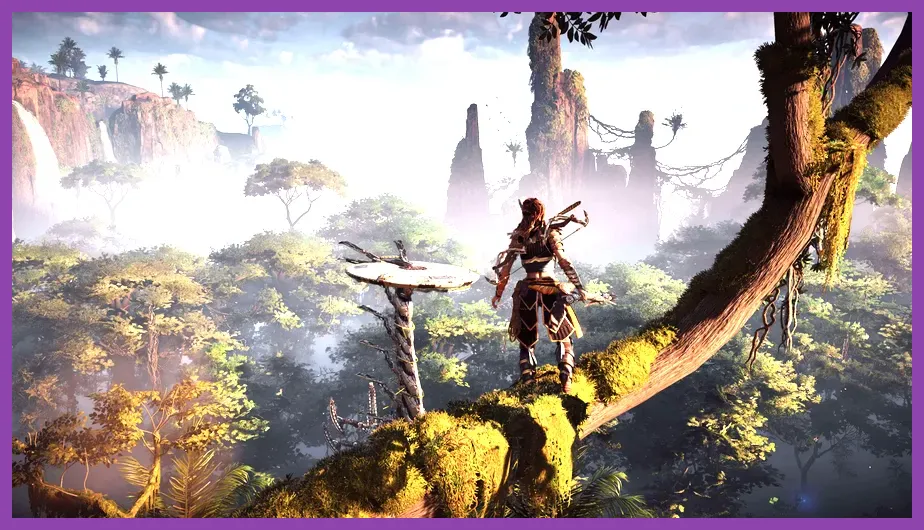
Guerrilla Games' open world mechanical marvel delivers breathtaking vistas that pop off the ROG Ally's 1080p 120Hz IPS display. To balance visual fidelity with smooth combat responsiveness against Thunderjaws and Scrappers, configure Model Quality to Medium, Shadows to Low, and enable FSR 2.2 set to Balanced.
While exploring the lush frontier, players managing complex combat setups can benefit from reviewing Monster Hunter Wilds how to level up fast to master aggressive resource farming and progression scaling. Lock your TDP to 22W manual mode when docked to a power bank to eliminate any micro-stutters during heavy cinematic cutscenes.
Essential Optimization Checklist for Open World Handheld Gaming
Maximizing your open world gaming sessions on the ROG Ally requires fine-tuning system-level configurations beyond mere in-game sliders. Always keep your BIOS and AMD graphics drivers updated through ASUS Armoury Crate SE to maintain optimal hardware scheduling and memory allocation.
Set your VRAM memory allocation in Armoury Crate to 'Auto' or manually assign 6GB to 8GB depending on whether you are running VRAM-heavy titles like Cyberpunk or lighter exploration games. Pairing these optimizations with a reliable 65W+ USB-PD power bank ensures your open-world escapades remain completely uninterrupted wherever your travels take you.