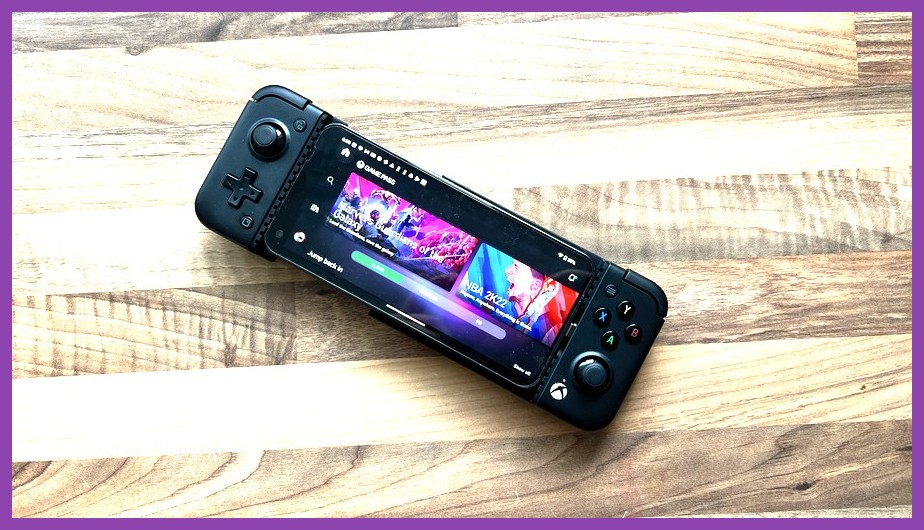
Slapping your phone into the GameSir X2 Pro is easily one of the best upgrades you can give your mobile gaming life. With its official Designed for Xbox seal, tactile micro-switch face buttons, Hall Effect analog triggers, and ultra-low latency Direct Type-C connection, it essentially transforms your Android phone into a pocket-sized Steam Deck. But having elite handheld hardware is only half the battle—you need software that actually takes advantage of physical thumbsticks and bumpers. If you are tired of greasy thumbprints on your screen and downloading titles only to find out they lack gamepad inputs, you have landed in the right place. In this ultimate breakdown, we are showcasing the absolute best gamesir x2 pro games that support controller inputs natively, along with cloud gaming monsters and emulation picks that make this setup feel magical.
Why the GameSir X2 Pro is the Ultimate Mobile Gaming Rig
Mobile controllers have evolved massively over the past few years, moving away from high-latency Bluetooth connectivity to direct physical Type-C connections. The GameSir X2 Pro stands out because it packs features usually reserved for premium console controllers. You get customizable back buttons (M1/M2), tactile ABXY micro-switches that offer crisp clicky feedback, and analog Hall Effect triggers that give you pixel-perfect precision in racing and shooting games.
Whether you are diving into heavy action games on the Google Play Store, streaming modern AAA blockbusters through Xbox Cloud Gaming, or emulating classics, having physical controls fundamentally changes how you play. If you want to check out mobile titles that scale well across different hardware tiers, take a look at our guide on the top Android games for low-to-mid specs.
Top Native Android Games That Work Flawlessly with GameSir X2 Pro
Native controller support means you plug your phone into the GameSir X2 Pro, boot up the game, and immediately start playing without configuring extra software or touching button mapper overlays. Here are the finest titles that deliver full plug-and-play compatibility right out of the box.
1. Call of Duty: Warzone Mobile & COD Mobile
If you love competitive first-person shooters, the GameSir X2 Pro is an absolute unfair advantage. Both Call of Duty: Mobile and Warzone Mobile feature direct controller support. The moment you enter a match, the game automatically detects your GameSir controller (which registers as an Xbox controller thanks to its official firmware). Aiming down sights with physical analog sticks and pulling the Hall Effect triggers feels just like playing on an Xbox Series X. Check out our FPS gaming coverage for more target-tracking tips.
2. Dead Cells
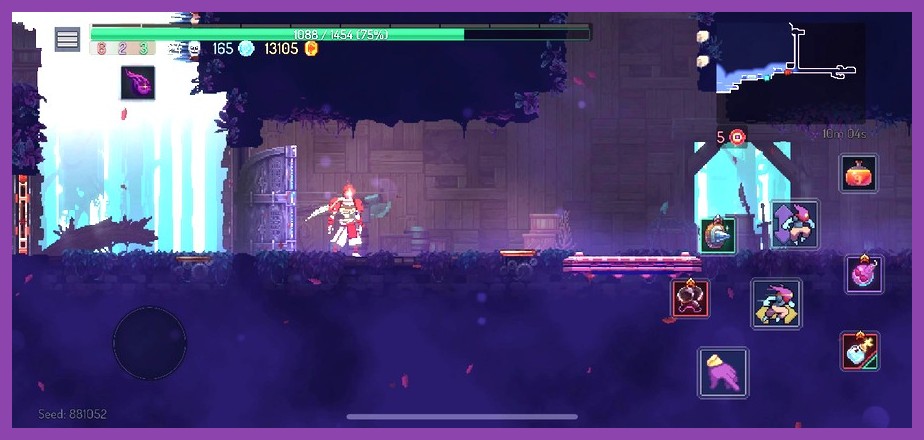
Motion-heavy action platformers demand split-second reaction times. On touch controls, late-stage Dead Cells runs can get downright painful. With the GameSir X2 Pro, fast rolling, parrying with shields, and weaving through projectile hell feels fluid and satisfying. Every button press maps instantly to default console inputs, making it one of the absolute best roguelite experiences available on Android.
3. Diablo Immortal
Regardless of how you feel about its microtransactions, Diablo Immortal offers top-tier hack-and-slash gameplay designed specifically for mobile devices. Navigating Sanctuary, casting skills, and dodging elite mob modifiers with the X2 Pro's analog sticks feels infinitely better than sweeping your thumbs across a glass screen. You can read more about deep progression loops in our RPG section.
4. Wreckfest & Asphalt 9: Legends
For racing game lovers, the GameSir X2 Pro shines thanks to its analog triggers. In games like Wreckfest, where feathering the throttle and managing brake pressure determines whether you glide around a dirty hairpin corner or slam into a metal wall, digital touch buttons simply do not cut it. Asphalt 9: Legends also supports physical gamepads for players who prefer full manual steering over TouchDrive controls.
5. Minecraft
Minecraft on mobile is essentially the full Bedrock engine experience. Playing with the GameSir X2 Pro gives you full cross-play capabilities with console and PC buddies without feeling hindered by mobile touch UI. Inventory management, crafting shortcuts, and precision building feel completely natural.
6. Alien: Isolation
Feral Interactive delivered one of the greatest mobile ports of all time with Alien: Isolation. This tense survival horror masterpiece has flawless, native gamepad support. Creeping through the dark corridors of the Sevastopol station, leaning around corners, and managing your motion tracker using physical controls makes for an incredible handheld horror session.
Best Cloud Gaming Services & PC Streaming Games for GameSir X2 Pro
Because the GameSir X2 Pro carries the official Xbox branding, it includes a free Xbox Game Pass Ultimate trial in the box, making it tailored for cloud streaming right out of the gate. When you stream PC and console games to your mobile device over Wi-Fi 6 or 5G, you bypass your mobile phone's processor entirely.
Xbox Cloud Gaming (xCloud)
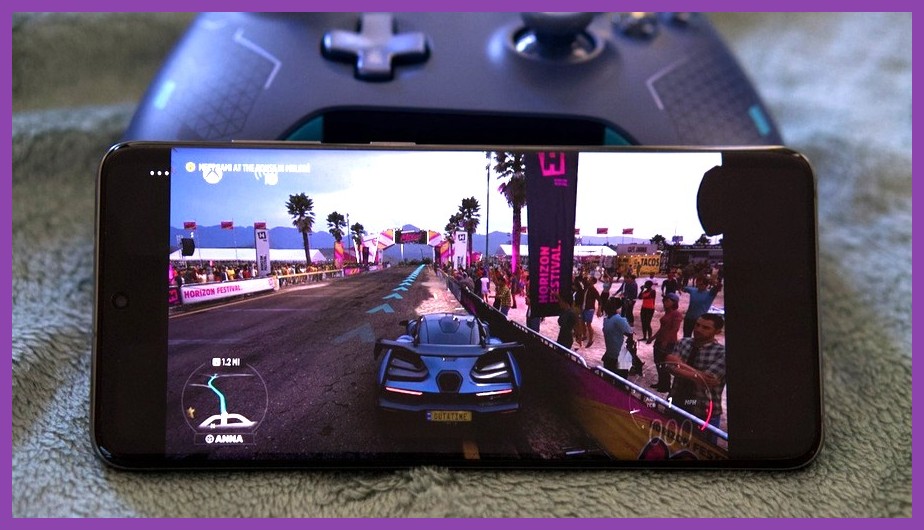
With an Xbox Cloud Gaming subscription, your smartphone basically turns into an Xbox handheld. Titles like Halo Infinite, Forza Horizon 5, Starfield, and Gears 5 launch instantly with full button mapping out of the box. The GameSir X2 Pro's Xbox layout (A/B/X/Y orientation and dedicated Xbox guide button) works seamlessly here.
NVIDIA GeForce NOW
If you own an extensive Steam or Epic Games Store library, NVIDIA GeForce NOW lets you stream your owned titles at high frame rates. You can play intense action blockbusters like the Resident Evil 4 Remake on your phone with zero thermal throttling. If you are diving into Capcom's survival classic on hardware, check out our guide on RE4 Remake performance optimization.
Steam Link & MoonLight Remote Play
For gamers who prefer hosting their own cloud setup, streaming games directly from a desktop PC using Steam Link or Sunshine/Moonlight delivers low latency and crisp resolution. You can enjoy expansive worlds like those listed in our roundup of open world games straight from your couch.
Emulation Beast: Best Console Games to Play on GameSir X2 Pro
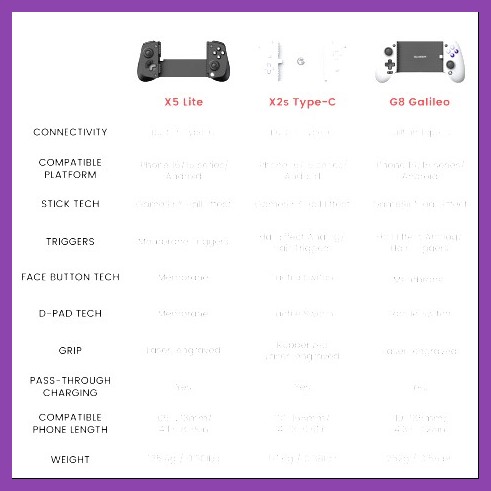
Beyond native Play Store titles and cloud streaming, modern Android phones are powerhouse emulation machines. The GameSir X2 Pro is arguably the best mobile attachment for retro and modern console emulation.
PS2, GameCube, and PSP Emulation
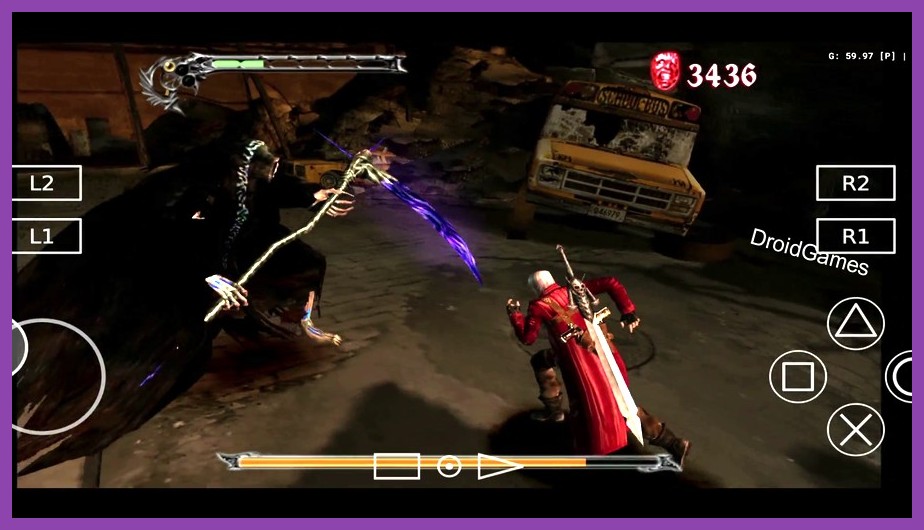
Using emulators like PPSSPP, AetherSX2/NetherSX2, and Dolphin, you can relive legendary console eras in high resolution. Arcade racers like Burnout 3: Takedown or extreme sports titles like SSX 3 showcase the value of physical triggers. For high-energy trick action, check out our tricks breakdown in our Riders Republic guide.
Nintendo Switch Emulation
With modern flagship processors (Snapdragon 8 Gen 2 / Gen 3), handheld Switch emulation runs astonishingly well on Android. Action RPGs, indie platformers, and party titles play smoothly with zero button mapping headaches, as the GameSir X2 Pro physical layout mirrors modern handheld proportions comfortably.
How to Map GameSir X2 Pro Controls for Games Without Native Support
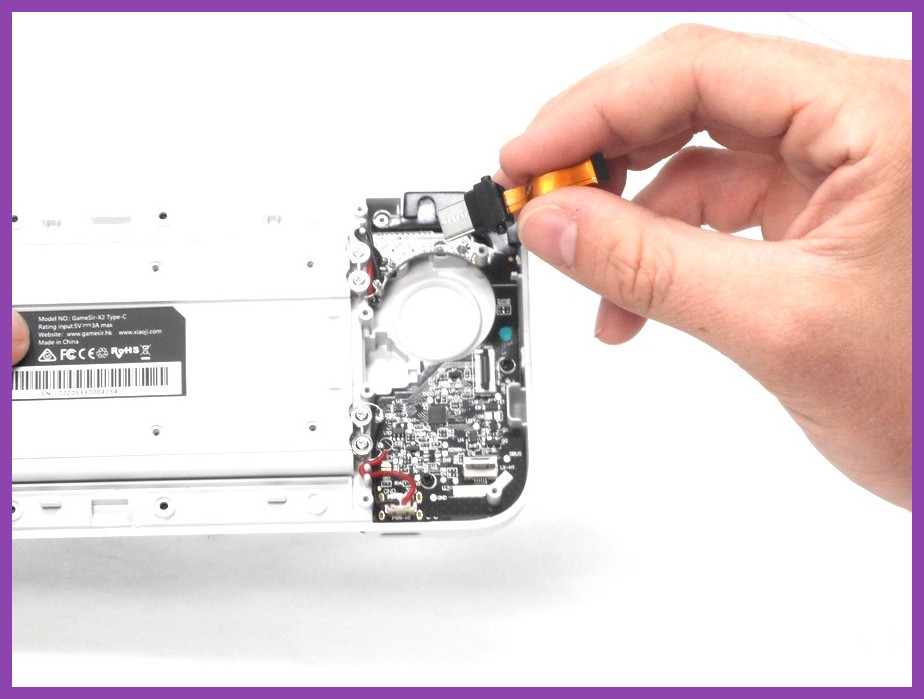
What happens when your favorite mobile game does not support controllers natively? Titles like Genshin Impact (on Android), PUBG Mobile, and Honkai: Star Rail do not officially support physical gamepads on Android devices. Thankfully, GameSir offers built-in software solutions to bypass this limitation.
Using the GameSir App (G-Touch Mode)
By downloading the official GameSir companion app from the GameSir Official Site, you can activate V-Touch / G-Touch button mapping mode. This feature places an invisible touch overlay over your screen, translating physical thumbstick movements and button presses into simulated touch taps.
- Step 1: Connect your GameSir X2 Pro to your phone via USB-C.
- Step 2: Launch the GameSir App and grant necessary screen overlay permissions.
- Step 3: Launch your desired game through the GameSir App interface.
- Step 4: Tap the floating GameSir icon to drag virtual buttons over on-screen touch icons (e.g., jump, shoot, skill icons).
- Step 5: Save your custom profile or download community-created mappings!
This allows games like Genshin Impact on Android to feel almost identical to playing on a console. Be aware that in competitive online games like PUBG Mobile or competitive battle royales, using screen mappers can sometimes violate terms of service, so stick to native supported titles for competitive ranked ladders.
Essential Setup Tips to Maximize GameSir X2 Pro Performance
To get the best possible experience out of your GameSir X2 Pro, keep these quick hardware and system optimization tips in mind:
1. Take Advantage of Pass-Through Charging
The GameSir X2 Pro features a Type-C pass-through charging port at the bottom right corner. Plug your fast charger into the controller while playing demanding titles so your smartphone never dies mid-boss fight.
2. Customize Your Rear M1/M2 Buttons
The two programmable back paddles on the back of the controller can be mapped directly on the hardware without software. Hold the Share + Menu + M1/M2 buttons until the LED blinks, press your desired target button (like L3 or R3 for sprint/crouch), and lock it in. This lets you jump, reload, or dodge without taking your thumb off the right analog stick.
3. Swap the Magnetic Button Caps
If you prefer the Nintendo layout (X/Y and A/B swapped) over the standard Xbox layout, the X2 Pro features magnetic keycaps that pop off easily. You can rearrange them physically and adjust the layout inside the companion app!
For more detailed gaming coverage, hardware reviews, and tactical walkthroughs, dive into our Steamoz Guides Hub and elevate your portable gaming setup today!