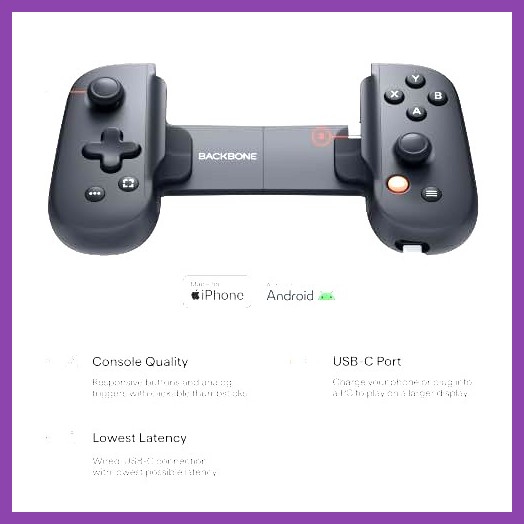
The Backbone One has redefined what it means to play AAA and indie titles on a smartphone, turning your iOS or Android device into a portable console with physical buttons, analog sticks, and, crucially, haptic feedback. While many mobile gamers focus on graphics and frame rates, the subtle art of touch sensation can elevate gameplay from merely visual to fully immersive. This guide dives deep into how haptic feedback works on the Backbone One, which games make the best use of it, and how you can tune the experience to suit your playstyle. Whether you are a competitive shooter fan, a role‑playing enthusiast, or a casual puzzle solver, understanding haptic feedback will give you an edge and a richer connection to the virtual worlds you explore.
Understanding Haptic Feedback on the Backbone One
Haptic feedback, often referred to as vibration or tactile response, is the technology that creates physical sensations in response to in‑game events. On the Backbone One, two small linear resonant actuators (LRAs) are embedded in the grips, capable of producing a wide range of frequencies and amplitudes. Unlike the simple rumble motors found in older controllers, LRAs can generate precise clicks, pulses, and waves that mimic textures, impacts, and environmental cues.
The Backbone One app acts as the bridge between the game and the hardware. When a title supports haptic feedback through the controller’s Bluetooth HID profile or via the Backbone SDK, the app translates game‑level haptic commands into signals that drive the LRAs. This means the feedback is not just a generic buzz; it can be directional, varying in intensity based on the action on screen. For example, firing a shotgun might produce a sharp, short burst, while driving over rough terrain in a racing game could generate a sustained, gritty vibration.
Understanding this capability helps you appreciate why certain games feel more "alive" when played with the Backbone One. The controller’s low latency ensures that the haptic cue arrives almost instantly after the visual or auditory event, reinforcing the brain’s perception of cause and effect. This tight coupling is what separates a gimmick from a genuine gameplay enhancement.
Why Haptic Feedback Matters in Mobile Gaming
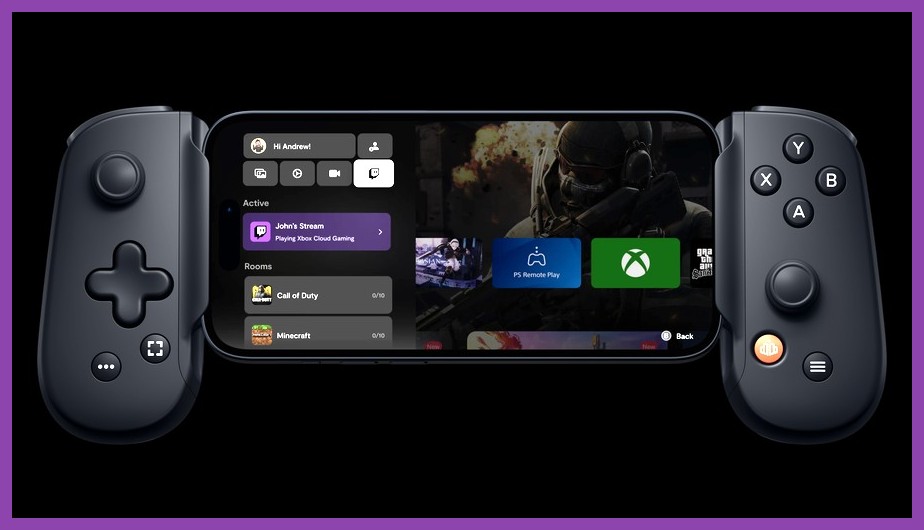
Mobile gaming has traditionally been limited to touchscreens, which lack any form of physical feedback. While touch controls are intuitive, they often leave players guessing whether an action registered correctly, especially in fast‑paced scenarios. Adding haptic feedback closes that loop by providing a tactile confirmation that complements visual and auditory cues.
Research in human‑computer interaction shows that multimodal feedback—combining sight, sound, and touch—improves reaction times and reduces cognitive load. In a first‑person shooter, feeling the recoil of each shot helps you anticipate the next burst, allowing for tighter burst control. In a racing game, sensing the loss of traction through subtle vibrations lets you correct steering before the visual slide becomes apparent.
Moreover, haptic feedback can enhance accessibility. Players with visual impairments can rely on vibration patterns to detect enemy proximity, item pickups, or UI navigation. The Backbone One’s adjustable intensity makes it possible to tailor the strength to individual needs, ensuring that the feedback is noticeable without being uncomfortable.
From a design perspective, developers who implement haptic feedback demonstrate attention to detail that often correlates with overall polish. Games that invest in this layer of sensory design tend to have tighter controls, better feedback loops, and a more satisfying gameplay loop—qualities that keep players coming back for longer sessions.
Top Backbone One Games That Utilize Haptic Feedback

Not every title on the App Store or Google Play takes advantage of the Backbone One’s haptic capabilities. However, a growing list of AAA ports, indie gems, and competitive multiplayer games have integrated sophisticated haptic profiles. Below is a curated selection of the best games that make haptic feedback a core part of the experience, organized by genre.
Action and Shooters
- Counter-Strike: Global Offensive (via Remote Play) – When streamed from a PC, the Backbone One reproduces weapon recoil, grenade throws, and footstep nuances with remarkable fidelity.
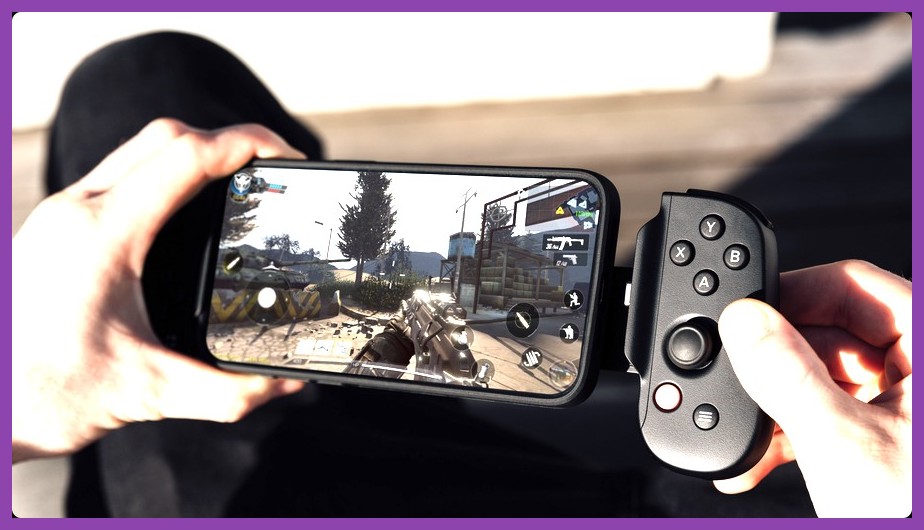
- Call of Duty: Mobile – The game’s haptic engine delivers distinct pulses for each weapon type, explosion impacts, and tactical equipment activation, giving you a competitive edge in close‑quarters fights.
- Tom Clancy’s Rainbow Six Siege (Remote Play) – Feel the tension of breaching charges, the recoil of each operator’s signature weapon, and the subtle cues of enemy movement through walls.
Role‑Playing Games
- Genshin Impact – Elemental attacks trigger unique vibration patterns: Pyro bursts feel fiery and rapid, Cryo attacks deliver a sharp, icy chill, and Geo abilities produce a heavy, resonant thud.
- Star Wars: The Old Republic (via Cloud Gaming) – Lightsaber swings emit a characteristic hum, while blaster fire gives a crisp snap, reinforcing the iconic Star Wars combat feel.
- Final Fantasy XV Pocket Edition – The game uses haptics to signal critical hits, dodge successes, and environmental interactions like climbing or swimming.
Racing and Sports
- Asphalt 9: Legends – Surface changes (asphalt, dirt, snow) are communicated through varying vibration textures, while nitro boosts deliver a powerful, rising pulse.
- FIFA Mobile – Tackles, shots, and goal celebrations each have distinct haptic signatures, helping you time your actions without looking at the screen.
- NBA 2K Mobile – Feel the impact of dunks, the squeak of sneakers on the court, and the vibration of a shot clock winding down.
Indie and Puzzle Titles
- Hollow Knight (via Remote Play) – The game’s delicate combat system benefits from haptic cues that signal parry successes, enemy hits, and environmental hazards like spikes.
- Stardew Valley – Fishing rod vibrations mimic the tug of a fish, while tool usage (axe, pickaxe) gives satisfying feedback that makes farming feel more tactile.
- Inside – The atmospheric puzzle‑platformer uses subtle haptics to convey tension, such as a low rumble when danger approaches or a soft pulse when interacting with objects.
These examples illustrate how haptic feedback can be tailored to each genre’s needs. When selecting a game, look for mentions of "controller support" and "haptic feedback" in the description or check community forums for user‑reported experiences.
How to Enable and Optimize Haptic Settings
Getting the most out of haptic feedback on the Backbone One requires a quick dive into the companion app’s settings. Fortunately, the process is straightforward, and a few tweaks can make the difference between a subtle rumble and a pronounced, game‑enhancing sensation.
- Launch the Backbone One app – Ensure your controller is connected and recognized.
- Navigate to Settings → Controller → Haptic Feedback – Here you will find a master toggle, intensity slider, and sometimes a profile selector.
- Adjust the Intensity – Start at 50 % and test with a game you know supports haptics (e.g., Call of Duty: Mobile). Increase until the feedback feels present but not distracting.
- Create Game‑Specific Profiles – If you play multiple genres, consider saving separate profiles. A shooter might benefit from higher intensity for recoil, while a puzzle game may need softer feedback to avoid fatigue.
- Test and Iterate – Play a few minutes, then fine‑tune. Pay attention to whether you can detect directional cues (e.g., left‑right vibration for stereo effects) and whether the feedback aligns with visual events.
Some games expose additional haptic options within their own settings menus. For instance, Asphalt 9 lets you toggle "Vibration Strength" independently of the system level. Always check both the game and the Backbone app to avoid double‑amplifying effects, which can lead to uncomfortable overstimulation.
If you notice lag between an on‑screen event and the haptic response, verify that your phone’s Bluetooth latency is low. Closing background apps, enabling developer options to reduce Bluetooth audio latency, or using a 5 GHz Wi‑Fi stream for Remote Play can help maintain synchronization.
Future Trends: Haptic Feedback in Mobile Gaming
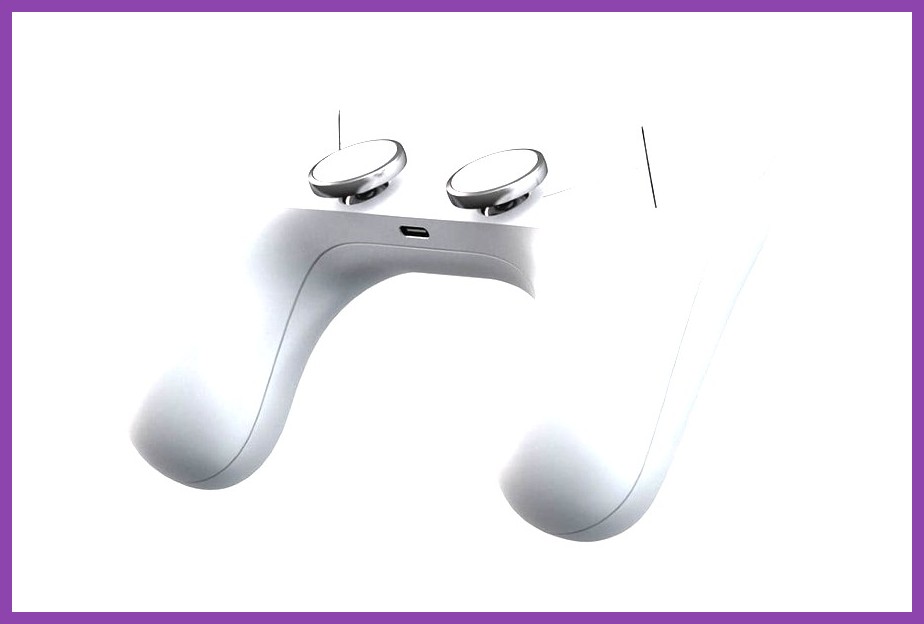
The current generation of LRAs in the Backbone One is impressive, but the horizon holds even more exciting possibilities. Developers and hardware manufacturers are experimenting with several emerging technologies that could redefine tactile feedback on mobile devices.
One promising direction is the use of piezoelectric actuators, which can produce higher‑frequency vibrations and more complex waveforms than LRAs. This would allow for sensations that mimic textures like fabric, rubber, or even the subtle click of a mechanical keyboard—opening doors for richer simulation in games that involve crafting, tool use, or detailed environmental interaction.
Another trend is localized haptics, where multiple actuators are placed across the controller to deliver directional cues. Imagine feeling a bullet impact on the left side of the grip while your character is strafing right, or sensing the vibration of a vehicle’s engine concentrated near the triggers. Such spatial feedback could greatly enhance situational awareness in competitive titles.
On the software side, game engines like Unity and Unreal are beginning to ship with built‑in haptic authoring tools. These tools let designers draw vibration curves directly onto animation timelines, making it easier to synchronize complex haptic sequences with character actions, environmental events, or UI interactions.
Finally, cloud gaming services are starting to expose haptic data streams alongside video and audio. As 5G networks mature and latency drops, we can expect AAA titles streamed to the Backbone One to deliver console‑level haptic fidelity without the need for local installation.
Staying informed about these advancements will help you choose future‑proof games and accessories that continue to push the envelope of immersion.
Conclusion: Is Haptic Feedback Worth It on Backbone One?
After exploring the mechanics, benefits, top titles, and optimization techniques, the answer is a resounding yes—for most players, haptic feedback adds a meaningful layer of immersion that transforms mobile gaming from a passive visual experience into an active, multisensory adventure. The Backbone One’s high‑quality LRAs, low latency, and flexible app controls make it one of the best ways to enjoy this technology on a smartphone.
If you primarily play casual puzzle games or titles that do not yet support haptics, you might not notice a dramatic difference. However, even in those cases, the ability to feel a subtle confirmation when a button press registers can reduce input uncertainty and improve overall comfort during extended sessions.
For competitive shooters, racing fans, and RPG enthusiasts, investing time to fine‑tune haptic settings can yield tangible performance benefits: better recoil control, more precise timing, and heightened environmental awareness. Moreover, the technology’s accessibility advantages ensure that a wider range of players can enjoy games on their own terms.
As the library of haptic‑enabled titles continues to grow and hardware innovations promise even richer sensations, the Backbone One stands ready to deliver the next evolution of mobile gaming. Grab your controller, dive into a supported title, and let your hands feel the game.