Sep 12, 2026
Fix Stuttering and Crashes in Call of the Wild: The Angler
To fix stuttering, low FPS, and crashing in Call of the Wild: The Angler on PC, start with a capped frame rate, disable ov...
Read story →Category Archive
To fix stuttering, low FPS, and crashing in Call of the Wild: The Angler on PC, start with a capped frame rate, disable ov...
Read story →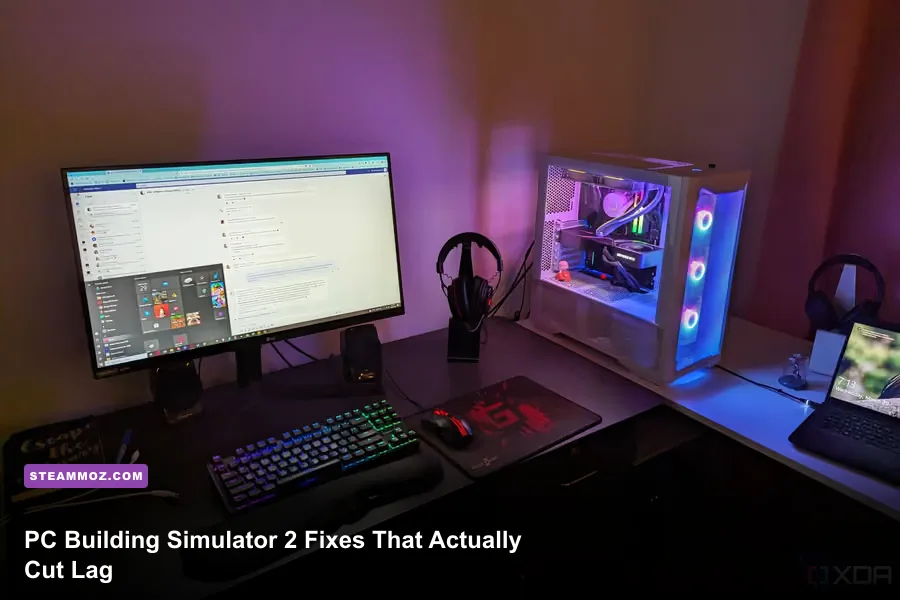
To fix common PC Building Simulator 2 issues, start by switching to exclusive fullscreen or borderless at your monitor's n...
Read story →Yes, most modern gaming PCs can run Disney Dreamlight Valley on Steam, but the minimum specification is only a starting po...
Read story →For most Steam PC players, the best Disney Dreamlight Valley setup is High quality with a 60 FPS cap, VSync enabled when u...
Read story →If you play Farming Simulator 22 on Steam without mods, you're missing the systems that make its long-term career genuinel...
Read story →
For the smoothest PC Building Simulator experience, start with a stable 1080p setup, disable unnecessary visual effects, a...
Read story →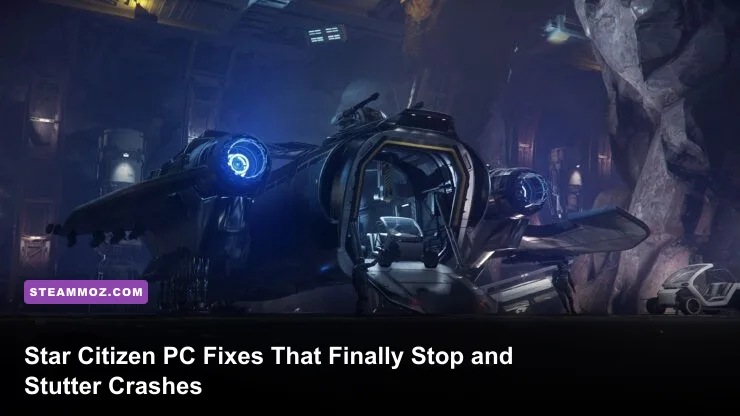
If Star Citizen is stuttering, dropping into the teens, or crashing on PC, start with the fixes that target its real bottl...
Read story →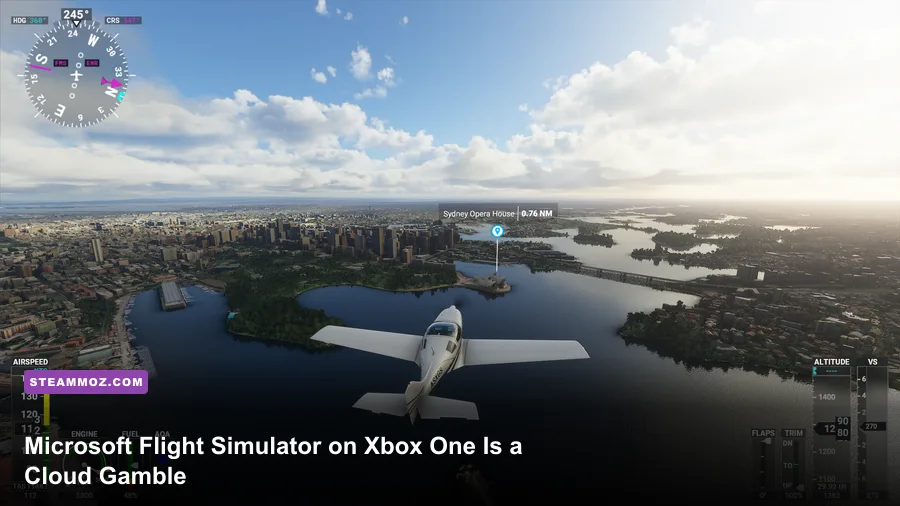
Everything you need to know about Microsoft Flight Simulator on Xbox One Is a Cloud Gamble....
Read story →
Intergalactic Fishing is an exceptionally easy game to run: the official Steam listing asks for only a modest Windows PC, ...
Read story →
Destroyer: The U-Boat Hunter does not hide a traditional collectible trail of secret locations. There are no confirmed sec...
Read story →
Dinosaur Fossil Hunter crashing or running at low FPS on PC usually comes down to three things: outdated drivers, an overl...
Read story →
For the best Fly Corp performance, use 1080p or 1600×900, turn VSync off while testing, choose the Low or Medium quality p...
Read story →