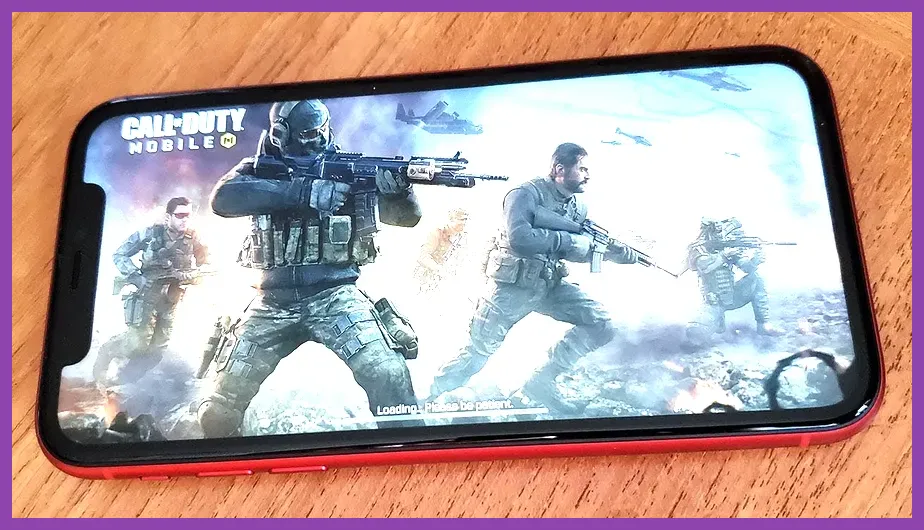
Finding the absolute best competitive and casual first-person shooters on Apple devices requires looking past microtransaction-heavy clutter to find titles with responsive touchscreen controls, high frame-rate optimization, and active online player bases. Whether you are running a brand-new iPhone 15 Pro with a ProMotion display capable of 120Hz or an older iPad, optimizing your setup for titles like Call of Duty: Mobile and PUBG Mobile transforms mobile gaming into a legitimate competitive experience.
1. Call of Duty: Mobile
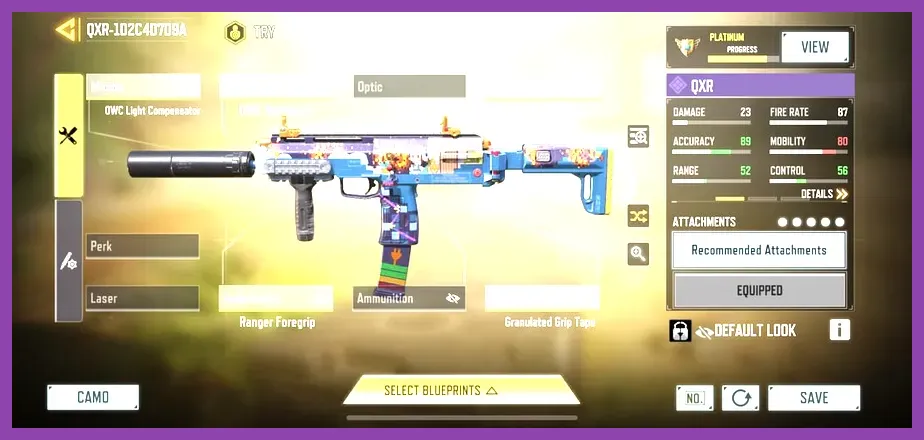
Call of Duty: Mobile stands as the gold standard for portable military shooters on iOS, blending classic maps like Nuketown and Crash with deep loadout customization through the Gunsmith system. To succeed in ranked Multiplayer and Battle Royale modes, you need to master your sensitivity settings and weapon builds. For instance, pairing the Krig 6 assault rifle with the Agency Suppressor, 15.5" Ranger barrel, and Field Agent Grip eliminates vertical recoil almost entirely, making mid-range gunfights effortless on a touchscreen.
Frame rates take priority over graphical fidelity in competitive play. Navigate to your audio and graphics settings, set your graphic quality to Low, and max out your frame rate to Ultra or Max depending on your iOS device capabilities. This ensures you receive crucial visual information milliseconds faster than opponents running higher visual presets. If you enjoy grinding competitive ladders, check out this strategic breakdown on weapon tier lists and loadouts for meta optimization tips.
2. PUBG Mobile

For tactical survival enthusiasts, PUBG Mobile offers sprawling 100-player maps such as Erangel, Miramar, and Sanhok. Winning chicken dinners requires mastery of ballistic physics, bullet drop, and sound cues. Footsteps and vehicle engines are rendered directionally on the mini-map and audio radar, meaning high-latency Bluetooth headphones can severely hinder your situational awareness. Wired lightning or USB-C earbuds, or a certified MFi gaming headset, are mandatory accessories for serious players.
When dropping into hot zones like Pochinki or Boot Camp, landing accuracy dictates your survival. Learn to utilize claw grips—using four fingers instead of two thumbs—to simultaneously move, aim, crouch, and fire. For players looking to diversify their mobile gaming portfolio with other top-tier recommendations, review our guide on mobile gaming customization and unlockables.
3. Critical Ops
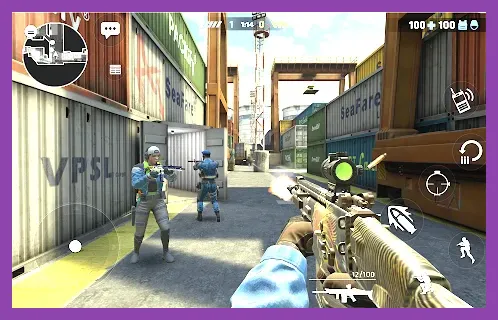
If you prefer purist tactical shooters akin to Counter-Strike rather than hero-based battle royales, Critical Ops delivers pure skill-based 5v5 multiplayer action. There are no weapon upgrades, loot boxes with stat boosts, or unfair perks; victory is determined strictly by crosshair placement, map control, and team economy management. The game runs exceptionally well on older iOS hardware, maintaining a rock-solid 60 FPS even during frantic bomb-defusal rounds on maps like Bureau and Legacy.
Mastering recoil patterns is essential in Critical Ops. Weapons like the AK-47 require pulling your crosshair down and slightly to the left during a sustained five-round burst to keep your shots grouped on target. Map knowledge is equally critical—learn callouts for every corner and chokepoint to coordinate effectively with random teammates in ranked queues.
4. Shadowgun Legends
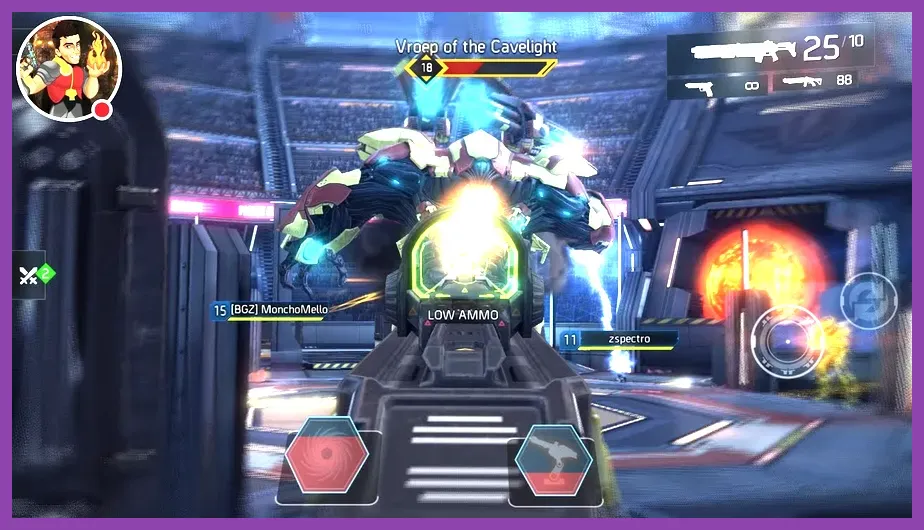
Shadowgun Legends bridges the gap between intense first-person shooting and MMORPG-style loot grinding. Developed by Madfinger Games, it features a robust sci-fi campaign, cooperative strike missions, competitive PvP arenas, and a central hub area to show off rare gear and weapons. If you love hunting down legendary gear drops with randomized weapon perks, this title provides hundreds of hours of free-to-play content.
Your power level is tied directly to your gear score. Running daily dungeons and participating in PvP events awards currency to purchase high-tier plasma rifles and rocket launchers from vendors like Ted. For deeper insights into managing progression and maximizing resource efficiency across various platforms, reference our comprehensive crafting and farming guide.
5. Modern Combat 5: Blackout
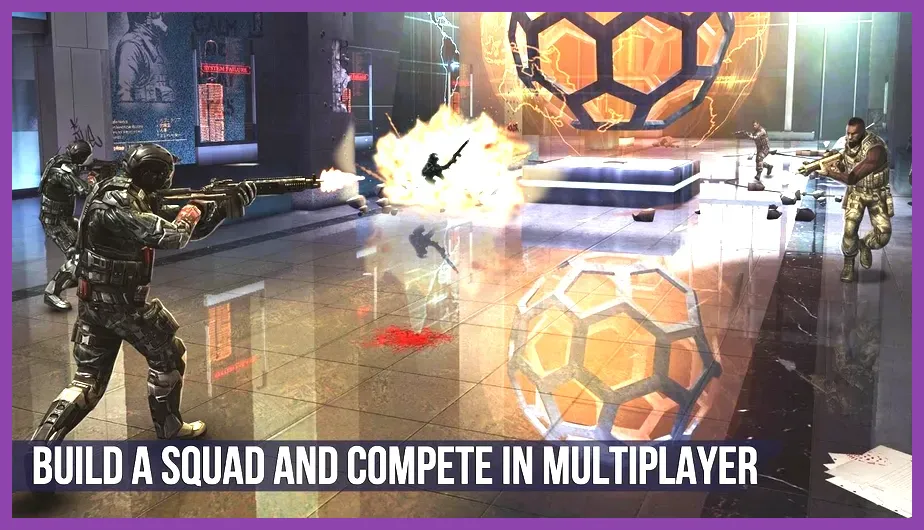
Modern Combat 5 remains a staple arcade-style military shooter on the App Store, featuring a cinematic single-player campaign alongside class-based multiplayer skirmishes. Players can choose from distinct classes such as the Assault, Recon, Heavy, Sniper, and Bounty Hunter, each equipped with specialized class skills and weapon proficiencies that change how you approach team deathmatches and capture-the-flag modes.
The Sniper class excels on open maps like canals, utilizing high-zoom thermal scopes to pick off targets from afar, while the Recon class dominates close-quarters interiors with submachine guns and radar-pinging darts. Finding the right class synergy with your squadmates is vital for dominating opposing teams.
Optimizing iOS Settings for Competitive FPS Gaming
To extract the best performance out of your Apple device while playing free-to-play mobile shooters, several system-level tweaks can eliminate stutter, input lag, and overheating:
- Disable Auto-Brightness: Screen dimming during intense firefights drops your peak panel brightness and can trigger thermal throttling.
- Enable Guided Access: This native iOS accessibility feature locks your device inside the current app, preventing accidental swipes that bring up the home screen or notification center mid-match.
- Manage Background App Refresh: Turn off background refresh for social media and heavy applications to free up RAM and processor threads for your shooter.
- Use Game Mode (iOS 18+): Ensure your software is up to date so the operating system can prioritize CPU and GPU tasks for your active game while minimizing wireless controller latency.
Mastering Touch Controls vs. External Controllers
While touch controls offer incredible precision once mastered via multi-finger claw setups, iOS natively supports Bluetooth controllers including the Xbox Wireless Controller, PlayStation DualSense, and MFi-certified pads like the Backbone One. Games like Call of Duty: Mobile and Modern Combat 5 feature robust controller integration that automatically matches you against other controller users in matchmaking queues, ensuring a level playing field.
However, titles like Critical Ops lean heavily into native touchscreen play, where thumb dexterity and custom HUD layouts provide unmatched snap-aiming speeds. Spend time in the training grounds of each game to adjust joystick deadzones, camera acceleration, and button sizing until your layout feels completely natural. For more tactical multiplayer tips and team strategies, explore our detailed breakdown on effective team composition principles.