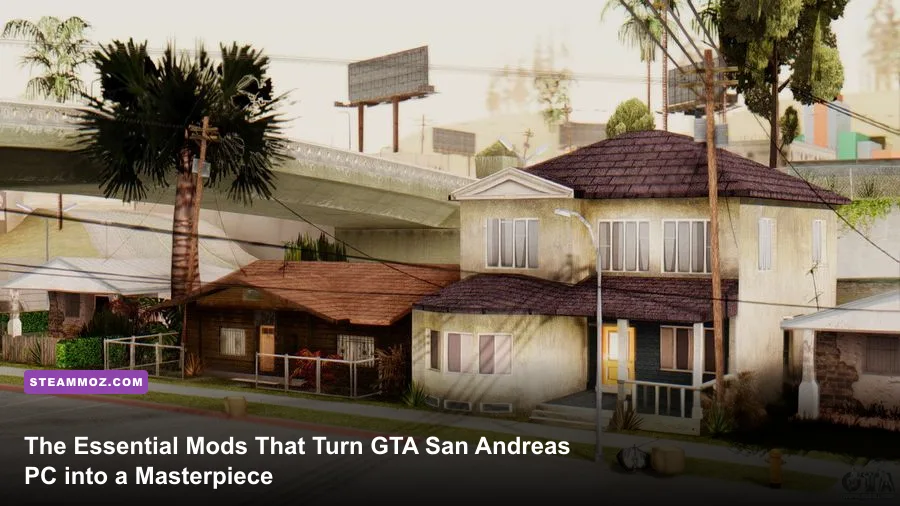
If you boot up an unmodded copy of Grand Theft Auto: San Andreas on a modern gaming rig right now, you are in for a technical nightmare. Rockstar's vanilla PC port is legendary for all the wrong reasons: swimming mechanics break completely beyond 30 frames per second, modern high-polling mice lock up and refuse to look horizontally on Windows 10 and 11, the sunny orange haze of the iconic PS2 atmosphere is completely absent, and modern 16:9 or 21:9 monitors stretch Carl Johnson’s radar into a grotesque oval. To transform this aging, broken release into the definitive version it deserves to be, your baseline modding stack requires SilentPatch, SkyGFX, ThirteenAG’s Widescreen Fix, ModLoader, and GInput. With these core community patches properly installed, the ancient RenderWare engine shifts from a glitchy museum relic into a silky-smooth, mechanically flawless open-world triumph.
The Core Stability Foundation: Engine Patches and Bug Fixes
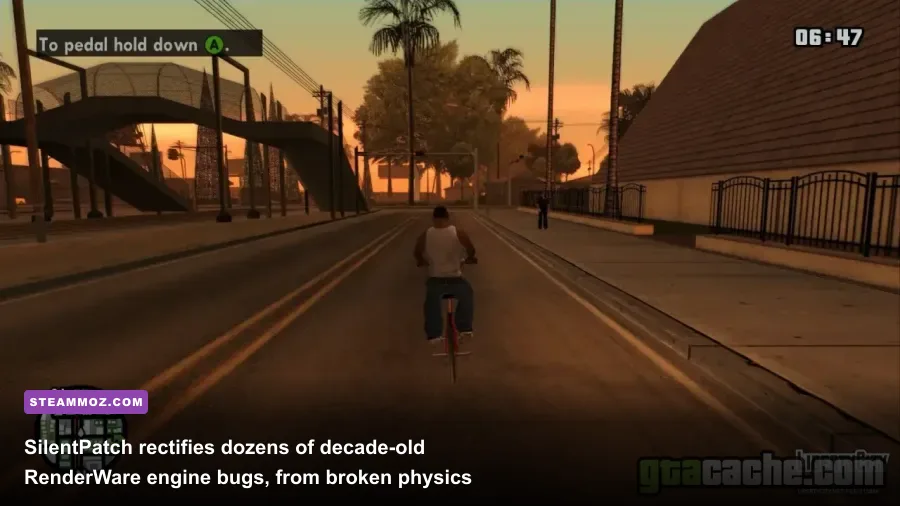
Before touching high-res textures or new vehicle packs, you must stabilize the engine. The retail and digital PC releases of San Andreas (specifically versions 1.01, 2.0, and the updated digital Steam/Rockstar Launcher releases) stripped audio tracks and introduced aggressive anti-modding limitations. Every veteran modder starts by ensuring they are running the clean US 1.0 Executable. Once you have a clean 1.0 base, your first mandatory injection is SilentPatch created by developer Silent. Similar to how players rely on tactical PC fixes that stop crashes and rescue performance in other complex open worlds, SilentPatch fixes dozens of critical game-breaking bugs that Rockstar abandoned decades ago.
Without SilentPatch, playing with an uncapped framerate ruins basic gameplay. At 60 FPS, Carl swims at half-speed, making the mission Amphibious Assault mathematically impossible to complete. Cars experience extreme brake resistance, reversing is nearly non-existent, and sirens fail to cast dynamic lights. SilentPatch recalculates internal timers, decoupling physics tick rates from render frames so you can play at 60 FPS without your vehicle stopping on a dime or CJ drowning in the San Fierro bay. Additionally, it addresses mouse input crashes caused by Windows DirectInput deadlocks, fixes dual-monitor cursor drifting, and reactivates long-distance corona lights.
To manage your files without permanently overwriting core game archives like gta3.img, install ModLoader by Junior_Djjr alongside Silent's ASI Loader. ModLoader dynamically injects assets from dedicated folders directly into the game's RAM at runtime. If a texture mod corrupts your game, you simply delete its subfolder inside modloader/ instead of reinstalling the entire 4GB game. Combine this with the Open Limit Adjuster, which increases internal memory limits for streaming cars, building models, and ped paths, eliminating the notorious texture pop-in where buildings vanish while flying a Hydra over Las Venturas.

🎮 FORM
Looking to experience this game? Grab your digital key directly on our store for $14.99.
View on Steammoz Store →Visual Restoration: SkyGFX and Modern Display Scaling
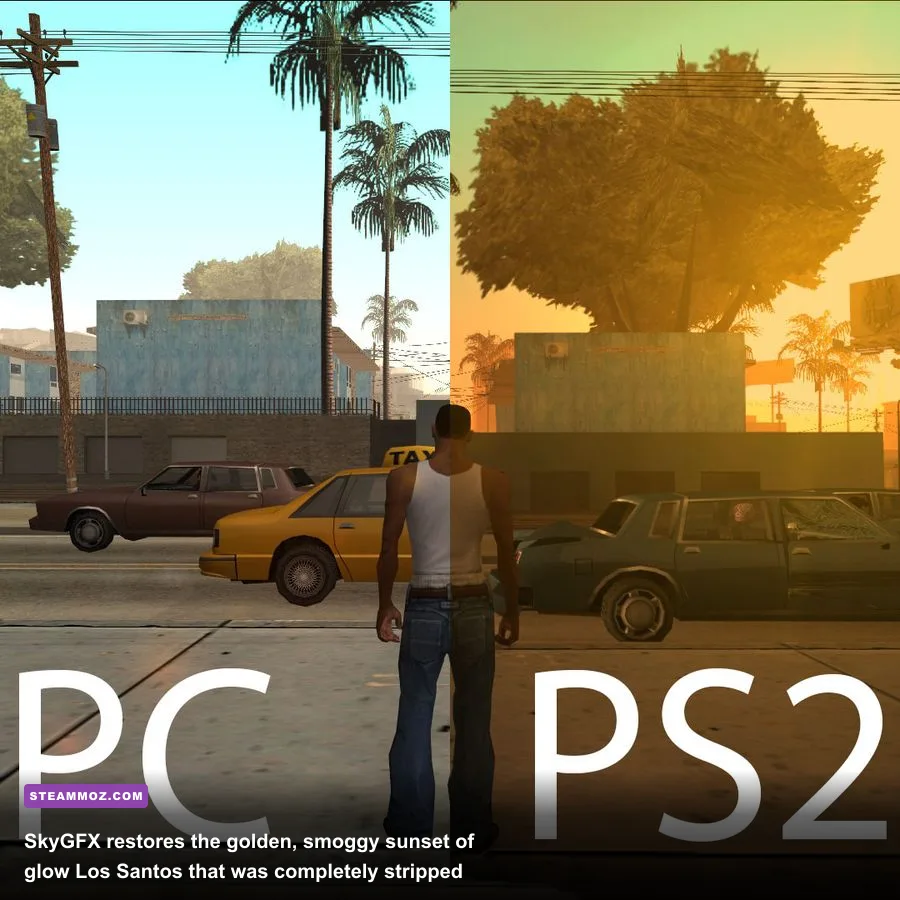
Many players mistakenly believe the PC port represents the visual peak of San Andreas. In reality, the PC port was farmed out to an external studio that systematically gutted the visual identity crafted by Rockstar North for the original 2004 PlayStation 2 launch. The PC release removed the iconic orange color grading of Los Santos, broke vehicle dual-pass reflections, mangled alpha transparency on fences and foliage, and stripped heat haze effects entirely. Enter SkyGFX, an absolute technical marvel that hooks into DirectX 9 to accurately reconstruct the PS2 graphics pipeline on modern PCs.
SkyGFX uses original PS2 assembly code decompilations to restore the warm, smog-choked post-processing color grading of Los Santos, the cool fog of San Fierro, and the blazing neon heat of Las Venturas. It re-enables proper vehicle environmental mapping, making cars look like polished metal rather than flat plastic toys. Just as visual tweaking changes everything when dialing in optimal settings for higher visual fidelity and framerates, tuning SkyGFX bridges the visual gap between retro ambiance and modern screen resolutions.
Next up is ThirteenAG's Widescreen Fix. The base game only natively understands 4:3 display aspect ratios; running it at 1920x1080 or 2560x1440 natively produces an aggressively stretched Field of View (FOV) and turns your mini-map into an egg. ThirteenAG's plugin fixes camera aspect ratio calculations, preserves CJ's model proportions, scales the user interface accurately, and allows high-DPI scaling. To take it further, install the Remastered GUI pack, which swaps out the blurry 480p HUD icons, radar markers, crosshairs, and weapon icons with razor-sharp vector recreations that shine on high-refresh monitors.
Essential GTA San Andreas PC Mod Tier List and Impact Analysis
Not every mod available on community boards deserves a spot in your directory. Modding San Andreas is an exercise in restraint; overloading RenderWare with unstable scripts will lead to memory leaks and sudden crashes. To help you prioritize your loadout, the table below highlights the tier rankings, core targets, and performance costs of the most essential community mods available on PCGamingWiki and trusted GTA forums.
| Mod Name | Tier Rating | Primary Function | Performance Impact | Installation Target |
|---|---|---|---|---|
| SilentPatch | S-Tier (Mandatory) | Fixes 60 FPS physics bugs, mouse lock, frame timers | 0% (Improves frame pacing) | Root Directory (ASI) |
| ModLoader | S-Tier (Mandatory) | Dynamic runtime asset injection and sandbox loading | None | Root Directory + ASI |
| SkyGFX | S-Tier (Mandatory) | Restores PS2/Xbox lighting, shading, and dual-pass car sheen | 1-3% FPS drop | ModLoader Folder |
| ThirteenAG Widescreen Fix | S-Tier (Mandatory) | Native 16:9/21:9 support, FOV scaling, HUD correction | None | ModLoader / Scripts |
| GInput | A-Tier (Essential) | XInput controller mapping, vibration, modern deadzones | None | ModLoader / Plugins |
| Project2DFX | A-Tier (Essential) | Dramatically extends draw distance and distant light coronas | 3-7% FPS drop in dense cities | ModLoader Folder |
| Remastered GUI | A-Tier (Essential) | Replaces 480p HUD, text fonts, and weapon icons with 4K assets | Negligible | ModLoader Folder |
| RoSA Project Evolved | B-Tier (Optional) | Handcrafted HD textures replacing vanilla world surfaces | Moderate (Requires 2GB+ VRAM) | ModLoader Folder |
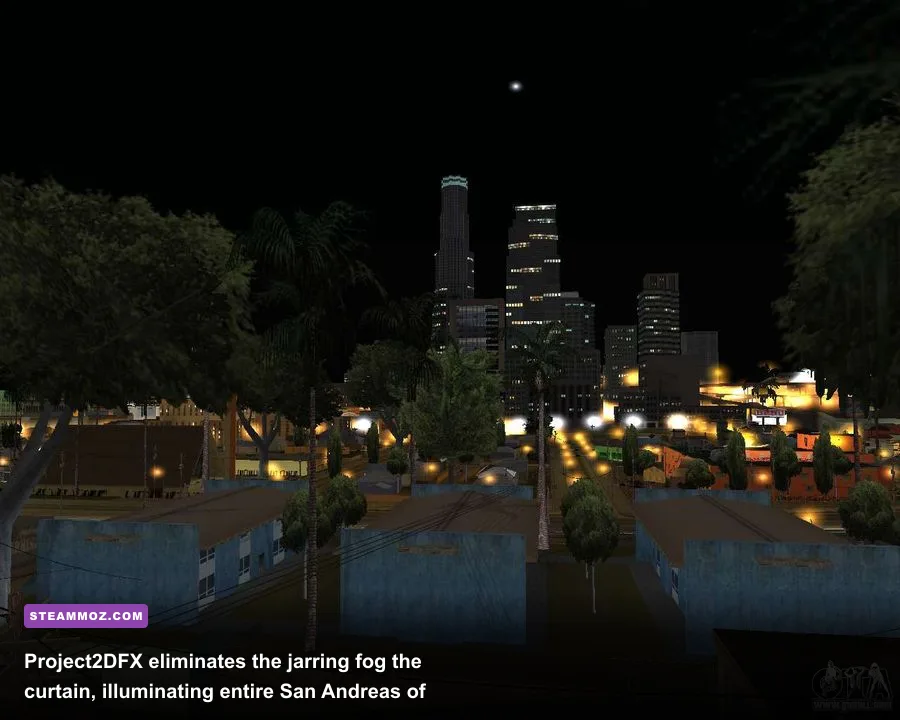
While S-Tier mods form an unbreakable foundation that every player must run, A-Tier additions completely modernize how the title feels. Project2DFX deserves special praise here. In vanilla San Andreas, looking out from Mount Chiliad reveals a thick wall of grey fog just a few blocks out. Project2DFX overrides internal LOD distances, allowing you to see the twinkling streetlamps of the Gant Bridge from across the entire countryside. Just be mindful of system performance overhead; even though San Andreas is an older title, drawing thousands of dynamic lights simultaneously can tax single-core CPU speeds if you push the config distances too high.
Modern Controls: Perfecting Controller and Mouse Mechanics
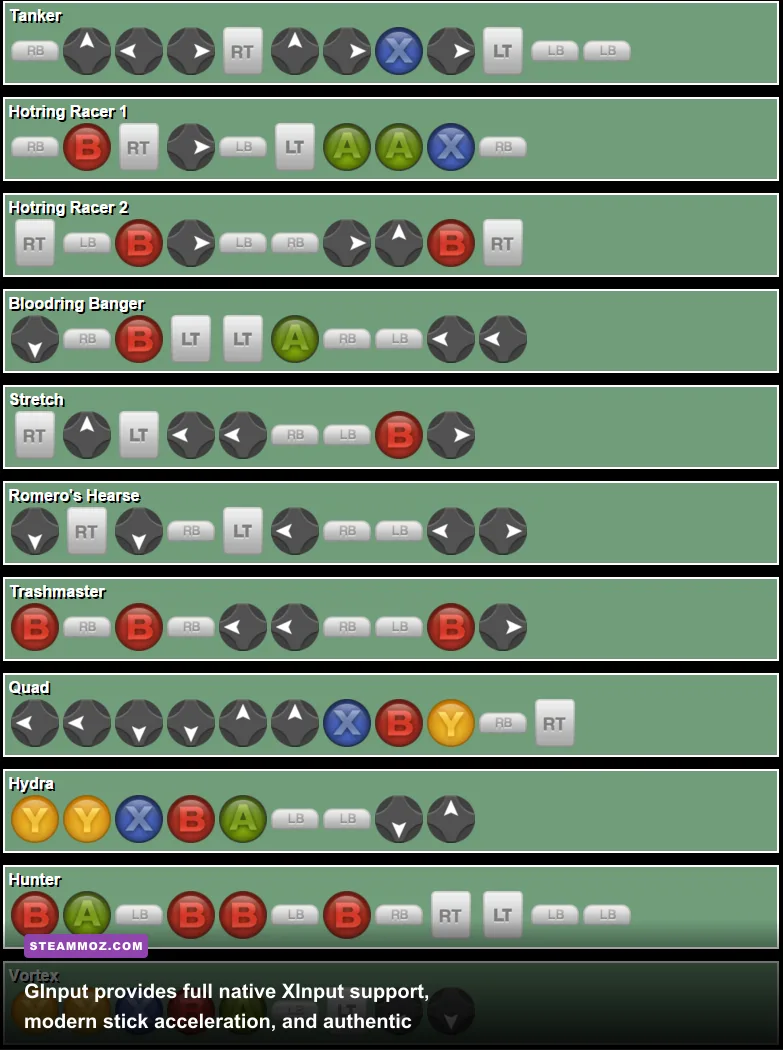
The control scheme of vanilla PC San Andreas is notorious for its awkwardness. If you plug in an Xbox Series X controller or a DualSense pad, the original DirectInput implementation scrambles your trigger mapping, mixes up right-stick camera controls, and forces you to rebind commands manually. Even then, you won't get proper analogue trigger acceleration for vehicles or smooth deadzones when aiming weapons like the M4 or Desert Eagle. Solving this requires GInput by Silent.
GInput intercepts inputs via modern XInput APIs, automatically matching your gamepad setup to modern gaming standards. It provides full plug-and-play functionality with authentic button glyphs (switching between Xbox 360/One, PlayStation 2/3/4, or Nintendo Switch layouts with an INI toggle). You get real force feedback rumble on collisions and gunfire, smooth free-camera mechanics while running on foot, and dedicated drive-by controls that emulate the console release. When paired with responsive peripheral setups configured for precise inputs, GInput makes driving, shooting, and brawling feel intuitive rather than clunky.
If you prefer playing with mouse and keyboard, you still need to pair SilentPatch with SensFix. Vanilla San Andreas has hardcoded sensitivity disparities where vertical camera tracking moves at less than half the speed of horizontal aim, causing jarring crosshair drift when aiming sniper rifles or heavy artillery. SensFix balances your horizontal and vertical mouse sensitivity axes into a 1:1 ratio. This allows you to snap onto Ballas gang members during drive-bys with the exact same precision you would expect in modern tactical shooters.
Step-by-Step Installation: Recommended Configuration Settings
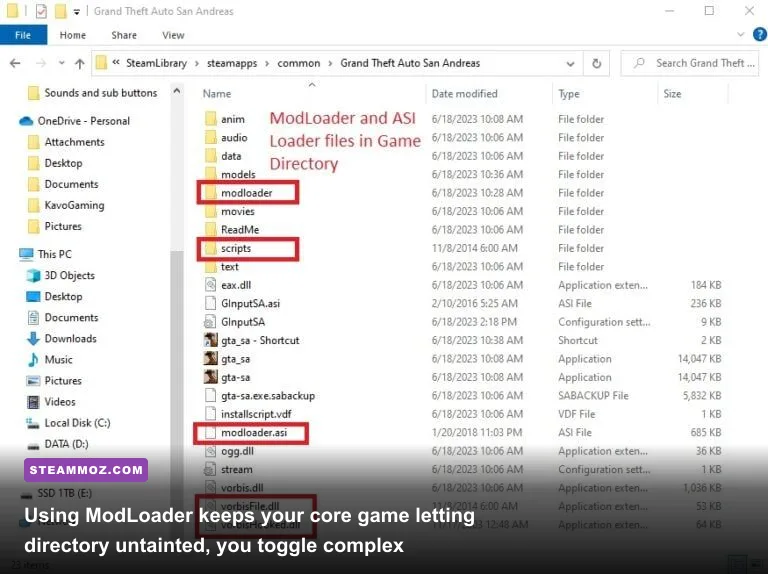
Setting up your modded San Andreas client requires a methodical approach. Do not install massive 20GB "mega packs" from random uploaders, as these compilations invariably include broken CLEO scripts that cause irrecoverable save file corruptions. Instead, build your installation sequentially. If you've ever had to handle troubleshooting crash logs and low framerate fixes in other stubborn PC titles, you know that keeping a clean, modular structure is key to long-term stability.
Start with a downgraded US 1.0 installation. Place vorbisFile.dll and vorbisHooked.dll (Silent's ASI Loader) into your root game directory. Next, place the modloader folder and modloader.asi into the root folder. From this point forward, every graphic overhaul, sound mod, and car model simply gets extracted into its own subfolder inside modloader/ (for example, modloader/SkyGFX/ or modloader/WidescreenFix/). This modular setup prevents core engine files from ever being permanently modified. According to official developer guidance on the Rockstar Games Support knowledgebase, preserving clean directory integrity is the number one defense against persistent runtime errors.
| Configuration File / Setting | Vanilla Value | Recommended Value | Visual / Mechanical Result |
|---|---|---|---|
skygfx.ini: buildingPipe |
PC | PS2 | Restores original warm atmospheric color balance and depth fog |
skygfx.ini: vehiclePipe |
PC | Xbox | Enables soft specular highlights and metallic car reflection maps |
skygfx.ini: emulatePS2AlphaTest |
0 | 1 | Fixes jagged chain-link fence artifacts and alpha-channel sorting |
SilentPatchSA.ini: FPSLimit |
25 | 60 | Provides smooth 60 FPS motion without breaking engine physics |
salodlog.ini: MaxCoronaDistance |
600.0 | 4000.0 | Pushes city lighting visibility across the entire state border |
streamini.ini: stream_memory_mb |
64 | 1024 | Eliminates flashing textures and object pop-in during high-speed driving |
Pay close attention to the FPSLimit setting in the configuration above. While modern gaming monitors easily push 144Hz or 240Hz, the RenderWare engine was never engineered to operate past 60 frames per second. Even with the revolutionary frame recalculations in SilentPatch, uncapping the framerate to 120 FPS or higher will reintroduce subtle micro-stutters, disrupt vehicle suspension weight, and alter pedestrian AI pathfinding speeds. Lock your frame rate to a rock-solid 60 FPS via SilentPatch or your GPU control panel for the ultimate balance between buttery motion and rock-solid engine stability. Just like finding optimal balance when inspecting advanced frame pacing and graphical stability tweaks, respecting the underlying game engine's clock speed guarantees an experience free from crashes.
By pairing the stability of SilentPatch with the atmospheric authenticity of SkyGFX, modern controller mechanics from GInput, and the safety of ModLoader, you completely bypass the disastrous bugs of the PC port and the low-effort mobile artifacts of the Definitive Edition. You are left with the definitive version of GTA San Andreas: breathtakingly atmospheric, technically pristine, and just as thrilling as it was when Carl first touched down at Francis International Airport.