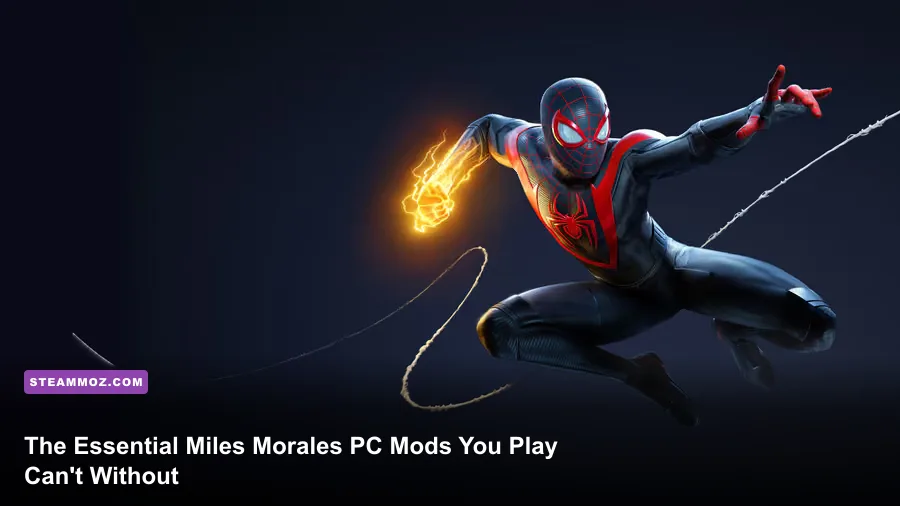
Tuning Marvel's Spider-Man: Miles Morales on Steam through community mods instantly strips away the game's strict swing-velocity limits, upgrades dull winter weather grading into photorealistic atmospheric snowstorms, and injects jaw-dropping Spider-Verse acrobatic animations. While Nixxes delivered a masterclass PC port with excellent ultrawide support and ray tracing, the vanilla release still shackled Miles to rigid physics clamps and limited suit customization. If you want the definitive Harlem vigilante experience right now, you need the Spider-Man PC Modding Tool framework, the Expressive Web-Slinging overhaul, and an uncapped swing velocity tweak running under the hood.
Foundation First: Essential Frameworks and Tools You Must Install
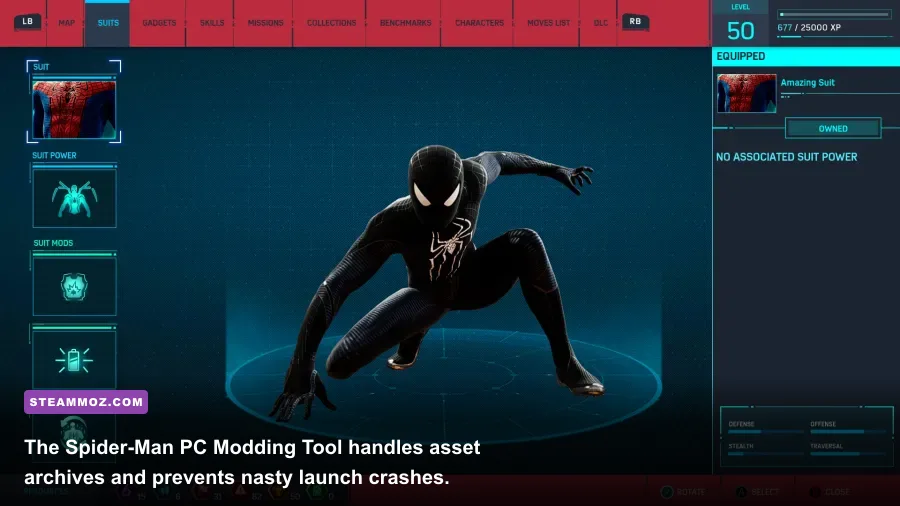
Before throwing custom suits and physics injectors into your game folder, you need the right pipeline. Modding Insomniac's engine isn't about dragging loose files into a directory; the engine reads consolidated .toc and asset_archive files. Attempting manual overrides will instantly break your executable or leave you staring at endless black loading screens.
Your primary prerequisite is the Spider-Man PC Modding Tool (SMPCTool) developed by jedijosh920, readily available through the Miles Morales Nexus Mods Hub. This tool extracts, repacks, and verifies the integrity of your game's massive archive files without forcing a full redownload when a mod conflicts. Alongside SMPCTool, install the Miles Morales Suit Modding Tool. Early mods replaced base game suits like the Classic or Great Responsibility suits, but the standalone Suit Tool injects new outfits directly into dedicated slots on your suit selection grid, complete with working UI thumbnails and crafting nodes.
Always launch the Modding Tool as Administrator, point it to your main game executable inside the steamapps directory, and hit "Generate Asset Archive Layout." This process maps roughly 40GB of game data, ensuring that whenever you toggle a .smpcmod file on or off, the tool reconstructs your table of contents cleanly. If you run into stability headaches during tool setups, checking our troubleshooting guide on fixing game crashes and stability errors will help ensure background runtime dependencies aren't colliding with your mod hooks.
🎮 FORM
Looking to experience this game? Grab your digital key directly on our store for $14.99.
View on Steammoz Store →Traversal and Physics Overhauls: Restoring True Comic Agility

The vanilla swinging in Miles Morales feels fluid, but it holds your hand too tightly. Insomniac baked in a rigid speed ceiling: once Miles reaches approximately 32 meters per second, the game introduces invisible drag that kills your forward momentum regardless of whether you just dove 800 feet off the top of the Empire State Building. For PC purists, this completely ruins the thrill of vertical dives.
The solution is the combination of the Uncapped Swing Speed Mod and the Expressive Web-Slinging Animation Overhaul. The uncapped velocity patch edits the player movement physics table, raising the hard velocity cap to 65 m/s. When you dive out of a point-launch and nail your web-line at the absolute nadir of your arc, the momentum converts directly into blistering horizontal velocity. You'll actually need fast reflexes to avoid crashing face-first into high-rise fire escapes.
Meanwhile, the Expressive Web-Slinging mod adds back the chaotic, unrefined energy that defines Miles in the comics. In vanilla, Miles quickly settles into repetitive swing cycles. This mod introduces over 30 new swing exit animations, transitional mid-air stumbles, backward web-catapults, and low-altitude dive recovery rolls. You can even combine this with staggered animation frame-rate caps (mimicking the 12-to-24 FPS animation timing seen in Across the Spider-Verse) while keeping the game engine rendering at an ultra-smooth 120 FPS. The contrast makes every web release pop with kinetic comic-book flair.
The Definitive Miles Morales PC Mod Tier List
Not all mods deserve a spot on your NVMe drive. Some bloat your VRAM pool and cause catastrophic frame drops, while others deliver transformative gameplay overhauls for zero performance cost. Much like ranking loadouts in our definitive gaming tier lists, we evaluated the most popular Miles Morales PC mods based on stability, gameplay impact, and visual fidelity.
| Mod Name | Mod Category | Tier Rating | Performance Impact | Key Advantage |
|---|---|---|---|---|
| Spider-Man PC Modding Tool | Core Utility | S-Tier (Essential) | 0% FPS Drop | Required framework to install .smpcmod packages safely |
| Uncapped Swing Speed Mod | Physics & Traversal | S-Tier (Essential) | 0% to 2% FPS Drop | Eliminates the 32 m/s speed limiter on dive momentum |
| Expressive Web-Slinging Animations | Animation Overhaul | S-Tier (Essential) | 0% FPS Drop | Adds dozens of erratic, comic-style mid-air transitions |
| Natural Cold Manhattan Reshade | Visual / Atmosphere | A-Tier (Recommended) | 3% to 5% FPS Drop | Removes yellow tint, realistic overcast winter lighting |
| ATSV Accurate Miles Hoodie Suit | Model Replacement | A-Tier (Recommended) | 1% to 3% FPS Drop | High-poly mesh featuring real cloth physics and Jordan 1s |
| Venom VFX High-Voltage Overhaul | Visual Effects / Combat | A-Tier (Recommended) | 2% to 4% FPS Drop | Expands particle emission and shockwave brilliance |
| First-Person Web-Slinging Script | Camera Gameplay | B-Tier (Situational) | 0% FPS Drop | Incredible immersion, but induces intense motion sickness |
| 8K Ultra-Dense Street Textures | Texture Replacement | C-Tier (Avoid) | 15% to 25% FPS Drop | Massive VRAM memory leaks causing frame-time stutter |
S-Tier mods alter the moment-to-moment gameplay loop without degrading frame stability. If you're cautious about system overhead or currently battling micro-stutters, pairing these mods with the optimization techniques in our guide to tuning PC settings for maximum FPS ensures your frame times remain flat even when rendering high-speed swinging through Midtown.
Visual and Fidelity Enhancements: Shaders, Weather, and Venom FX

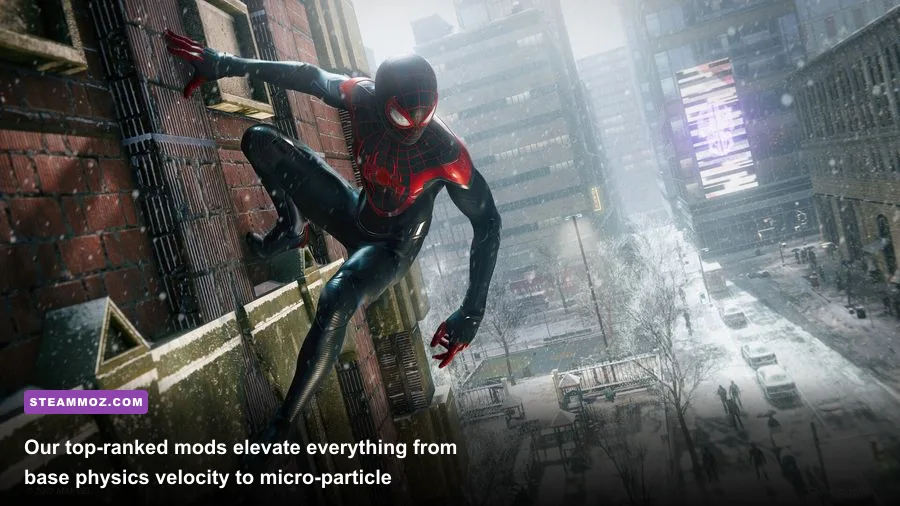
Nixxes did wonders with the PC port's lighting, but the art direction in vanilla Miles Morales leans heavily on a warm, golden-hour haze that undercuts the biting chill of a New York December. The Natural Cold Manhattan Reshade fixes this grading flaw. By stripping out the baked-in sepia filter and re-balancing the midpoint exposure, it transforms Manhattan into a crisp, freezing metropolis with overcast gray skies and realistic snow reflectivity.
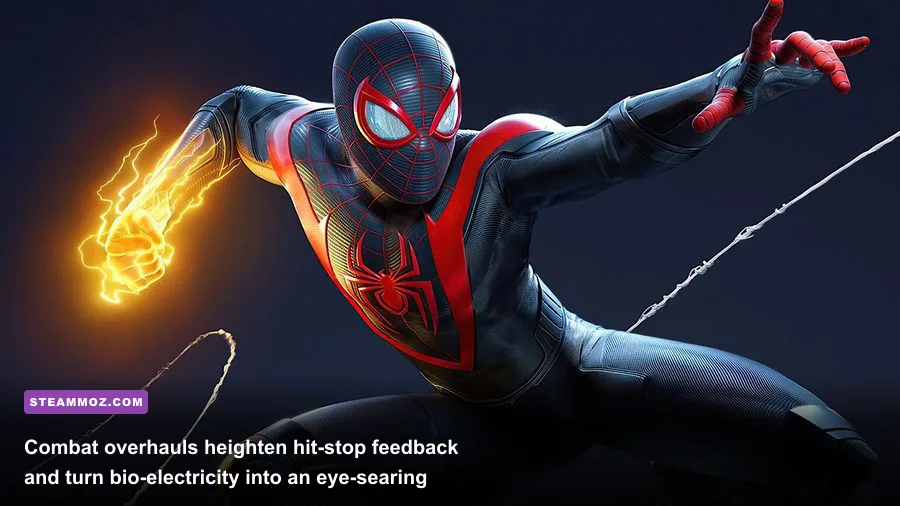
Next up is the Venom VFX High-Voltage Overhaul. Bio-electric attacks are Miles' mechanical calling card, yet the vanilla lightning sparks can look surprisingly faint on modern IPS and OLED panels. This mod doubles the emission values of his orange and blue bio-electricity, generating dynamic local lights that illuminate Miles' suit seams, nearby pavement, and enemy faces during a Venom Smash or Mega Venom Blast. The impact feels significantly heavier, turning every hit into an explosive tactile event without needing synthetic camera shake.
If you're using ReShade presets that hook directly into the depth buffer, be mindful of ambient occlusion overlap. Don't run both ReShade screen-space ray tracing (RTGI) and the game's native ray-traced reflections simultaneously unless you're packing an RTX 4080 or better. If you need more headroom on mid-range hardware, our breakdown on optimizing background graphics profiles walks through trimming secondary render passes to claw back 15% to 20% of your GPU budget.
Custom Suits and Model Swaps Worth the Storage Space

The modding community's biggest playground in Miles Morales is suit customization. The official game features an impressive closet, but fans wanted exact comic and cinematic adaptations. Thanks to modern mesh-injection techniques, custom suit mods now feature full skeletal weighting, meaning coats, drawstrings, and capes flex naturally with the character rig rather than clipping into Miles' thighs.
The undisputed king of cosmetic mods is the Across the Spider-Verse (ATSV) Movie Suit Pack. This isn't just a simple texture recolor pasted over the Classic Suit. The modder imported a custom low-poly cel-shaded shader that mimics the ink lines of comic animation, complete with the oversized, loose-fitting gray hoodie, tailored gym shorts, and iconic high-top sneakers. Best of all, the hood features dynamic physics that billow in the slipstream when you enter a terminal-velocity dive.
Other standout suit additions include:
- The Symbiote Miles Suit: A terrifying organic reinterpretation that coats Miles in shifting, liquid-gloss alien biomass, complete with glowing tendrils that flare up whenever you trigger Venom Dash.
- The Prowler Legacy Suit: Swaps Miles' tactical gear for an armored, purple-and-green high-tech harness reminiscent of Uncle Aaron's combat rig, featuring custom claw gauntlets.
- Insomniac Wolverine Teaser Mesh: A full model replacement ported from promotional assets, giving you an early taste of Insomniac Games' upcoming hero project across the snowy rooftops of Manhattan.
To avoid corrupting your save files, always install suit mods that use the .suit file format via the Miles Morales Suit Modding Tool rather than directly overriding existing asset slots. This preserves your vanilla progression, allows suit mods to be enabled or disabled instantly, and guarantees you won't lose your suits after a minor game patch.
Performance Tuning and Troubleshooting Mod Conflicts
Modding an open-world title that streams city blocks seamlessly at 50 miles per hour puts massive stress on your CPU and storage pipeline. When you install mods that tweak object streaming, mesh densities, or physics calculations, you increase the likelihood of texture pop-in or sudden crash-to-desktop (CTD) events. Keep your setup running cleanly by managing your mod load order and keeping an eye on common hardware bottlenecks.
| Issue / Symptom | Primary Culprit | Technical Root Cause | Actionable Resolution |
|---|---|---|---|
| Crash during splash logo screen | Corrupted toc file |
Mod uninstalled improperly without rebuilding archive index | Run SMPCTool, click "Tools" > "Rebuild TOC", or verify files in Steam |
| Invisible character body or floating head | Outdated Suit Mod | Skeleton bone index mismatch following an official Nixxes patch | Update to the latest version of the Suit Modding Tool and reinstall .suit |
| Severe micro-stutter while swinging fast | Uncapped Speed + 8K Textures | DirectStorage I/O pipeline saturated; GPU VRAM pool overflow | Drop crowd density to Medium; downgrade custom textures from 8K to 4K |
| Venom lightning triggers grey artifacting | ReShade depth-buffer conflict | Post-processing injector attempting to shade transparent particle emitters | Disable "Copy depth buffer before clear" in ReShade DX12 configuration |
If you're experiencing random memory crashes after heavy modding sessions, the problem often traces back to page file limits or background memory leaks. Check our walkthrough on resolving memory allocation crashes and frame drops to ensure your virtual memory paging is properly scaled. As a golden rule: never stack more than two heavy animation mods simultaneously, always back up your clean toc file inside the asset_archive directory, and install your mods one at a time so you can isolate conflicts the second they happen.
Once you dial in this tailored selection of tools, animation upgrades, and physics overrides, Marvel's Spider-Man: Miles Morales stops feeling like a safe console port. Instead, it becomes the ultimate, unrestricted PC superhero simulator—fast, kinetic, and visually peerless.