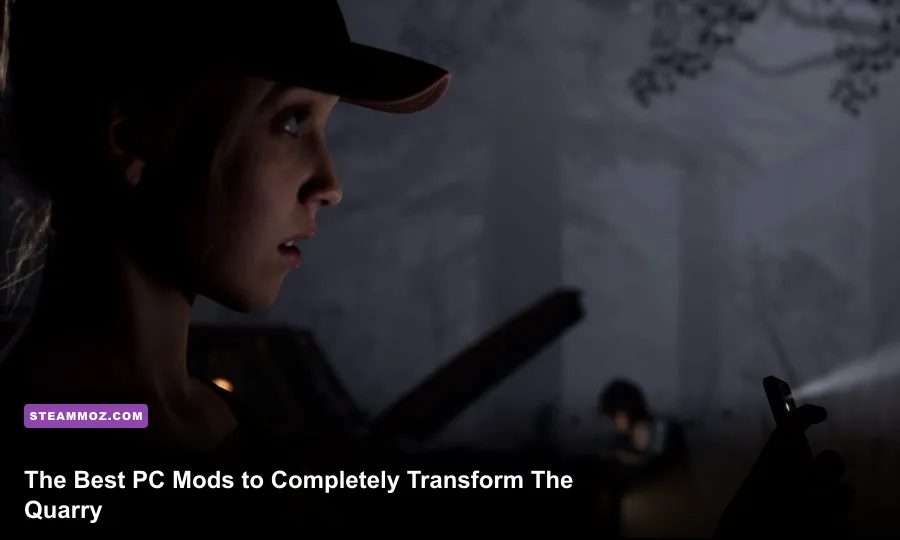
The Quarry on Steam serves up an irresistible love letter to classic teen slashers, but the PC release stumbled out of the gate with aggressive visual filters, forced cinematic letterboxing, and painful roadblocks for completionists. Between unskippable dialogue sequences on repeat runs and a Vaseline-smeared depth-of-field effect that smothers facial fidelity, Supermassive Games made questionable technical choices in their Unreal Engine 4 pipeline. Fortunately, dedicated community modders stepped in to fix the game's presentation, unlock full ultrawide aspect ratios, and turn Hackett's Quarry into the razor-sharp cinematic playground it was always meant to be.

1. Kill the Black Bars: Aspect Ratio and Letterbox Removal
By default, developer Supermassive Games locked the game to a 2.39:1 widescreen anamorphic aspect ratio. If you run a standard 16:9 monitor (1920x1080 or 2560x1440), roughly a third of your screen space is swallowed by heavy black horizontal bars. If you game on a 21:9 or 32:9 ultrawide panel, you get hit with bizarre pillarboxing and letterboxing simultaneously, shrinking the action into an awkward box floating in the center of your screen.
The community's letterbox removal patches completely strip these artificial borders. The fix dynamically forces the engine camera to adapt to your monitor's native resolution without stretching or warping the character geometry. While standard letterbox removal scripts once caused mild UI clipping during quick-time events (QTEs), the updated fixes properly scale prompt icons so you won't miss Jacob's diving prompts or Ryan's shotgun snaps. If you find your game stuttering when rendering these extra unmasked pixels, check our guide on fixing sudden FPS drops and game crashes to steady your render pipeline.
To implement this manually without third-party injectors, you can insert targeted override lines into your configuration files:
[SystemSettings]
r.Letterbox=0
r.Tonemapper.AspectRatio=0
Dropping the letterbox instantly revitalizes camp exploration. When navigating Hackett Manor or roaming through the Chapter 3 boathouse, the expanded vertical field of view delivers a claustrophobic, immersive horror atmosphere that flat-out beats the artificial "movie theater" crop.

🎮 FORM
Looking to experience this game? Grab your digital key directly on our store for $14.99.
View on Steammoz Store →2. Visual Clarity Overhaul: Stripping Film Grain and Depth of Field
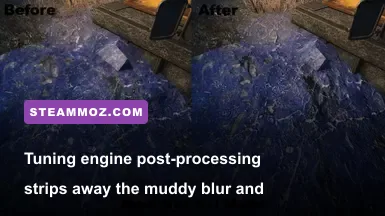
The developers leaned hard into retro VHS aesthetic choices, slathering the display in heavy temporal anti-aliasing (TAA) jitter, chromatic aberration, aggressive film grain, and blurry depth-of-field filters. The result? The star-studded cast—featuring horror legends like David Arquette, Ted Raimi, and Lin Shaye—often looks like they are moving through a murky digital soup, especially during misty outdoor sequences.
Grabbing a visual cleanup mod from The Quarry Nexus Mods or editing your local configuration unlocks razor-sharp clarity. Disabling the engine's built-in post-processing blur allows the subsurface scattering on character skin and realistic hair rendering to actually shine. Similar to how we tuned visuals in our Far Cry 6 graphics settings breakdown, killing excessive post-processing effects nets an immediate visual upgrade while boosting your frame delivery.
Here are the exact commands you should drop into your Engine.ini file located in %LOCALAPPDATA%\TheQuarry\Saved\Config\WindowsNoEditor\:
[SystemSettings]
r.DepthOfFieldQuality=0
r.MotionBlurQuality=0
r.SceneColorFringeQuality=0
r.Tonemapper.GrainQuantization=0
r.Tonemapper.Quality=1
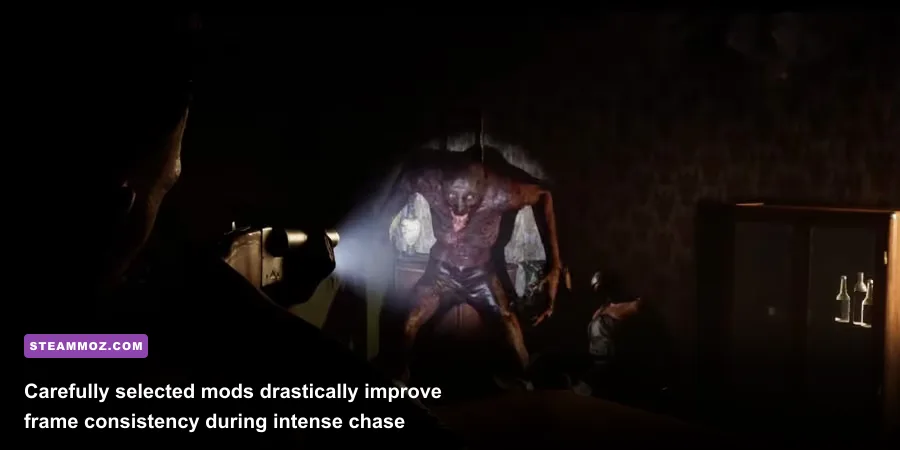
Once applied, nighttime chases across the woods suddenly gain terrifying depth. You will spot distant shadows creeping behind trees hundreds of yards away instead of squinting through a thick wall of digital noise.
3. Essential Quality-of-Life: Fast-Forwarding Repeat Playthroughs
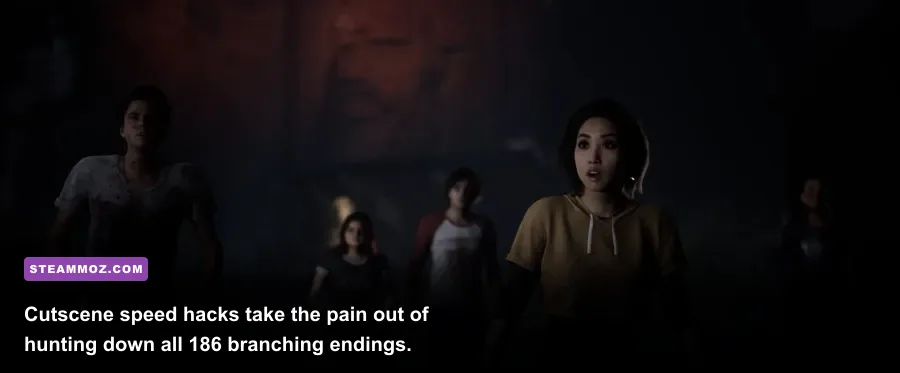
The biggest roadblock to enjoying this narrative adventure is replayability friction. The game boasts an impressive web of narrative branches—featuring 186 unique character death variations and branching endings—yet it refuses to include a simple cutscene skip button or dialogue fast-forward feature. Playing through the slow-burn prologue with Laura and Max for the fifth time just to rescue or kill off one specific counselor in Chapter 10 is an exercise in pure patience.
The community resolved this with engine-level speedhack scripts and dedicated trainer utilities. By hooking into Unreal Engine's internal world-tick frequency, you can bind hotkeys to cycle the playback speed between 1x, 2x, and 5x at will. Whenever you hit lengthy, unbranching exposition—like Dylan and Ryan discussing campfire podcasts or wandering down long, static hallways—you can zip through the dialogue in seconds without breaking script triggers or corrupting save files.
A few survival tips when using speed multipliers on PC:
- Throttle down during transitions: Always drop the speed back to 1x right before entering major set pieces to prevent audio desyncs.
- Watch out for sudden QTEs: High engine speeds accelerate quick-time event timers, making stick flicks almost impossible unless you've toggled the accessibility setting to "Auto" in the main menu.
- Safeguard your saves: When running modified tick rates, save-state caching can hiccup. If you run into stability problems or memory crashes, consult our walkthrough on stopping PC crashes and reclaiming lost performance.
4. Total Cinematic Control: Universal Unreal Engine Unlocker (UUU)
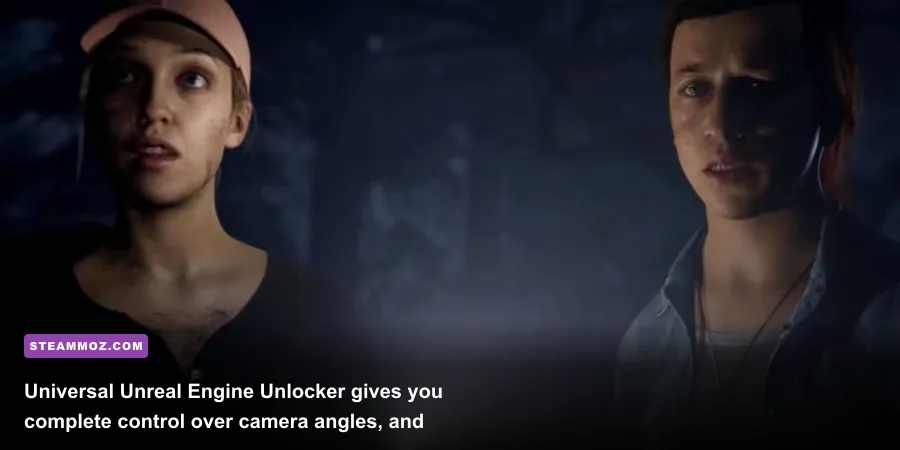
For virtual photographers, content creators, and detail-obsessed horror fans, the Universal Unreal Engine 4 Unlocker (UUU) by Otis_Inf is mandatory. Because the game relies heavily on fixed camera angles reminiscent of early *Resident Evil* and *Silent Hill* titles, you are normally stuck viewing the horror camp strictly through the director's lens.
Injecting UUU unlocks the native game engine console, hands you full free-camera movement, and allows you to adjust the field of view (FOV) in real time. Want to freeze time right as a transformed Silas lunges through a window? Hit your hotkey, detach the camera, zoom in on the creature's terrifying dental work, adjust the depth of field, and snap high-resolution promotional-grade shots. Beyond screenshots, UUU lets you explore hidden corners of the map to spot out-of-bounds secrets and inspect tiny environmental lore props that Supermassive hid in Hackett cabin drawers.
5. Mod Tier List & Performance Impact Matrix
Not every mod is essential for a standard first playthrough, but combining the right visual and technical tweaks transforms a sluggish console port into an elite PC showcase. The comparison table below highlights which mods offer the best balance of visual payoff, installation difficulty, and frame-rate stability.
| Mod / Tweak Name | Tier Rating | Installation Method | FPS Impact | Primary Benefit |
|---|---|---|---|---|
| Ultrawide & Letterbox Remover | S-Tier (Must-Have) | Engine.ini / Patcher | -2% to -4% FPS | Unlocks full screen real estate; removes black bars. |
| Post-Processing Clarity Tweak | S-Tier (Must-Have) | Engine.ini edit | +3% to +6% FPS | Removes film grain, blur, and chromatic aberration. |
| Dialogue Speedhack / Fast-Forward | A-Tier (High Value) | DLL Hook / Trainer | Neutral | Slashes repeat playthrough time when hunting 186 endings. |
| Universal Unreal Unlocker (UUU) | A-Tier (High Value) | Direct DLL Injection | Neutral | Freecam exploration, freeze frame, and photo mode. |
| True HDR / Contrast ReShade | B-Tier (Situational) | ReShade Pipeline | -5% to -8% FPS | Deepens black levels; fixes washed-out dark scenes. |
| 80s Throwback Skin Fixes | B-Tier (Cosmetic) | Pak Chunk Injection | Neutral | Corrects texture stretching on retro DLC character outfits. |
Stacking these tweaks nets huge visual gains without tanking modern graphics cards. If you are tuning your rig to squeeze out every drop of performance, our optimization guide for higher PC FPS details how cleaning up background renderer passes delivers silky frame times across demanding Unreal Engine titles.
6. Safe Installation Protocol and Bypassing Launcher Bloat
Modding this game is straightforward because most adjustments rely on native Unreal Engine configuration overrides rather than messy executable binary edits. Still, one major technical hurdle plagues PC players: publisher launcher overhead and DirectX 12 cache compilation stutters. If you have run into shader compilation hitches here, you know the frustration—a problem we also tackled in our breakdown of DirectX 12 shader stutter fixes.
Follow these best practices to ensure your modified installation runs smooth as butter:
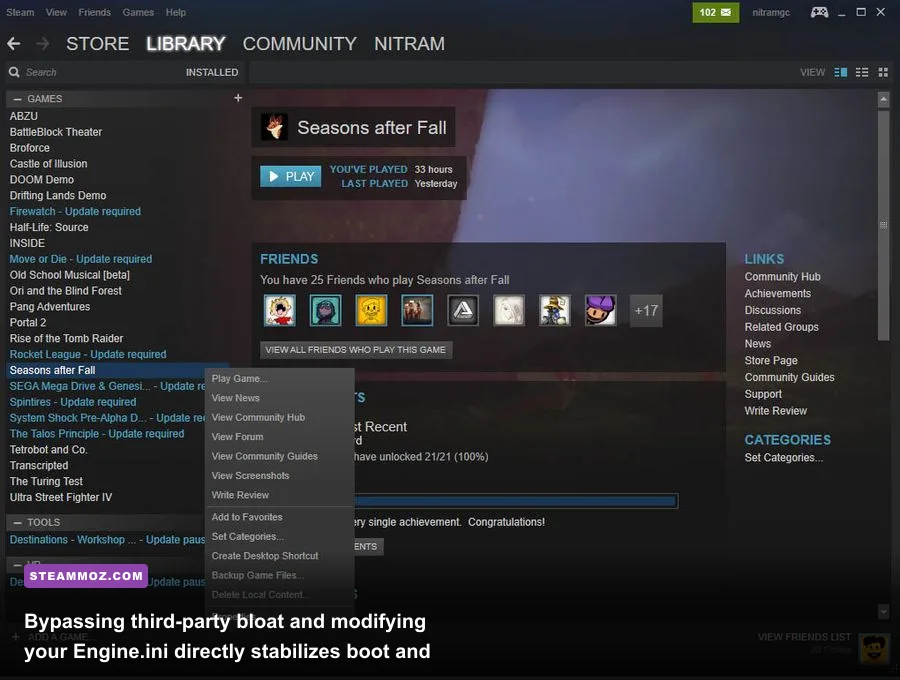
- Bypass the 2K Launcher: The third-party launcher eats CPU cycles and occasionally trips up save synchronization. Right-click the game in your Steam Library, select Properties, go to Launch Options, and enter your path directly to the game binary followed by
%command%(e.g.,"C:\Program Files (x86)\Steam\steamapps\common\The Quarry\TheQuarry.exe" %command%). - Back up your configuration folder: Before modifying anything, copy the entire contents of
%LOCALAPPDATA%\TheQuarry\Saved\Config\WindowsNoEditor\to a safe directory. If an engine command causes lighting artifacts in Chapter 9, reverting takes two clicks. - Set files to Read-Only: Once you add your custom aspect ratio or film grain tweaks to
Engine.ini, right-click the file, select Properties, and check Read-Only. This stops the game from overwriting your custom variables whenever an official patch lands. - Handle Pak mods cleanly: If you install custom character outfits or retro skin rebalances, always place the
.pakfiles directly intoTheQuarry\Content\Paks\~mods(create the~modsfolder if it does not already exist).
Stripping away the game's artificial visual handcuffs turns an already gripping cinematic slasher into an uncompromised horror masterpiece. With sharp textures, complete ultrawide support, and the freedom to fast-forward through repeat dialogue, Hackett's Quarry finally looks and plays the way it should have on day one.