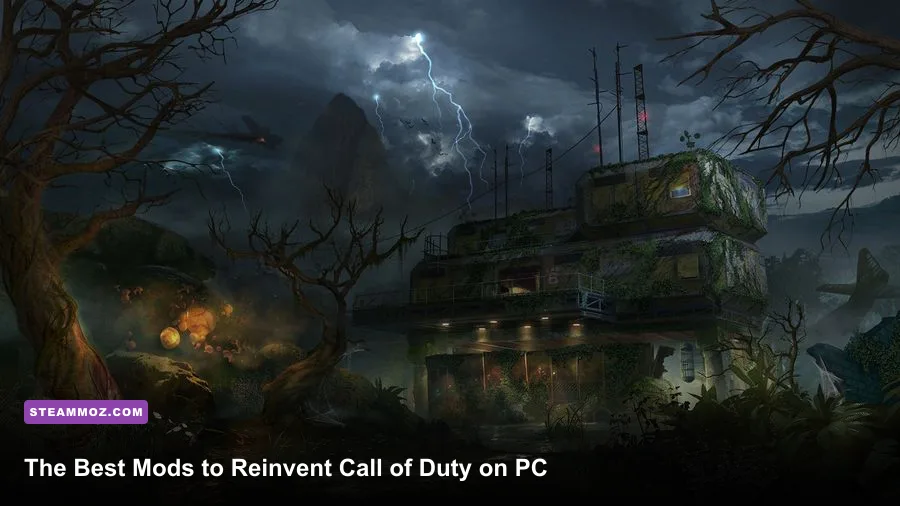
The best way to transform Call of Duty on PC is to start with the games that actually support modding: Black Ops III for Steam Workshop maps and mods, World at War for classic Custom Zombies, and older PC entries for community-made maps, scripts, and visual upgrades. Skip anything that promises an advantage in public matchmaking. The worthwhile mods expand solo play, private co-op, Zombies, and custom campaigns without risking your account or wrecking another player's match.
That distinction matters in 2026. Call of Duty is not one unified PC platform, and mod support changes dramatically between titles. Black Ops III has official Steam Workshop integration and the strongest modern toolset. World at War remains the nostalgic powerhouse, but it needs more manual setup. Modern Warfare Remastered and newer live-service games are poor mod targets because anti-cheat, server authentication, and frequent updates can turn an innocent experiment into a ban or crash.
Start With Black Ops III's Steam Workshop
If you want one answer to “which Call of Duty should I mod first?”, it’s Black Ops III. The PC version exposes custom maps, gameplay mods, weapon packs, and Zombies projects through Steam Workshop, so subscribing, downloading, and launching are usually painless. The official Black Ops III Steam page is the safest place to confirm you own the correct PC edition.
Install the game on an SSD if possible. Large custom Zombies maps stream geometry, audio, scripts, and textures while you play, and a hard drive can turn a smooth round into a burst of hitching when a new area opens. Keep at least 50 GB free for the base installation, updates, and a growing Workshop folder. You don’t need every popular upload; a carefully chosen library is easier to troubleshoot.
The essential Black Ops III downloads
- Custom Zombies maps: Look for highly rated projects such as Leviathan, Der Riese Declassified, Daybreak, Europa, Wanted, and Rainy Death. Availability and compatibility can change, so always read the Workshop description and comments.
- Gameplay mods: These can alter perk limits, weapon behavior, round progression, enemy spawns, or the entire Zombies ruleset. Treat them as private-session content, not competitive tools.
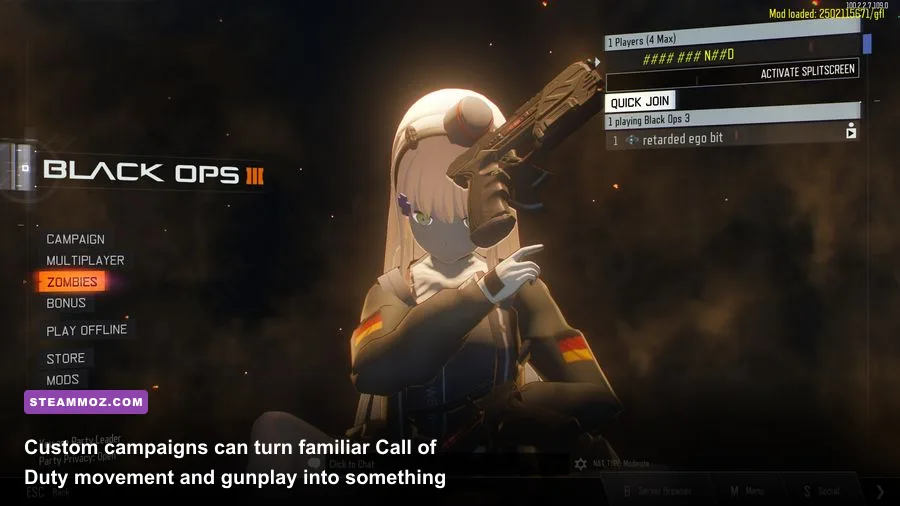
- Custom campaigns: Campaign-style maps are often more demanding than a standard survival arena because they use scripted triggers, bespoke lighting, and several linked areas.
- Mod Tools: Treyarch’s official Black Ops III Mod Tools are the foundation for creators. You’ll find documentation and downloads through the official Call of Duty blog, while the Steam Workshop page remains the practical place to discover finished projects.
Subscribe to one map at a time, launch it from the game’s Mods menu, and play a solo test before inviting friends. If the map appears under ZM Mods rather than the standard Zombies list, that’s normal. The key warning is to avoid mixing multiple gameplay overhauls in one session. A cosmetic weapon pack may coexist with a map, but two mods that both replace scripts can collide and produce missing textures, invisible enemies, or a crash during loading.

🎮 FORM
Looking to experience this game? Grab your digital key directly on our store for $14.99.
View on Steammoz Store →The Best Call of Duty Mod Tiers
Not every mod deserves space on your drive. The strongest projects either add a new progression loop, recreate a beloved classic with fresh mechanics, or make private co-op substantially more replayable. Here’s how the major categories stack up.
| Mod Category | Tier | Best Game | Why It Matters |
|---|---|---|---|
| Steam Workshop custom Zombies | S-Tier | Black Ops III | Easy installation, broad variety, strong co-op support |
| Classic Custom Zombies | S-Tier | World at War | Huge library and the closest feel to original Zombies |
| Custom campaign maps | A-Tier | Black Ops III, World at War | Turns familiar gunplay into handcrafted missions |
| Weapon and perk overhauls | A-Tier | Black Ops III | Excellent for private sessions and challenge runs |
| Visual texture packs | B-Tier | Older Call of Duty games | Useful, but can increase VRAM use and loading times |
| Public-match “unlock” tools | F-Tier | Any Call of Duty | High ban, malware, and account-theft risk |
The S-Tier choice is obvious: Workshop Zombies in Black Ops III if convenience matters, or World at War if you want the widest historical catalogue. A-Tier gameplay overhauls are where the best replay value lives, especially after you’ve finished the official campaigns. B-Tier visual projects are worth trying on older games, but don’t expect a texture pack to fix dated animation, low-resolution effects, or baked lighting.
World at War Is Still the Custom Zombies King
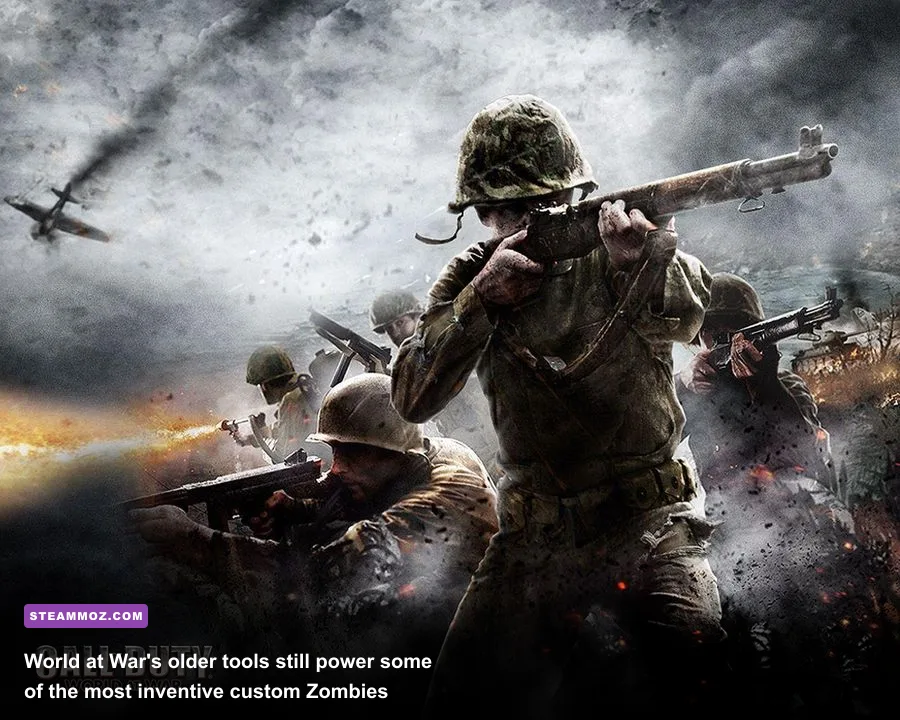
Call of Duty: World at War is the essential pick for players who want classic Zombies with an almost absurd amount of community content. The original mode shipped with four-player co-op and maps such as Nacht der Untoten, Verrückt, Shi No Numa, and Der Riese. Community creators used the same foundation to build survival arenas, objective maps, remakes, and elaborate experiments that feel closer to standalone games.
The trade-off is setup. You may need to download a map archive, extract it into the correct usermaps directory, and launch it through the game’s Mods menu. Folder names matter. A typical custom map should sit inside a folder such as usermaps\ nazi_zombie_example, with the map’s files inside that directory rather than buried under an extra extraction folder. If the game doesn’t display the map, check for that common nesting mistake first.
What to install and what to avoid
Choose maps with recent comments, clear installation instructions, and a known solo test. A map that works in solo but fails in co-op often has a script or version mismatch, so have every player install the same files before creating the lobby. Don’t copy random executable files into the game folder just because a download page promises “better FPS” or “all weapons unlocked.” Use the official Call of Duty site for account and security guidance, and scan community downloads with your antivirus.
World at War’s age creates another issue: modern Windows systems can expose resolution, audio, or stability problems. Run the game at a sensible resolution first, disable overlays one by one, and avoid stacking multiple injector-based fixes. If you’re troubleshooting crashes across older PC games, Steamoz’s guide to crash fixes and FPS recovery covers the same practical principles, including overlay testing and driver cleanup.
Build a Stable Modded PC Profile
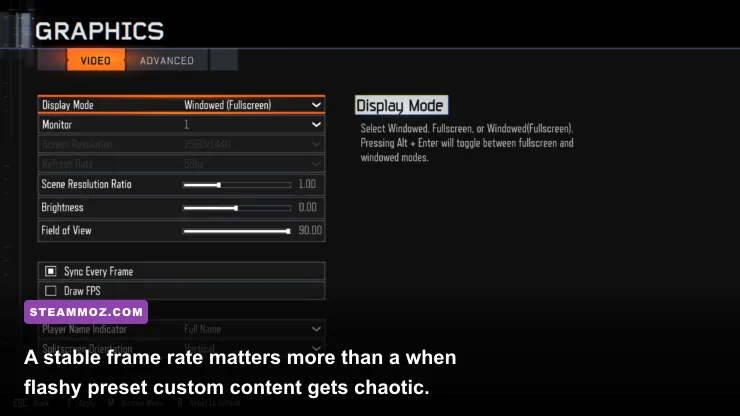
Mods don’t magically make Call of Duty more demanding, but custom maps can produce heavier frame-time spikes than official levels. A normal campaign room may show a consistent 120 frames per second; a custom Zombies arena with volumetric fog, dynamic lights, dozens of enemies, and scripted doors can introduce sudden drops even when your average FPS looks healthy.
| Setting | Recommended Value | FPS Impact | Visual Note |
|---|---|---|---|
| Display Mode | Fullscreen | Low | Usually gives the cleanest frame pacing and input response |
| Field of View | 90–105 | Low to medium | Higher values show more peripheral action but render more geometry |
| Texture Quality | High if VRAM allows | Medium | Prioritize this over shadows when you have 6 GB or more VRAM |
| Shadow Quality | Normal or High | Medium to high | Lower it first on dark maps with many dynamic lights |
| Screen Space Reflections | Normal | Medium | High settings can be costly for limited visual gain |
| Anti-Aliasing | Film SMAA or equivalent | Low to medium | Reduce film grain if the image looks soft |
| Ambient Occlusion | Normal | Medium | Adds contact depth but is easy to sacrifice |
| V-Sync | Off with VRR | Variable | Use G-SYNC or FreeSync when your monitor supports it |
| FPS Limit | Monitor refresh minus 2–3 FPS | Positive stability | A capped 141 FPS can feel better than an unstable 180 on a 144 Hz display |
For a 60 Hz display, cap around 60 FPS if frame pacing is inconsistent. At 144 Hz, 141 FPS is a sensible VRR target. Competitive players often prefer a higher uncapped rate, but custom Zombies is usually about readable enemy movement and stable input rather than shaving one millisecond from a duel. If your GPU is near 99 percent usage, lower shadows, reflections, and ambient occlusion before reducing textures. If your GPU is underused while the game stutters, suspect CPU limits, script-heavy maps, background applications, or asset streaming.
Black Ops III exposes an FOV range that makes the jump from console-style 65 feel dramatically different. Start at 90, then move toward 100 or 105 if you’re comfortable with the extra peripheral distortion. Very high FOV can make distant targets appear smaller and increases the amount of scene geometry on screen, so it’s not a free competitive advantage.
Mods That Change the Campaign, Not Just Zombies
Zombies gets most of the attention, but custom campaigns are the best way to make Call of Duty feel genuinely unfamiliar. Look for projects that add objective logic, enemy encounters, scripted escapes, and multiple areas instead of simply placing a weapon sandbox inside a stock map. The difference is easy to feel: a good campaign mod gives you a reason to move forward, while a weak one is just a shooting gallery with new textures.
Black Ops III’s movement system makes this especially interesting. Wall-running, thrust jumps, sliding, and the specialist abilities create more room for vertical level design than World at War ever had. Maps built around the Ruin, Outrider, or Firebreak specialists can produce very different combat rhythms. Ruin’s Gravity Spikes reward clustered enemies and tight arenas, while Outrider’s Sparrow is better suited to long sightlines. If a custom mission gives you a specialist choice, pick the ability that matches the map rather than automatically choosing your favorite.
World at War custom campaigns are rougher but often more atmospheric. The slower sprint, heavier weapon feel, and limited movement make enemy telegraphs easier to read, yet ammunition becomes the real pressure point. A creator who places Kar98k rifles, MP40s, and limited Thompson ammunition carefully can make a ten-minute map feel tense without adding new mechanics. That’s a sign of good design: the challenge comes from decisions, not cheap damage.
How to Install, Test, and Remove Mods Safely
Make a clean backup before installing manual files. Copy your save folder and configuration files somewhere outside the game directory, then install one project at a time. For Steam Workshop content, unsubscribe and resubscribe if a map becomes corrupted. For manual World at War maps, remove only the custom folder you installed instead of deleting the entire usermaps directory.
- Update the base game: Verify files through Steam before adding anything.
- Read the installation notes: Check the required game version, DLC, map name, and co-op player limit.
- Test solo: Load the map, fire several weapons, open doors, trigger objectives, and play at least one full round.
- Check performance: Watch frame-time consistency in a busy fight, not just the quiet opening area.
- Add friends after testing: Every player should use the same map version and required dependencies.
- Remove conflicts: Disable gameplay overhauls before diagnosing a crash in a custom campaign.
Keep modded sessions separate from competitive progression. Never use altered files, injectors, unlockers, or unofficial clients in current public Call of Duty matchmaking. Apart from the ban risk, cheat downloads are a common route to credential theft. If you’re chasing smoother performance rather than new content, compare your results with Steamoz’s FPS settings guide and the crashing and low-FPS troubleshooting guide; the same clean-install and overlay checks apply here.
The Loadout Philosophy for Modded Runs
Modded maps reward flexible loadouts more than raw damage. In Black Ops III Zombies, a weapon with reliable magazine capacity can matter more than a flashy high-damage option when a map locks you into a narrow corridor. Pack-a-Punch weapons become especially valuable on maps with long objective sequences, but don’t spend every point on upgrades before opening routes. Early doors are progression tools: they reveal escape lanes, perks, power switches, and ammunition cycles.
Use the first rounds to learn the map’s economy. Confirm where the Jugger-Nog, Speed Cola, and Quick Revive equivalents are located, then identify the safest loop. If a custom map adds a buyable ending, save enough points to finish the objective rather than spending everything on a second weapon. In four-player co-op, assign jobs: one player opens doors, one watches the rear, one controls the crowd, and one banks points for power or an objective item.
That’s the real reason these mods still work: they preserve Call of Duty’s instant gunplay while giving you new spaces, new routes, and new problems to solve. Start with Black Ops III Workshop maps for convenience, move to World at War for historical depth, and treat performance tuning as part of the installation rather than an emergency fix. Keep experiments private, keep downloads reputable, and the best Call of Duty PC mods can make a decade-old shooter feel surprisingly alive again.
For more PC optimization reading, Steamoz also covers weapon rankings and beginner build planning—useful reminders that the smartest setup is the one that supports the game’s actual combat loop, not just the biggest number on a settings screen.