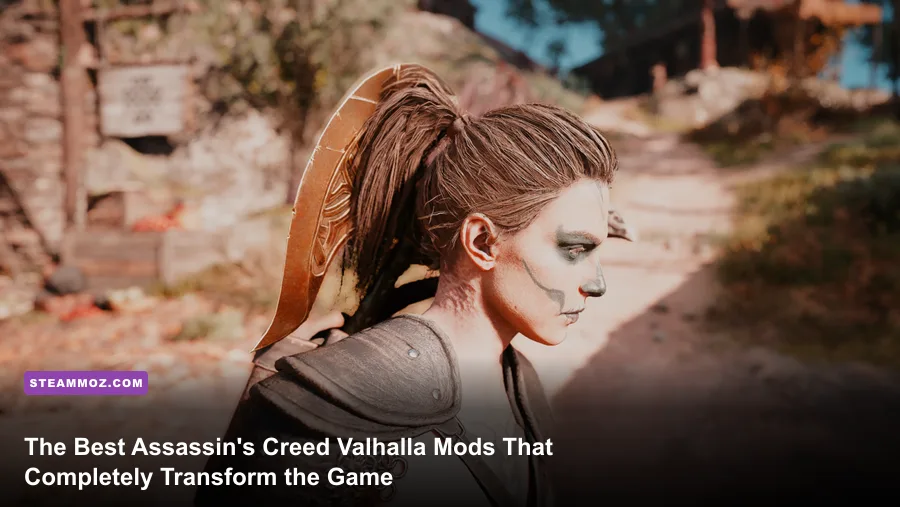
When Ubisoft finally brought Assassin's Creed Valhalla on Steam, players were met with a massive, breathtaking recreation of ninth-century England that suffered from severe design fatigue. Out of the box, Valhalla is bloated with erratic enemy stealth detection, a camera pulled so far back you lose all combat intimacy, cartoonishly glowing armor sets, and an aggressive microtransaction storefront constantly baiting you for Helix Credits. Fortunately, the dedicated modding community built powerful tools like AnvilToolkit and Cheat Engine tables that completely overhaul the game into the gritty, tactile Viking RPG it was always meant to be. If you want responsive stealth, visceral close-up axe combat, historically grounded gear, and gorgeous photorealistic lighting, these essential PC mods will revitalize your entire campaign from Norway to Winchester.
The Essential Modding Toolkit: Setting Up Your PC Before Installing Mods
Modding an Assassin's Creed title isn't quite as straightforward as dragging a folder into a directory like you would with Bethesda titles. Ubisoft's proprietary AnvilNext 2.0 engine packs its assets inside massive, proprietary .forge archive files. If you want to alter character meshes, camera values, or gameplay scripts, you need the right framework tools installed before touching a single file on your Steam install.
Your primary weapon is AnvilToolkit, developed by community modding legends. This utility allows you to unpack, replace, and repack individual game files inside archives like DataPC.forge and DataPC_patch_01.forge without corrupting the entire engine install. Alongside AnvilToolkit, many legacy tweaks still rely on the Forger Patch Manager, which operates by injecting direct hex edits and toggleable patches into the game's executable files. Finally, if you want full control over your gear inventory, stats, and cosmetics without spending a dime in the in-game store, you'll need Cheat Engine paired with the community-maintained Valhalla Inventory Editor.
Before installing anything, locate your Steam installation folder (typically located at Steam\steamapps\common\Assassin's Creed Valhalla) and make a safe backup copy of your primary ACValhalla.exe and the root .forge files. Steam's automated file validation can easily overwrite your modifications whenever a patch drops, so keeping a clean local backup saves hours of troubleshooting. Just like handling persistent crash bugs in other open-world titles—such as our battle-tested PC crashing and FPS rescue techniques—keeping clean backups is the golden rule of stable game modding.

🎮 Assassin's Creed Valhalla
Looking to experience this game? Grab your digital key directly on our store for $14.99.
View on Steammoz Store →S-Tier Quality-of-Life and Gameplay Overhauls You Cannot Play Without
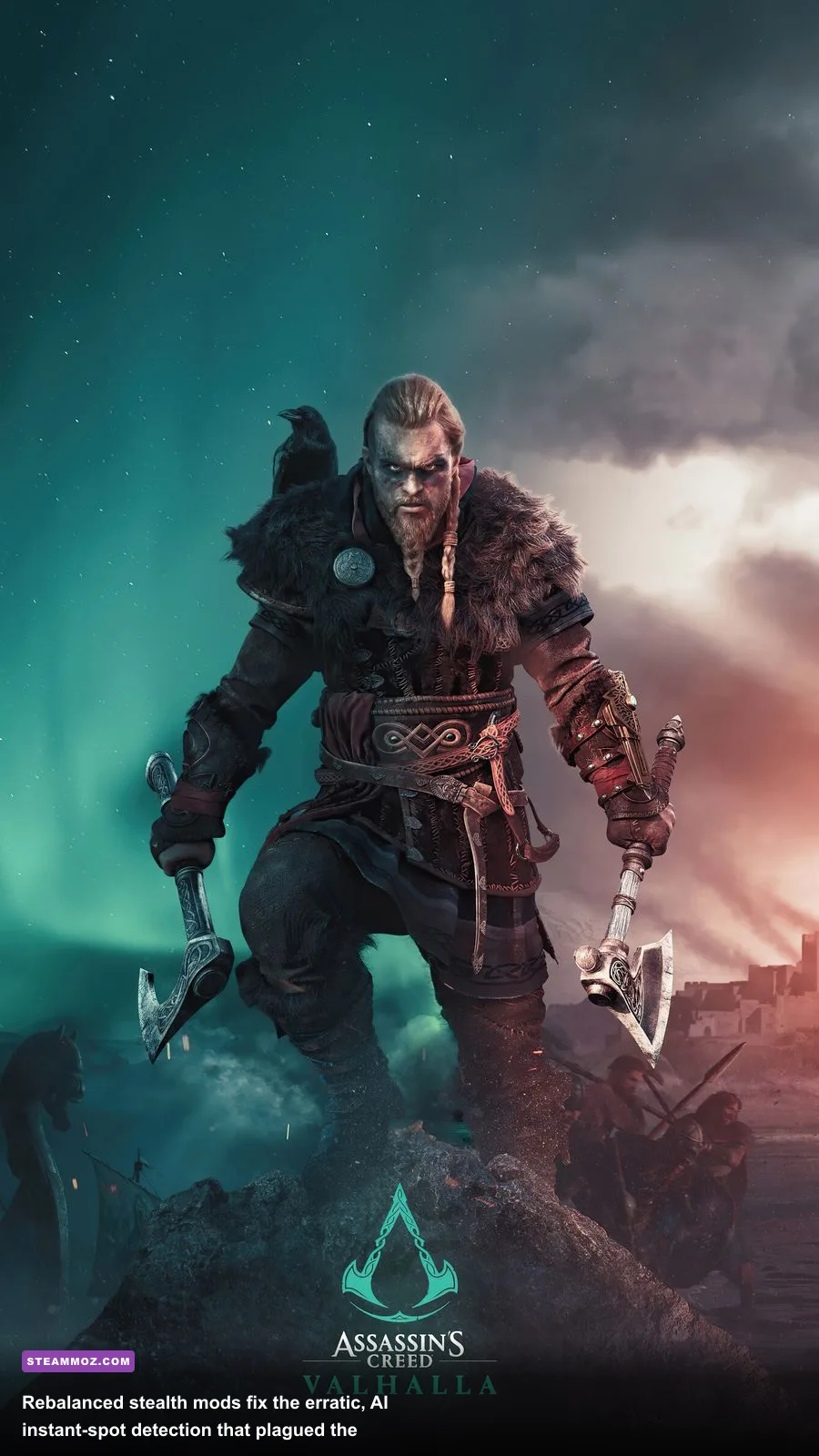
Vanilla Valhalla made baffling design choices that frustrated longtime franchise fans, especially regarding stealth mechanics and Eivor's wardrobe animations. The mods below address core mechanical annoyances, turning sluggish mechanics into responsive, thrilling gameplay systems that respect your time.
Stealth AI Fix and Detection Curve Balancer
If you've played more than five hours of Valhalla, you know its stealth is notoriously broken. Guards frequently spot Eivor through solid stone walls, detect you from eighty meters away in heavy blizzard conditions, and snap instantly into combat state without triggering the classic investigation phase. The Stealth AI Fix mod rewrites guard cone-of-vision angles, alters peripheral perception thresholds, and rebalances detection speed curves based on your stance (crouching, disguised, or sprinting).
With this mod active, bushes actually conceal you reliably, environmental line-of-sight is respected, and the social stealth disguise system in distrust areas (like London and Jorvik) functions like a proper Assassin's Creed game. You can plan infiltrations across monastery rooftops without a random archer blowing your cover from the other side of the settlement.
Eivor Customizer & Hood Always Up
In the vanilla game, Eivor constantly pulls down their hood the second combat begins, or whenever you cross the boundary outside a hostile settlement. The Hood Always Up mod forces the cloak toggle to remain active regardless of your combat state, allowing you to fight like a true shadowy assassin. Paired with the comprehensive Eivor Customizer mod, you gain complete freedom over hair styles, beard lengths, skin tones, war paint colors, and body proportions that Ubisoft locked away behind arbitrary settlement vendor gates.
Faster Parkour Transitions and Mantle Fluidity
Eivor's default climbing animations feel unnecessarily heavy, sluggish, and sticky compared to older franchise entries. This lightweight patch shaves off the artificial lag frames when vaulting over low fences, leaping from horizontal beams, and mantling cliff edges. Your navigation feels snappy and agile without looking floaty or breaking physical logic.
| Mod Name | Tier Rating | Primary Function | Performance Impact | Installation Tool |
|---|---|---|---|---|
| Stealth AI Detection Balancer | S-Tier (Essential) | Fixes omniscient enemy sightlines and restores true stealth | None (0 FPS) | AnvilToolkit / DataPC |
| Custom Camera Overhaul | S-Tier (Essential) | Tightens combat FOV and brings camera over the shoulder | None (0 FPS) | Forger Patch Manager |
| Valhalla Inventory Editor | S-Tier (Essential) | Unlocks all Helix store cosmetics, runes, and mounts | None (0 FPS) | Cheat Engine Table |
| Eivor Customizer Suite | A-Tier (Recommended) | Deep visual character personalization and constant hood state | Negligible (<1%) | Forger / AnvilToolkit |
| Historical Viking Armor Overhaul | A-Tier (Recommended) | Replaces high-fantasy glowing gold sets with authentic iron/maille | None (0 FPS) | AnvilToolkit |
| Grim Dark Reshade & De-Yellow Filter | B-Tier (Situational) | Removes stylized warm color cast; deepens shadows | Moderate (4–7% FPS) | ReShade 5.x Framework |
Visual Masterclass: Tightening the Camera and Fixing the English Color Grade
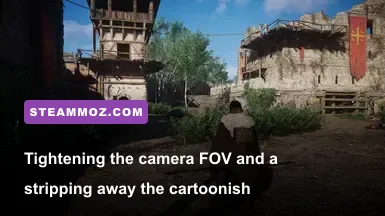
Ubisoft built an astonishingly detailed engine world, but they buried it under two major aesthetic flaws: an ultra-wide combat camera that makes you feel disconnected from the action, and a persistent, cartoonish yellow-green color grading that washes out English forests and ruins. Fixing these two presentation issues completely transforms the game's atmosphere into something matching the grit of The Last Kingdom or Vikings.
The Custom Camera Mod: Restoring Combat Weight
By default, whenever you draw your weapons—whether dual-wielding Varin's Axe with a Raider Axe or swinging a massive Dane Axe—the game camera snaps twenty feet backward. This isometric perspective trivializes enemy animations and drains the kinetic impact from close-quarters parries. By using the Custom Combat Camera mod via Forger, you can lock the camera directly over Eivor's right shoulder, tightening your field of view during duels.
Suddenly, heavy shield bashes rattle your screen, enemy swings feel dangerous, and incoming flail strikes demand immediate reaction timing. When you lock into combat inside tight Saxon chapels, the claustrophobia ramps up the tension exponentially. Much like tuning your weapon handling using ranked weapon mechanics in tactical shooters, an optimized camera perspective changes how you read hitboxes and telegraph windows.
Removing the Fog Filter: Lucid Gritty Reshade
Valhalla ships with a heavy post-process volumetric haze that coats Mercia and Wessex in a sickly, golden bloom. While it looks picturesque in promo screenshots, during actual gameplay it flattens textures, muddies distant castles, and crushes true black levels into murky grays. Installing a dedicated color-correction profile via ReShade strips out the unnatural yellow tint, cleans up ambient occlusion, and sharpens wet surface reflections across rainy stone paths.
If you're balancing graphical overhauls against your frame rate target, keep an eye on your render overhead. Advanced ambient lighting injectors can cause frame drops in dense settlement hubs like Ravensthorpe or Winchester. Applying smart GPU profiles—similar to our benchmarked Far Cry 6 GOTY settings guide or our optimization run for optimizing frame pacing—ensures your framerate stays pinned at 60 or 120 FPS even when running high-overhead sharpening and tone-mapping passes.
Unlocking the Wardrobe: Historical Realism and the Helix Store Liberator
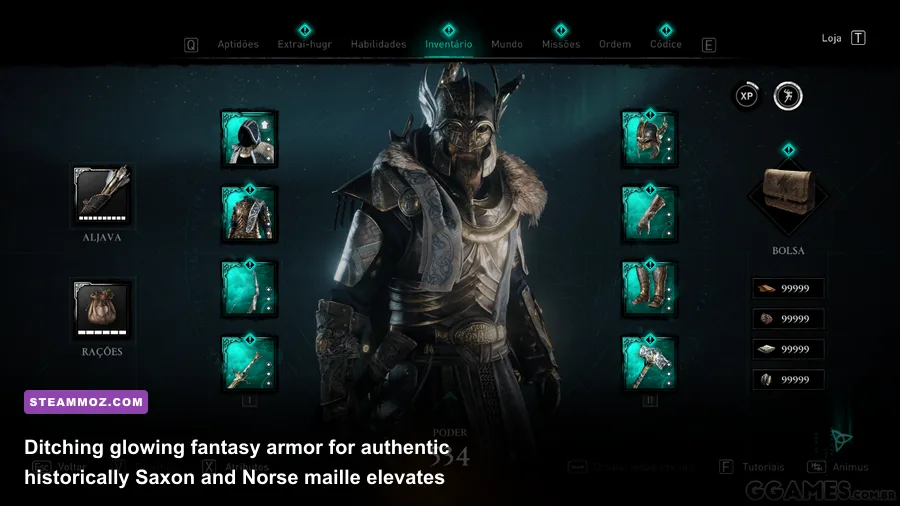
One of the biggest controversies surrounding Valhalla was its aesthetic shift toward high-fantasy MMO armor. By mid-game, almost every upgraded armor set features blazing fire effects, glowing runes, massive gilded pauldrons, or absurd spikes that look ripped out of World of Warcraft rather than historical Scandinavia. The modding scene stepped in with two incredible solutions: unlocking premium gear for free, and replacing cartoonish textures with authentic period equipment.
The Valhalla Inventory Editor
Ubisoft packed Valhalla's internal game files with dozens of stunning gear packs—like the Berserker set, Gothic plate armor, and Valkyrie wings—locking them behind predatory microtransactions on the Ubisoft Connect store. Through the community's Cheat Engine Inventory Editor, you can instantly flag these items as owned in your personal save file.
This script doesn't just grant cosmetics; it lets you safely spawn specific runes, transmog appearances, and store-exclusive settlement decorations straight into your inventory without spending real money. Because this injection happens locally in your single-player save data, there is zero risk of bans on Steam, provided you follow the script directions and do not attempt to alter online live-service event tokens.
Authentic Saxon and Norse Equipment Overhauls
For players who prefer historical grit over flaming demon swords, mods like Historical Armors and Weapons Retexture are life-changing. These modifications alter the diffuse, normal, and specular maps of existing sets:
- Removes the garish golden plating from the fully upgraded Raven Clan and Mentor armor sets, replacing them with worn iron, oiled leather, and tarnished riveted maille.
- Downsizes oversized greatswords and two-handed axes into realistic, balanced historical proportions that don't clip horribly through Eivor's cloak.
- Replaces fantasy kite shields with historically accurate round shields featuring traditional wooden boards, raw rawhide rims, and hand-painted Norse clan motifs.
| Gear Mod / Script | File Injection Method | Save File Impact | Key Aesthetic Result |
|---|---|---|---|
| Inventory Editor (reg2k / bud20) | Cheat Engine / Memory Hook | Permanent inventory flags | Unlocks all Helix Store packs, mounts, and skins for free |
| Authentic Dane Axes & Round Shields | AnvilToolkit (.forge asset replacement) | None (Visual only) | Removes oversized fantasy weapons; adds realistic historical dimensions |
| De-Gilded Raven Clan Armor | Forger Patch Manager | None (Visual only) | Strips away bright gold edges for weathered iron chainmail |
| Cloak Physics & Fur Removal | Forger Patch Manager | None (Visual only) | Eliminates bulky, stiff fur collars to showcase sleek back armor |
Combat Hardcore Tuning and Eliminating Damage Sponges
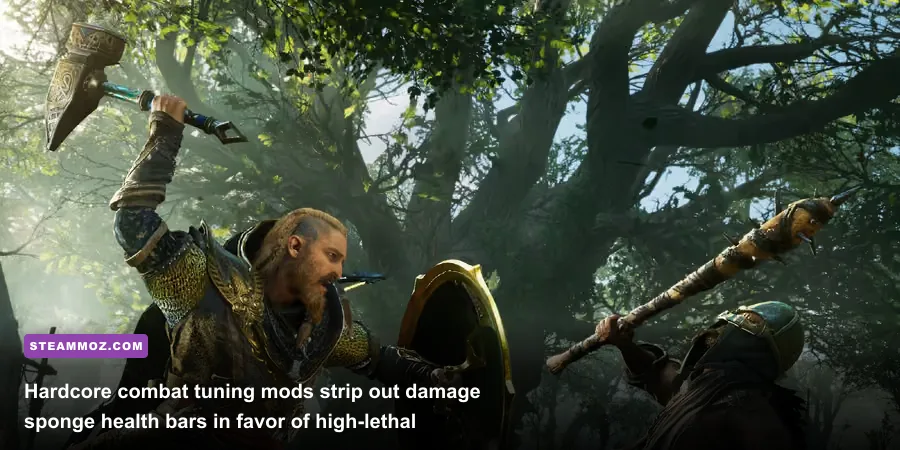
Even on the highest difficulty setting (Aesir/Drengr), Valhalla's combat often devolves into spamming the dodge roll to trigger Brush with Death time-slows while slowly chipping away at gigantic health bars. It turns what should be rapid, lethal Viking warfare into an arcade marathon. With combat rebalance mods, every axe blow becomes deadly for both Eivor and your opponents.
Lethal Damage Scaling and True Parry Windows
The Brutal Combat Overhaul alters core combat math. Incoming damage from elite Saxon Zealots, Bannerets, and Gallowglasses is raised significantly, but enemy health pools are slashed across the board. Standard foot soldiers die in two clean sword swings or a single well-placed heavy Dane Axe cleave. In return, a missed parry against a two-handed flail will instantly crush your health bar, forcing you to utilize tactical positioning, smoke bombs, and timed off-hand parries.
This mod also tightens parry timing windows by 30%, demanding precise reflexes rather than generous button mashing. When combined with smart skill synergy—much like assembling synergized combat loadouts in open-world action games—combat morphs from a repetitive grind into high-adrenaline, cinematic clashes where victory feels genuinely earned.
Skill Tree De-Bloat and Stat Simplification
Valhalla's massive, tangled spiderweb skill tree is notoriously tedious, filled with hundreds of minor stat bumps like "+1.4 Light Damage" or "+2.1 Fire Resistance." The Streamlined Constellations mod eliminates the useless stat filler nodes, consolidating your progression exclusively into meaningful active abilities, assassination perks, and distinct combat behaviors (like Missile Reversal, Sprint Attack, and Dual Heavy Wielding). You spend less time navigating confusing star maps and more time raiding river settlements with tangible character upgrades.
Step-by-Step Installation: Keeping Your Modded Valhalla Stable on Steam
To ensure your modded setup runs smoothly without crashes or broken textures during 100-hour playthroughs, follow this battle-tested installation workflow:
- Install AnvilToolkit: Download the latest release from the community repo, point the executable to your
Steam\steamapps\common\Assassin's Creed Valhalladirectory, and enable "Automatic Repacking" in the program settings. - Deploy Forger Patch Manager: Place
Forger.exedirectly into your game's root directory. Run it as Administrator once to generate theForger2folder, which houses your.forger2mod presets. - Install Mods Sequentially: Never dump twenty mods into your directory at once. Install one visual mod, boot the game through Steam, verify that your saves load without infinite loading screens, and then proceed to the next tweak.
- Handle Steam Updates Gracefully: Whenever Steam pushes a game update or executable verification, it will overwrite your patched
DataPC.forgefiles. Keep your mod archives organized in a dedicated backup folder on your drive so you can re-inject your modifications in seconds using AnvilToolkit's batch installer.
By bypassing Ubisoft's frustrating design quirks and stripping out the microtransaction noise, these essential PC mods turn Assassin's Creed Valhalla into the definitive Viking epic it was always meant to be. Download the tools, load up the fixes, and conquer England on your own terms.