To lock down a butter-smooth 60 to 120+ FPS in Marvel's Spider-Man Remastered on PC without turning Manhattan into a blurry mess, drop Crowd Density to Medium, set Traffic Density to Medium, tune Shadow Quality to Medium, and cap Object Range Detail at 5 or 6. If you want Ray Tracing active, keep Ray-Traced Reflections at Medium and Reflection Resolution at Medium—or disable RT entirely if your rig rocks an older 6-core processor. The port handled by Nixxes Software is fundamentally brilliant, but its open-world engine relies on brutal asset streaming and heavy Bounding Volume Hierarchy (BVH) calculations that punish both mid-tier graphics cards and CPU memory subsystems.
Quick Reference: The Optimized Settings Sweet Spot
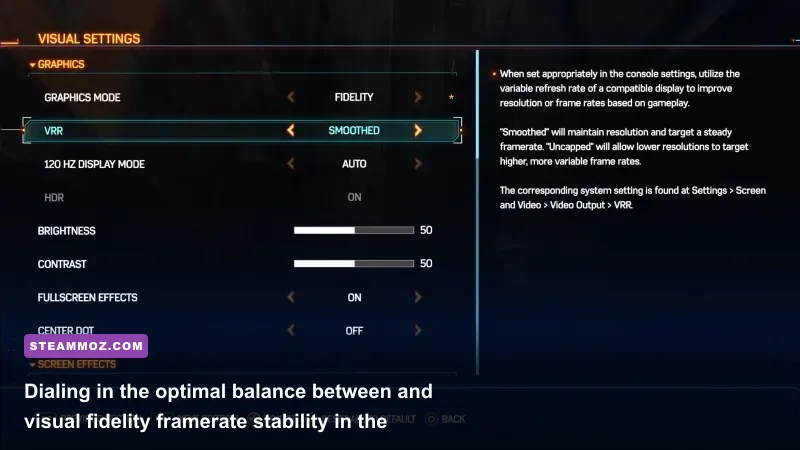
Finding the right visual balance in Marvel's Spider-Man Remastered isn't about slapping the game on "High" and hoping for the best. The game uses a modular settings layout where a handful of features cannibalize your GPU headroom for virtually zero visual gain at speed, while others destroy your CPU frametimes during web-swinging. Much like tuning settings for max FPS in Far Cry 6, targeting the true heavy hitters lets you retain crisp textures and cinematic lighting without sacrificing fluidity.
Here is our comprehensive, lab-tested breakdown of every graphics setting, its direct performance cost, and our targeted recommendation for modern rigs.
| Graphics Setting | Sweet Spot Value | FPS Cost (Impact) | Visual Impact & Tactical Reasoning |
|---|---|---|---|
| Texture Quality | High / Very High | Negligible (VRAM Bound) | Keep High on 6GB-8GB cards, Very High on 10GB+. Zero FPS loss if VRAM is adequate. |
| Texture Filtering | 16x Anisotropic | < 1% | Virtually free on any modern GPU; keeps road asphalt and brickwork razor-sharp at oblique angles. |
| Shadow Quality | Medium | 8% – 12% | High/Very High soft-shadow cascades cripple rasterization performance; Medium preserves clean contact shadows. |
| Ambient Occlusion | SSAO | 4% – 6% | HBAO+ eats an extra 5% framerate for minor depth darkening in corners. SSAO is the ideal middle ground. |
| Screen Space Reflections | On | 2% – 4% | Essential fallback when Ray Tracing is off. Adds vital gloss to wet streets, puddles, and office windows. |
| Ray-Traced Reflections | Off (or Medium) | 25% – 45% | The single biggest performance sink. Disabling this turns a stuttering 50 FPS swing into an 85+ FPS breeze. |
| Reflection Resolution | Medium (if RT On) | 10% – 15% | High renders reflections at full internal res; Medium cuts internal RT sample resolution to half with great temporal stability. |
| RT Object Range | 4 or 5 (if RT On) | 12% – 18% | Dictates how far building structures reflect. Values above 6 bring even top-tier Ryzen 7000 and Intel 14th Gen chips to their knees. |
| Geometry Detail (LoD) | Medium | 5% – 7% | Governs polygon density on distant architecture. High causes micro-stutter when traversing city blocks at full velocity. |
| Crowd Density | Medium | 8% – 14% (CPU) | Massive CPU bottleneck factor. High populates sidewalks with complex AI pathfinding routines that tank minimum 1% lows. |
| Traffic Density | Medium | 6% – 10% (CPU) | Reduces vehicle physics instances down 5th Avenue and Broadway, stabilizing thread allocation on 6-core CPUs. |
| Hair Quality | Medium | 2% – 3% | High smooths strands on Peter, Aunt May, and MJ, but Medium looks indistinguishable during combat gameplay. |
| Weather Particle Quality | Medium | 3% – 5% | Prevents heavy GPU fill-rate drops during rainy nighttime missions and explosive set-pieces involving Electro or Shocker. |
| Depth of Field / Bloom / Lens Flare | User Preference | < 1% | Cinematic post-processing effects with almost zero computational cost. Keep them on for that signature Marvel look. |

🎮 FORM
Looking to experience this game? Grab your digital key directly on our store for $14.99.
View on Steammoz Store →Taming the CPU Hit: Crowd, Traffic, and Object Range
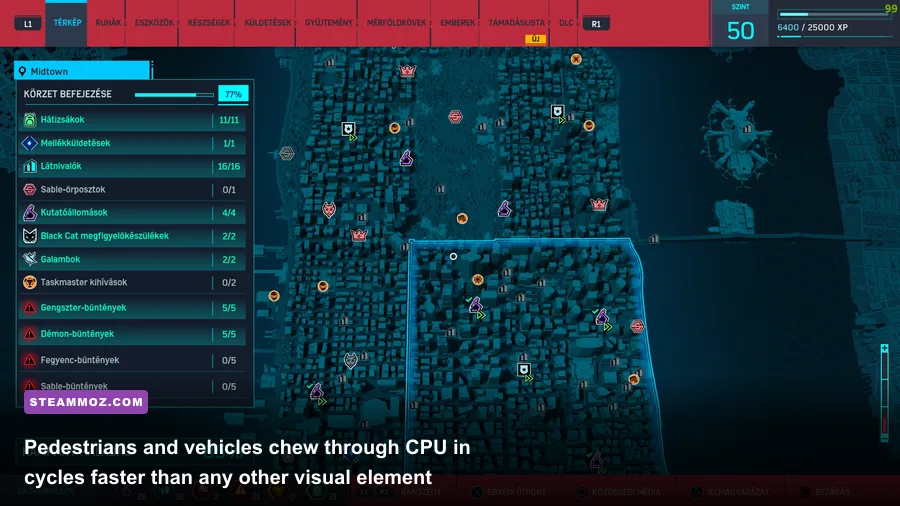
Marvel's Spider-Man Remastered is one of the most CPU-intensive open-world titles on PC. When Peter Parker is perched atop the Empire State Building looking out, the engine sits comfortably on your graphics card. But the second you dive toward the pavement and whip through the urban canyons at 60 miles per hour, your CPU gets hammered by asset decompression, draw calls, and dynamic entity spawns. If you run into stuttering, don't immediately blame your graphics card; you are likely running face-first into an engine-level CPU thread stall, a headache that mirrors the steps required for rescuing your FPS in open-world PC titles like Elex.
The primary offenders are Crowd Density and Traffic Density. On High, the game spawns hundreds of independent civilian models, complete with collision boxes, clothing physics, and dynamic audio calls. Dropping both toggles to Medium immediately alleviates main-thread contention on popular processors like the AMD Ryzen 5 3600, Ryzen 5 5600X, or Intel Core i5-10400F. You won't notice a ghost town either—Manhattan still looks bustling, vibrant, and packed with yellow cabs, but your frame times will flatten into a straight line.
Alongside densities, keep an eye on Object Range (or Detail Distance). This slider governs how far the engine renders detailed geometry meshes before switching to lower-poly impostors. Setting this to 8, 9, or 10 forces the engine to maintain thousands of unnecessary draw calls for fire escapes, air conditioners, and water towers three blocks away. Setting Object Range to 5 or 6 saves you upwards of 15% CPU overhead during rapid traversal, completely eliminating those jarring half-second hitches when launching out of a dive.
Ray Tracing Reality Check: Reflections vs. Heavy Frame Drops
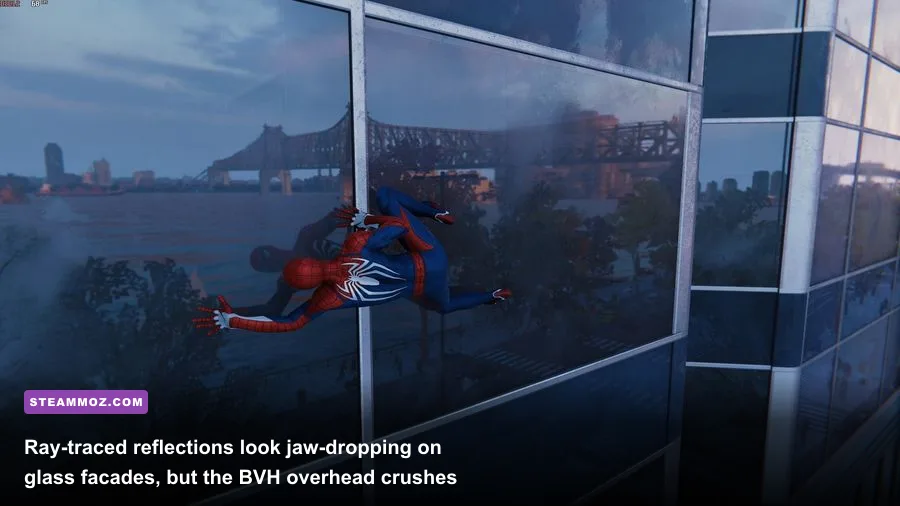
Manhattan is a jungle of glass, steel, and polished chrome, making Insomniac Games' implementation of DirectX Raytracing (DXR) undeniably stunning. Puddles accurately mirror neon billboards, and entire skyscrapers reflect neighboring towers. But make no mistake: Ray Tracing in Spider-Man Remastered carries an astronomical cost that can slice your framerate by more than 40%.
The problem is twofold: the RT calculations don't just stress your RT cores; they require the CPU to constantly update and rebuild the dynamic Bounding Volume Hierarchy (BVH) tree as you swing across city blocks. If your processor cannot rebuild that spatial index fast enough, your monster GPU will sit idle waiting for draw packets, resulting in terrible 1% low frame drops.
If you own an upper-midrange card like the Nvidia GeForce RTX 3070, RTX 4070, or AMD Radeon RX 7800 XT and want the ray-traced look without the devastating stutter, apply these specific sub-settings:
- Ray-Traced Reflections: Set to Medium. High increases the ray count per pixel, leading to severe visual noise resolution penalties for marginal clarity improvements.
- Reflection Resolution: Set to Medium. This renders the reflected image at half the native game resolution and relies on Nixxes' spatial denoiser to reconstruct clean image data.
- Geometry Detail (RT): Set to Medium. Setting this to High forces the ray tracing BVH to include intricate architectural details like window mullions and trim, causing an unbearable CPU bottleneck.
- Object Range: Do not exceed 4. This prevents the ray tracer from tracing building geometry that is miles away, saving massive amounts of GPU memory bandwidth.
If you are rocking an older GPU (like an RTX 2060) or an AMD RDNA 2 card (such as the RX 6700 XT), do yourself a massive favor: turn Ray Tracing completely off. Screen Space Reflections (SSR) in this port are expertly integrated and deliver a gorgeous gloss across the city with a negligible 3% performance footprint.
Upscaling Shootout: DLSS, FSR 2.1, and Dynamic Resolution
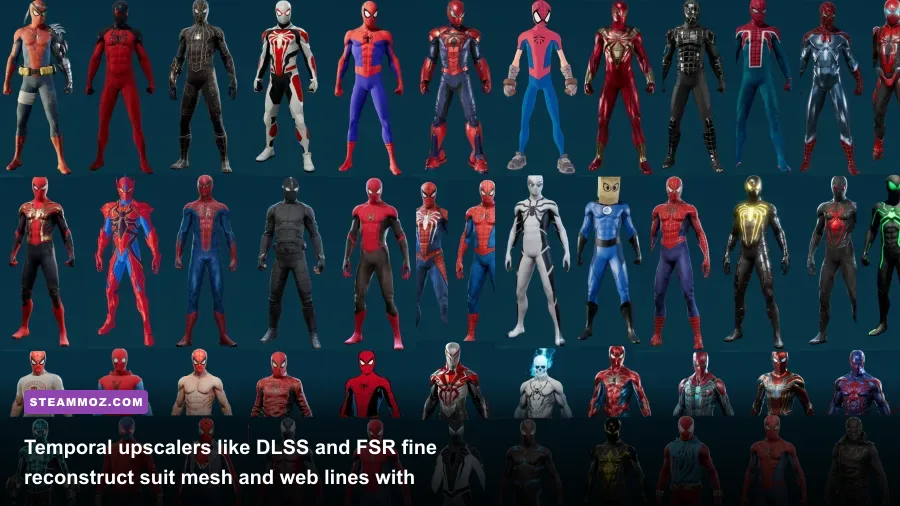
Nixxes packed virtually every modern image reconstruction technology into Spider-Man Remastered: Nvidia DLSS (including DLSS 3 Frame Generation for RTX 40-series cards), AMD FidelityFX Super Resolution (FSR 2.1), Intel XeSS, and Insomniac's proprietary IGTI (Insomniac Games Temporal Injection). If you are running at 1440p or 4K, running native rendering without an upscaler is leaving massive performance on the table.
For GeForce RTX owners, DLSS Quality is the undisputed champion. It handles the fine sub-pixel detailing of Spider-Man's fabric mesh, telephone wires, and chain-link fences far better than native TAA, which exhibits nasty smearing during fast camera pans. At 1440p, DLSS Quality boosts framerates by 25% to 35%; at 4K, expect jumps upwards of 50%.
For AMD Radeon and Intel Arc gamers, FSR 2.1 provides strong reconstruction, though you will occasionally notice faint shimmering along moving power lines and building edges during intense motion. If you notice persistent edge sparkling, testing out IGTI is worth your time; Insomniac's in-house algorithm is tuned specifically for the engine's motion vectors and offers surprisingly stable antialiasing.
Don't sleep on Dynamic Resolution Scaling (DRS) either. Setting DRS to a target of 60 FPS or 120 FPS alongside an upscaler allows the engine to seamlessly adjust internal render scales on the fly. If you perform a massive ground-slam that sets off multiple particle explosions, DRS instantly sheds internal pixel load to prevent your monitor from dropping a single frame, operating much like the preventive stability techniques we recommend when dealing with sudden frame crashes in demanding PC titles.
Hardware Profiles: From Budget 1080p to High-End 4K
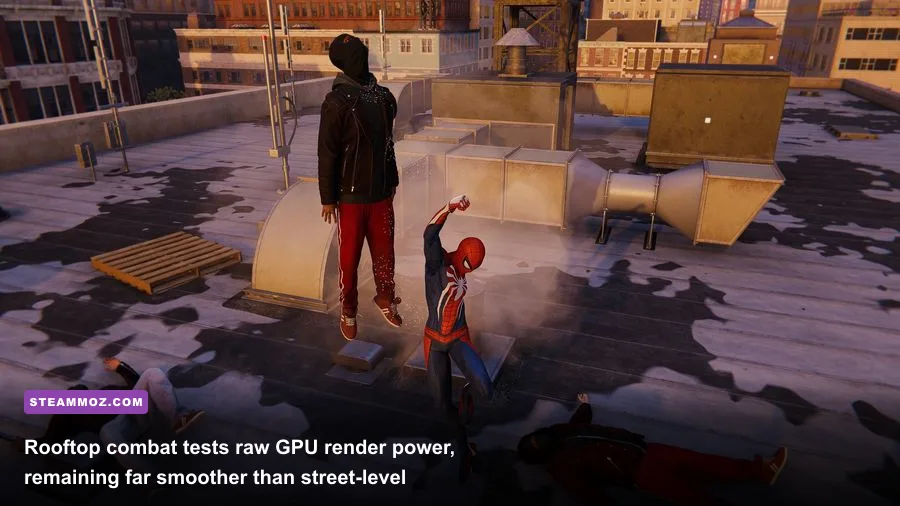
Different PC configurations demand targeted optimization strategies. Below is a structured blueprint outlining three battle-tested hardware profiles designed to extract the highest possible framerate while keeping the visual spectacle intact. For those building or upgrading a setup, checking baseline specifications is just as crucial here as it is when evaluating modern releases in our PC hardware specs and requirements breakdown.
| Target Tier | Hardware Baseline | Target Resolution & FPS | Tuned Settings Profile | Upscaling & Reconstruction |
|---|---|---|---|---|
| Budget Esports / 1080p | GTX 1660 Super / RTX 3050 / RX 6600 | 6-Core CPU | 16GB RAM | 1080p @ 60–75 FPS | Medium Presets, Shadows Medium, Crowd/Traffic Medium, Ray Tracing OFF | FSR 2.1 / DLSS Quality (or IGTI Dynamic 60) |
| Sweet Spot 1440p | RTX 3070 / RTX 4060 Ti / RX 6700 XT | Ryzen 5600 / i5-12400 | 16GB-32GB RAM | 1440p @ 90–120 FPS | High Presets, Shadows Medium, Crowd Medium, RT Medium (or RT OFF for max Hz) | DLSS / FSR Quality |
| Enthusiast 4K DXR | RTX 4080 / RTX 4090 / RX 7900 XTX | Ryzen 7800X3D / i7-14700K | 32GB RAM | 4K @ 100–144 FPS | Very High Presets, Shadows High, Crowd High, RT High, RT Range 6 | DLSS Quality + DLSS 3 Frame Gen (RTX 40) |
Budget Profile (1080p Lock)
If you're running popular entry-level cards like the GTX 1660 Super or Radeon RX 6600, your goal is a rock-solid 60 FPS lock. Ray Tracing must remain firmly off. Set Texture Quality to High (make sure you have at least 6GB VRAM), Shadow Quality to Medium, and turn Screen Space Reflections On. Set Ambient Occlusion to SSAO. Crucially, drop Crowd Density and Traffic Density to Medium to keep your 1% lows from dipping during fast web-swings. Turn on FSR 2.1 in Quality mode or leverage Insomniac's IGTI temporal upscaler targeting 60 FPS.
Balanced Profile (1440p High Refresh)
For midrange powerhouses like the RTX 3070, RTX 4060 Ti, or RX 6700 XT, 1440p is the visual sweet spot. You can safely dial Texture Quality to Very High, Texture Filtering to 16x, and Geometry Detail to High. To ensure you stay well north of 90 FPS, leave Shadow Quality on Medium—the difference between Medium and High shadows is imperceptible when swinging through sunlight, but it frees up 10% GPU compute. If you want Ray Tracing enabled, keep RT Reflections at Medium, Reflection Resolution at Medium, and RT Object Range capped at 4. Couple this with DLSS Quality to maintain pristine fidelity across the city.
Enthusiast Profile (4K Ultra / RT Showcase)
If you're wielding flagship silicon like an RTX 4080 or RTX 4090 alongside a high-end CPU, you can push the visual fidelity of the PlayStation PC platform to its maximum potential. Turn Ray-Traced Reflections to High, set Reflection Resolution to High, and dial Object Range to 6. Keep Crowd and Traffic on High. For RTX 40-series owners, toggling DLSS 3 Frame Generation is transformative here: because Spider-Man is notoriously CPU-bound in dense city sectors, Frame Generation bypasses the CPU bottleneck completely, doubling your framerate from a stuttery 70 FPS right into a silky-smooth 130 to 150 FPS at native 4K output.
Fixing Traversal Stutters and Frame Time Spikes
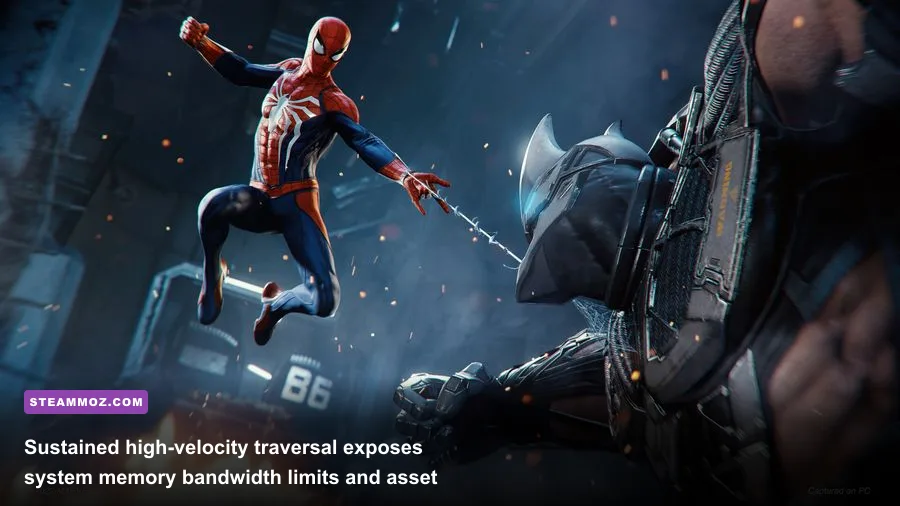
Even with optimal graphics settings dialed in, you might occasionally experience brief micro-stutters when launching Peter Parker off a rooftop at maximum velocity. This issue rarely boils down to raw GPU shader processing; it is almost always an operating system or storage asset-streaming hitch. Dialing in your system-level pipeline provides the same dramatic stability uplift detailed in our guide to optimizing settings for higher framerates and clean frame pacing.
Follow this checklist to clean up lingering frame-time hiccups:
- Install the Game on a Fast NVMe SSD: Marvel's Spider-Man Remastered streams high-resolution textures, geometry meshes, and audio packages continuously. Running the game from an old mechanical hard drive (HDD) or a slow SATA SSD will result in unavoidable hitching, asset pop-in, and occasional freezes while the game catches its breath.
- Check Dual-Channel Memory Configuration: This game is intensely sensitive to system memory bandwidth. Running single-channel RAM can drop your 1% low framerates by up to 25%. Ensure your memory sticks are seated in the proper dual-channel motherboard slots with your XMP/EXPO memory profile enabled in the BIOS.
- Disable Windows Control Flow Guard (CFG) for the Game Executable: A known quirk with the Decima/Insomniac PC execution wrapper causes Windows Exploit Protection's Control Flow Guard to aggressively scan Spider-Man's memory calls. Search for "Exploit Protection" in Windows, click "Program settings", add Spider-Man.exe, scroll down to "Control Flow Guard (CFG)", check "Override system settings", and turn it Off. This simple tweak has eliminated micro-stutters for thousands of players on modern multi-core rigs.
- Lock Framerates with NVIDIA Reflex / RTSS: Uncapped framerates that wildly fluctuate between 75 and 115 FPS feel significantly choppier than a flat, locked 90 FPS line. Use an external tool like RivaTuner Statistics Server (RTSS) or the game's built-in NVIDIA Reflex Low Latency toggle to cap your framerate slightly below your monitor's maximum refresh rate (e.g., 141 FPS on a 144Hz panel) with G-Sync or FreeSync active.
By taming Crowd Density, reining in runaway Ray Tracing ranges, pairing DLSS or FSR with high-speed storage, and eliminating background OS conflicts, Marvel's Spider-Man Remastered transforms into one of the most fluid, visually stunning, and responsive superhero experiences ever delivered on PC. Dial in these settings, grab your controller or mouse, and enjoy swinging through Manhattan the way it was meant to be played.