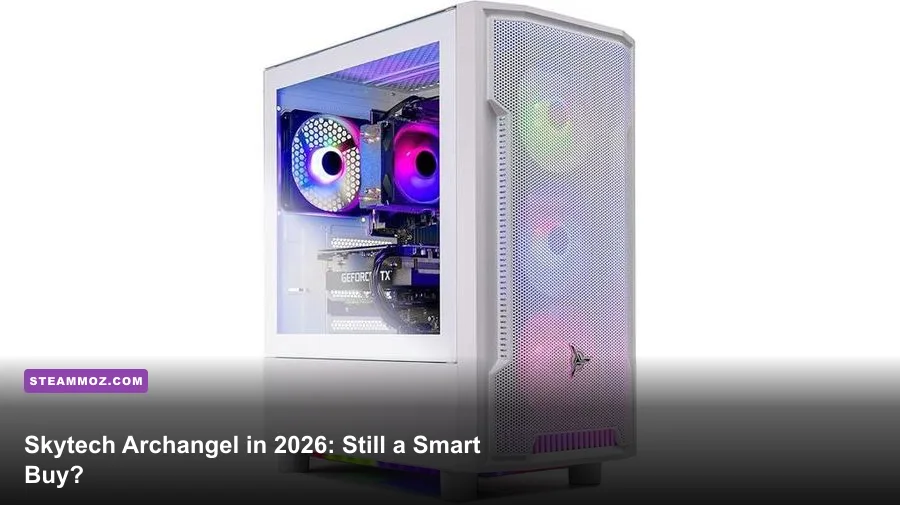
Yes, the Skytech Archangel can still be worth buying in 2026—but only if you verify the exact SKU, graphics card, power supply, and price. The Archangel name covers several generations of hardware, from older Ryzen 5 3600 and GTX-era machines to current Ryzen 5 7600X and GeForce RTX 4060 Ti configurations. A modern model with 16GB of dual-channel DDR5, a 1TB NVMe SSD, and a reputable 600W-or-better power supply remains a good 1080p gaming PC. An old RTX 3050 version at a premium price is a very different story.
That distinction is the entire review. Skytech sells a chassis and product family, not one permanently fixed specification. Retail listings can change while keeping the Archangel branding intact, so don't buy from the name alone. Read the component list, check the motherboard platform, and compare the final price against a similarly equipped custom build. For official warranty and support information, start with Skytech’s support page, then use the listing’s exact model number rather than a stock photo.
What You Actually Get for the Money
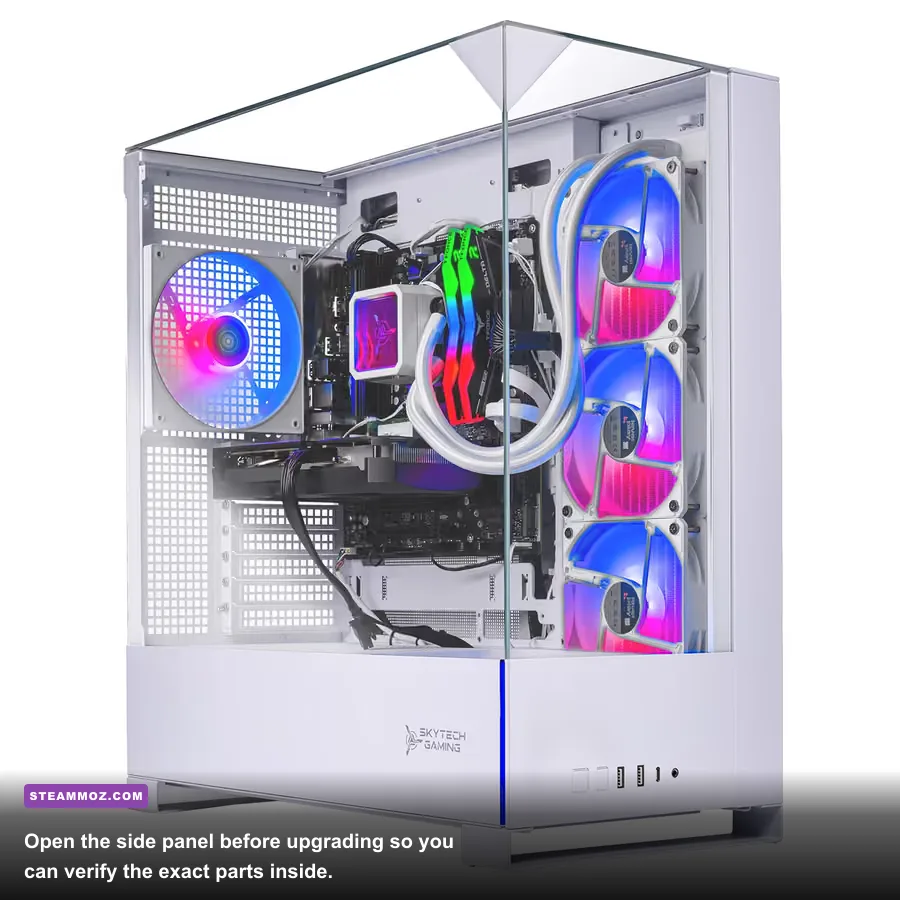
The most attractive 2026 Archangel configuration is the AM5 version built around AMD’s Ryzen 5 7600X. That chip has six Zen 4 cores, twelve threads, a 4.7GHz base clock, and boost speeds up to 5.3GHz. It is not a workstation monster, but it is an excellent gaming CPU and gives the machine a genuinely useful upgrade path through the AM5 socket.
Pairing the 7600X with an RTX 4060 or RTX 4060 Ti creates a sensible 1080p machine. The RTX 4060 has 8GB of GDDR6 and a 115W typical board power, while the 4060 Ti raises shader performance but still comes in 8GB and 16GB variants. The 16GB model is preferable for heavily modded games and some 1440p titles, though it isn't automatically worth a large premium.
Older Archangel listings may use a Ryzen 5 5600, Ryzen 5 5500, RTX 3060, RTX 3050, or Radeon RX 6600. These can still play games well, but their value depends entirely on discounting. The Ryzen 5 5500 is especially easy to mistake for the stronger 5600: both have six cores and twelve threads, but the 5500 has only 16MB of L3 cache and uses PCIe 3.0, while the 5600 has 32MB and PCIe 4.0 support.
| Archangel configuration | 2026 verdict | Best target | Fair buying logic |
|---|---|---|---|
| Ryzen 5 7600X / RTX 4060 / 16GB DDR5 | Good | 1080p ultra, entry 1440p | Buy when clearly below equivalent RTX 4060 Ti systems |
| Ryzen 5 7600X / RTX 4060 Ti / 16GB DDR5 | Very good | High-refresh 1080p, 1440p high | Strong choice if the PSU and motherboard are documented |
| Ryzen 5 5600 / RTX 3060 / 16GB DDR4 | Conditional | 1080p high | Needs a meaningful clearance discount |
| Ryzen 5 5500 / RTX 3050 / 16GB | Usually skip | 1080p medium | Only makes sense at a genuinely low budget price |
Storage is usually a 1TB NVMe SSD, which is the right starting point in 2026. Modern installs are enormous: a few AAA games can consume most of that capacity. The SSD is fast enough for everyday use and game loading, but check whether the motherboard has a free M.2 slot before assuming expansion will be effortless.

🎮 FORM
Looking to experience this game? Grab your digital key directly on our store for $14.99.
View on Steammoz Store →Realistic Gaming Performance in 2026
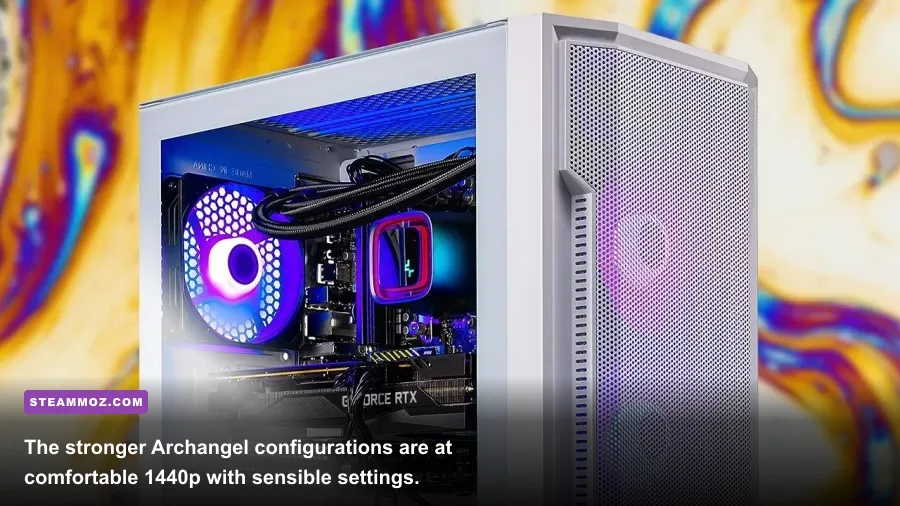
Skytech doesn't publish one universal performance profile because the Archangel range changes hardware. The numbers below are realistic expectations for a representative Ryzen 5 7600X system with 16GB dual-channel DDR5 and an RTX 4060 Ti 8GB. They are not a promise for every Archangel listing. Results vary with patches, drivers, thermals, and whether the RAM is running at its advertised speed.
| Game and settings | RTX 4060 estimate | RTX 4060 Ti estimate | Performance note |
|---|---|---|---|
| Counter-Strike 2, 1080p competitive | 220–320 fps | 240–340 fps | Mostly CPU-limited at high refresh rates |
| Fortnite, 1080p Epic with Nanite | 75–105 fps | 85–120 fps | Use DLSS Quality for steadier frame times |
| Cyberpunk 2077, 1080p Ultra, no RT | 75–95 fps | 85–110 fps | Excellent raster performance for the price class |
| Cyberpunk 2077, 1080p RT Ultra | 42–55 fps | 48–63 fps | DLSS and Frame Generation are practically required |
| Hogwarts Legacy, 1440p High | 55–72 fps | 62–82 fps | Texture streaming benefits from 16GB system RAM |
| Starfield, 1440p High | 42–58 fps | 48–65 fps | CPU-heavy cities expose the limits of six cores |
At 1080p, the Archangel feels quick and responsive. Esports games can take advantage of a 165Hz monitor, and the Ryzen 5 7600X generally keeps one-percent lows healthy. At 1440p, the RTX 4060 Ti is the better fit, but its 8GB VRAM can force texture compromises in newer releases. That isn't a Skytech-specific flaw; it is the main longevity concern with this GPU tier.
Ray tracing changes the conversation. The RTX 4060 family supports DLSS 3, including Frame Generation, but generated frames don't remove input latency or fix a weak base frame rate. In a demanding game, aim for a native or DLSS-rendered baseline around 55–60 fps before enabling Frame Generation. For Nvidia’s feature details, check the official RTX 4060 specifications.
The Settings Profile I’d Use

The Archangel’s cooling is usually adequate rather than luxurious. The compact case and included tower cooler can handle gaming, but aggressive motherboard power limits may produce more noise than performance. I’d start with a balanced profile, not blindly chase every Ultra preset.
| Setting | Recommended value | FPS impact | Visual trade-off |
|---|---|---|---|
| Resolution | 1920×1080 or 2560×1440 | Very high | Native 1440p is sharper; 1080p is faster |
| Upscaler | DLSS Quality | High positive | Usually close to native image quality |
| Ray tracing | Medium or Off | High negative | Reflections improve, but frame rate drops quickly |
| Textures | High, not Ultra on 8GB VRAM | Low to medium | Reduces stutter and VRAM pressure |
| Shadows | High | Medium negative | Ultra shadows rarely justify the cost |
| Motion blur | Off | Minimal | Cleaner camera movement and aiming |
| Frame limit | Monitor refresh minus 3 fps | Neutral | Improves consistency with VRR displays |
Enable EXPO in the BIOS if the memory kit supports it. DDR5 running at a conservative default such as 4,800 MT/s can leave performance on the table compared with a 5,600 or 6,000 MT/s kit, particularly in CPU-limited games. Confirm stability with a proper memory test rather than assuming a single successful boot means the profile is perfect.
For graphics-driver troubleshooting, our guide to higher-FPS settings in Far Cry 6 covers the same practical balance between image quality, VRAM usage, and frame pacing. The principles carry over to most modern releases.
Thermals, Noise, and the Parts You Need to Check
The Archangel’s glass-sided design looks good on a desk, but airflow depends on the exact revision. Before buying, look for at least two front intake fans and one rear exhaust fan. During a long gaming session, a Ryzen 5 7600X sitting in the low-to-mid 80s Celsius is acceptable; sustained thermal throttling or a CPU glued to its temperature ceiling is not.
Listen for fan behavior, too. A short burst when a game loads is normal. Constantly rising and falling fan speed usually points to an overly aggressive motherboard curve or restricted intake. A simple custom curve can make the system much less distracting without sacrificing meaningful performance.
| Component | Minimum I’d accept | Preferred specification | Why it matters |
|---|---|---|---|
| Power supply | 600W, documented 80 Plus unit | 650W Gold from a known OEM | Improves upgrade headroom and long-term confidence |
| System memory | 16GB in two sticks | 32GB DDR5-6000 on AM5 | Dual channel and capacity reduce stutter |
| Storage | 1TB NVMe SSD | 1TB TLC NVMe plus free M.2 slot | Cheap drives can slow dramatically when nearly full |
| Motherboard | Named B650 or B550 board | B650 with two M.2 slots | Clear upgrade path beats an unbranded mystery board |
| Cooling | Proper tower cooler on 7600X | 120mm tower with a sensible fan curve | Controls noise during sustained loads |
The power supply is the biggest hidden variable. A 650W model is enough for an RTX 4060 Ti, but “650W” alone tells you nothing about platform quality, protections, or warranty. Ask for the manufacturer and model if the retailer doesn't list it. The same applies to RAM timings, SSD brand, and motherboard model. A prebuilt should save you assembly time—not force you to gamble on invisible components.
Skytech’s warranty and technical support can be valuable for first-time builders, but document the machine before changing parts. Photograph cable routing, record serial numbers, and keep the original components. For general crash and stutter diagnosis, our PC crash and FPS repair checklist is useful after the initial setup.
Upgrade Potential and the AM5 Advantage
An AM5 Archangel is the version I’d choose for longevity. The Ryzen 5 7600X leaves a path toward later Ryzen 7 gaming processors, while DDR5 makes a future 32GB upgrade straightforward if the system starts with two 8GB modules. You can also replace the GPU later, provided the power supply and case clearance cooperate.
Don't assume every memory layout is upgrade-friendly. If the machine ships with 16GB as two 8GB sticks, moving to 32GB may mean replacing both. If it ships with one 16GB stick, adding a matching module can help immediately, but exact speed and timings matter. Mixing random kits often works, yet it can also force lower speeds or create instability.
GPU upgrades are more complicated than the marketing makes them sound. Measure card length, count power connectors, and check whether front fans or a drive cage block the slot. A future high-end card may also need a stronger PSU. The Archangel is best treated as a flexible midrange platform, not an endlessly expandable full tower.
Is the Skytech Archangel Worth Buying in 2026?
Buy it if the listing has a Ryzen 5 7600X or comparable current CPU, an RTX 4060 or RTX 4060 Ti, 16GB dual-channel memory, a 1TB NVMe drive, and a clearly identified power supply. That combination delivers excellent 1080p performance, credible entry-level 1440p gaming, and a much better upgrade story than the older AM4 versions.
Be cautious if the listing hides the motherboard or PSU, uses a single 16GB memory stick, includes only a 500GB SSD, or charges modern-system money for an RTX 3050. The Archangel’s attractive RGB case doesn't compensate for weak internals. In 2026, the name is not the value; the bill of materials is.
| Buyer type | Recommendation | Reason |
|---|---|---|
| 1080p esports player | Yes, RTX 4060 model | High frame rates and low setup effort |
| AAA gamer with a 1440p monitor | Yes, RTX 4060 Ti or better | More rendering headroom, especially without heavy ray tracing |
| Content creator | Conditional | Upgrade to 32GB RAM and verify CPU, SSD, and PSU details |
| Long-term enthusiast builder | Compare custom builds first | Prebuilt part choices can limit acoustics and expansion |
| Budget buyer seeing an RTX 3050 model | Usually no | Older performance and weaker longevity for modern pricing |
My final verdict is a qualified buy for the modern AM5 Archangel and a firm check the price twice for everything else. It remains a polished, approachable entry point into PC gaming, especially for someone who wants Windows, Wi-Fi, RGB, and a working system in one box. But 2026 is an unforgiving year for vague specifications. Compare the exact parts, leave room for a 32GB memory upgrade, and don't pay extra for a logo when a better-equipped alternative is sitting beside it.
If you’re still weighing prebuilt value against upgrade costs, our PC specification guide offers a useful reality check for matching hardware to games. And if you want a wider look at hidden storage and upgrade concerns, see our hardware-conscious performance advice while comparing your shortlist.