Yes, Roblox on PC is still worth playing in 2026—but only if you treat it as a platform rather than a single game. The client remains lightweight, free, fast to launch, and packed with experiences that can deliver everything from competitive combat to horror, racing, roleplay, and surprisingly ambitious RPG systems. The catch is that Roblox’s quality curve is brutal: excellent games sit beside repetitive cash-grab simulators, performance depends heavily on the individual experience, and the platform’s social ecosystem can feel noisy after a long session.
That makes the PC version a more interesting proposition than the simple nostalgia trip it used to be. Mouse-and-keyboard controls still give shooters, sword fighters, obbies, and inventory-heavy games a clear advantage over mobile. Roblox also runs on modest hardware, supports very high refresh rates in many experiences, and benefits from a much better chat, browser, and multitasking setup than console or phone. After years of updates, monetization experiments, and shifting player habits, the honest verdict is straightforward: Roblox is worth returning to, but you need to curate your time and your games.
Why Roblox Still Has a Unique Advantage on PC
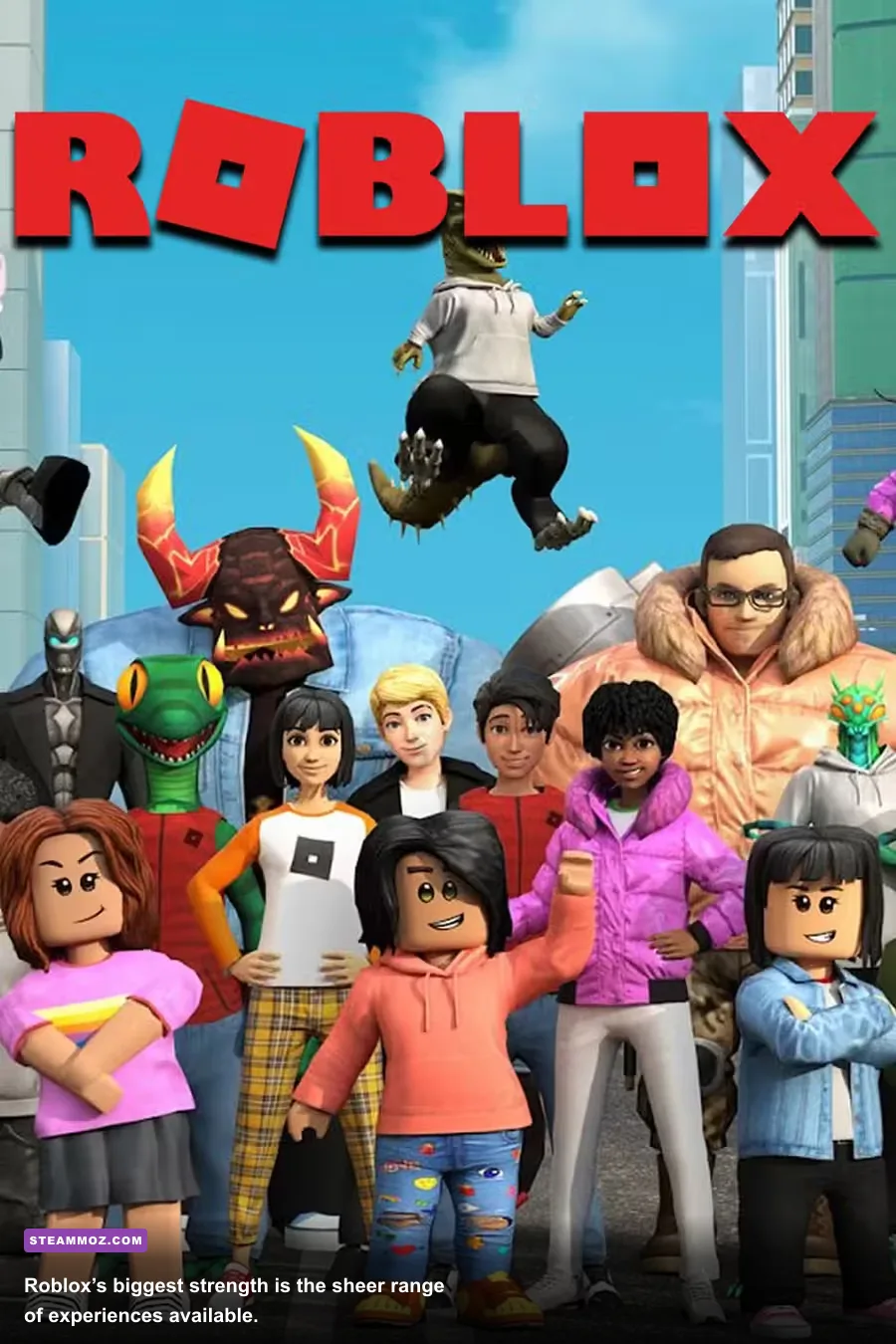
Roblox’s biggest advantage in 2026 is not a specific combat system or visual style. It’s the speed at which you can jump between completely different genres. You can spend 20 minutes in DOORS, switch to a few rounds of Arsenal, then meet friends in Brookhaven RP without installing three separate games. That low-friction structure matters. A free platform with a shared account, friend list, avatar system, and currency economy is still unusually convenient.
PC makes that flexibility better. Experiences such as Blox Fruits use hotkeys, camera control, inventory management, and precise movement in ways that feel noticeably less awkward with a keyboard. Phantom Forces and Arsenal reward mouse aiming, while obbies and rhythm-focused games benefit from reliable key presses. Even roleplay experiences are easier to navigate when you can type quickly, keep the Roblox window alongside Discord, and use a larger display.
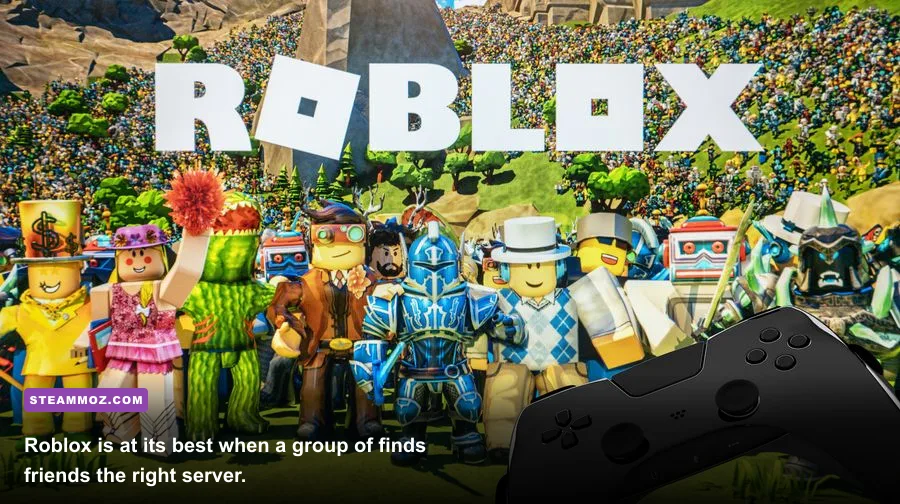
There’s also a useful social distinction between Roblox and conventional free-to-play games. In a normal live-service title, the developer decides what content arrives next. Roblox distributes that responsibility across thousands of creators. That can produce uneven results, but it also means the platform rarely feels completely empty. If one experience loses its spark, another may already be building a new audience.
| Platform | Where Roblox Performs Best | Main Trade-Off |
|---|---|---|
| PC | FPS games, RPGs, obbies, creation, multitasking | Requires a stable connection and occasional graphics tuning |
| Console | Living-room multiplayer and controller-friendly experiences | Typing, camera control, and creator tools are less convenient |
| Mobile | Quick sessions and touch-focused casual games | Smaller screen, touch controls, heat, and battery drain |
The Best Roblox Experiences Still Reward Serious Players

The platform’s reputation often gets reduced to basic simulators, but that misses the games with genuinely strong design. Blox Fruits has a recognizable progression loop built around levels, fighting styles, swords, guns, and Devil Fruits. Its level cap and available content can change through updates, so the important point is not memorizing one number; it’s understanding the structure. You begin with quests and melee-focused combat, then gradually build around mobility, crowd control, boss farming, and PvP matchups. On PC, hotkeys make swapping abilities and managing movement far more comfortable.
DOORS remains a good example of Roblox horror working because of restraint. The hotel is built around room-by-room anticipation, while threats such as Rush, Ambush, Seek, and Figure each communicate danger differently. Rush and Ambush punish players who fail to find a hiding place, Seek turns movement into a chase challenge, and Figure relies on sound and careful positioning in dark rooms. The experience is not technically cutting-edge, but it understands pacing better than many larger horror games.
Frontlines, Arsenal, and Phantom Forces show why mouse input matters. Each handles shooting differently. Arsenal keeps rounds quick and weapon progression aggressive, while Phantom Forces offers deeper loadout decisions, recoil management, and map knowledge. Frontlines aims for a more conventional military-shooter feel. None fully replaces a dedicated PC FPS, but all can be fun when you want a fast session without a 100GB download.
Other worthwhile categories include the survival pressure of Piggy, the building and social freedom of Brookhaven RP, the collection-driven loop of Adopt Me!, and the escalating challenge of Tower of Hell. The key is to judge each experience on its own terms. Roblox is not one quality level. It’s a storefront, engine, social network, and creator economy wearing one logo.
| Experience | Best For | What Holds Up | PC Advantage |
|---|---|---|---|
| Blox Fruits | Action RPG progression | Build variety, bosses, exploration | Hotkeys and precise camera movement |
| DOORS | Co-op horror | Enemy telegraphs and atmosphere | Fast reactions and clearer audio setup |
| Arsenal | Arcade FPS matches | Quick rounds and weapon rotation | Mouse aiming and keyboard movement |
| Phantom Forces | More tactical FPS play | Loadouts, recoil, map knowledge | Higher aiming precision |
| Tower of Hell | Precision obbies | Movement mastery and replayability | Consistent key presses and low input delay |
Roblox’s Biggest Problem Is Its Uneven Quality
The platform’s openness is also its largest weakness. Search results can be dominated by experiences designed around retention tricks rather than memorable play. Rebirth counters, timed boosts, AFK rewards, random eggs, and aggressive game-pass prompts are not automatically bad, but they can turn a promising first hour into a treadmill. A game may advertise a huge world while funneling players through the same three-minute task loop.
That problem is more noticeable in 2026 because Roblox players are better at recognizing familiar templates. Many experiences borrow the same upgrade menus, quest pop-ups, limited-time events, and thumbnail language. The best creators still use those systems with purpose, but weaker games often make progression feel deliberately slow so that a two-dollar boost looks attractive.
Robux spending deserves a cold-eyed look. Cosmetic purchases are easy to justify when they support a game you play regularly, but boosts that skip grind can distort the experience. In a progression game, ask what remains after buying the shortcut. If the answer is only another upgrade tier and another paid multiplier, you’re not purchasing depth—you’re purchasing less waiting.
Safety and moderation are equally important. Roblox has official parental controls, privacy tools, reporting options, and account restrictions, but no automated system catches every bad interaction. Adults should use two-step verification, avoid sharing personal information, and review chat and spending settings for younger players. Roblox’s official Help Center is the right place to check current account and safety controls because these settings change over time.
This is where Roblox differs from buying a finished single-player game. You are not only evaluating mechanics; you are also evaluating the community, moderation, monetization, and update habits around each experience. That extra layer can be exciting, but it demands more judgment from the player.
How Roblox Performs on a Modern Gaming PC
Roblox is generally easy to run, but a high player count, complex lighting, large maps, or poorly optimized scripts can make one experience perform dramatically worse than another. The launcher may be lightweight while the game inside it is not. A modern desktop with an entry-level dedicated GPU should have no trouble at high settings in many experiences, but stable frame pacing matters more than simply forcing maximum graphics quality.
Roblox’s in-game graphics menu lets you switch between automatic and manual graphics quality. Automatic mode is convenient, but manual mode is better when you want consistent input response. Start around quality level 5 or 6, then increase it only if your frame time remains stable. Shadows, post-processing, particles, and dense foliage tend to create the biggest visual cost in demanding experiences, although the exact controls vary by creator.
| Setting or Hardware | Practical Recommendation | Performance Impact | Visual Result |
|---|---|---|---|
| Graphics Mode | Manual for competitive play | Improves consistency | Prevents sudden quality swings |
| Graphics Quality | Level 5–7 starting point | Moderate | Good clarity without excessive effects |
| Display Resolution | Native resolution first | Moderate to high on integrated GPUs | Lower resolution looks softer |
| Refresh Rate | Use the monitor’s native rate | No major GPU cost by itself | Smoother camera motion when FPS matches |
| RAM | 8GB is practical; 16GB is preferable | Helps multitasking and streaming | Fewer system-level stutters |
| Connection | Wired Ethernet or stable 5GHz Wi-Fi | Reduces latency spikes | More responsive online play |
Close heavy browser tabs, overlays, and background recording if you’re using an older laptop. Roblox can also feel inconsistent when a laptop switches between integrated and dedicated graphics, so check Windows Graphics settings and your GPU control panel if the frame rate seems inexplicably low. If other PC games are crashing or stuttering too, Steamoz’s guides for fixing crashes and rescuing FPS and solving low-FPS problems cover broader troubleshooting habits that apply here as well.
On the network side, remember the difference between frame rate and latency. A game can run at 120 frames per second while still feeling delayed if the server is far away or your connection is unstable. Rejoin a different server, stop large downloads, and avoid assuming that every input problem is caused by your graphics card.
Roblox Studio Keeps the Platform Relevant
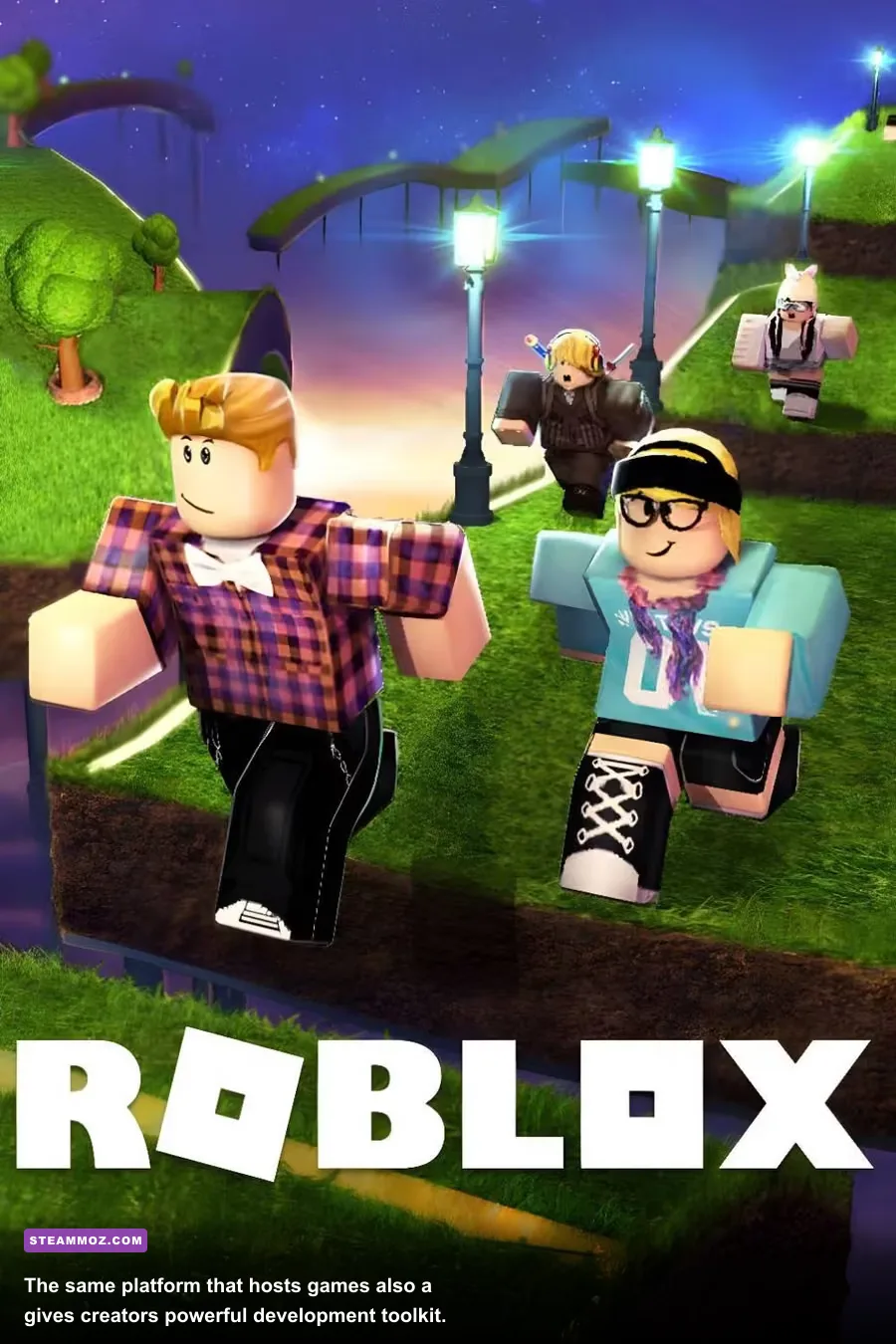
Even if you lose interest in playing, Roblox Studio gives the platform a second life as a creation tool. It combines terrain editing, Lua scripting, animation, UI design, asset management, and multiplayer testing in one environment. The barrier to entry is far lower than building a conventional commercial game from scratch, yet successful projects can support persistent worlds, progression systems, matchmaking, and live events.
That creator pipeline explains why Roblox continues to refresh itself. A new wave of developers can arrive with different references, different production tricks, and a better understanding of what players now expect. Studio is not effortless—network ownership, client-server security, memory use, and exploit prevention are serious technical concerns—but it gives ambitious beginners a real route from idea to playable prototype.
The economic side is complicated. Roblox offers creators ways to monetize through Robux, subscriptions, paid access, and marketplace items, but visibility is competitive and income is far from guaranteed. The existence of a creator economy should not be confused with a reliable career path. Still, as a place to learn interactive design, scripting, level construction, and community feedback, Roblox remains unusually accessible.
For players, this means the platform can feel more alive than a standard game with a fixed roadmap. A new creator may not have a massive budget, but they can experiment quickly. The downside is that unfinished projects, abandoned updates, and rough interfaces are common. Checking update dates, player counts, ratings, and recent comments before investing time is a simple way to filter out dead ends.
Is Roblox PC Worth Playing in 2026?
Roblox PC is worth playing in 2026 if you value variety, social play, and low-commitment sessions. It is especially compelling for players who want competitive games with mouse-and-keyboard controls, friends who already use the platform, or creators interested in learning game development. The free entry point is excellent, and the best experiences still produce moments that feel far more inventive than their blocky visuals suggest.
It is less appealing if you want consistent production quality, a focused progression system, or monetization that stays out of the way. You will need to ignore a lot of filler. You may also encounter servers with weak moderation, repetitive updates, or progression tuned around spending. That isn’t a minor footnote; it’s part of the everyday Roblox experience.
My recommendation is to approach it like a giant free arcade rather than a single all-consuming hobby. Keep a shortlist of three or four experiences, rotate when the grind starts feeling obvious, and spend Robux only on cosmetics or games you’ve already proven you’ll revisit. Friends make the platform dramatically better, but several experiences—including DOORS and Piggy—can still work with strangers when the matchmaking is active.
For newcomers, download Roblox through the official PC download page, enable account security, set manual graphics quality, and test a few genres before deciding whether the platform is for you. Returning players should do the same thing with fresh eyes instead of assuming the Roblox they remember is still the whole story.
Roblox has never been polished in the same way as a premium PC release. That was never really the point. Its enduring appeal comes from abundance, immediacy, and the chance that the next server contains something genuinely weird and brilliant. In 2026, that gamble still pays off often enough to make Roblox on PC worth your time—just not your blind trust.
For more PC-focused gaming advice, Steamoz readers can also explore our guides to fast leveling and farming, FPS-first troubleshooting, and higher-FPS settings.