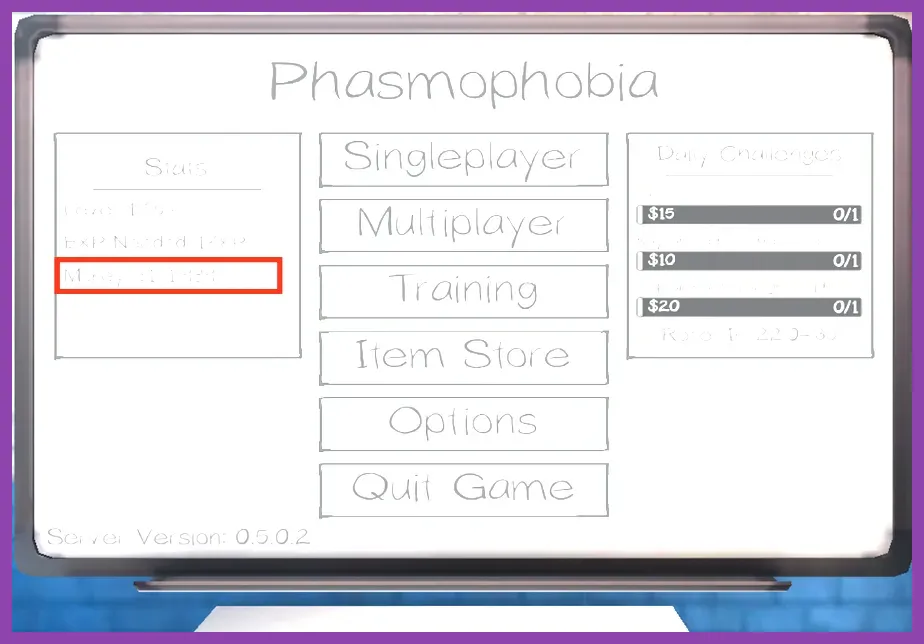
To maximize frame rates and eliminate stuttering during intense ghost hunts in Phasmophobia, set Graphics Quality to Custom, lower Shadow Quality to Medium, disable Volumetric Lighting, and set Texture Resolution to High if you have at least 6GB of VRAM. Phasmophobia relies heavily on CPU performance during chaotic hunt phases, particularly on maps like Sunny Meadows and Tanglewood Drive where multiple rooms and dynamic lighting objects are rendered simultaneously. Optimizing your video configuration ensures consistent frame pacing, preventing crucial input lag when you need to drop an EMF Reader, light a smudge stick, or sprint away from a Revenant or Demon.
When playing cooperative horror games, hardware optimization is just as important as mastering your Phasmophobia best endgame loadout and investigation build guide. Unstable frame rates can cause missed audio cues, delayed sprint responses, and desynchronization during multiplayer sessions hosted on the official Phasmophobia Steam Page. Below is the exact, field-tested configuration profile designed to maximize your FPS without compromising visual clarity in pitch-black corridors.
Recommended Performance Graphic Profile
Applying the optimal performance preset balances visual fidelity with high, stable frame rates. This configuration prevents sudden frame drops when multiple players turn on tier 3 flashlights or trigger spirit box responses in confined spaces like the Grafton Farmhouse nursery.
- Display Mode: Fullscreen (Exclusive fullscreen reduces input latency and allocates direct priority to the Unity engine).
- Resolution: Native monitor resolution (Drop to 1080p if running an entry-level GPU like the GTX 1650).
- Graphics Quality: Custom
- Anti-Aliasing: SMAA (Provides clean edge smoothing without the heavy performance tax of temporal solutions).
- Texture Resolution: High (Only requires 4-6GB VRAM; reduces muddy textures on walls and doors).
- Shadow Quality: Medium (Crucial setting; High shadows drastically tank performance in lit rooms).
- Shadow Resolution: Half
- Bloom: Disabled (Removes unnecessary lens glare that obscures vision during ghost events).
- Chromatic Aberration: Disabled (Sharpens the image and prevents artificial blur on screen edges).
Fine-tuning these specific options keeps your GPU utilization stable. If you enjoy optimizing hardware performance across different genres, check out our comprehensive PS5 Pro endgame build guide ultimate hardware performance setup for console hardware tips.
Advanced Optimization and Post-Processing Tweaks
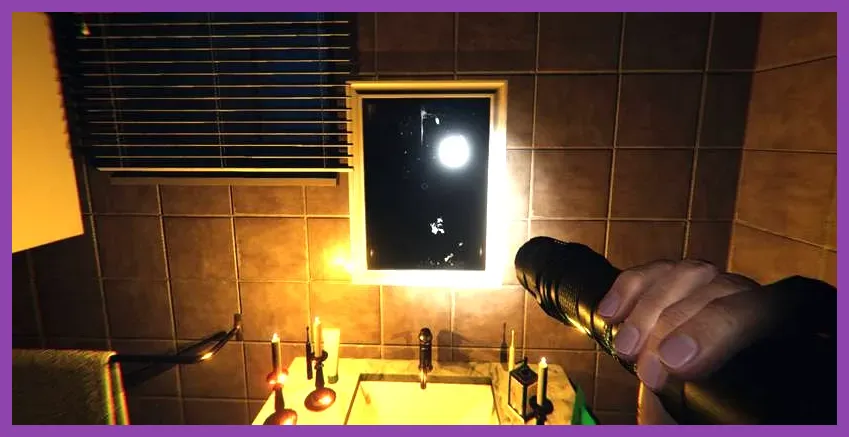
Post-processing effects in Kinetic Games' psychological horror title can introduce significant input lag and blur fast-moving visuals. Disabling cinematic filters allows you to spot subtle ghost model twitches and blinking hunt indicators immediately.
- Volumetric Lighting: Off (This single setting provides the biggest FPS boost on larger maps like Prison and Asylum).
- SSAO (Screen Space Ambient Occlusion): Low or Off (Reduces dark contact shadows in corners where ghost orbs and writing books spawn).
- Anisotropic Filtering: 16x (Has a negligible performance cost on modern GPUs and keeps floor textures sharp at a distance).
- VSync: Off (Always disable VSync to minimize input latency; use external frame limiters via Nvidia Control Panel or AMD Adrenalin if you experience screen tearing).
- Resolution Scale: 100% (Never lower this below 100% unless desperate, as it introduces severe pixelation that makes reading dot projector patterns nearly impossible).
Balancing these advanced settings ensures smooth gameplay whether you are playing solo or coordinating with friends on developer-backed servers monitored via the Kinetic Games Official Website. For more optimization guides covering demanding modern releases, take a look at our Remnant 2 how to farm gold and scrap fast resource page, or explore tactical multiplayer mechanics in our Space Marine 2 how to unlock all characters and champions walkthrough.
CPU Bottlenecks and Unity Engine Optimization
Phasmophobia is built on the Unity game engine, which heavily taxes single-core CPU performance during complex physics calculations—such as items being thrown by a Poltergeist or multiple doors interacting simultaneously during a hunt. If your game stutters despite having a capable graphics card, you are likely experiencing a CPU bottleneck. To mitigate this, open your Windows Graphics Settings, enable Hardware-Accelerated GPU Scheduling (HAGS), and set Phasmophobia to High Priority in the Task Manager details tab.
Additionally, ensure your system's RAM is running at its rated XMP or EXPO speeds in your BIOS. Memory bandwidth heavily affects Unity engine frame pacing. By combining these Windows-level tweaks with the custom graphics profile outlined above, you will achieve a locked 144+ FPS on mid-range hardware, giving you the competitive edge required to survive Nightmare and Insanity difficulty investigations every single time.